> ## Documentation Index
> Fetch the complete documentation index at: https://help.voxdash.com/llms.txt
> Use this file to discover all available pages before exploring further.
# Security Settings
> The Security Settings section allows organizations to enhance account safety and control upload permissions. This feature is available only to users on…
The **Security Settings** section allows organizations to enhance account safety and control upload permissions. This feature is **available only to users on higher-tier subscription plans**.
## **Accessing Security Settings**
To begin:
1. Open the **Data Provider Panel**.
2. Go to the **Organization Page** from the main dashboard.
3. Navigate to the [Security Settings](https://dataprovider.voxdash.com/org/securitySettings).
### **Available Security Features**
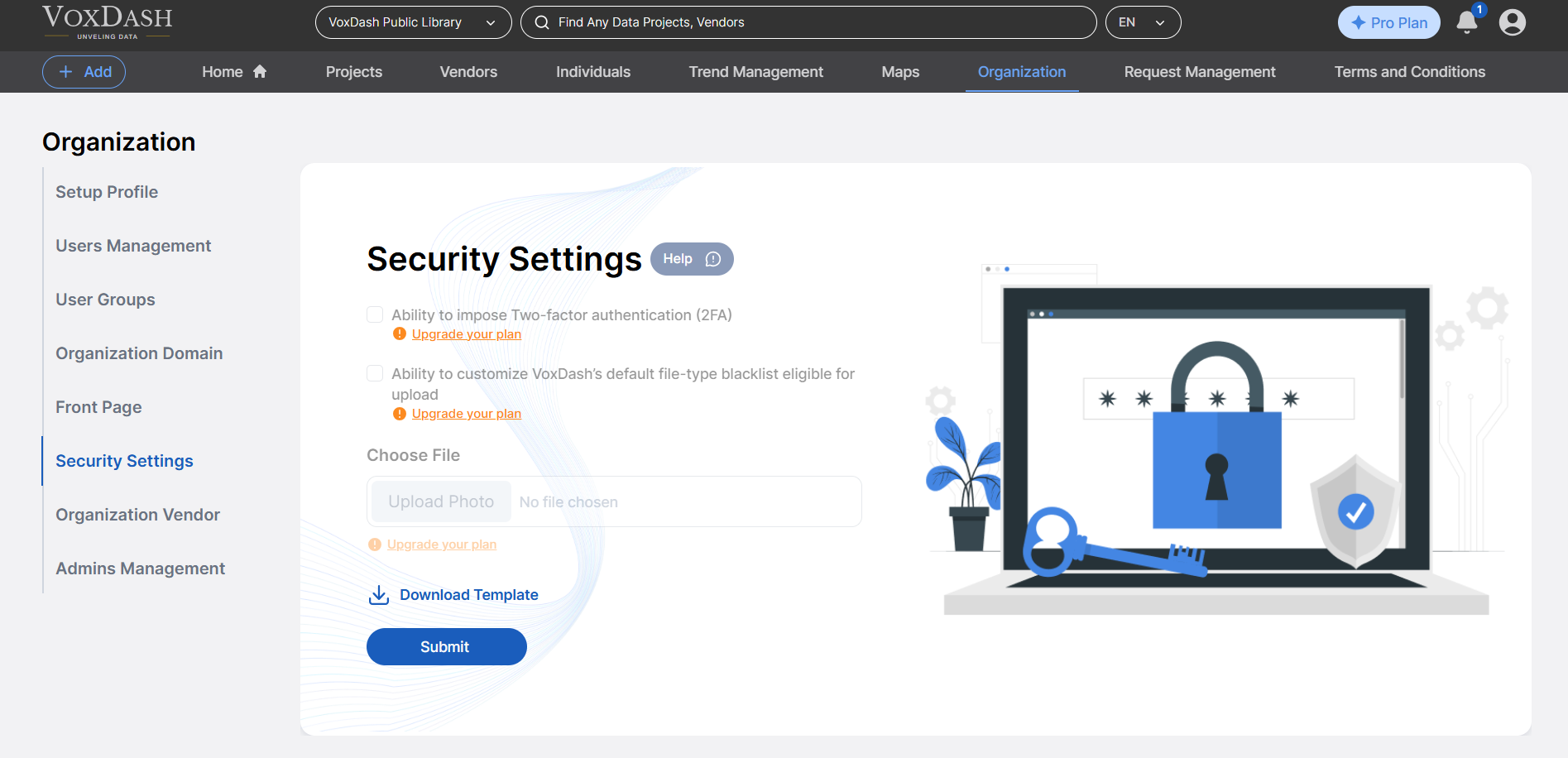
Within the Security Settings panel, you can manage the following:
* **Enable Two-Factor Authentication (2FA)**
Require all team members to use 2FA for added login security. This ensures that accounts are protected even if passwords are compromised.
* **Customize File-Type Blacklist**
Modify or expand VoxDash's default blacklist to control which file types are allowed or restricted during uploads. This helps prevent malicious or unsupported files from being uploaded to your organization's data space.
 ## **Why Use These Features?**
Implementing these settings helps your organization:
* Strengthen access control
* Prevent unauthorized or unsafe data uploads
* Meet compliance or internal IT security standards
## **Why Use These Features?**
Implementing these settings helps your organization:
* Strengthen access control
* Prevent unauthorized or unsafe data uploads
* Meet compliance or internal IT security standards