> ## Documentation Index
> Fetch the complete documentation index at: https://help.voxdash.com/llms.txt
> Use this file to discover all available pages before exploring further.
# Data Governance Reports
> The Data Governance category in VoxDash provides administrators and data managers with complete visibility into organizational structure, user access…
The **Data Governance** category in VoxDash provides administrators and data managers with complete visibility into organizational structure, user access, permissions, and public‑facing configurations. These reports help ensure compliance, maintain security, and audit how data is shared and accessed across the organization.
Below is a detailed explanation of each report included in this category.
## Registered Users
Lists all **regular (non‑admin) users** registered within the organization.
Information included:
* User email
* Full name
* Signup date
* Invited by (the user who added them)
Why this is useful:
* Auditing onboarding activity
* Tracking active team membership
* Ensuring only authorized users have access
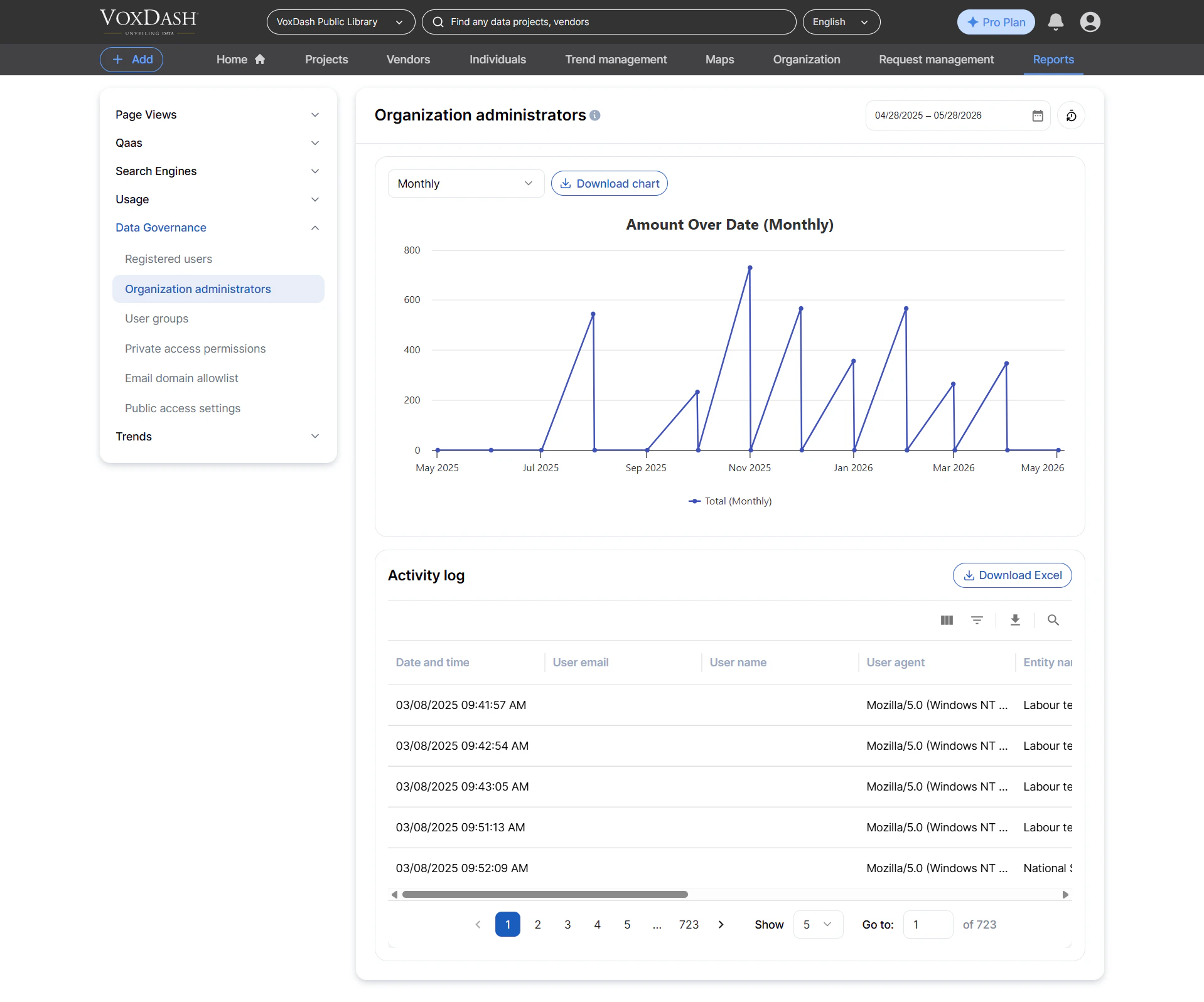
 ## Organization Administrators
Lists all **administrators** within the organization.
Information included:
* Admin email
* Full name
* Signup date
* Who granted admin permissions
Why this matters:
* Auditing admin privileges
* Ensuring compliance with security policies
* Monitoring changes in administrator roles
## Organization Administrators
Lists all **administrators** within the organization.
Information included:
* Admin email
* Full name
* Signup date
* Who granted admin permissions
Why this matters:
* Auditing admin privileges
* Ensuring compliance with security policies
* Monitoring changes in administrator roles
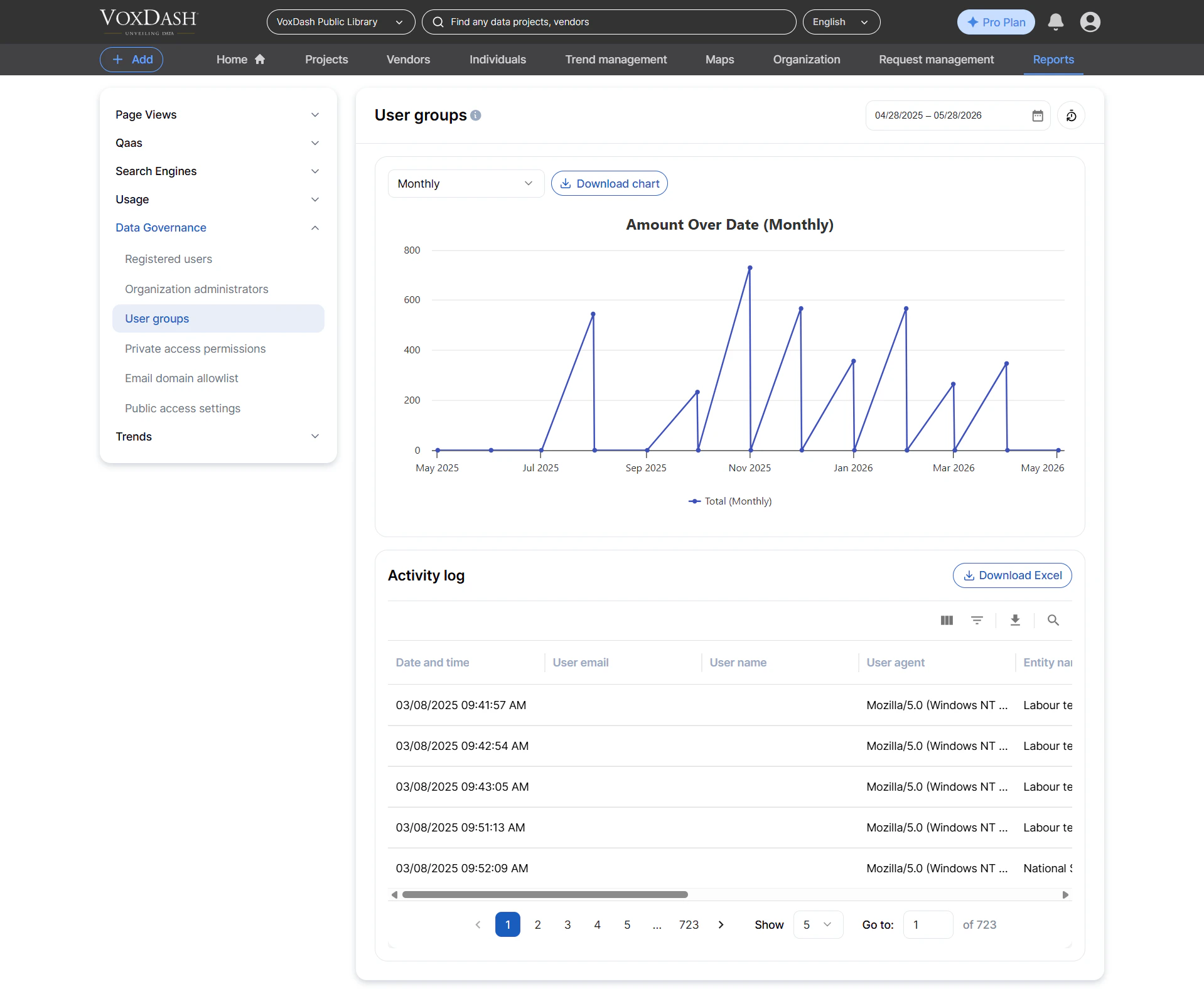
 ## User Groups
Lists all **user groups** created inside the organization.
Information included:
* Group name
* Group creator
* Creation date
Why it’s helpful:
* Managing team‑based permissions
* Organizing collaborators into structured units
* Supporting scalable access control
## User Groups
Lists all **user groups** created inside the organization.
Information included:
* Group name
* Group creator
* Creation date
Why it’s helpful:
* Managing team‑based permissions
* Organizing collaborators into structured units
* Supporting scalable access control
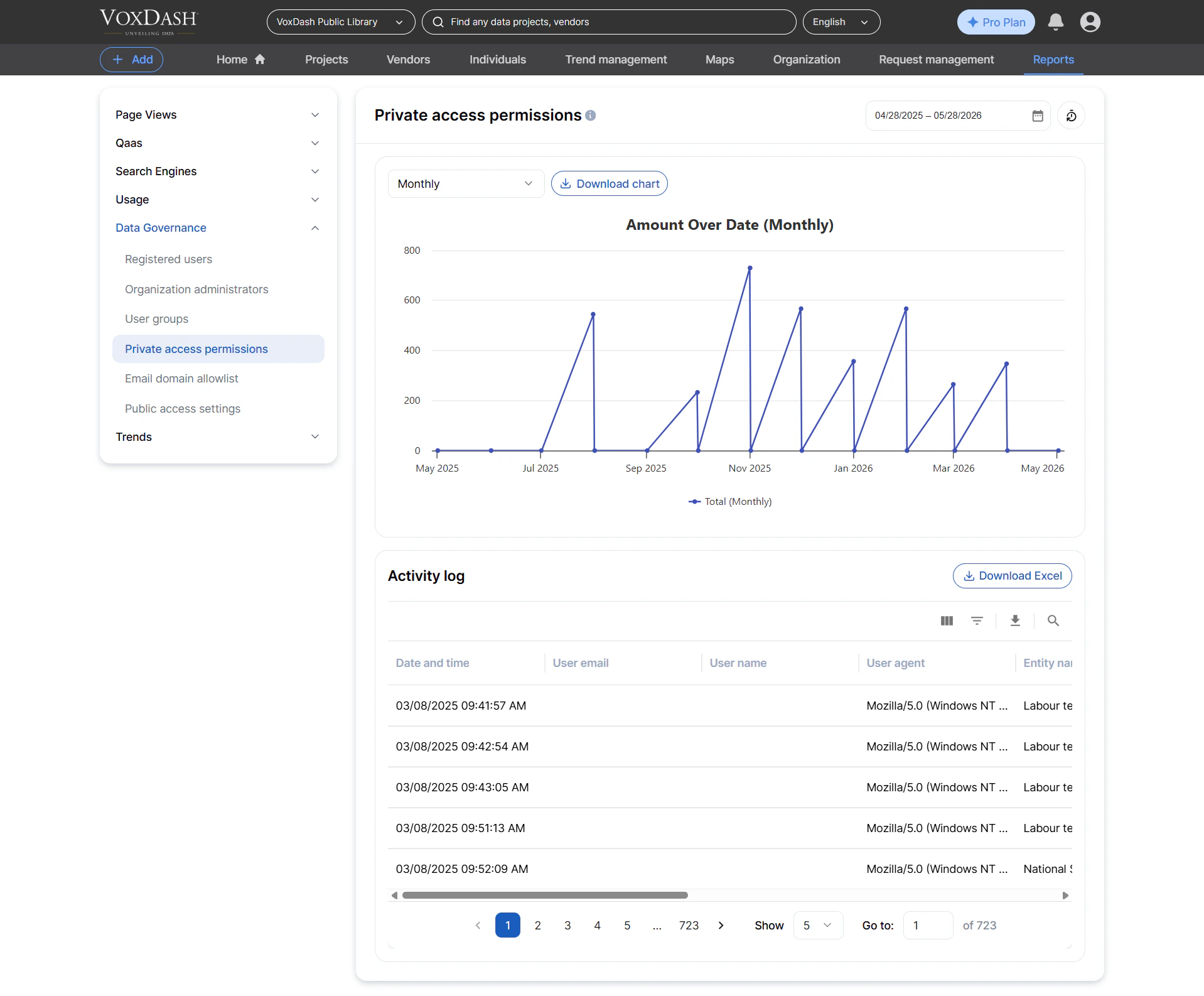
 ## Private Access Permissions
Lists all **private access permissions** assigned to users or groups.
Information included:
* Who granted the access
* User or group receiving access
* Entity name (dataset, question, vendor, etc.)
* Dataset (if applicable)
* Type of access (view, edit, manage, etc.)
* IP address of the user who assigned the permission
Why it's important:
* Auditing private data access
* Ensuring compliance with internal data‑sharing policies
* Monitoring when sensitive content is shared privately
## Private Access Permissions
Lists all **private access permissions** assigned to users or groups.
Information included:
* Who granted the access
* User or group receiving access
* Entity name (dataset, question, vendor, etc.)
* Dataset (if applicable)
* Type of access (view, edit, manage, etc.)
* IP address of the user who assigned the permission
Why it's important:
* Auditing private data access
* Ensuring compliance with internal data‑sharing policies
* Monitoring when sensitive content is shared privately
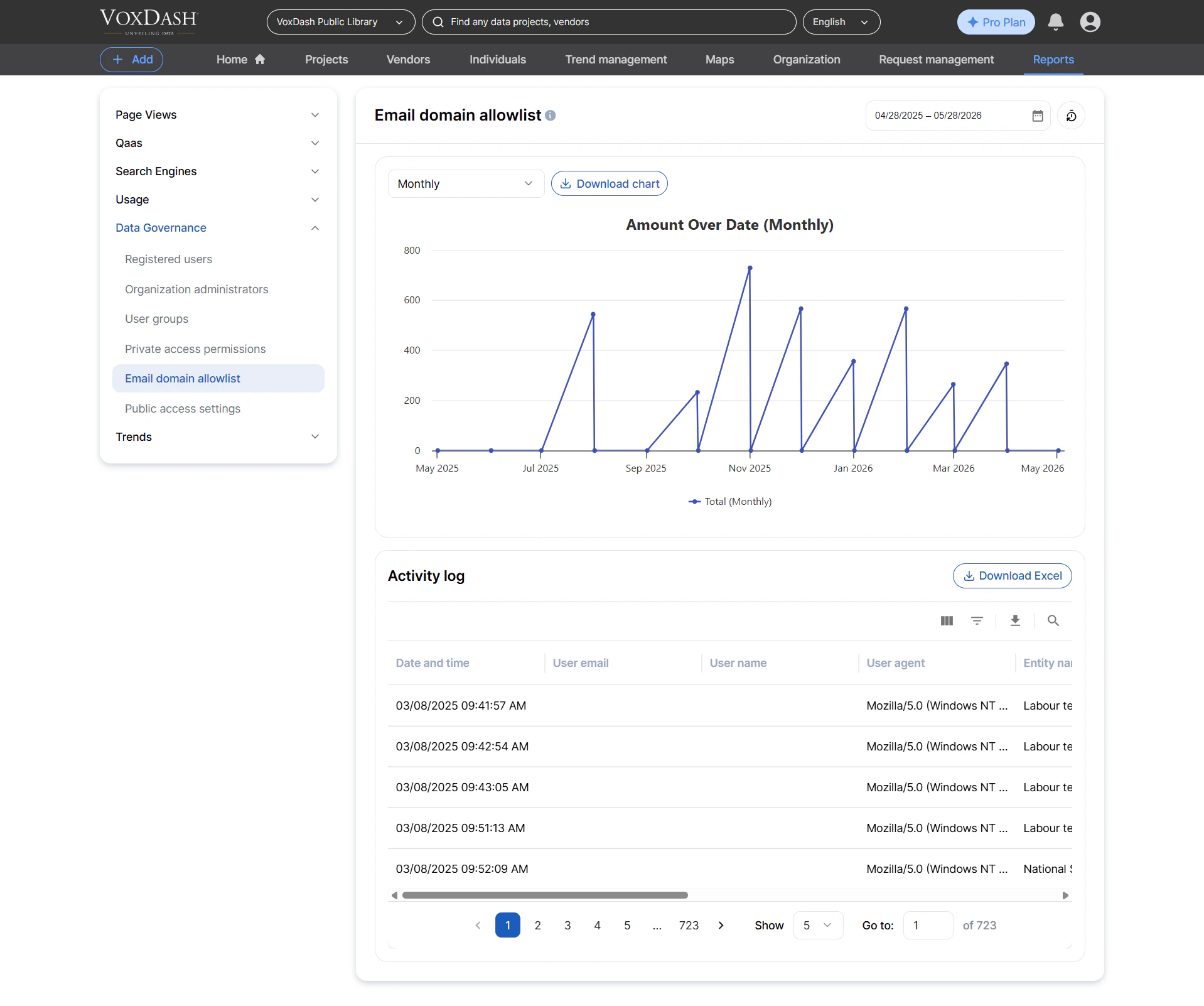
 ## Email Domain Allowlist
Lists all **approved email domains** configured for automatic user group enrollment.
Information included:
* Domain name (e.g., example.com)
* Associated user group
* Creator of the rule
* Creation date
Why this matters:
* Streamlining onboarding for large teams
* Ensuring new users are automatically assigned the correct permissions
* Reducing manual administrative work
## Email Domain Allowlist
Lists all **approved email domains** configured for automatic user group enrollment.
Information included:
* Domain name (e.g., example.com)
* Associated user group
* Creator of the rule
* Creation date
Why this matters:
* Streamlining onboarding for large teams
* Ensuring new users are automatically assigned the correct permissions
* Reducing manual administrative work
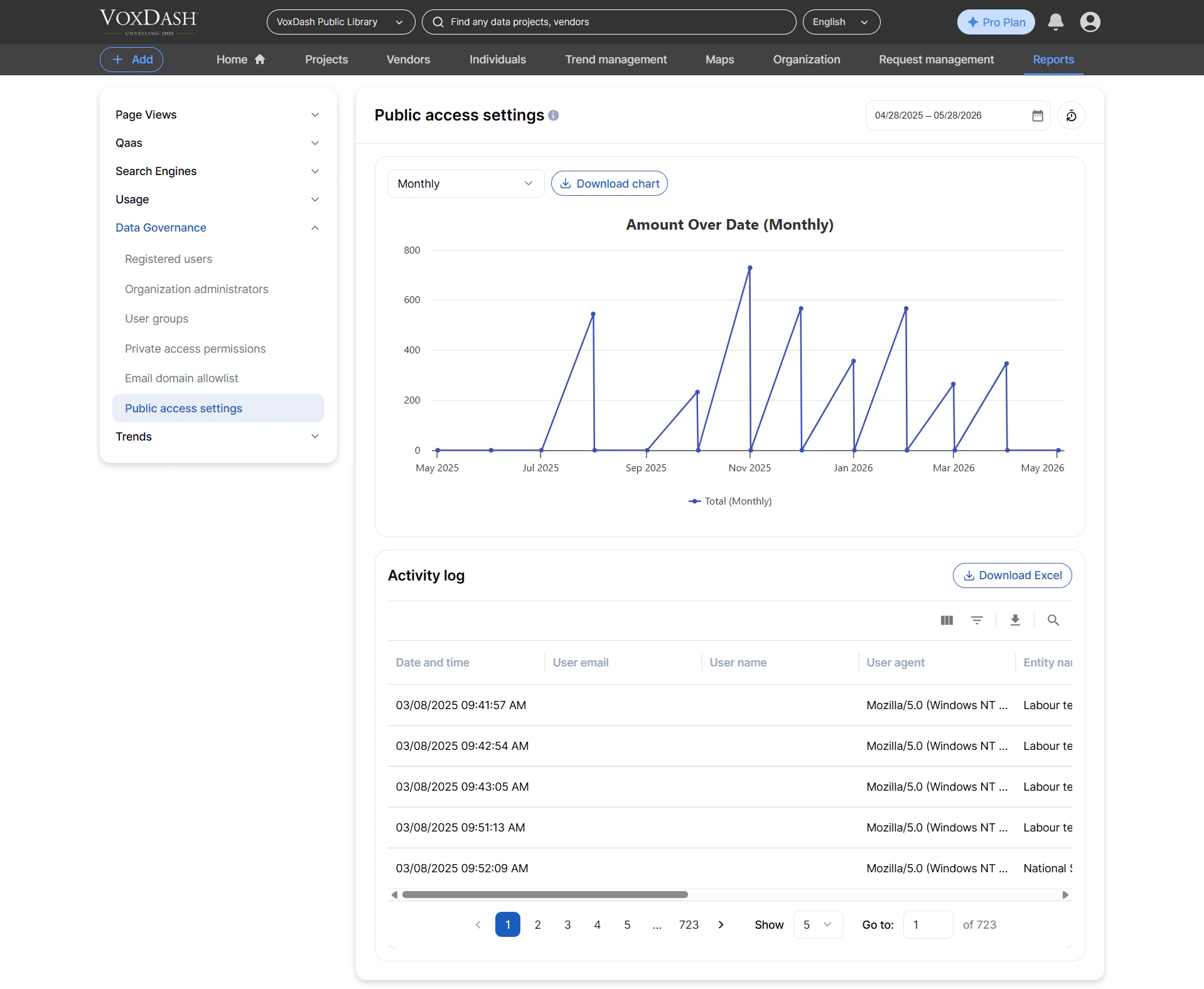
 ## Public Access Settings
Lists all **entities** (datasets, files, questions, profiles, etc.) that have public access enabled.
Information included:
* Entity name
* Related dataset (if applicable)
* Entity type (file, dataset, question, vendor, individual, etc.)
* User who configured the public access
* Current public status
* IP address of the user who made the change
Why it’s useful:
* Auditing publicly accessible content
* Detecting misconfigured permissions
* Ensuring external visibility aligns with organization policies
## Public Access Settings
Lists all **entities** (datasets, files, questions, profiles, etc.) that have public access enabled.
Information included:
* Entity name
* Related dataset (if applicable)
* Entity type (file, dataset, question, vendor, individual, etc.)
* User who configured the public access
* Current public status
* IP address of the user who made the change
Why it’s useful:
* Auditing publicly accessible content
* Detecting misconfigured permissions
* Ensuring external visibility aligns with organization policies