> ## Documentation Index
> Fetch the complete documentation index at: https://help.voxdash.com/llms.txt
> Use this file to discover all available pages before exploring further.
# Page Views Reports
> VoxDash provides a comprehensive suite of page‑view analytics reports designed for data providers, vendors, and platform administrators. These reports help…
VoxDash provides a comprehensive suite of **page‑view analytics reports** designed for data providers, vendors, and platform administrators. These reports help you understand how users interact with datasets, vendor profiles, individual profiles, and downloadable files across the platform.
Each report includes structured information that can be filtered or exported.
Below is an overview of all available reports in the **Page Views** category.
## Dataset Page Views
This report contains a detailed log of every page view on dataset profile pages.\
It helps you understand how users discover and engage with your datasets.
Information included:
* Dataset name (entity)
* Viewer name and/or email address (if available)
* Viewer IP address
* Browser and device information
* Public/private status of the dataset at the time of viewing
* Exact timestamp of the page view
Typical use cases:
* Tracking dataset popularity
* Monitoring unusual access patterns
* Understanding user engagement trends
 ## Vendor Page Views
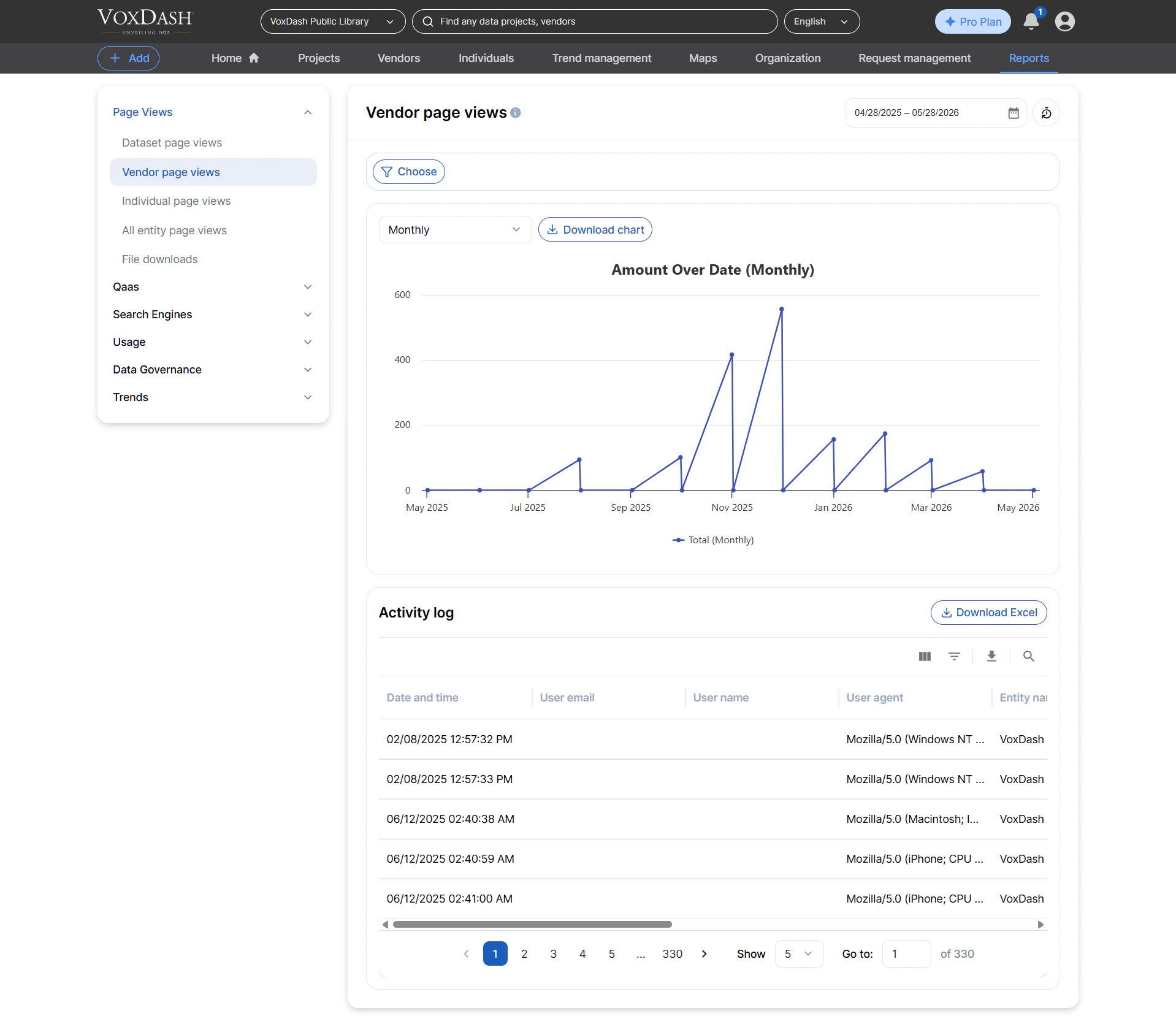
This log tracks all page views on **vendor profile pages**, giving insight into how often different vendors are being viewed on the platform.
Information included:
* Vendor name (entity)
* Viewer name and/or email
* Viewer IP address
* Browser/device info
* Timestamp of each view
Use cases:
* Measuring vendor visibility
* Identifying vendor profiles that attract the most traffic
* Supporting vendor performance reports
## Vendor Page Views
This log tracks all page views on **vendor profile pages**, giving insight into how often different vendors are being viewed on the platform.
Information included:
* Vendor name (entity)
* Viewer name and/or email
* Viewer IP address
* Browser/device info
* Timestamp of each view
Use cases:
* Measuring vendor visibility
* Identifying vendor profiles that attract the most traffic
* Supporting vendor performance reports
 ## Individual Page Views
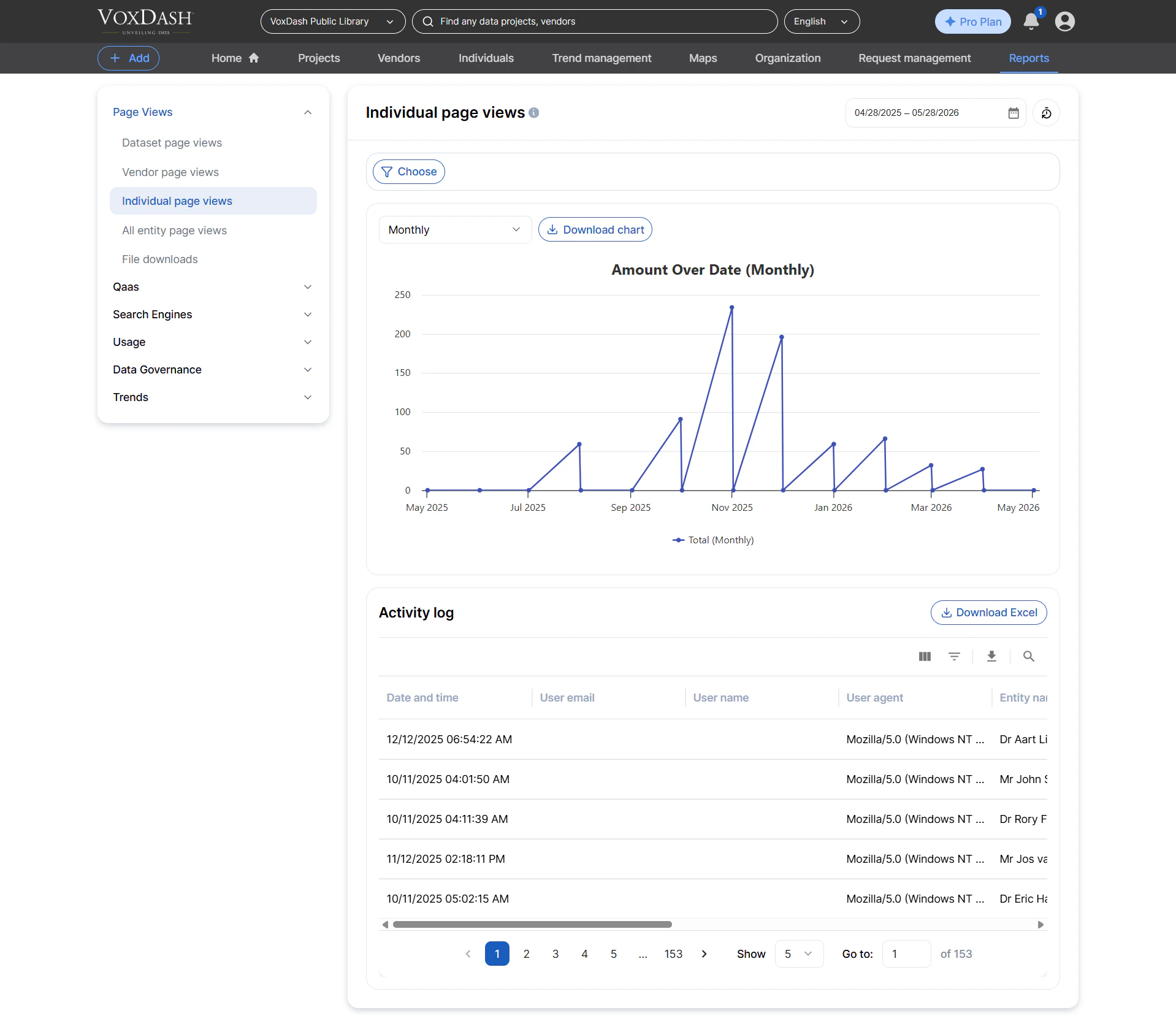
Tracks all page views for **individual/person profile pages**, commonly used in platforms where analysts, researchers, or contributors have public profiles.
Information included:
* Profile/individual name
* Viewer name/email
* Viewer IP address
* Timestamp of the view
Uses:
* Measuring profile visibility
* Monitoring engagement with individual contributors
## Individual Page Views
Tracks all page views for **individual/person profile pages**, commonly used in platforms where analysts, researchers, or contributors have public profiles.
Information included:
* Profile/individual name
* Viewer name/email
* Viewer IP address
* Timestamp of the view
Uses:
* Measuring profile visibility
* Monitoring engagement with individual contributors
 ## All Entity Page Views
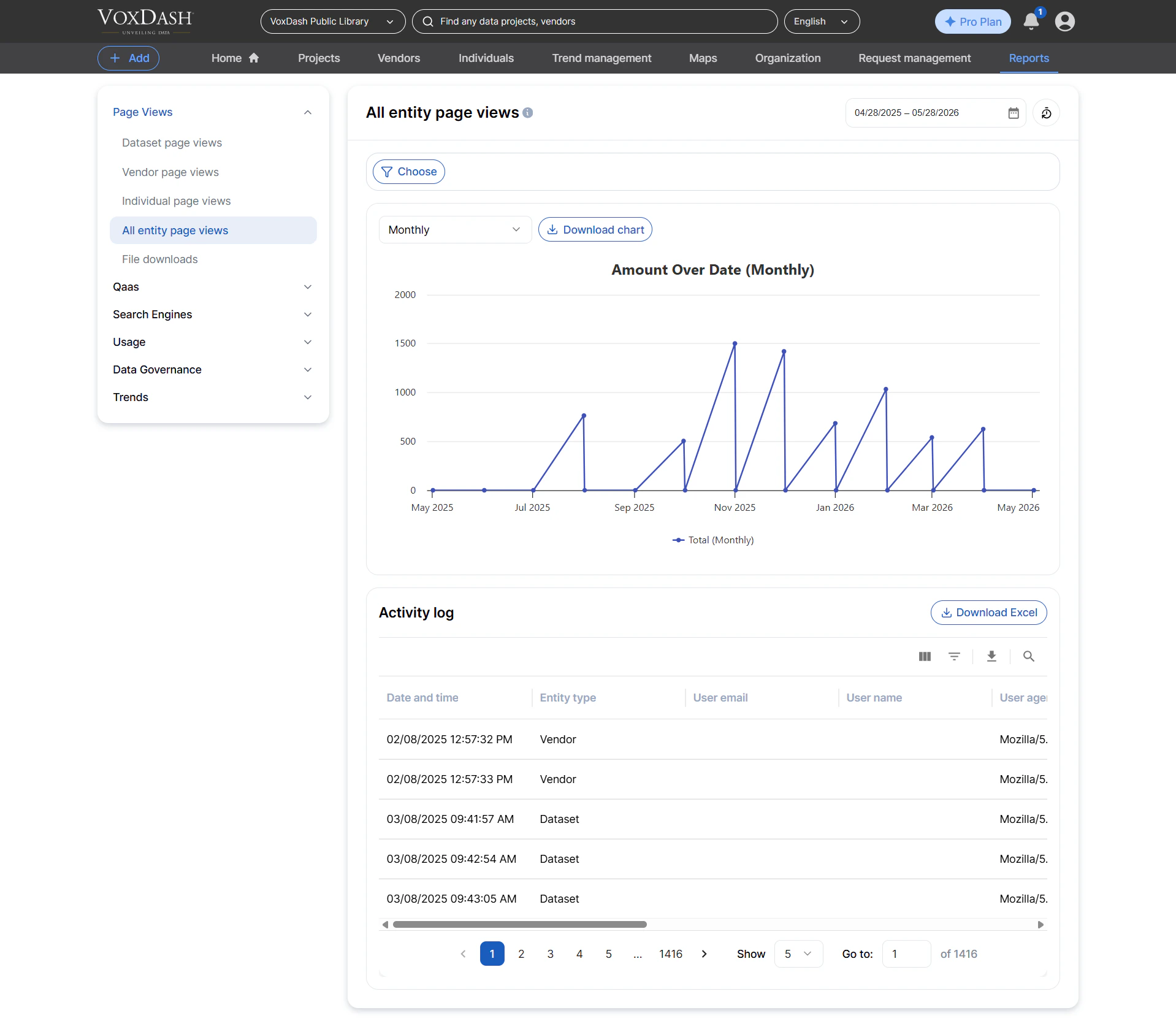
A unified report that aggregates page‑view logs for **all entity types**, including:
* Datasets
* Vendors
* Individuals
Information included:
* Entity type (dataset, vendor, individual)
* Entity name
* Viewer details
* IP address
* Browser info
* Timestamp of each view
This is ideal for:
* Cross‑entity traffic comparisons
* Platform‑wide engagement monitoring
* Building custom dashboards for analytics teams
## All Entity Page Views
A unified report that aggregates page‑view logs for **all entity types**, including:
* Datasets
* Vendors
* Individuals
Information included:
* Entity type (dataset, vendor, individual)
* Entity name
* Viewer details
* IP address
* Browser info
* Timestamp of each view
This is ideal for:
* Cross‑entity traffic comparisons
* Platform‑wide engagement monitoring
* Building custom dashboards for analytics teams
 ## File Downloads
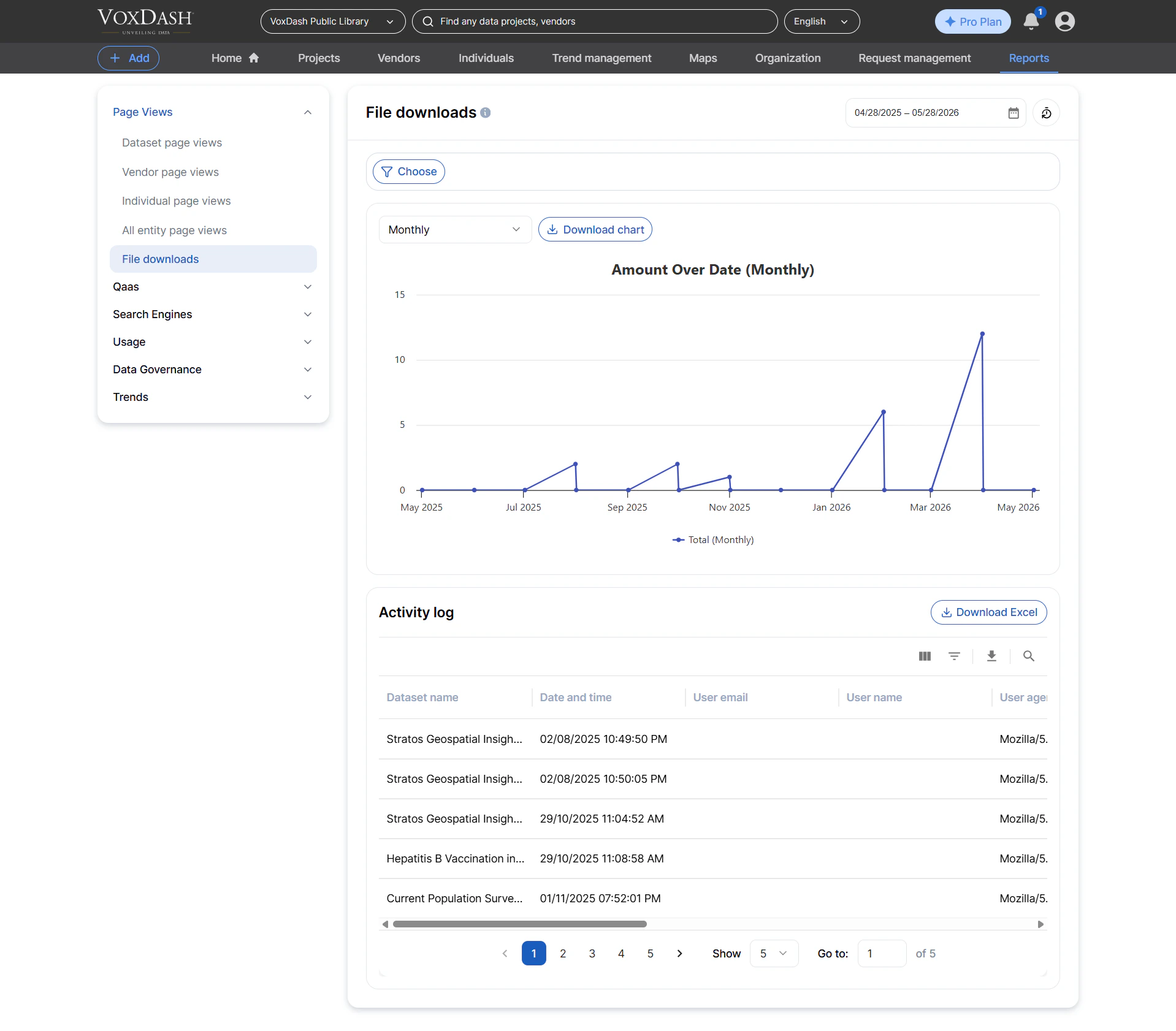
Tracks all **private file downloads**, allowing you to audit who downloaded what and when.
Information included:
* File name
* Dataset name
* Downloader identity (name/email)
* IP address
* Download timestamp
Use cases:
* Security and compliance reporting
* Monitoring access to sensitive data assets
* Measuring dataset file demand
## File Downloads
Tracks all **private file downloads**, allowing you to audit who downloaded what and when.
Information included:
* File name
* Dataset name
* Downloader identity (name/email)
* IP address
* Download timestamp
Use cases:
* Security and compliance reporting
* Monitoring access to sensitive data assets
* Measuring dataset file demand