> ## Documentation Index
> Fetch the complete documentation index at: https://help.voxdash.com/llms.txt
> Use this file to discover all available pages before exploring further.
# Vendors Directory
> The Vendors Section provides a comprehensive list of all vendors, offering in-depth insights and streamlined navigation for efficient vendor management…
The [Vendors Section](https://www.voxdash.com/vendors) provides a comprehensive list of all vendors, offering in-depth insights and streamlined navigation for efficient vendor management.
Whether you're monitoring vendor performance, reviewing partnerships, or exploring available services, this page ensures quick and easy access to all vendor-related information. With VoxDash, you can discover and manage your entire vendor ecosystem with ease.
 ## **Sorting Options**
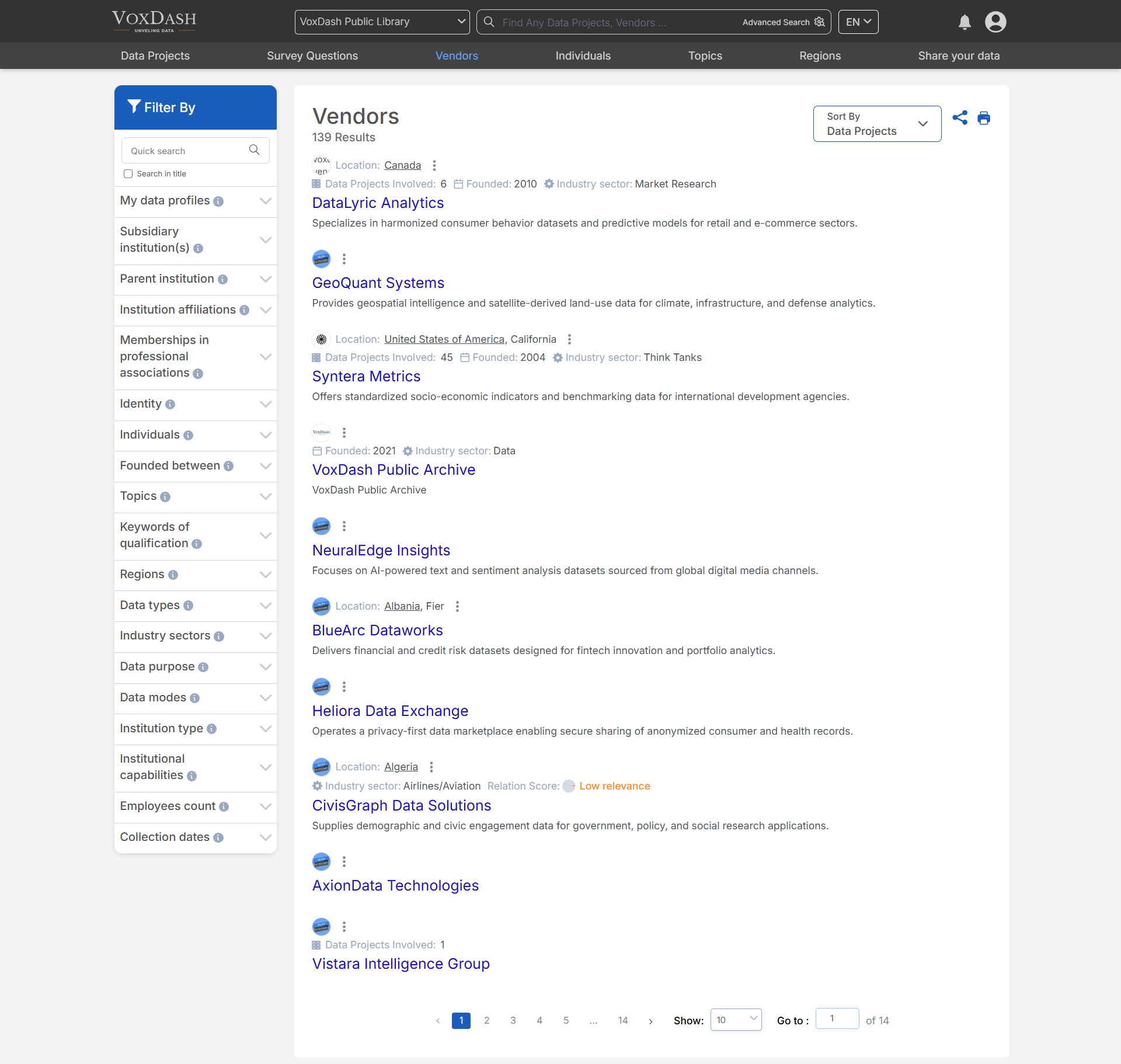
You can sort vendor information in **three ways** to customize the view based on your preferences:
* **Popularity**: Organize vendors based on their engagement, popularity, or usage frequency.
* **Recommended**: View vendors suggested for you based on relevance or criteria set by VoxDash.
* **Data projects:** Vendors with more related data projects appear higher on the list.
## **Sorting Options**
You can sort vendor information in **three ways** to customize the view based on your preferences:
* **Popularity**: Organize vendors based on their engagement, popularity, or usage frequency.
* **Recommended**: View vendors suggested for you based on relevance or criteria set by VoxDash.
* **Data projects:** Vendors with more related data projects appear higher on the list.
 ## **Filtering Options**
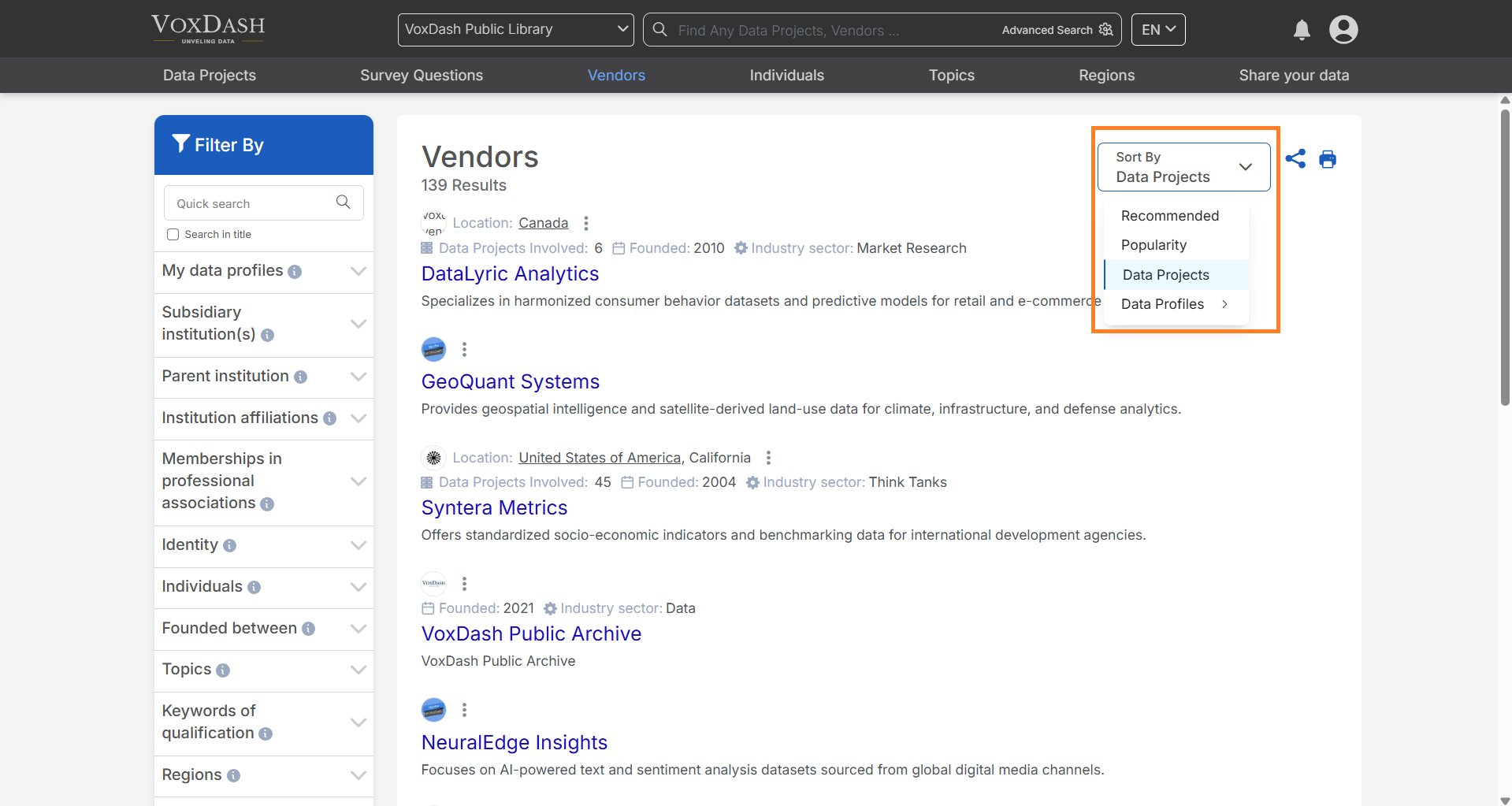
The **filter bar** located on the left side of the page allows you to refine your list of vendors with the following filters:
* **Subsidiary Institution**: Filter vendors by their subsidiary institutions.
* **Parent Institution**: Select vendors based on their parent organizations.
* **Institution Affiliations**: Narrow down vendors based on their institutional affiliations.
* **Memberships in Professional Associations**: Filter vendors based on their membership status in various professional bodies.
* **Identity**: Select vendors based on specific identity criteria (e.g., organizational type or legal status).
* **Active Countries**: Filter vendors operating in specific active countries.
* **Origin Country**: Choose vendors based on their country of origin.
* **Key Persons**: Filter vendors by key persons or executives involved.
* **Foundation Date**: Narrow down vendors by their foundation or establishment date.
* **Topics**: Filter vendors by specific topics or areas of expertise.
* **Keywords of Qualification**: Refine vendors by relevant qualifications or certification keywords.
* **Regions**: Select vendors based on regional coverage or presence.
* **Data Types**: Choose vendors based on the types of data they handle (e.g., structured, unstructured).
* **Industry Sectors**: Filter vendors by the industry sectors they serve.
* **Data Purpose**: Select vendors based on the intended use of the data they provide (e.g., analytics, research).
* **Data Modes**: Choose vendors based on the mode of data delivery (e.g., API, file transfer).
* **Institution Type**: Filter vendors by their institutional classification (e.g., academic, corporate).
* **Institutional Capabilities**: Narrow down vendors based on their capabilities, such as technology or services offered.
* **Employee Count**: Filter vendors by the number of employees they have.
## **Search Functionality**
* Use the **search bar** to quickly locate a specific vendor by name or key identifier.
## **Filtering Options**
The **filter bar** located on the left side of the page allows you to refine your list of vendors with the following filters:
* **Subsidiary Institution**: Filter vendors by their subsidiary institutions.
* **Parent Institution**: Select vendors based on their parent organizations.
* **Institution Affiliations**: Narrow down vendors based on their institutional affiliations.
* **Memberships in Professional Associations**: Filter vendors based on their membership status in various professional bodies.
* **Identity**: Select vendors based on specific identity criteria (e.g., organizational type or legal status).
* **Active Countries**: Filter vendors operating in specific active countries.
* **Origin Country**: Choose vendors based on their country of origin.
* **Key Persons**: Filter vendors by key persons or executives involved.
* **Foundation Date**: Narrow down vendors by their foundation or establishment date.
* **Topics**: Filter vendors by specific topics or areas of expertise.
* **Keywords of Qualification**: Refine vendors by relevant qualifications or certification keywords.
* **Regions**: Select vendors based on regional coverage or presence.
* **Data Types**: Choose vendors based on the types of data they handle (e.g., structured, unstructured).
* **Industry Sectors**: Filter vendors by the industry sectors they serve.
* **Data Purpose**: Select vendors based on the intended use of the data they provide (e.g., analytics, research).
* **Data Modes**: Choose vendors based on the mode of data delivery (e.g., API, file transfer).
* **Institution Type**: Filter vendors by their institutional classification (e.g., academic, corporate).
* **Institutional Capabilities**: Narrow down vendors based on their capabilities, such as technology or services offered.
* **Employee Count**: Filter vendors by the number of employees they have.
## **Search Functionality**
* Use the **search bar** to quickly locate a specific vendor by name or key identifier.
 ### **How to Use the Vendors Page**
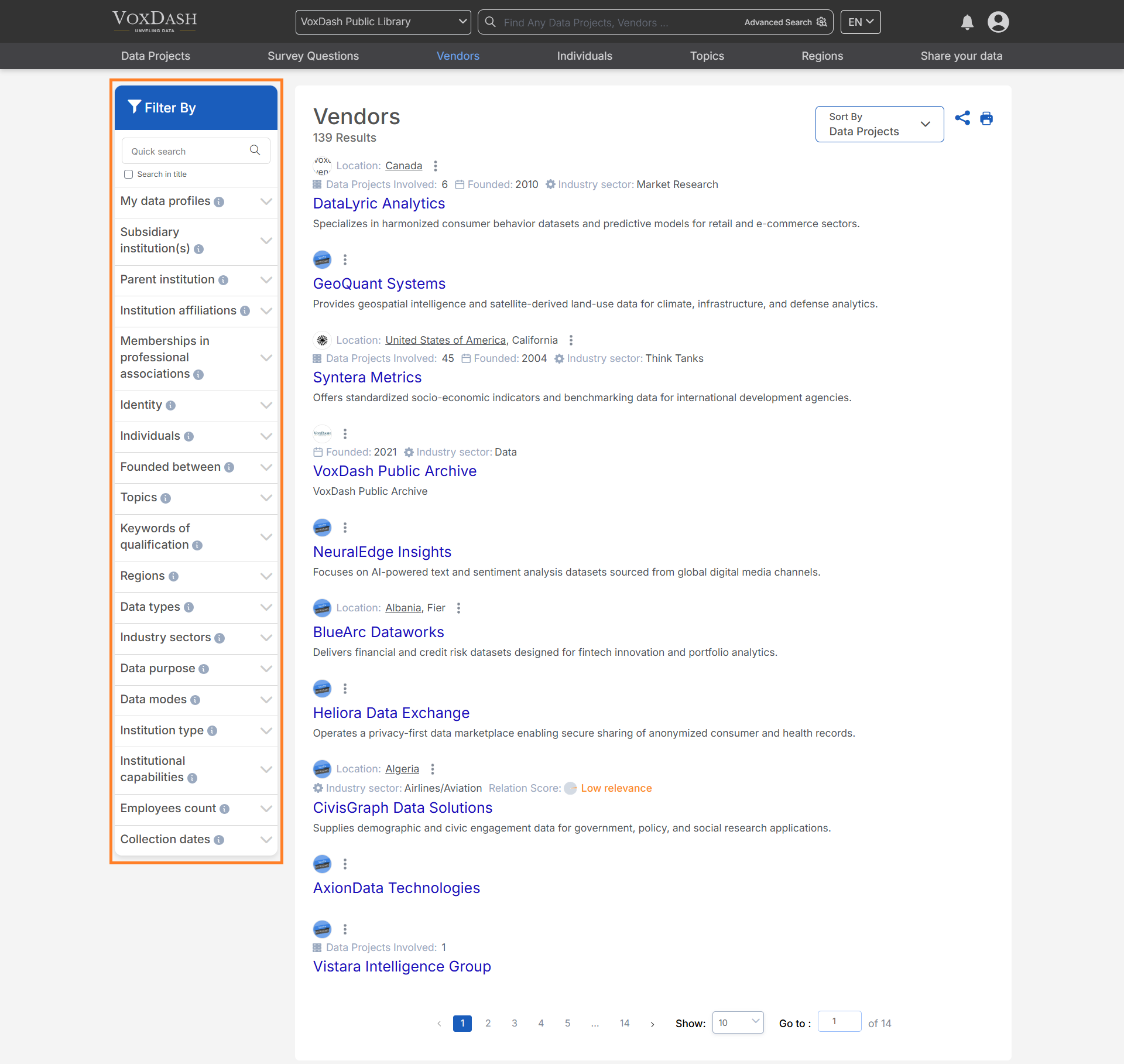
1. Start by reviewing the list of vendors displayed on the page.
2. Use the **search bar** or **filter options** to refine your results.
3. Sort the list using the sorting options at the top of the page to match your desired criteria.
4. Click on a vendor's name to view detailed information about their profile, services, and performance.
With these features, the **Vendors Page** allows you to efficiently manage and explore your vendor relationships, all within one powerful interface.
### **How to Use the Vendors Page**
1. Start by reviewing the list of vendors displayed on the page.
2. Use the **search bar** or **filter options** to refine your results.
3. Sort the list using the sorting options at the top of the page to match your desired criteria.
4. Click on a vendor's name to view detailed information about their profile, services, and performance.
With these features, the **Vendors Page** allows you to efficiently manage and explore your vendor relationships, all within one powerful interface.