

Accessing Security Settings
To begin:- Open the Data Provider Panel.
- Go to the Organization Page from the main dashboard.
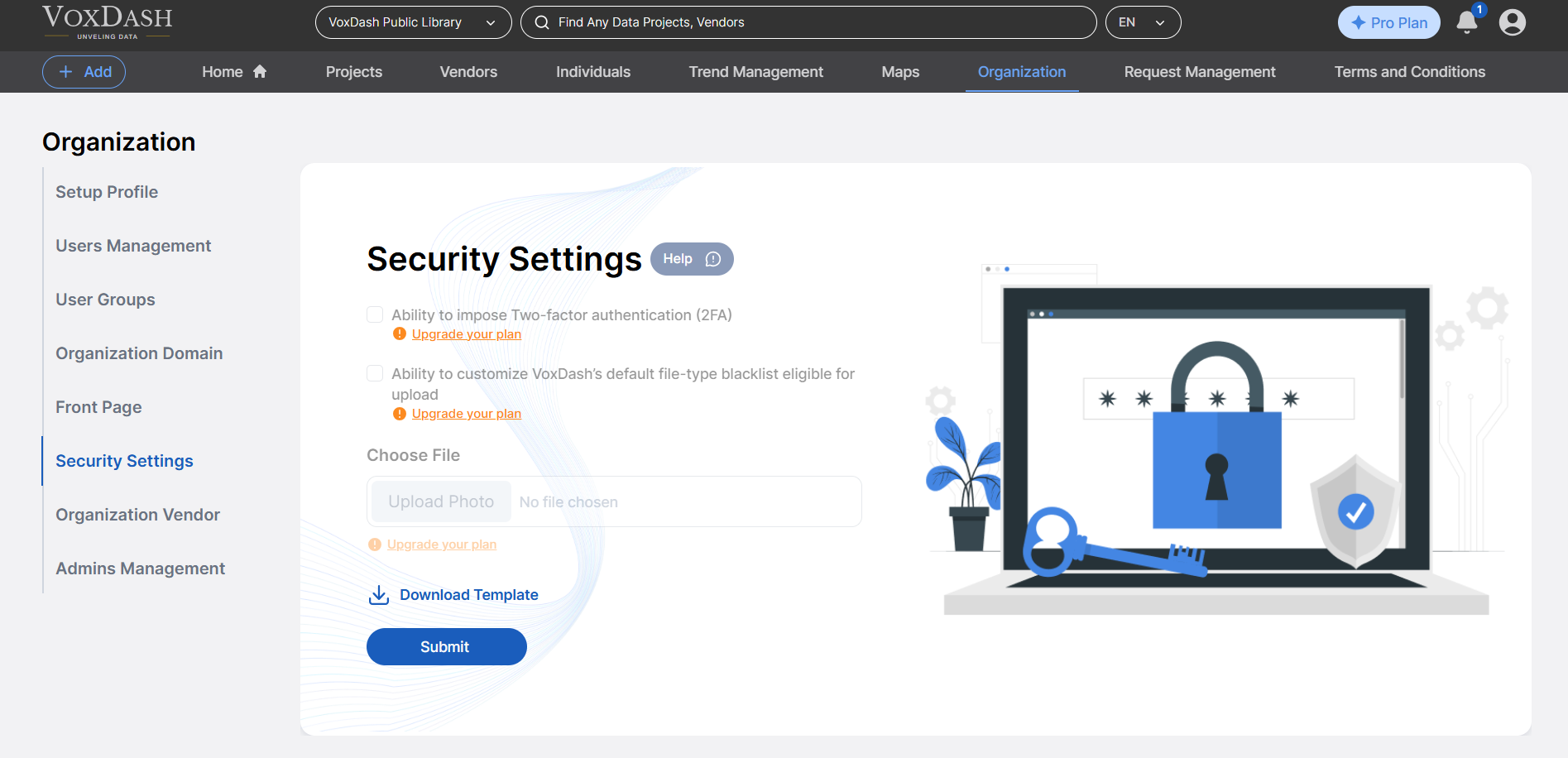
- Navigate to the Security Settings.
Available Security Features
Within the Security Settings panel, you can manage the following:- Enable Two-Factor Authentication (2FA) Require all team members to use 2FA for added login security. This ensures that accounts are protected even if passwords are compromised.
- Customize File-Type Blacklist Modify or expand VoxDash’s default blacklist to control which file types are allowed or restricted during uploads. This helps prevent malicious or unsupported files from being uploaded to your organization’s data space.
Why Use These Features?
Implementing these settings helps your organization:- Strengthen access control
- Prevent unauthorized or unsafe data uploads
- Meet compliance or internal IT security standards