

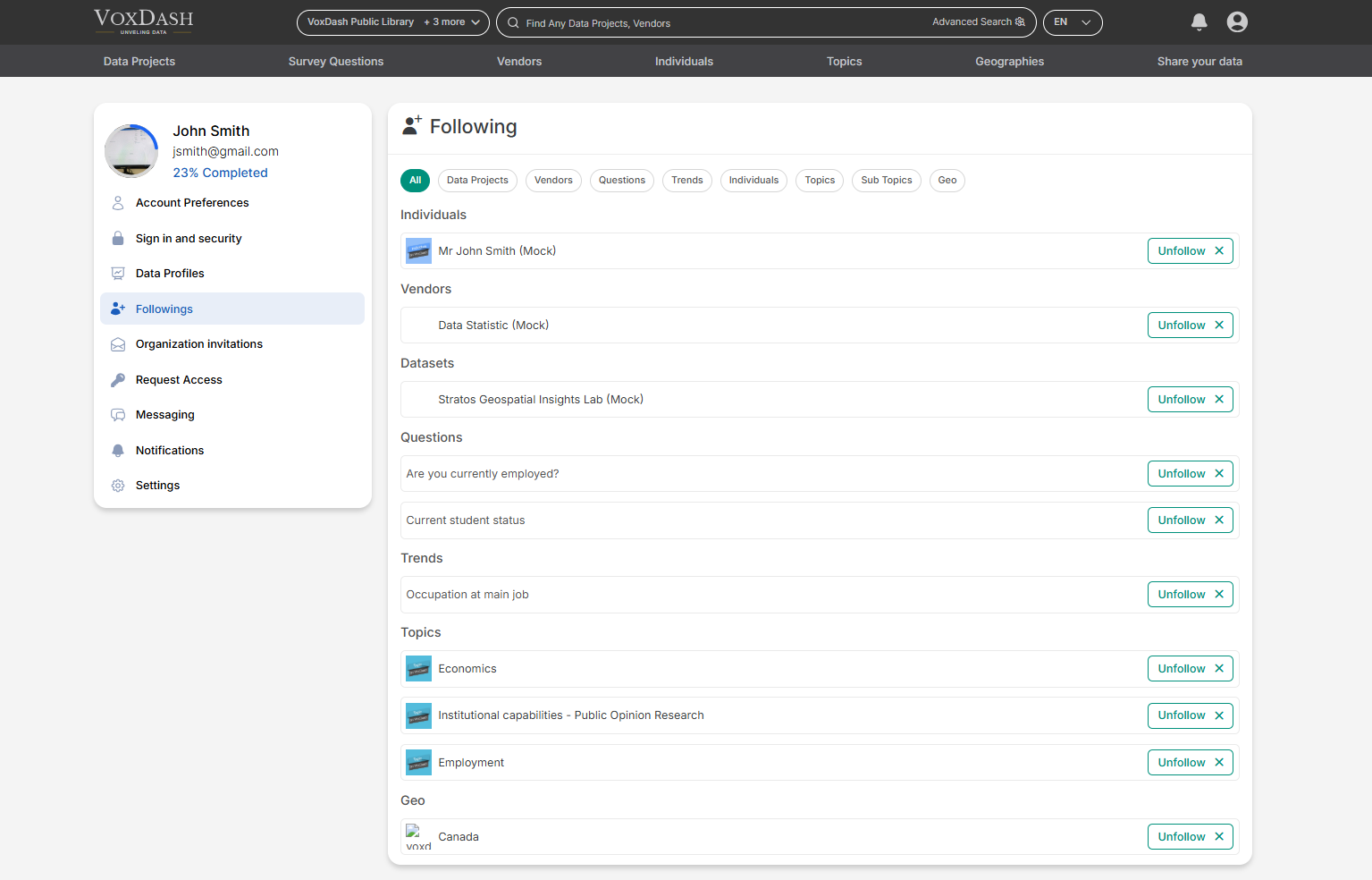
1. What You Can Follow
You can follow various types of content and entities based on your professional needs and interests.1.1 Data Projects
Follow specific data projects to:- Receive updates when data is modified
- Track progress or completion status
- Monitor new reports or analytics outputs
- Stay informed about changes in access or metadata
1.2 Vendors
Follow vendors to:- Track newly published datasets
- Monitor vendor activity
- Stay updated on new analytics offerings
- Compare vendor performance over time
1.3 Questions
Follow specific questions to:- Track updates or responses
- Monitor discussions
- Stay informed about analytical inquiries related to your projects
1.4 Trends
Follow trends to:- Monitor emerging market patterns
- Track industry performance
- Stay updated on analytical insights
- Identify growth opportunities
1.5 Individuals
Follow other users to:- Monitor their published projects
- Stay informed about their contributions
- Collaborate more effectively
1.6 Topics & Sub-Topics
Follow topics and sub-topics related to:- Industry sectors
- Product categories
- Data methodologies
- Geographic regions
- Market segments
1.7 Geo (Geographic Locations)
Follow specific geographic regions to:- Track regional analytics
- Monitor country or market-level trends
- Analyze performance by location
- Compare regional datasets
2. Managing Your Followings
On the Followings tab, you can:- View all entities you are currently following
- See categorized lists (Projects, Vendors, Trends, etc.)
- Click on any item to navigate directly to its dedicated page
- Unfollow items at any time
To Unfollow:
- Locate the item in your Followings list.
- Click the Unfollow option.
- The item will be removed from your Followings list.
3. Why Use the Followings Feature?
Using the Followings feature helps you:- Personalize your dashboard
- Reduce time spent searching for updates
- Stay informed about key analytics developments
- Monitor competitors or partners
- Make data-driven decisions faster