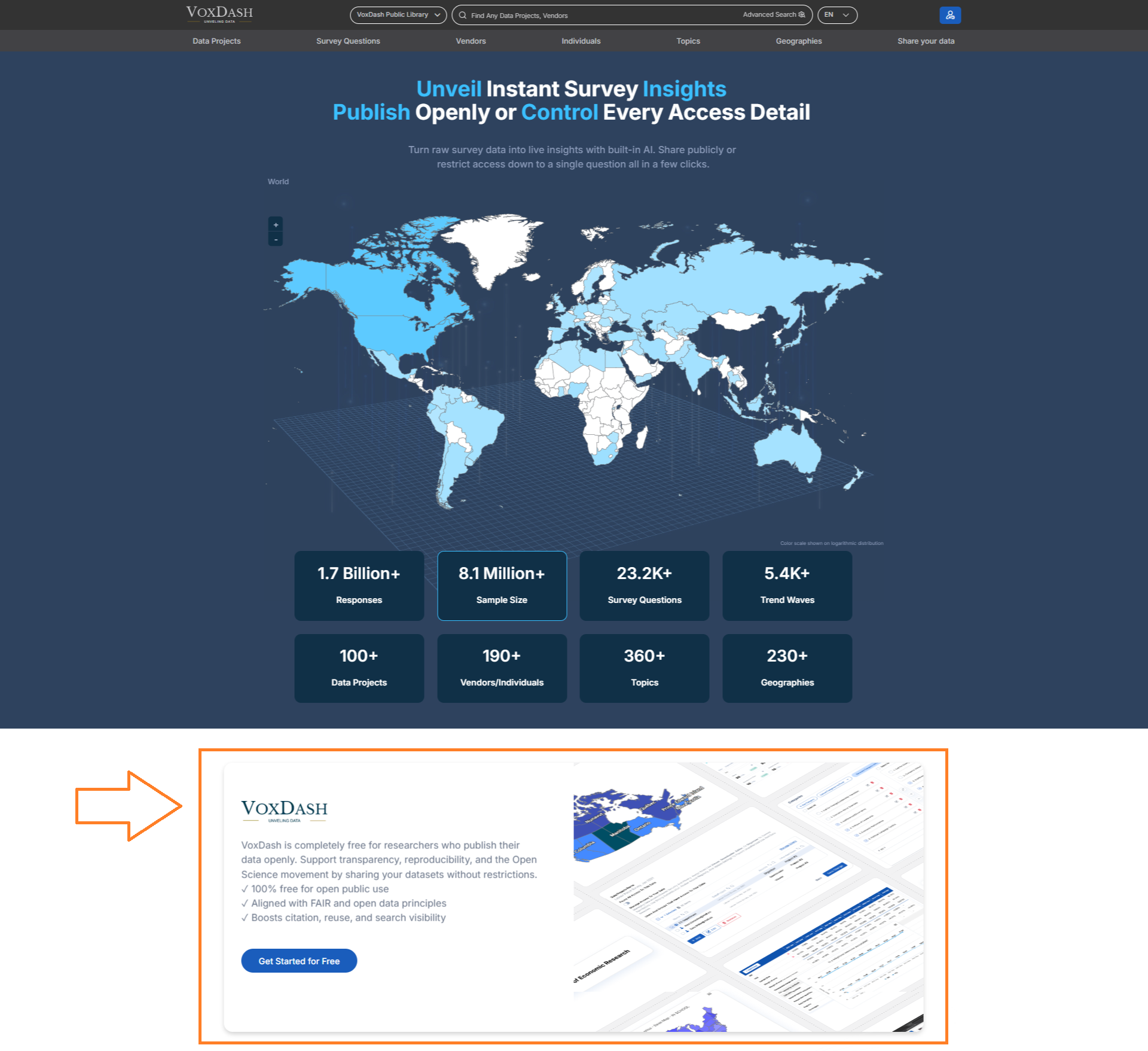
steps to set your organization front page
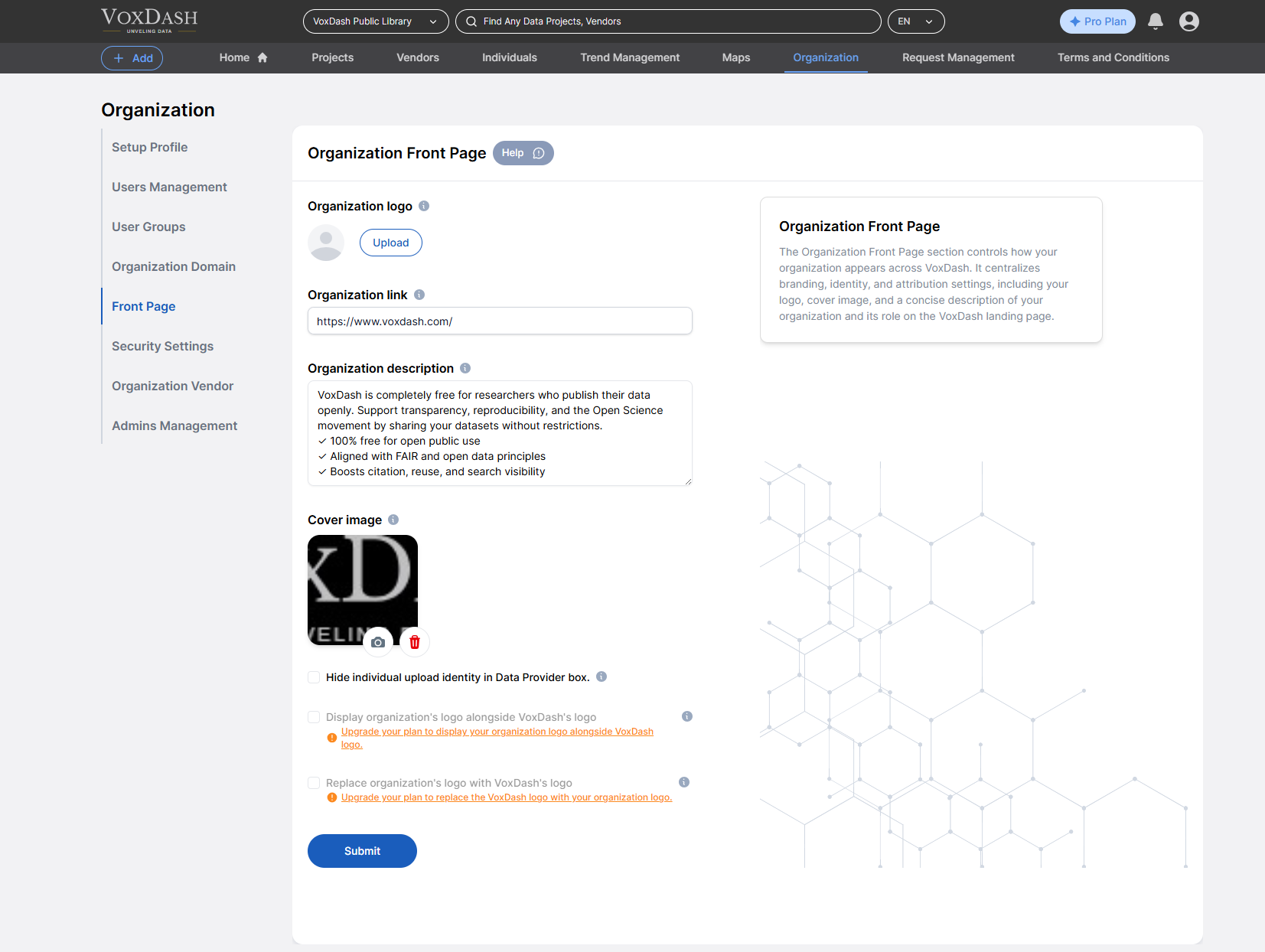
1.Set your organization logo
You can upload a logo or a symbolic graph for your organization to showcase it to your users.2.Set your organization link
If your organization has a dedicated webpage, please enter the URL here.3. Add detailed description
Provide a detailed description of the organization, including its purpose, scope, and key attributes.4. Add cover image
Here you can upload a cover image in your organization’s front page showcase it to your users.Additional Configuration Options
When setting up your homepage, the following options are available (depending on your subscription plan):-
Hide Staff Identity
Choose to anonymize the names of staff members who upload or manage datasets. -
Display Your Logo Alongside VoxDash Branding
Your organization’s logo can appear next to the VoxDash logo for co-branding. -
Enhanced Access and Features for Upgraded Plans
These customization options and privacy settings are available exclusively to users on higher-tier plans.