

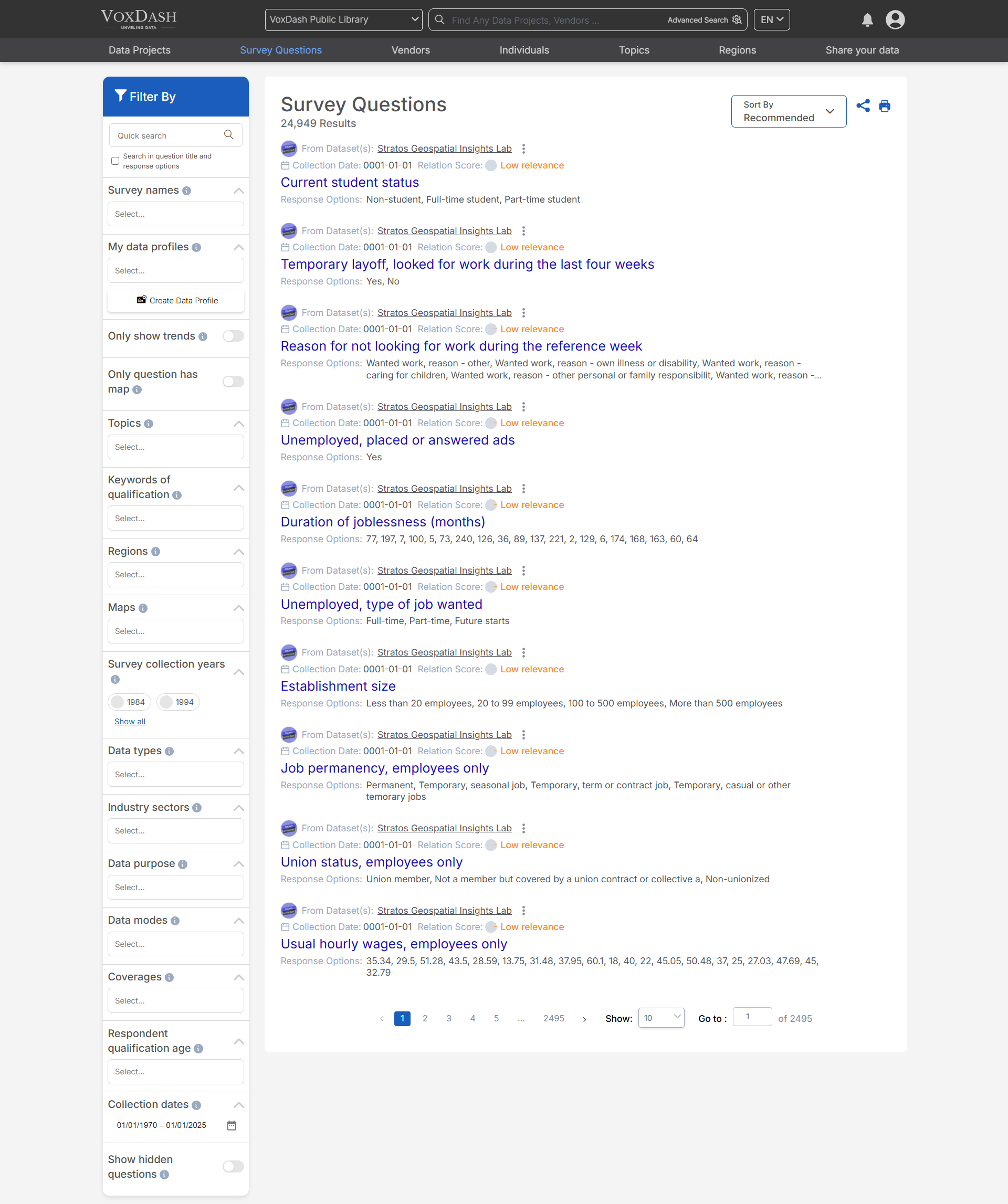
Sorting Options
You can customize the display of survey questions using the following sorting options:- Popularity: Arrange questions based on their engagement or usage frequency.
- Newest: Display the most recently created questions at the top.
- Oldest: Show questions starting from the earliest created.
- Recommended: Highlight questions suggested for you based on relevance or criteria set by VoxDash.
- Trended Survey Questions: Show questions that are frequently used together across surveys.
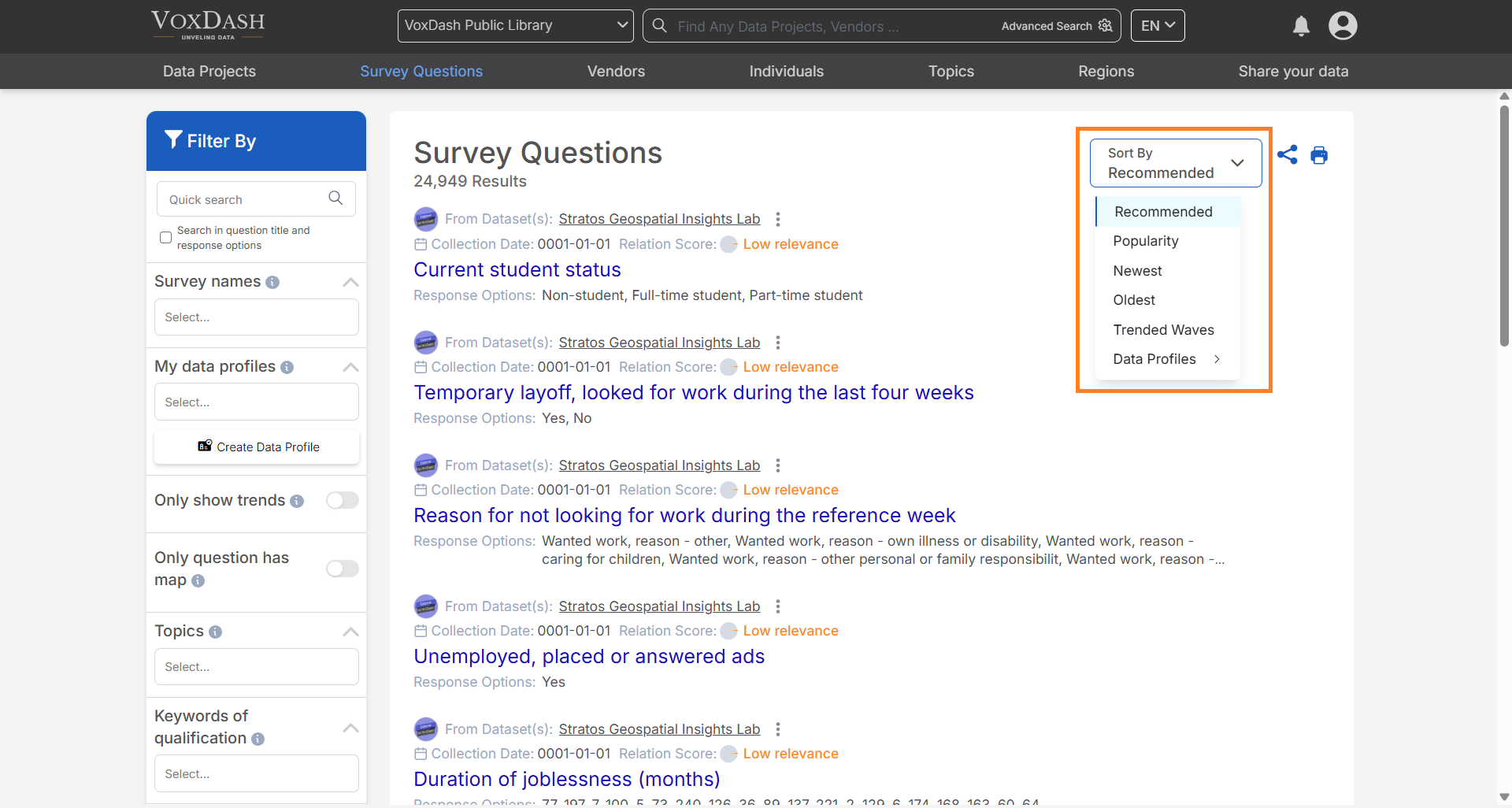
Filtering Options
The filter bar, located on the left side of the page, allows you to refine your list of questions using the following criteria:- My Data Profiles: Limit the result by data profiles created or owned by your account.
- Topics: Narrow down questions by specific areas of interest.
- Regions: Filter questions based on geographic regions.
- Coverages: Filter questions based on geographic, demographic, or topical coverage.
- Only Show Trends: Display questions that are currently trending.
- Data Types: Categorize questions by the type of data they collect.
- Data Purpose: Filter based on the intended use of the collected data.
- Data Mode: Filter based on the method used to collect the data.
- Industry Sectors: Find questions relevant to specific industry sectors.
- Collection Dates: Filter questions by their collection timeline.
- Show Hidden Questions: Include or exclude previously hidden questions.
- Keywords of Qualification: Identify questions using specific keywords related to qualifications.
- Maps: Filter questions based on geographic mappings.
- Respondent Qualification Age: Filter questions based on the age criteria of respondents.
- Survey Names: Filter questions by the data project they belong to.
- Survey Collection Years: Refine questions based on a specific time range.
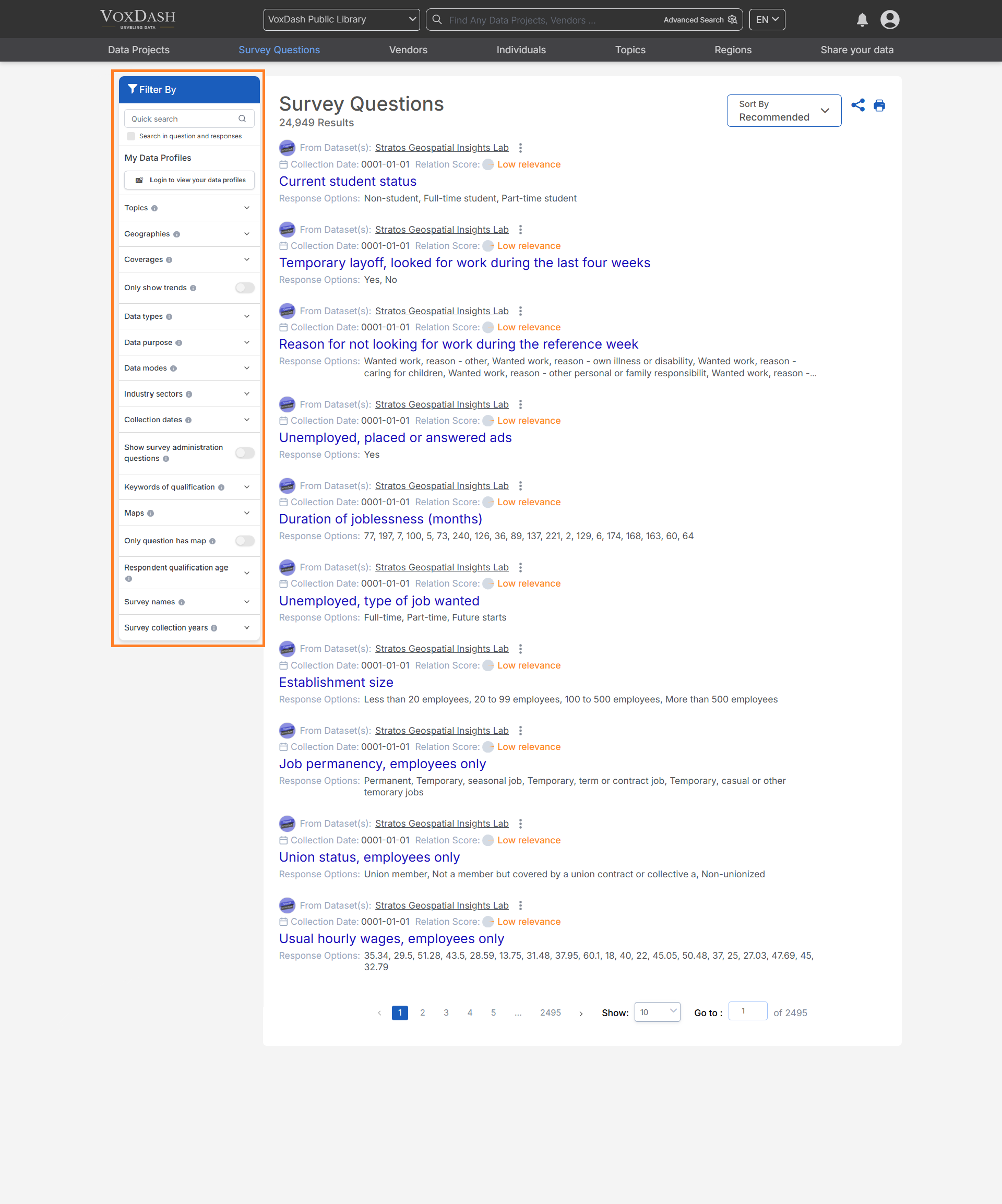
Search Functionality
The search bar, located at the top of the page, enables you to quickly locate specific questions by entering keywords, phrases, or unique identifiers. This feature allows for instant access to relevant questions without the need to manually browse through the list.Tips for Effective Searching:
- Use complete or partial keywords for better results.
- Combine search terms with filters to narrow down results.
- Utilize advanced search options to refine queries based on specific criteria.