

- Permitted and restricted usage
- Data redistribution policies
- Download limitations
- Confidentiality requirements
- Compliance obligations
- Expiration terms
- Liability disclaimers
Accessing Terms & Conditions History
To view the Terms & Conditions history:- Navigate to the File Manager
- Locate the desired project
- Click the hamburger menu (⋮) next to the project
- Select T&C History
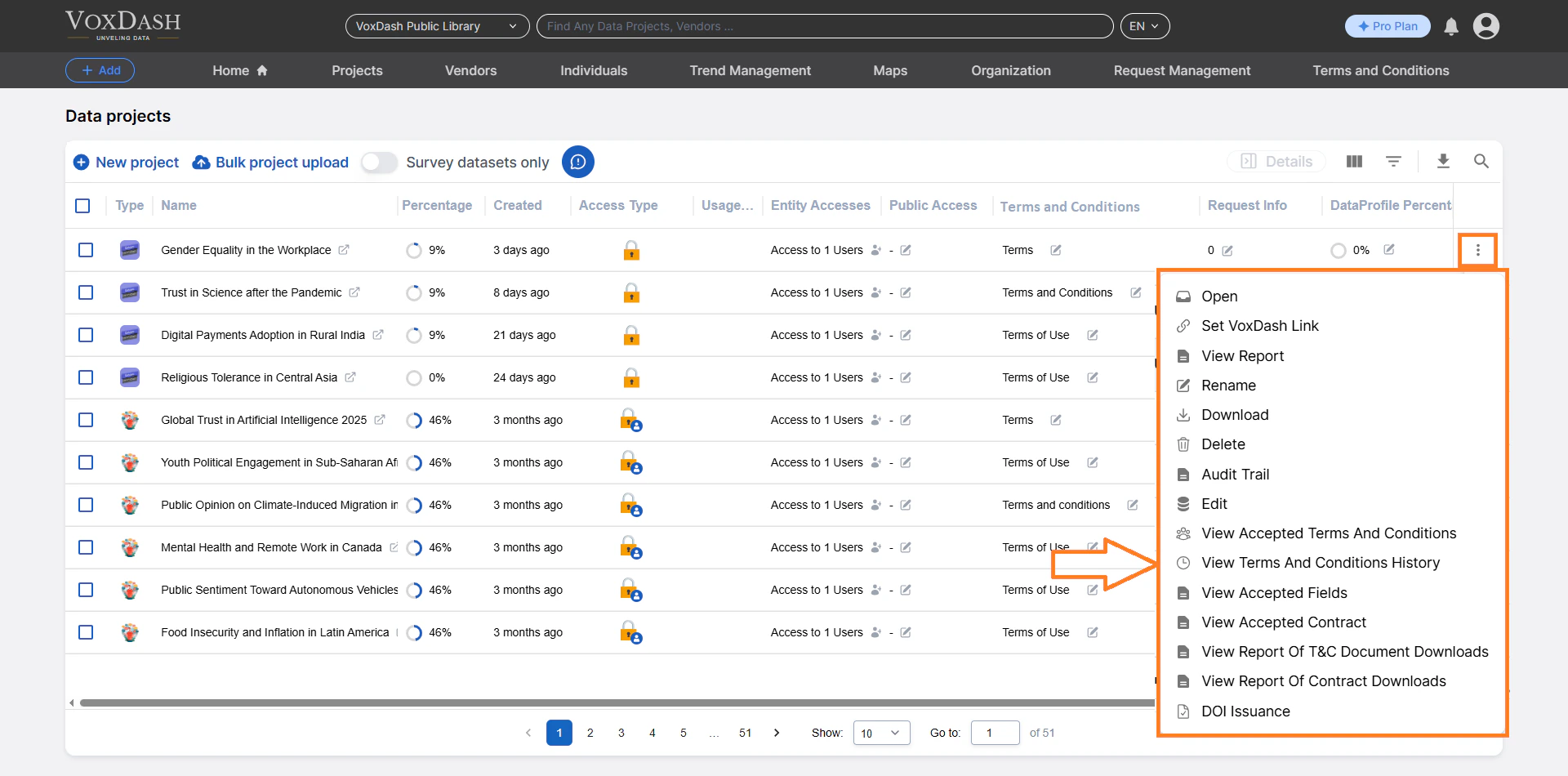
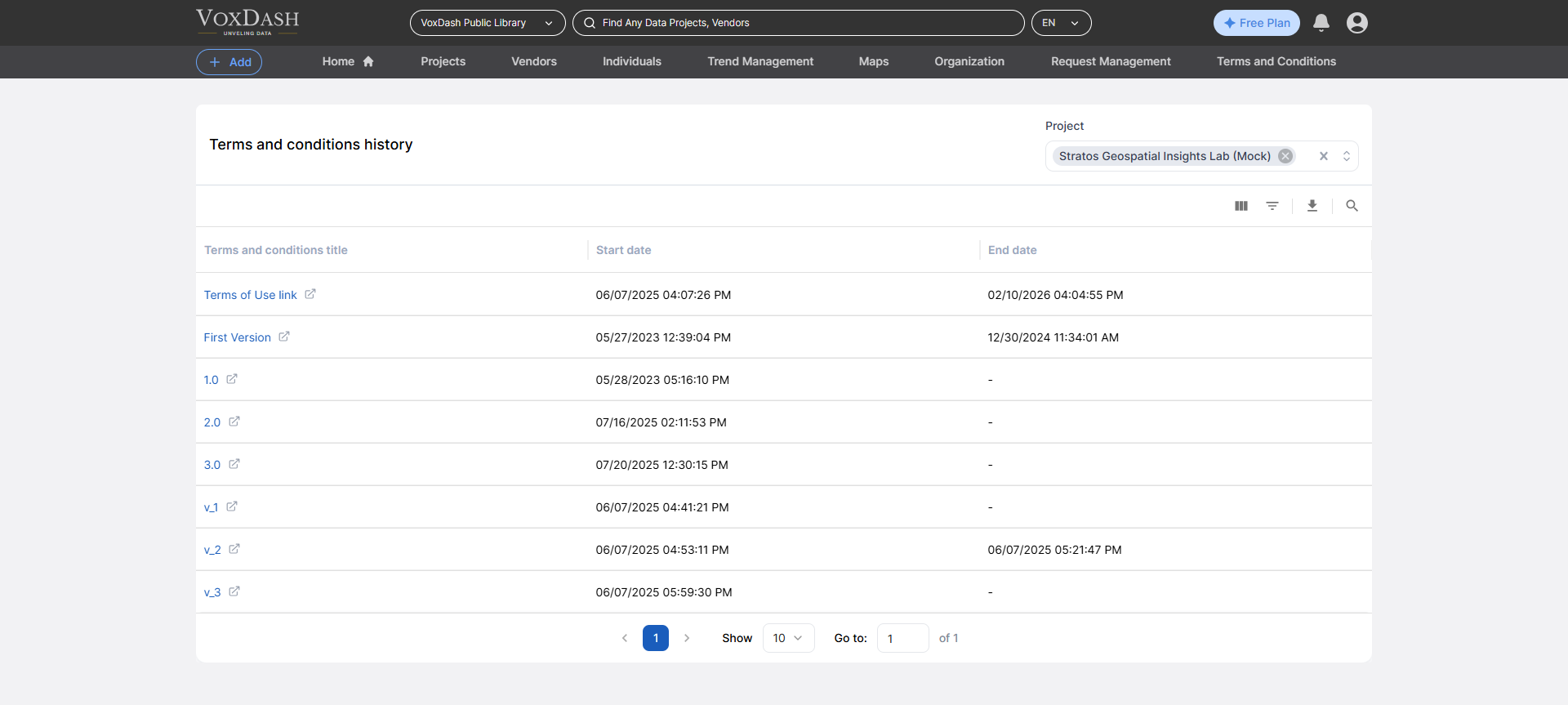
What You Can See in the T&C History Table
The table displays all versions of the Terms & Conditions associated with the selected project. For each version, you can view:Version Name
A unique identifier or title for that specific version of the Terms & Conditions. Example:- T&C v1.0 – Initial Release
- T&C v2.0 – Updated Download Policy
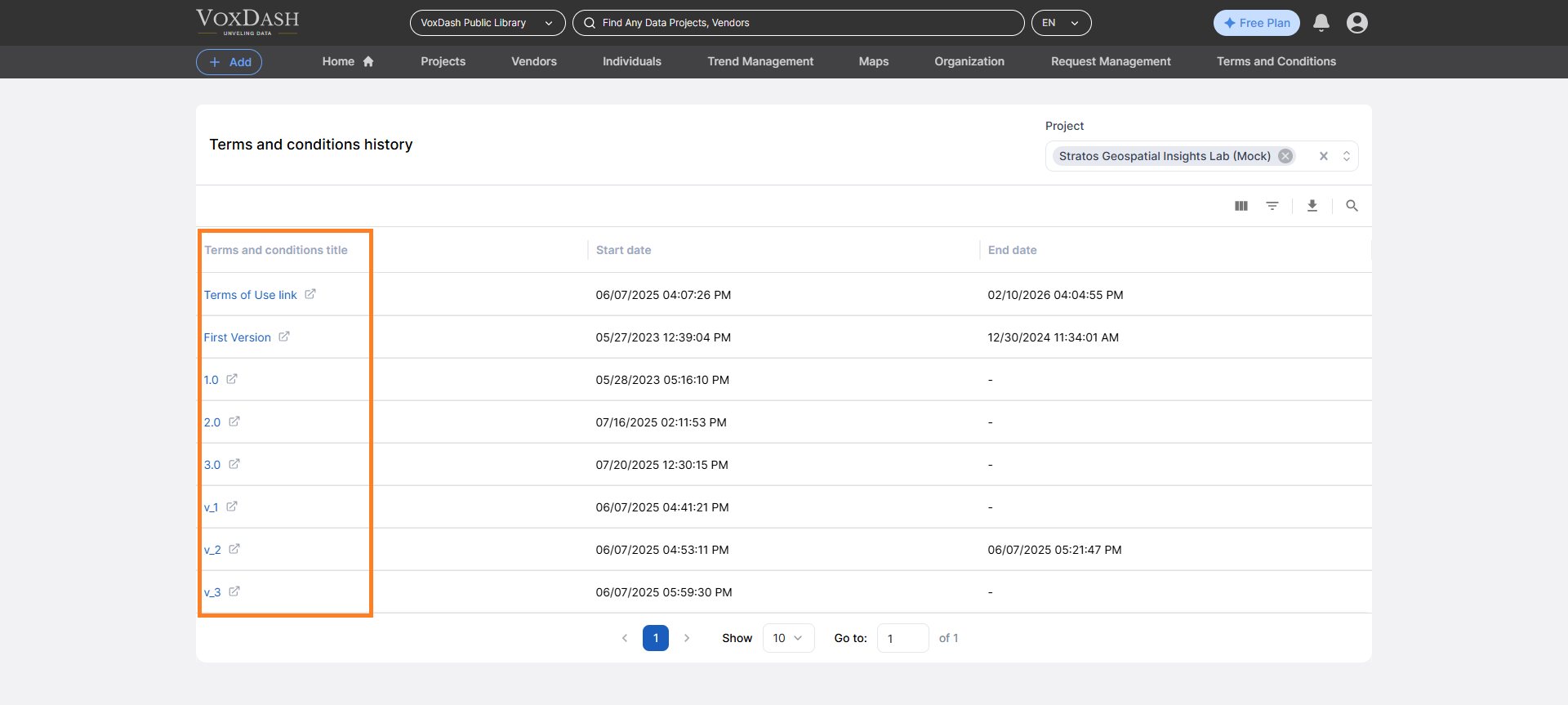
Start Date
The date when the version became active. This indicates when the terms started applying to new users or new access approvals.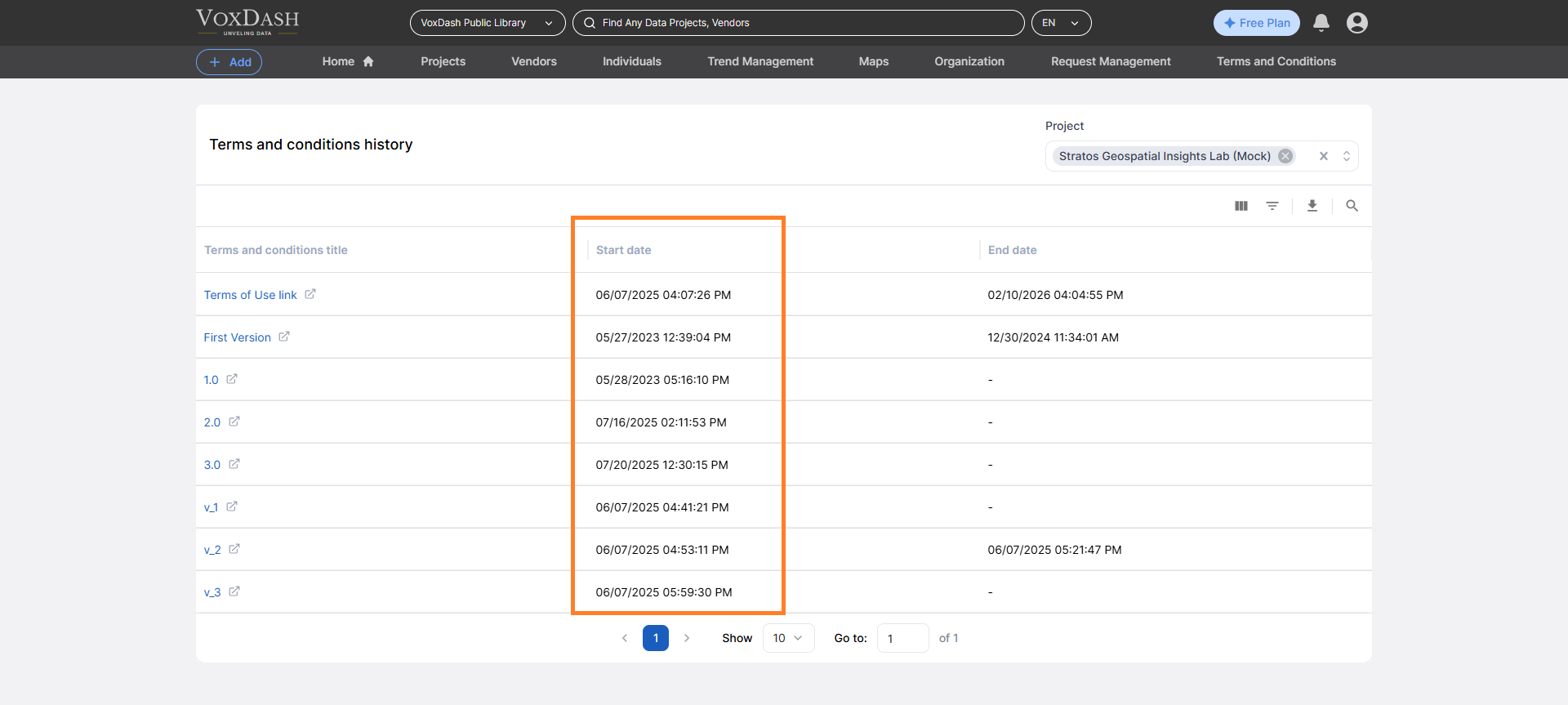
End Date
The date when the version was replaced or deactivated. If no end date is shown, the version is currently active.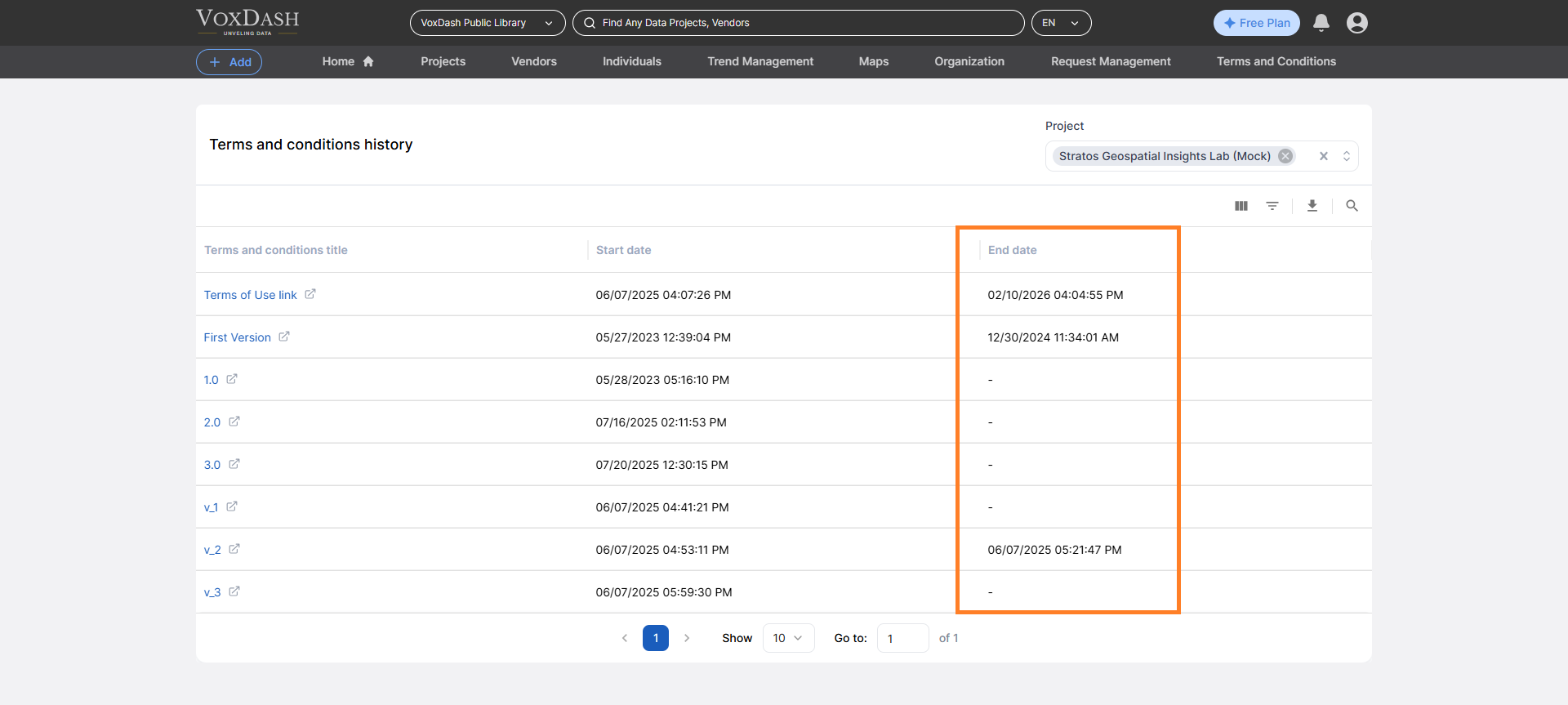
Why Version History Matters
Tracking T&C versions helps you:- Maintain legal transparency
- Support compliance audits
- Identify which users accepted which version
- Resolve disputes related to past access terms
- Monitor policy evolution over time
Features Available on the T&C History Page
The T&C History table includes management tools to help you navigate large version histories.Search
Use the search bar to quickly find:- A specific version name
- Keywords within version titles
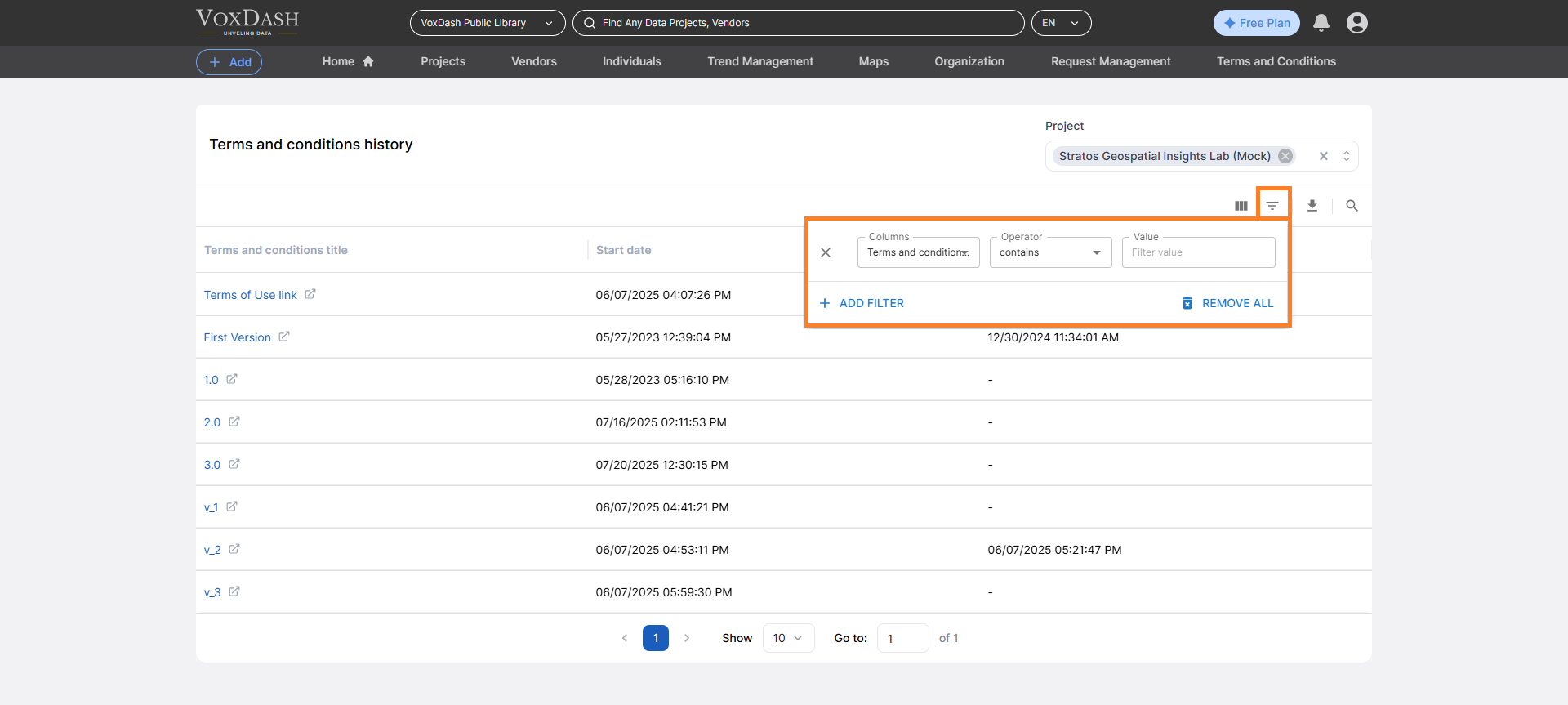
Filter
Apply filters to narrow results based on:- Active vs. expired versions
- Date ranges
- Specific version naming conventions
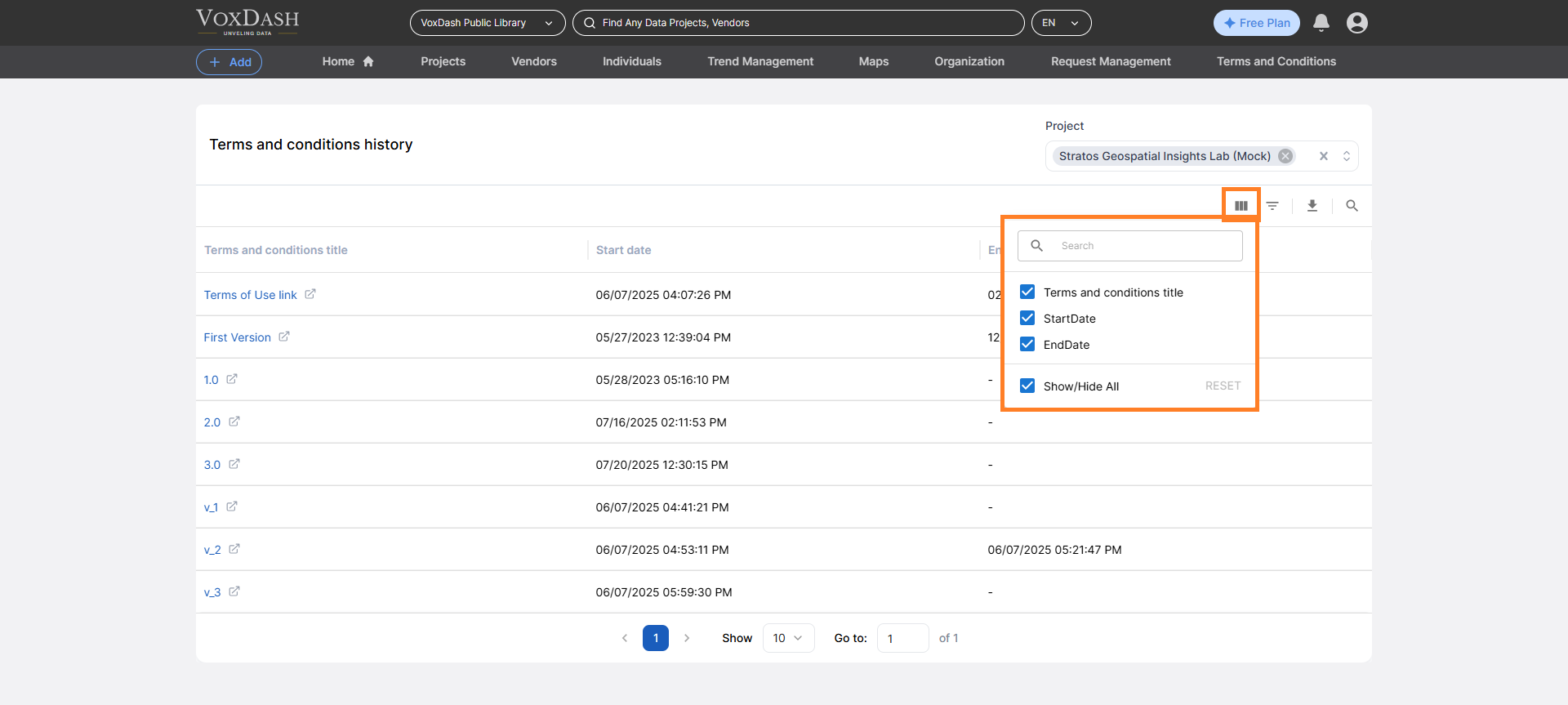
Column Ordering
You can customize the table view by:- Reordering columns
- Sorting by start date, end date, or version name
- Sort by Start Date to view versions chronologically
- Sort by End Date to identify recently expired terms
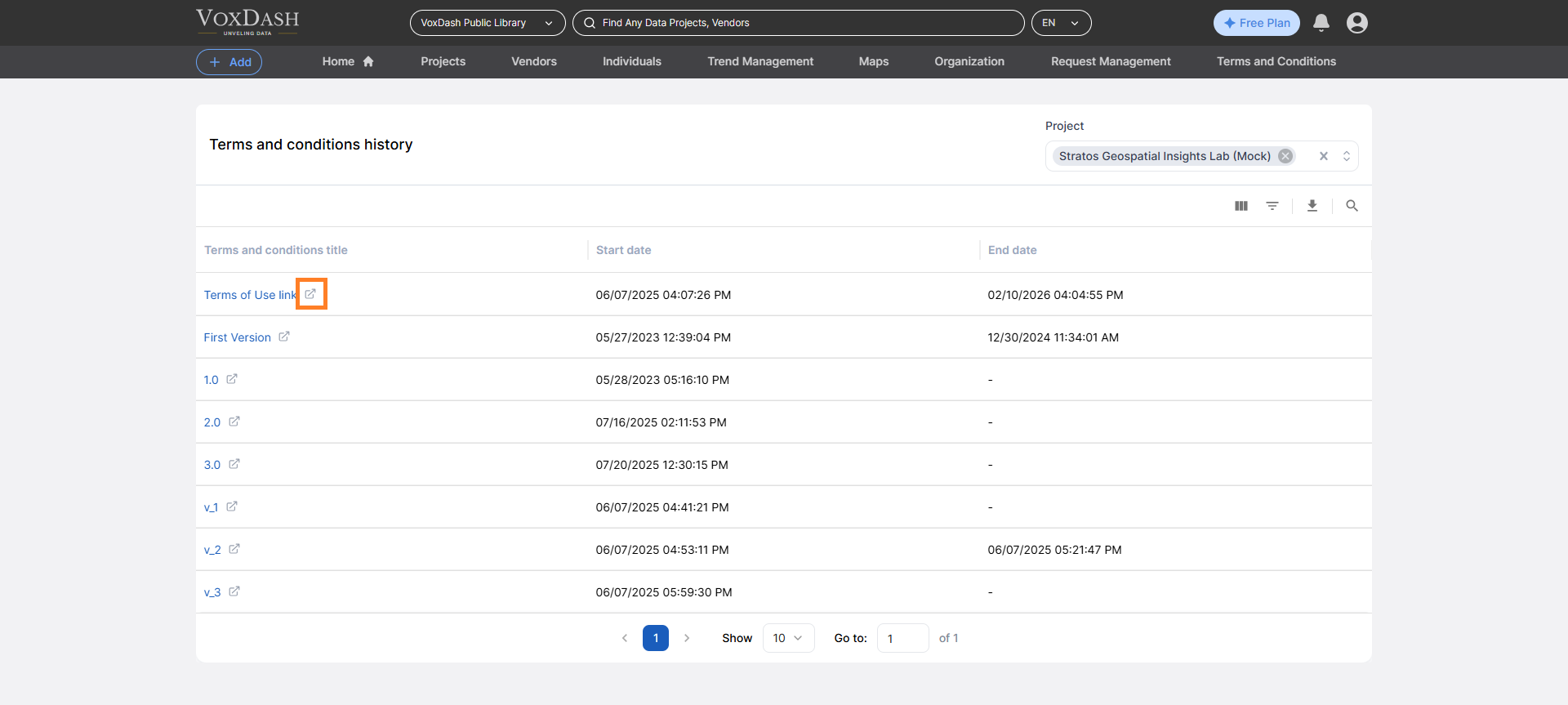
Viewing Full T&C Details
To view the full content of a specific version:- Click the icon next to the version name
- You will be redirected to the detailed T&C page
- Read the full legal text
- Review policy changes
- Verify the exact terms that were active during a specific period
Best Practices
- Update Terms & Conditions whenever usage policies change.
- Use clear version naming conventions (e.g., v1.0, v2.1).
- Review T&C updates before approving new access requests.
- Keep historical versions for compliance and audit purposes.