

Completing Your Profile
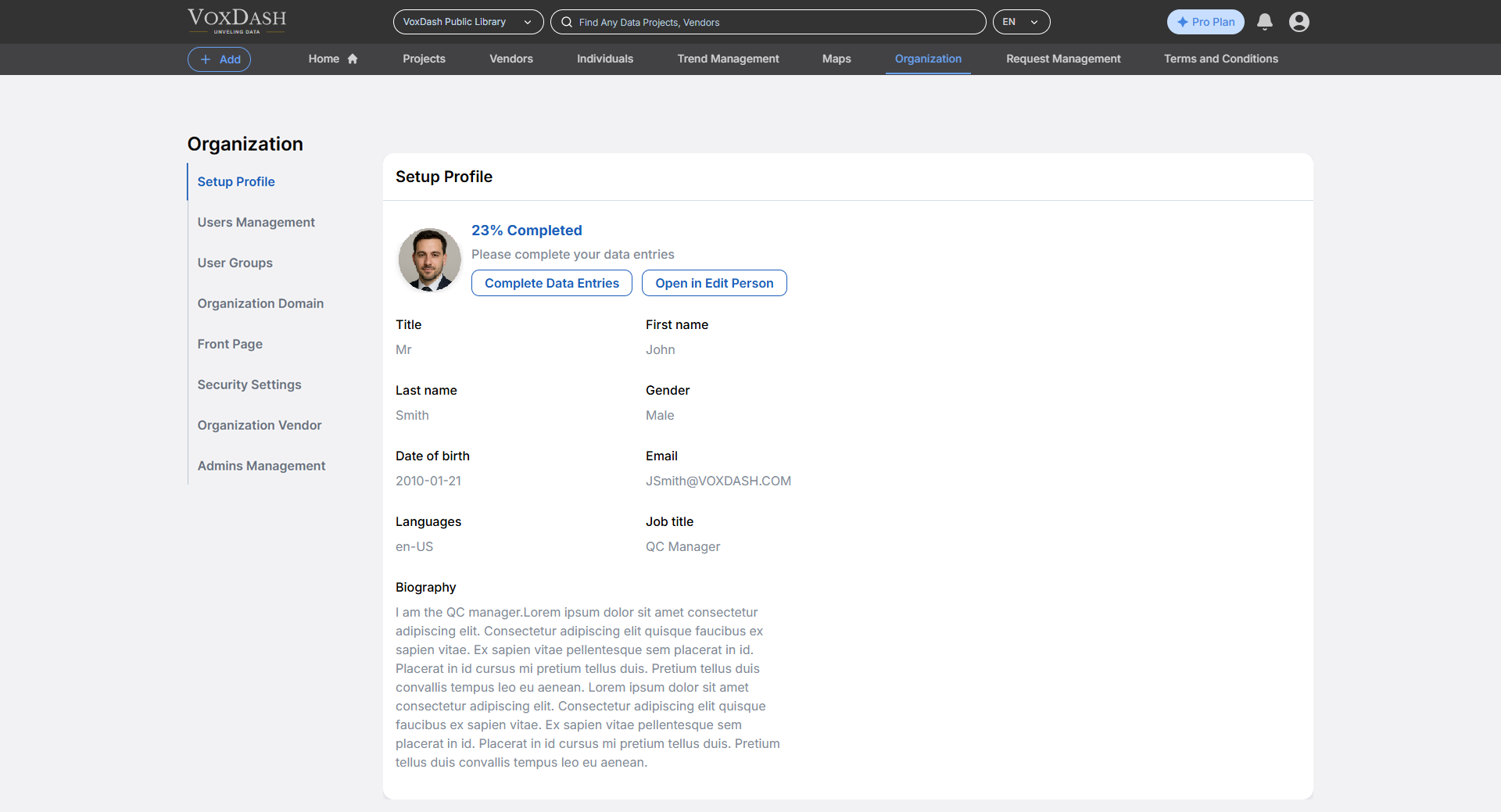
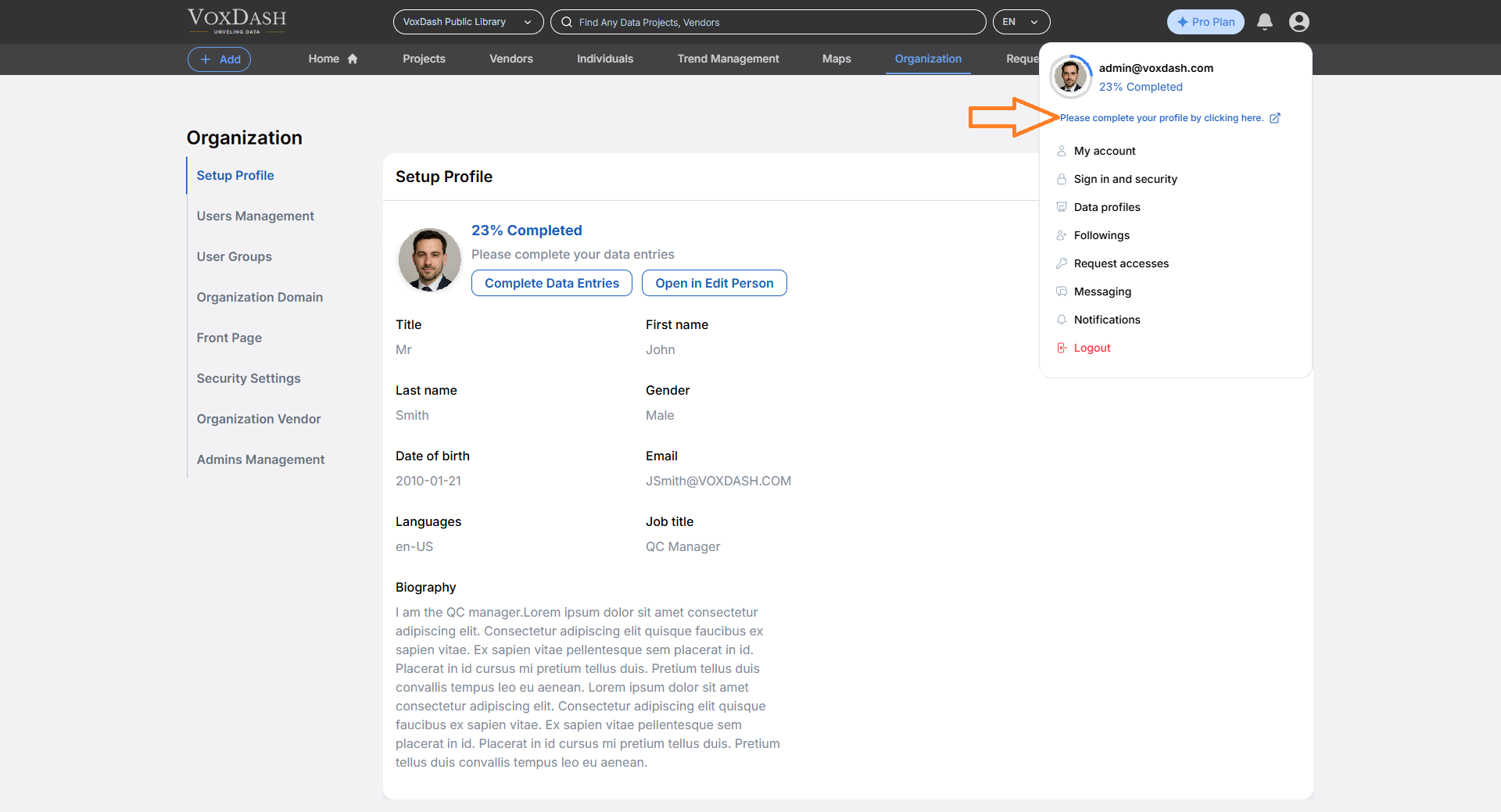
Users are encouraged to complete their profile information. VoxDash displays a profile completion percentage, guiding users to fill in missing details and helping them build a stronger presence on the platform. Your Personal Profile includes:- Full name
- Professional background
- Job title
- Languages
- Date of birth
Accessing the Profile Setup
To access or update your profile:- Open the Data Provider Panel.
- Navigate to the first tab in the Organization Page from the main dashboard.
Profile Visibility and Use
- Your individual page is visible to other users on the platform, enhancing collaboration and transparency.
- It can be used as part of data entry, particularly in workflows where contributor identity or role is relevant (e.g., tagging who collected or uploaded a dataset).
Why Keep Your Profile Up to Date?
- Builds trust and credibility with collaborators
- Makes it easier to be assigned roles or tasks
- Helps maintain accurate contributor records for data provenance