

What Are ISO Geographic Codes?
ISO geographic codes are internationally recognized location identifiers used to represent countries, regions, and administrative areas in a standardized format. Examples include:- US for the United States
- GB for the United Kingdom
- CA-ON for Ontario, Canada
- JP-13 for Tokyo Prefecture, Japan
Using ISO Codes with VoxDash Maps
If your survey variable already uses ISO geographic codes, you can quickly connect your data to a map in VoxDash. This feature is especially useful for ecommerce analytics, customer distribution analysis, regional sales tracking, and market research. For more information on how to add a map to your survey read Setting Up Maps for Survey Variables.Using Maps Without ISO Codes
If your dataset does not contain ISO geographic codes, you can still use the VoxDash mapping features by preparing the map data manually.Exporting Map Regions
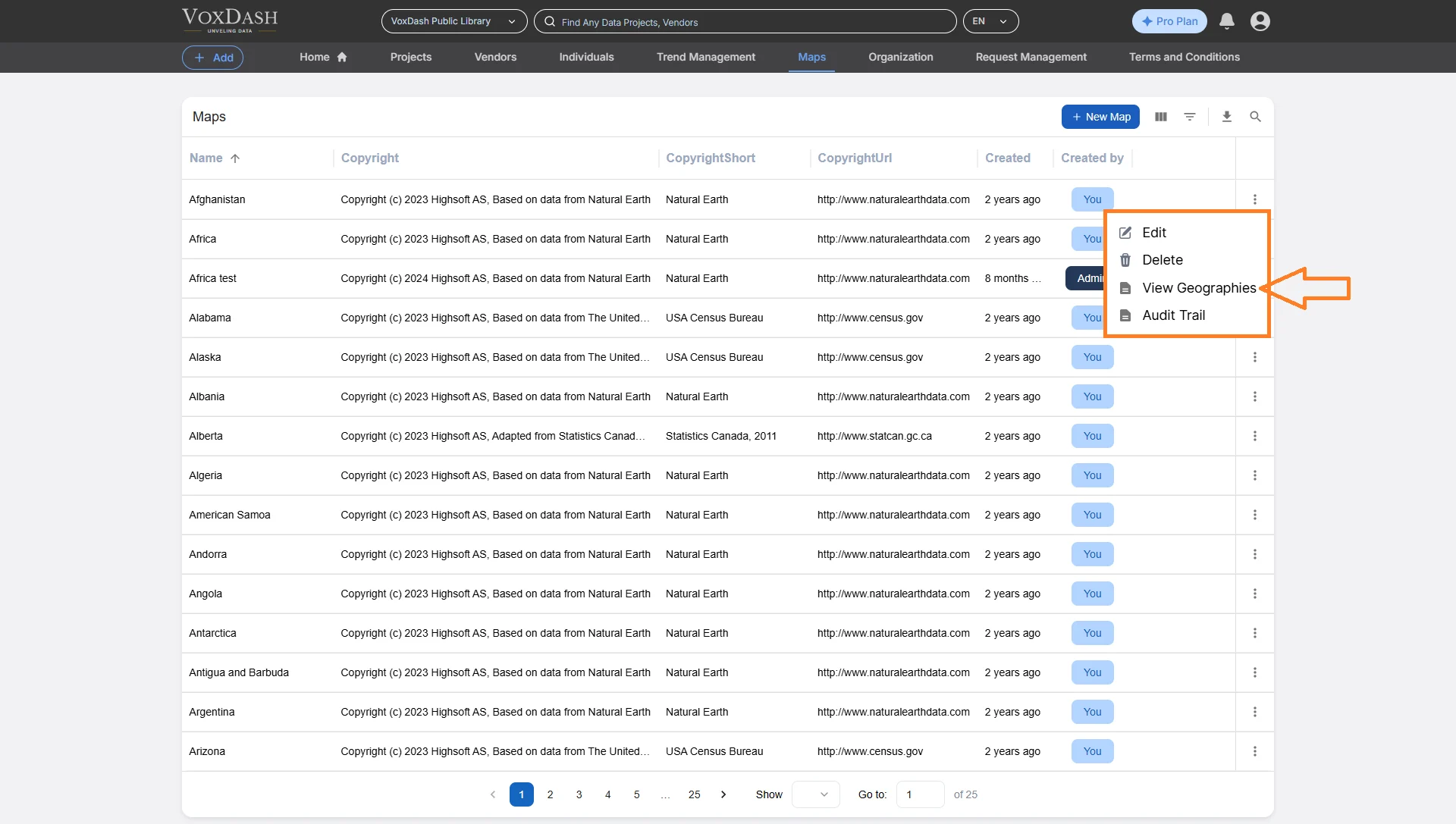
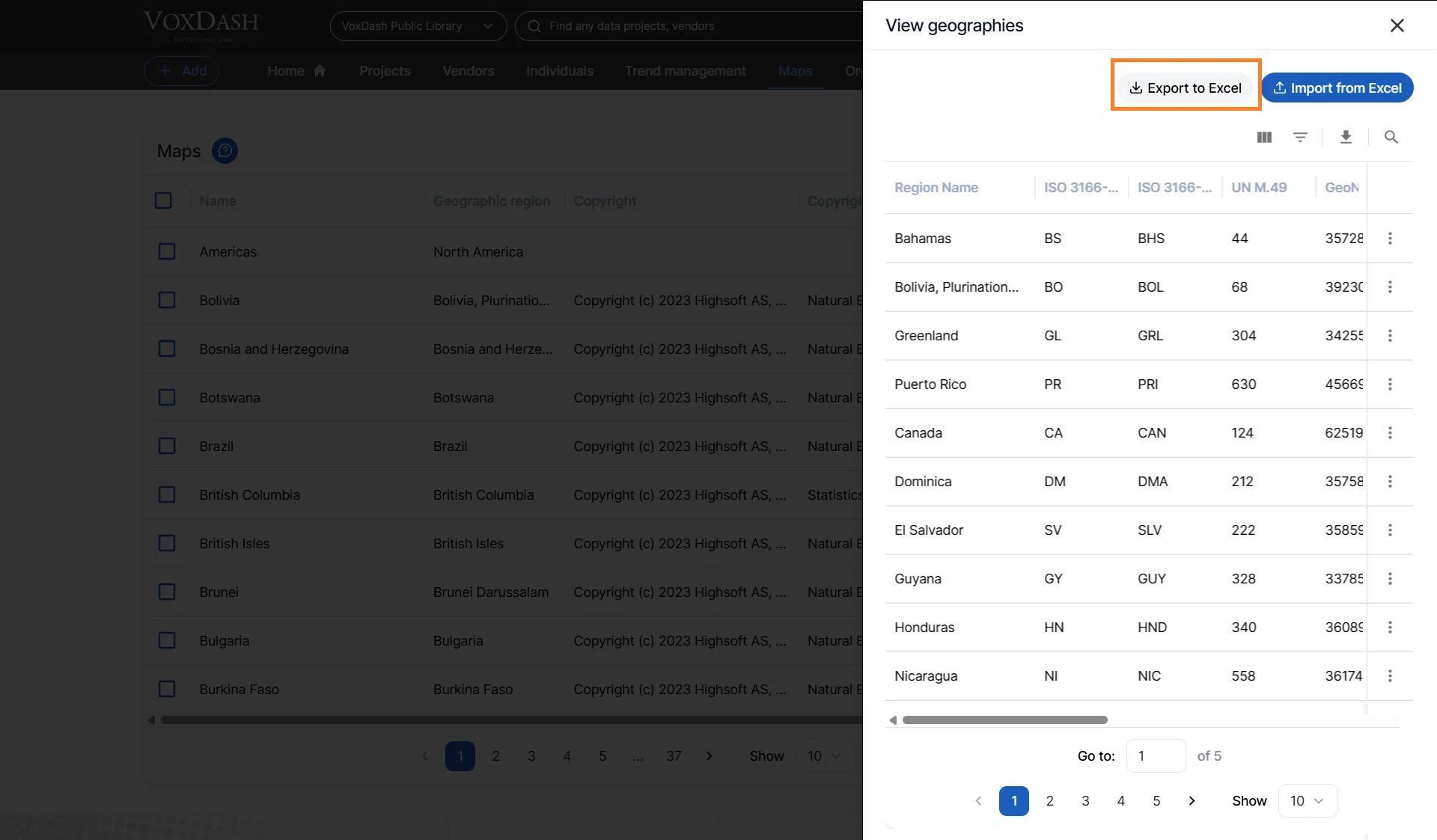
- Open the Data Provider Panel.
- Navigate to the Map page.
- Find the map you want to use.
- Open the Menu.
- Choose View Region to see detailed regional information.
Understanding the Exported Region File
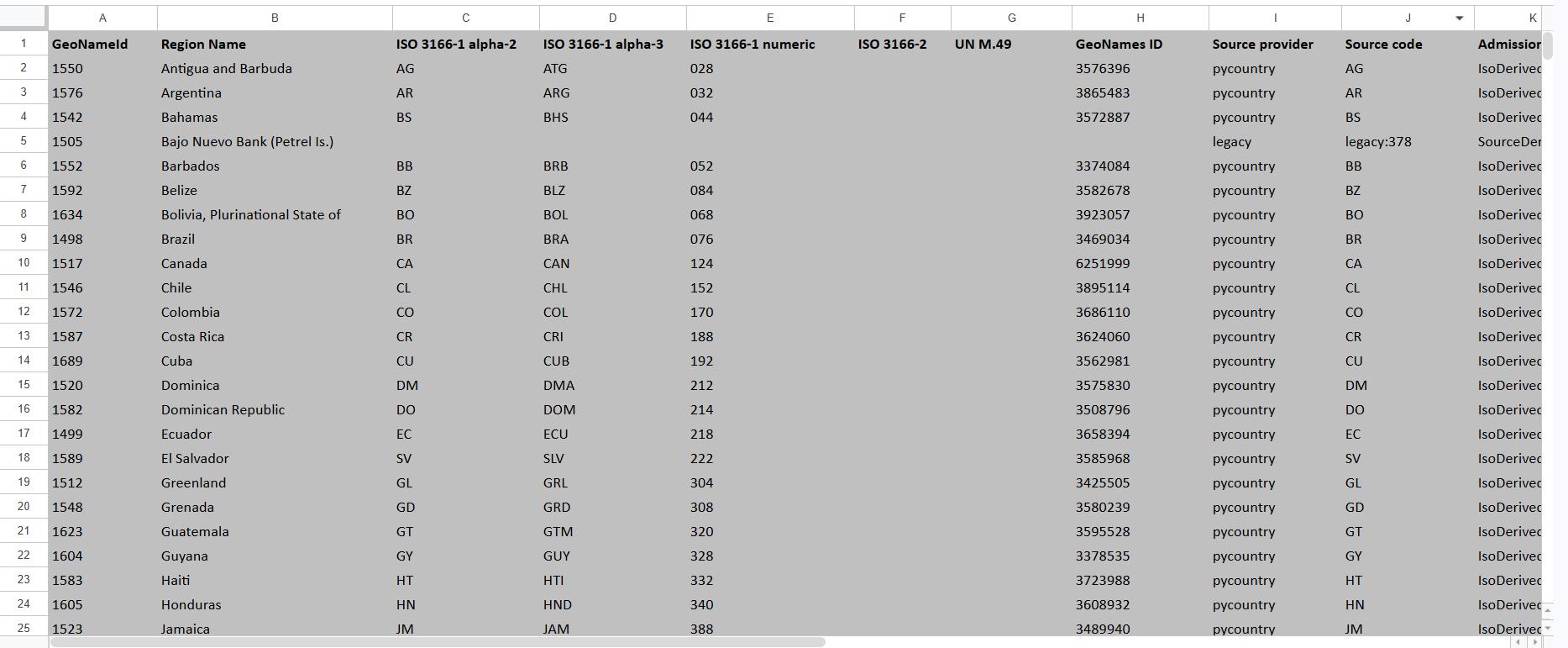
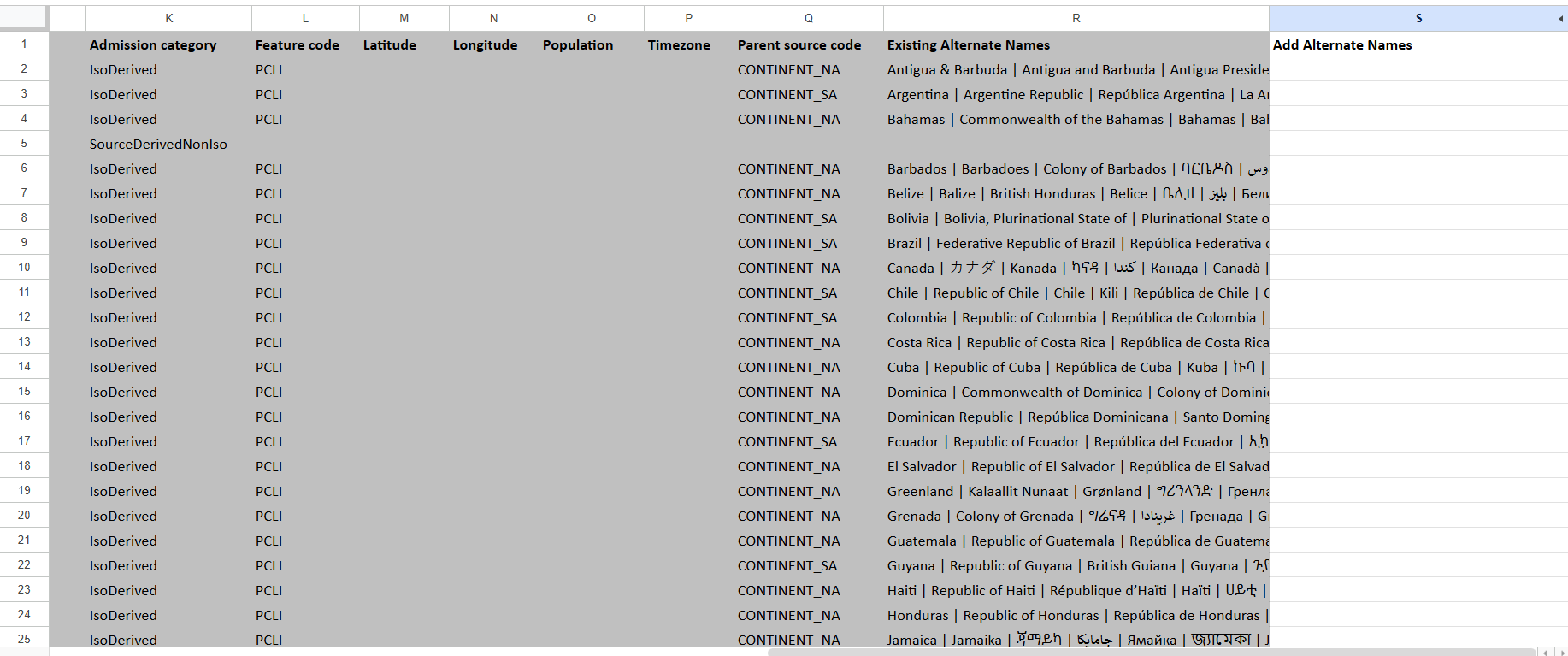
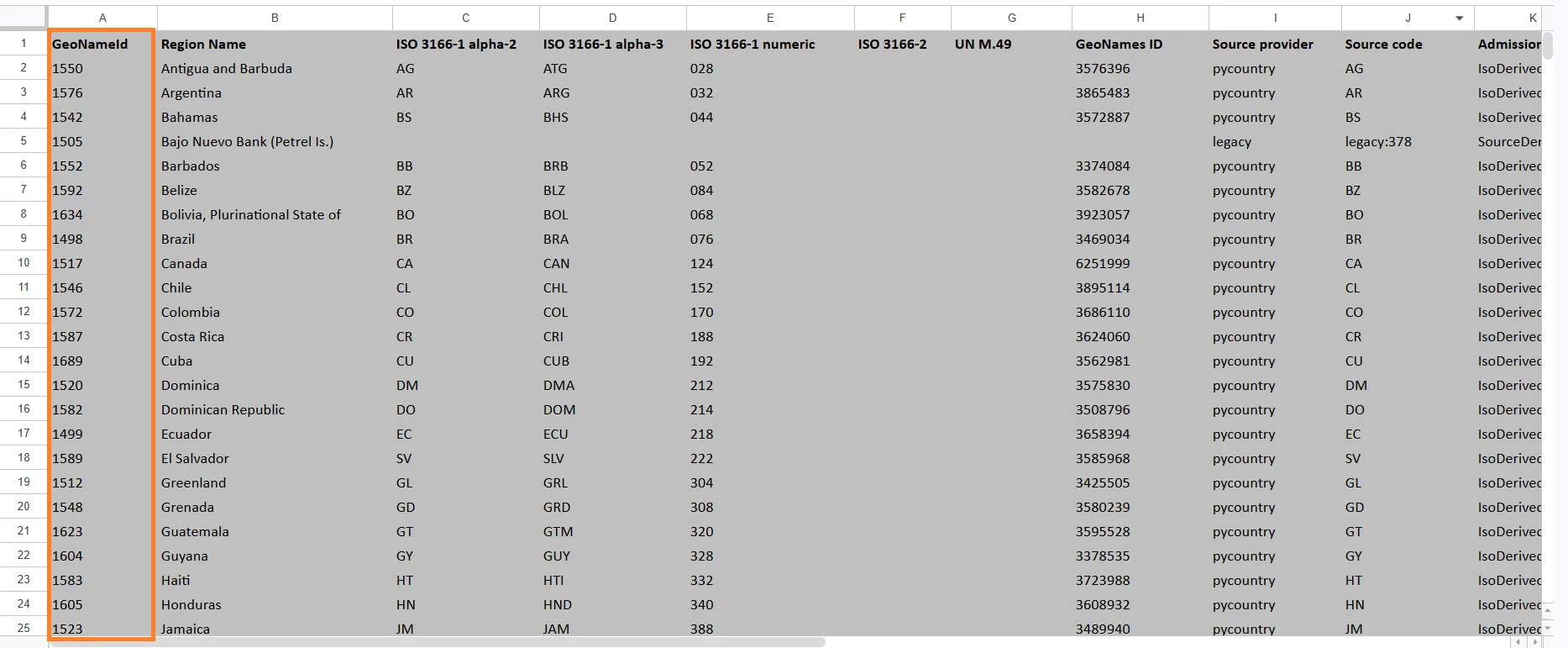
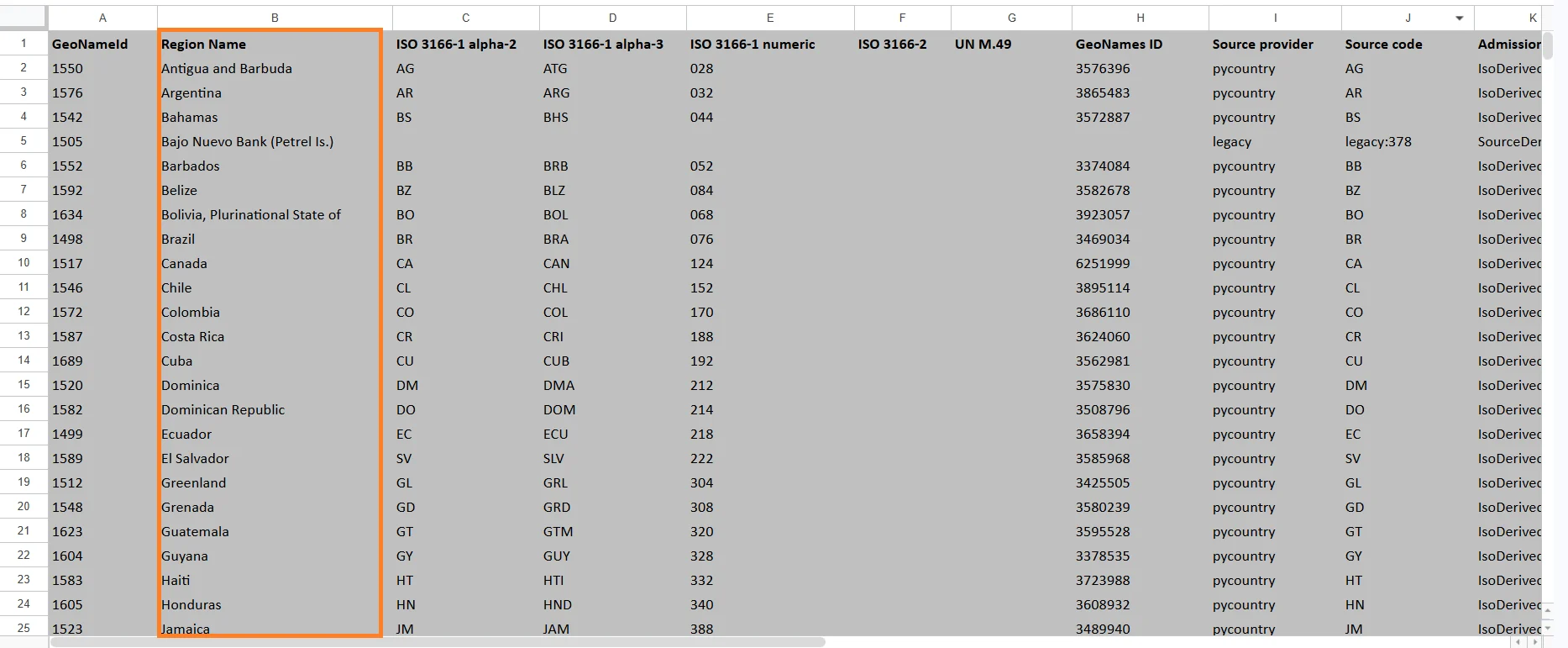
The exported Excel file contains geographic metadata used by VoxDash to identify and match regions. Below is an explanation of each column in the exported file.GeoNameId
A unique internal identifier assigned to the geographic region. This value is used internally by geographic databases and mapping systems. Example:- 6252001 = United States
Region Name
The readable name of the geographic region. Examples:- United States
- Ontario
- California
- São Paulo
ISO 3166-1 alpha-2
A two-letter country code defined by the ISO 3166-1 standard. Examples: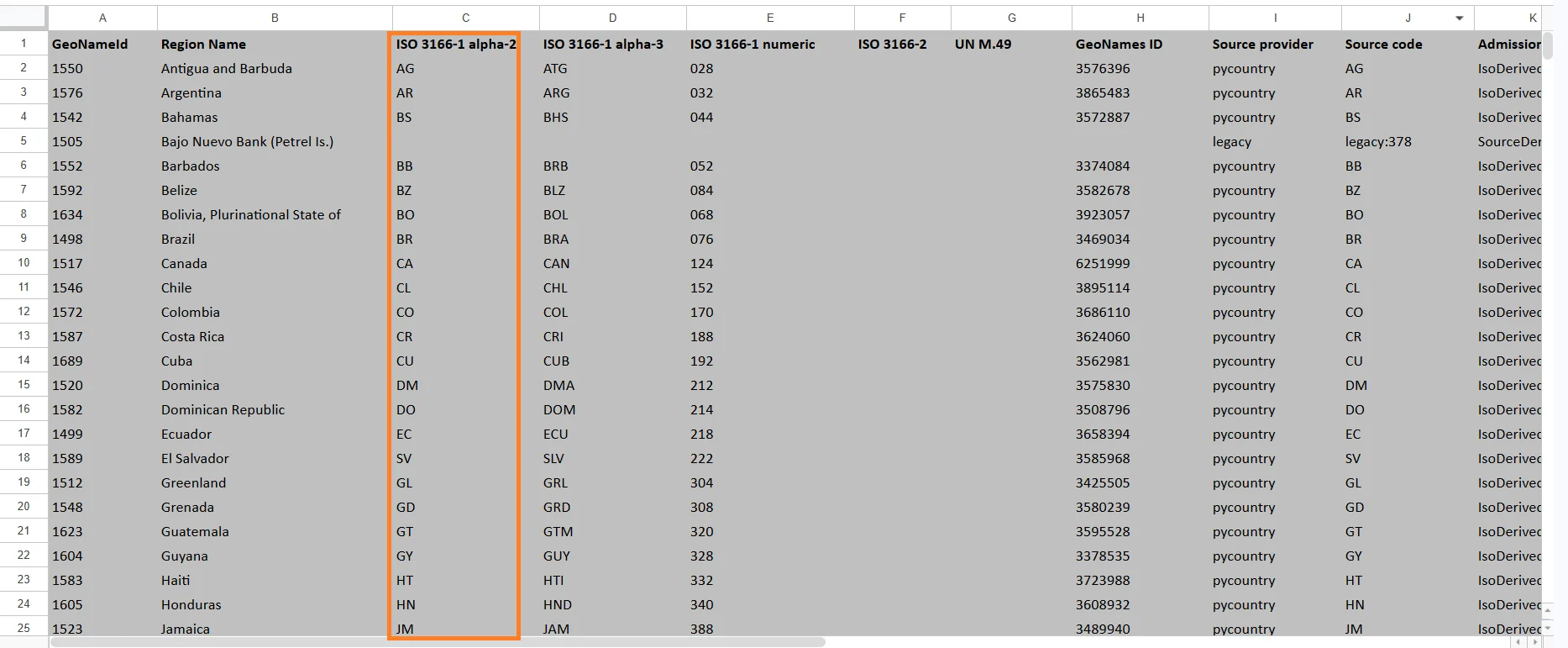
ISO 3166-1 alpha-3
A three-letter country code defined by the ISO 3166-1 standard. Examples: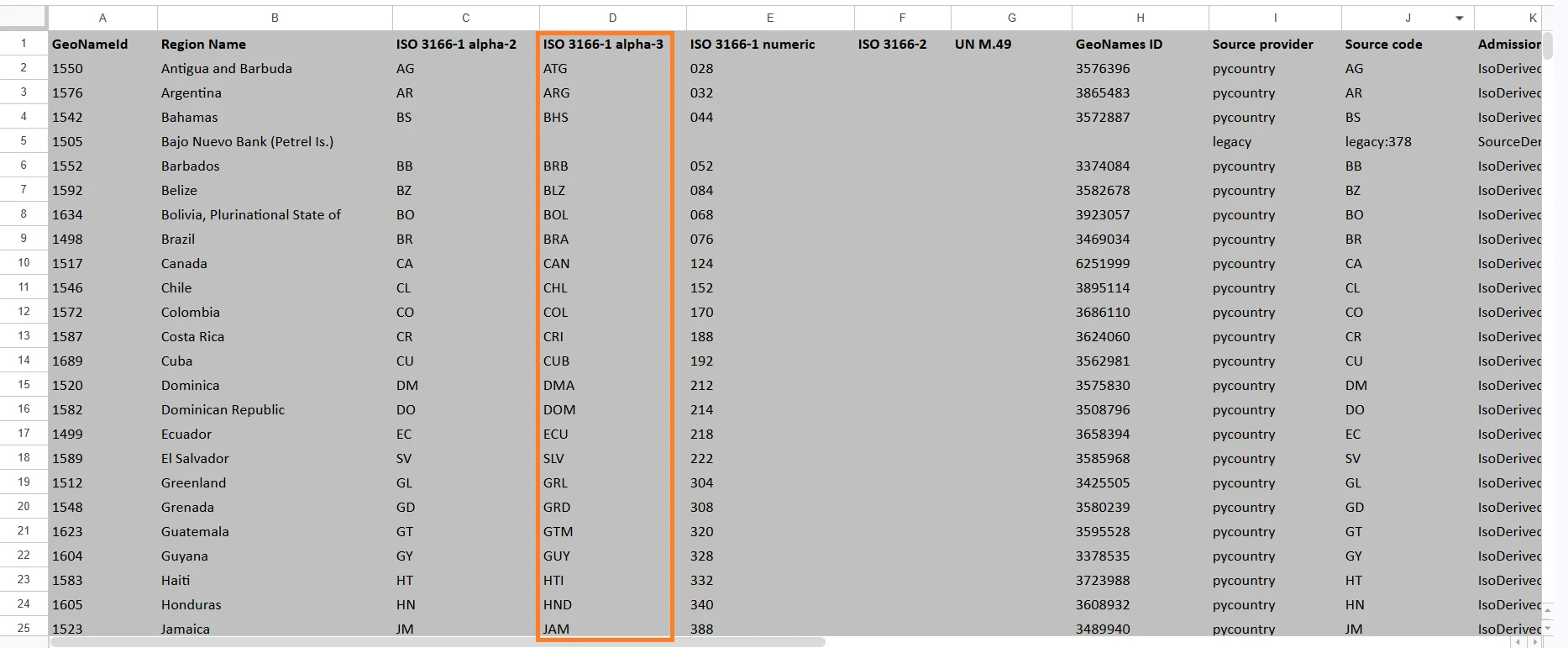
ISO 3166-1 numeric
A numeric country code assigned by ISO. Examples: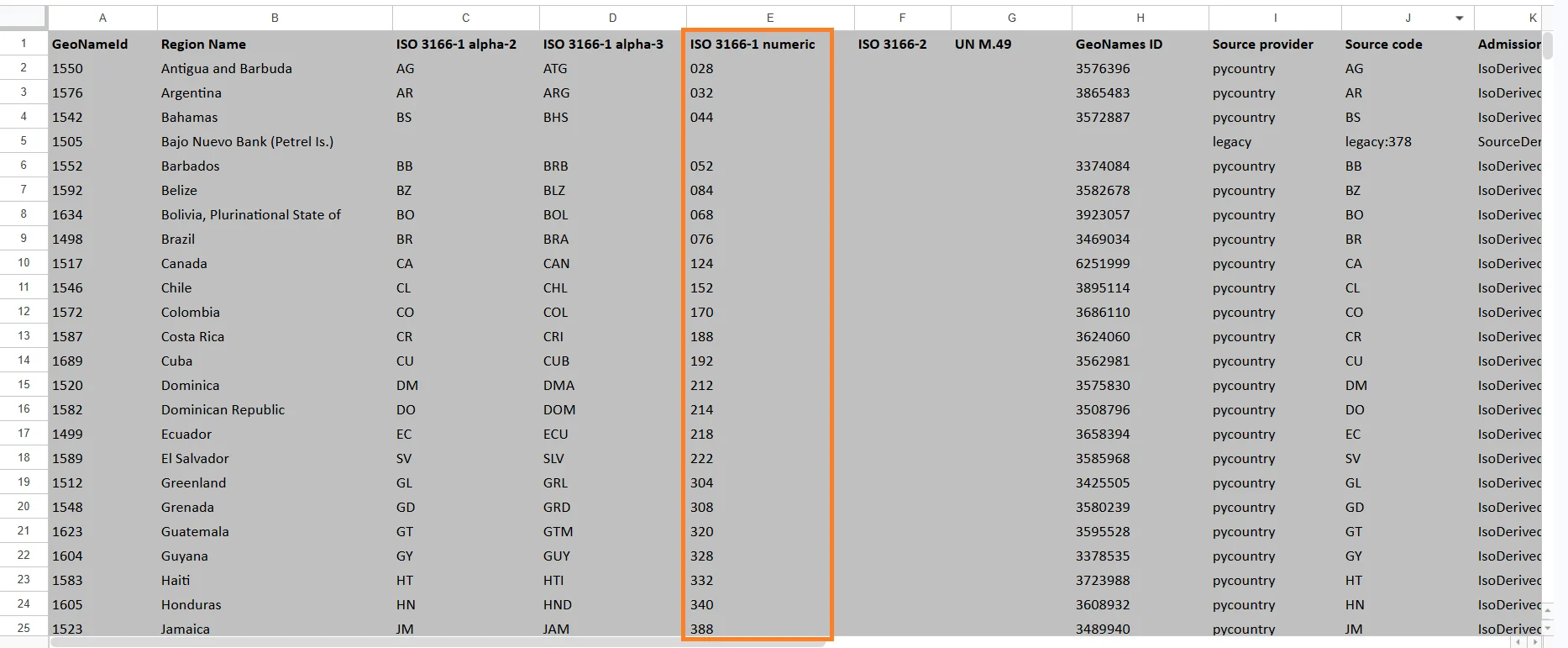
ISO 3166-2
A subdivision code used for states, provinces, districts, and territories. Examples: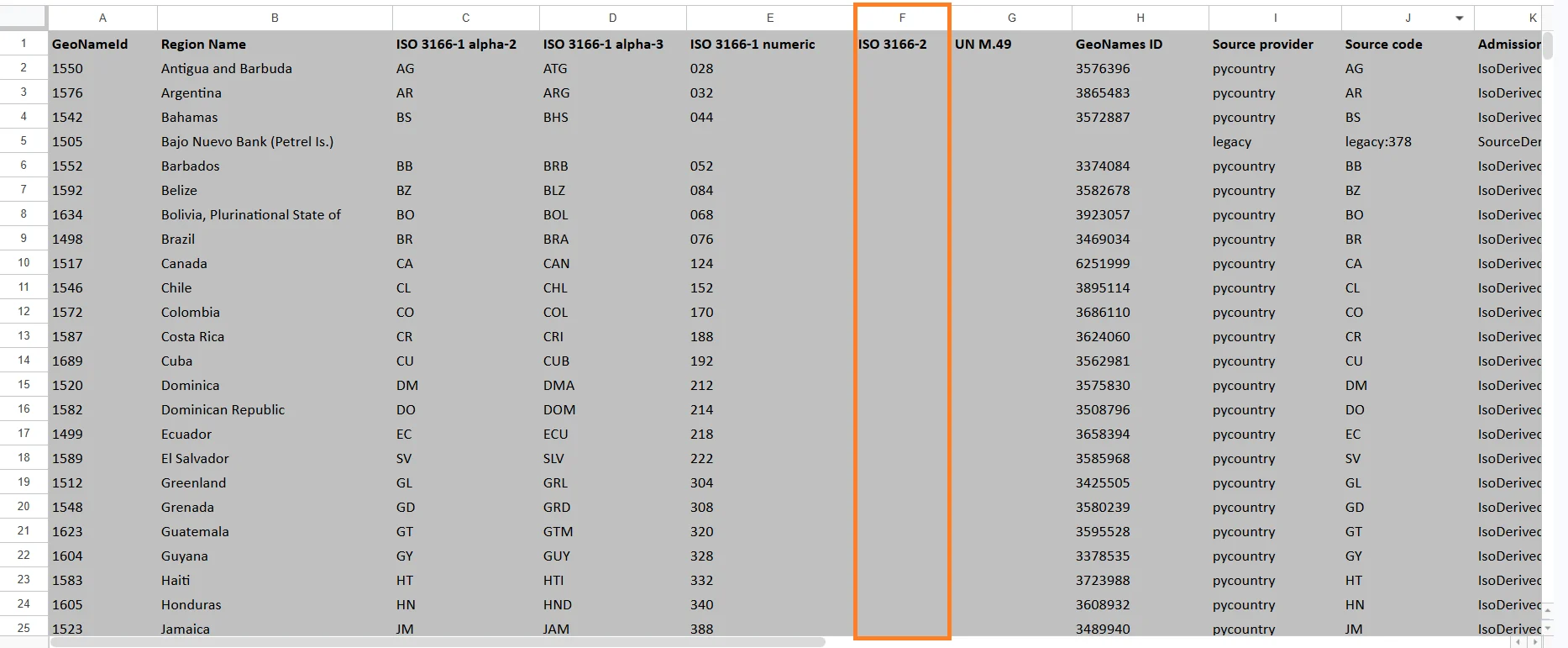
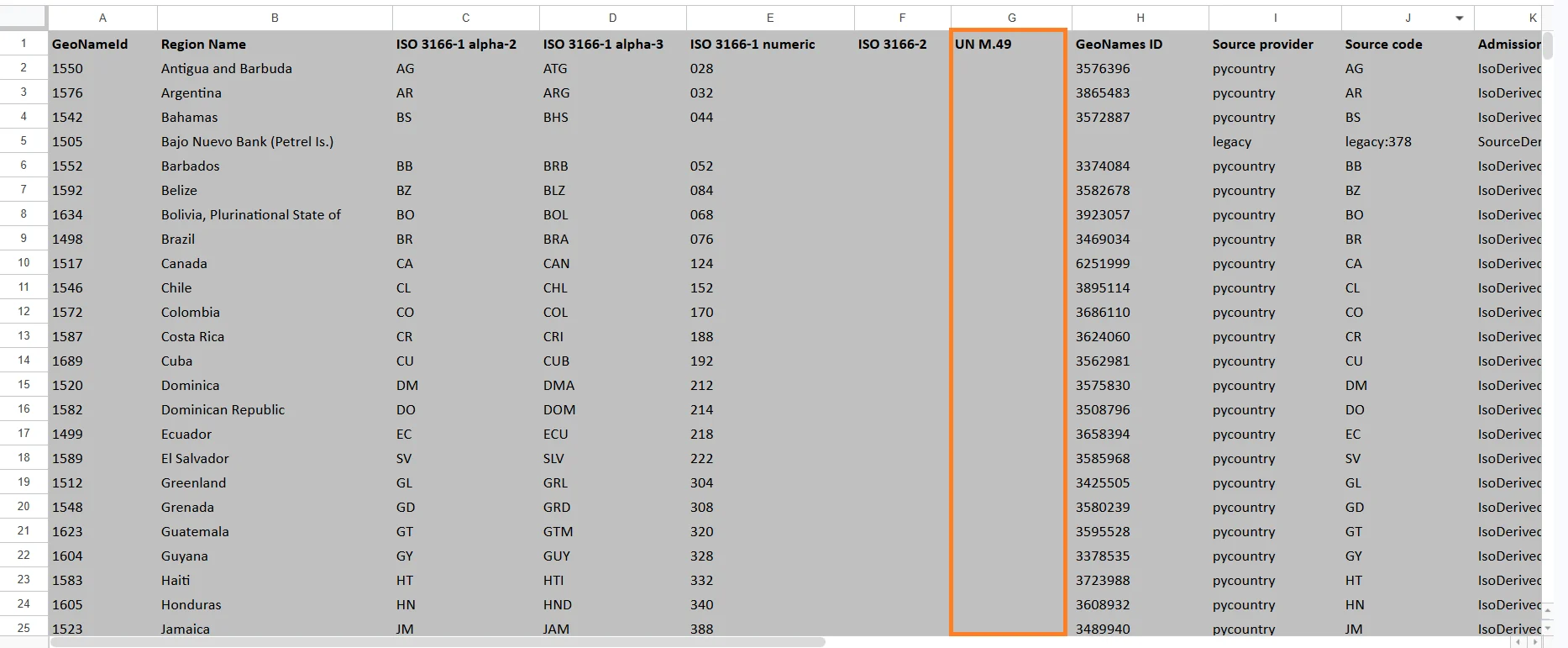
UN M.49
A geographic classification code maintained by the United Nations. These codes are used for international statistics and reporting. Examples include:- 840 = United States
- 124 = Canada
GeoNames ID
A unique identifier from the GeoNames geographic database. GeoNames IDs are commonly used in GIS systems and geographic APIs.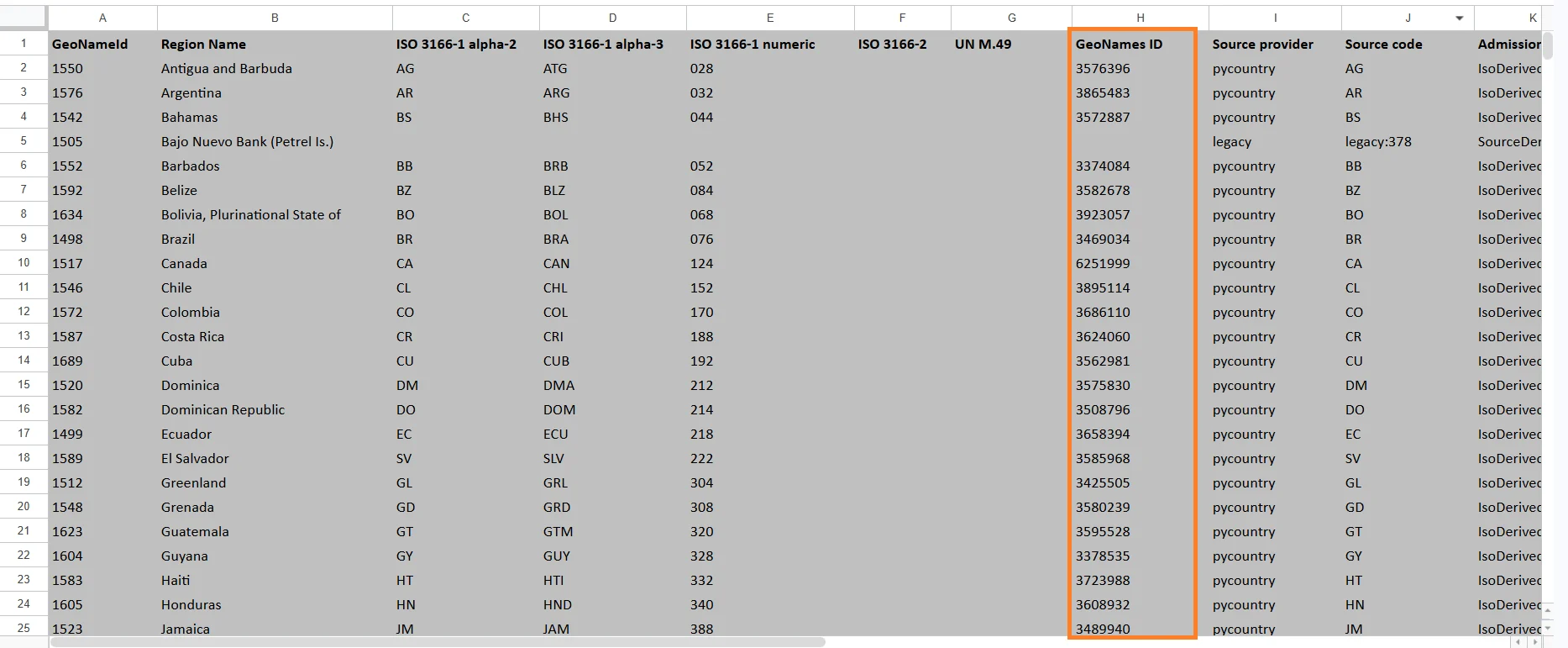
Source Provider
Indicates the provider or database source used for the geographic information.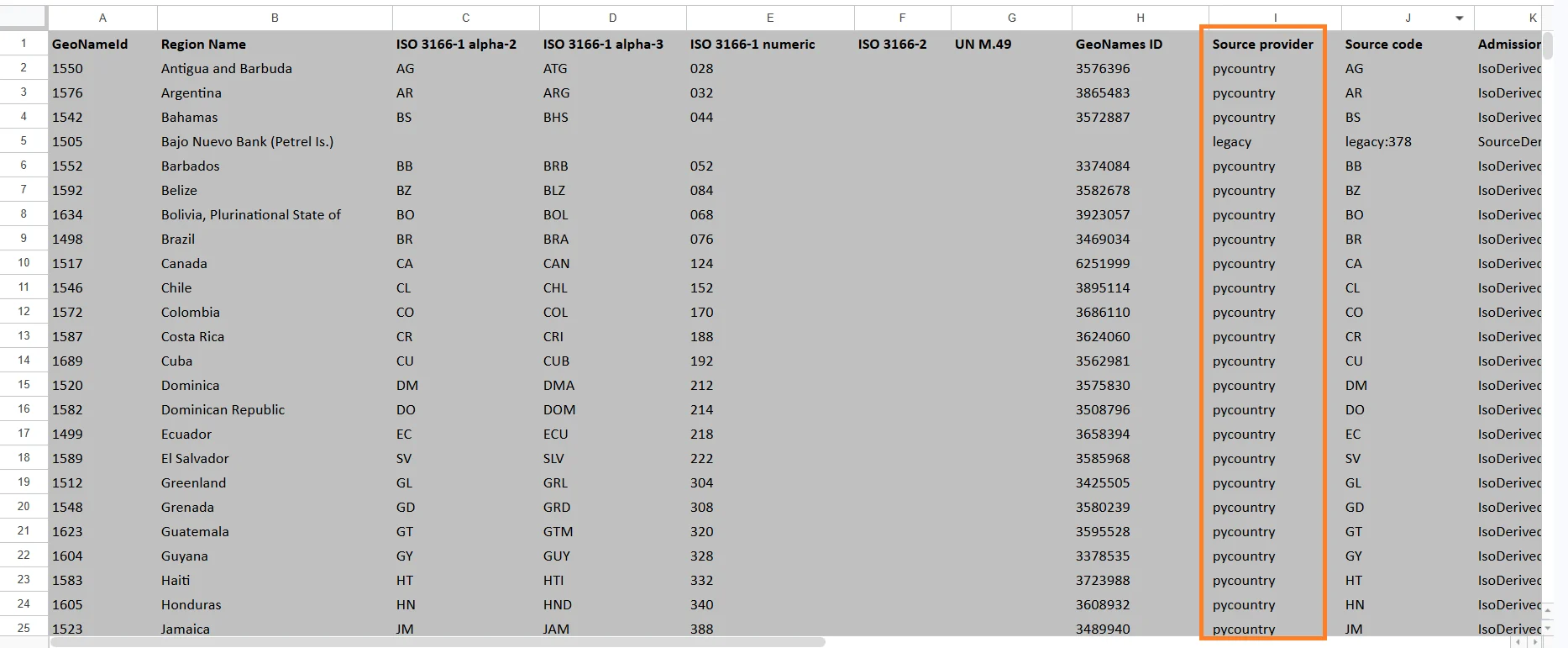
Source Code
The original region code provided by the source database.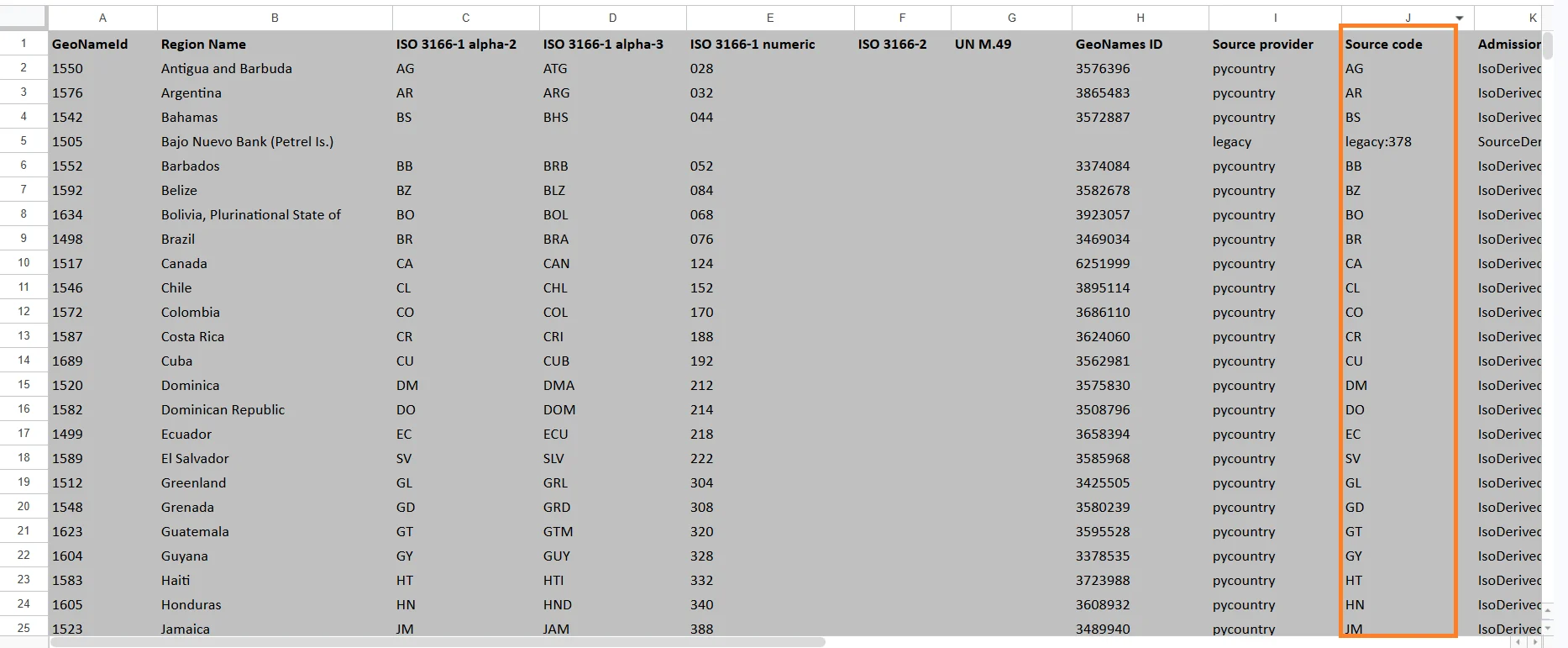
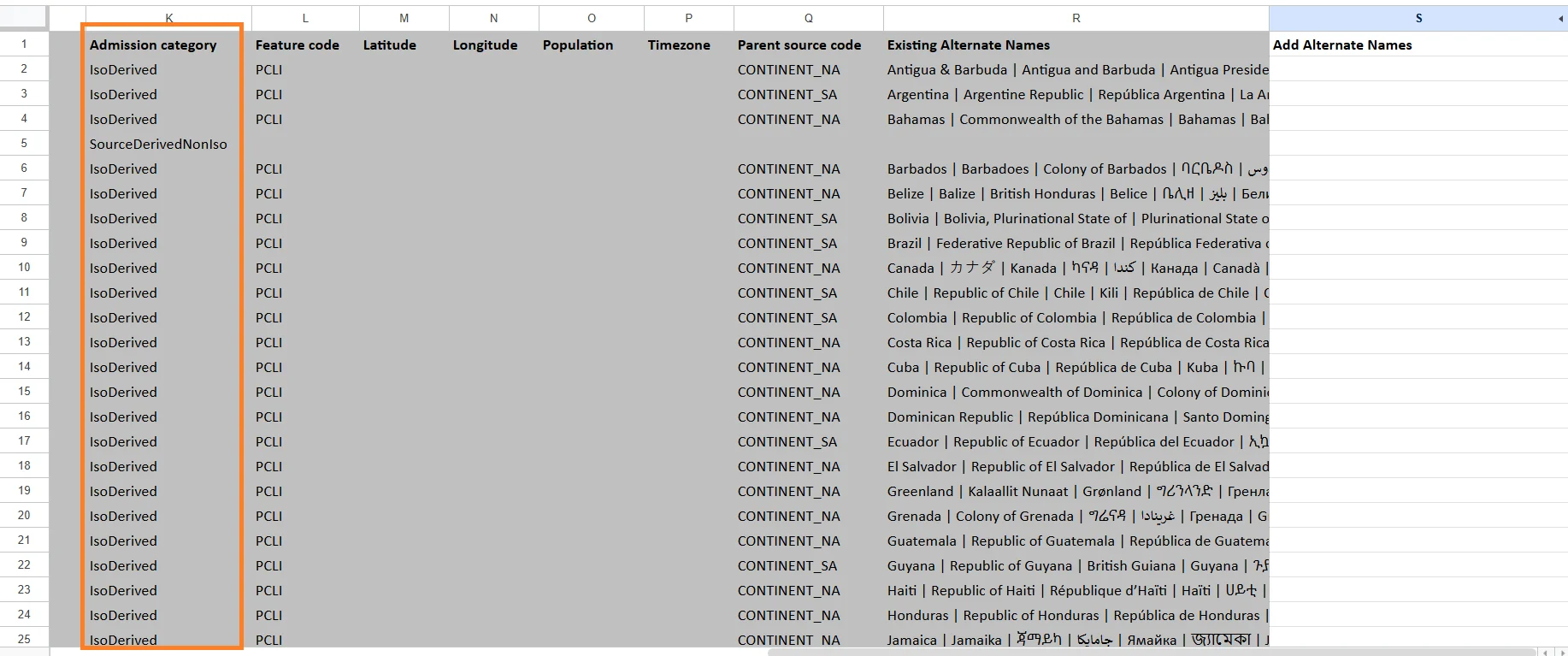
Admission Category
Defines the administrative classification of the region. Examples may include:- Country
- State
- Province
- Territory
- District
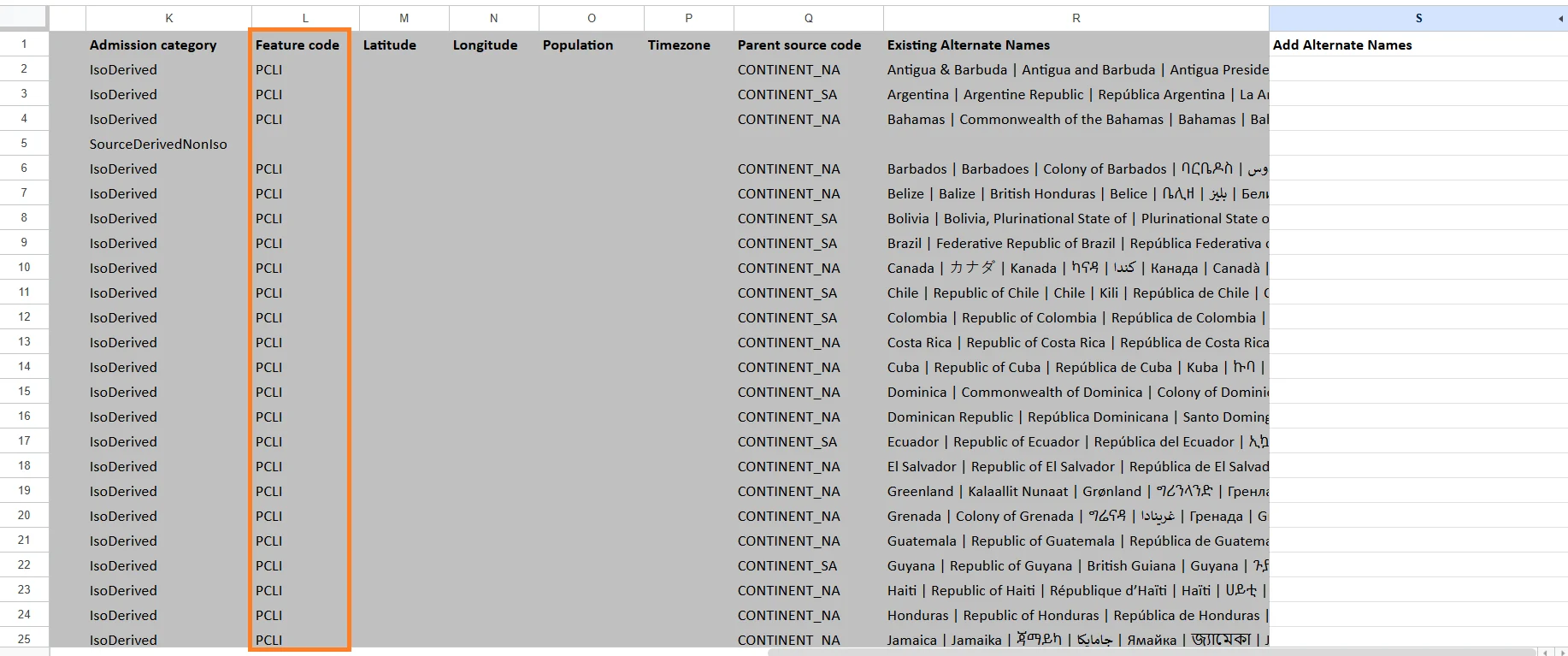
Feature Code
A classification code that identifies the type of geographic feature. Examples:- Country
- Administrative region
- City
- Island
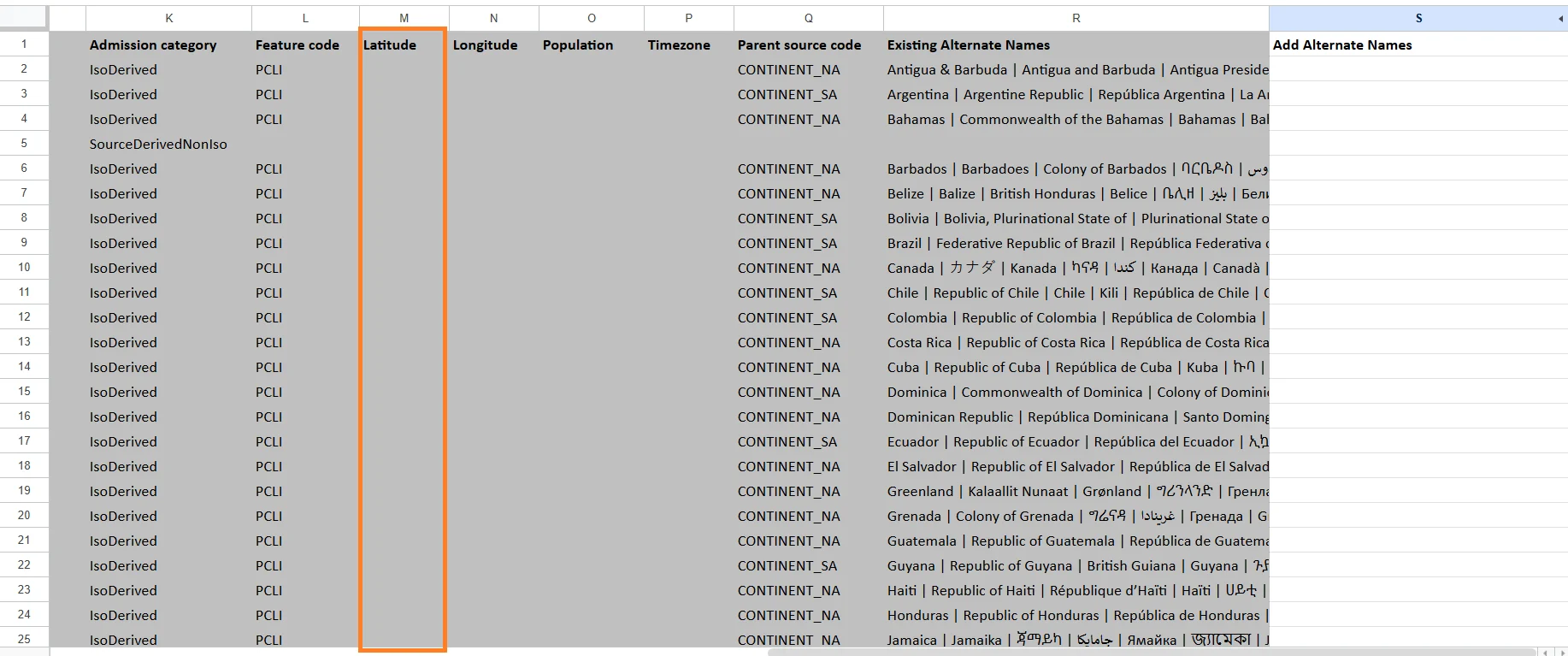
Latitude
The geographic latitude coordinate of the region. Latitude is used to position the region on maps. Example:- 40.7128
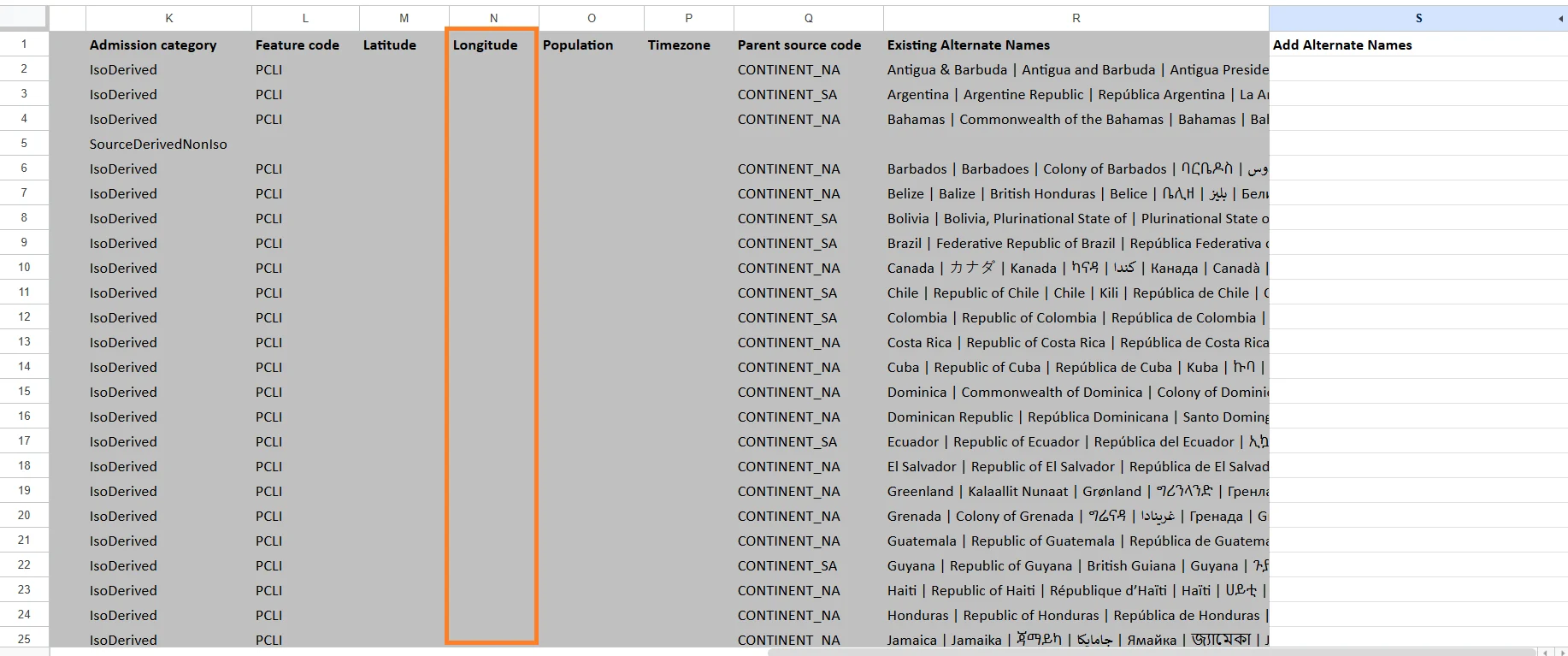
Longitude
The geographic longitude coordinate of the region. Longitude works together with latitude for map positioning. Example:- -74.0060
Population
The estimated population of the region.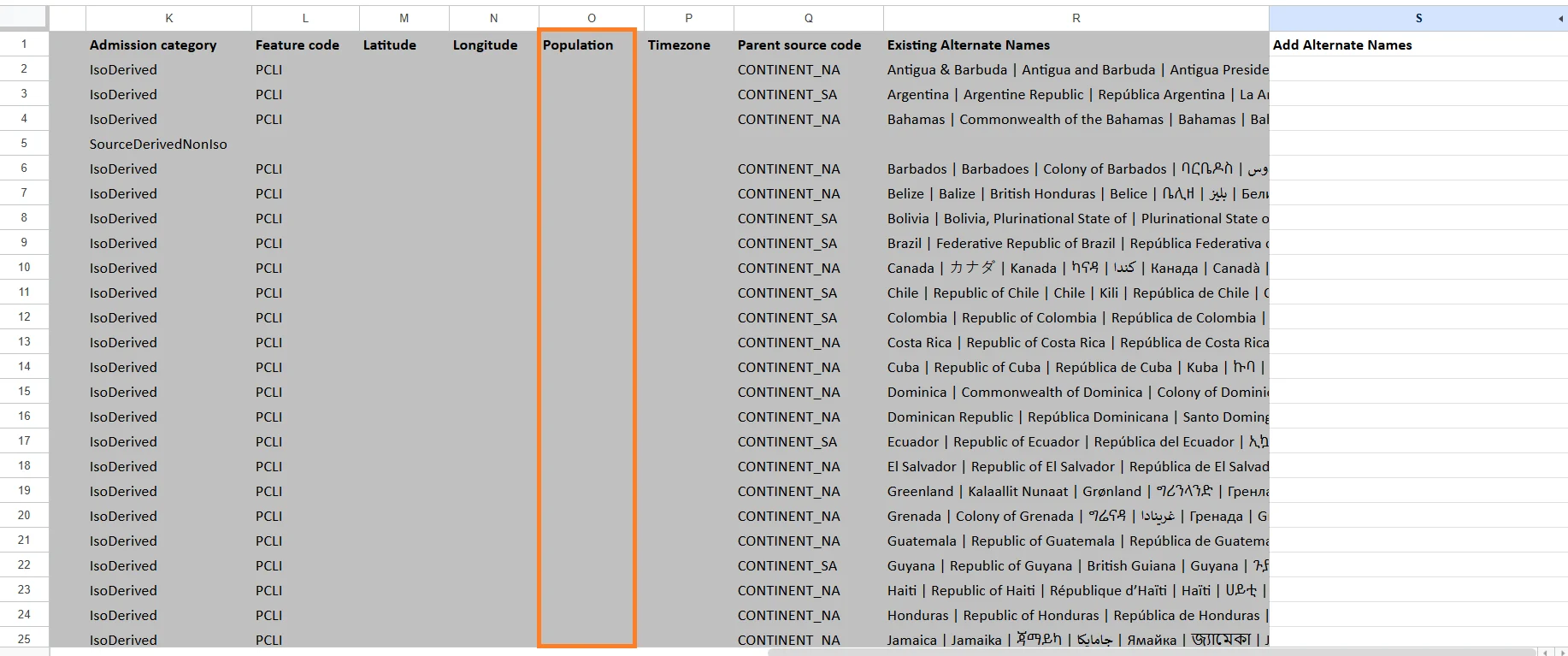
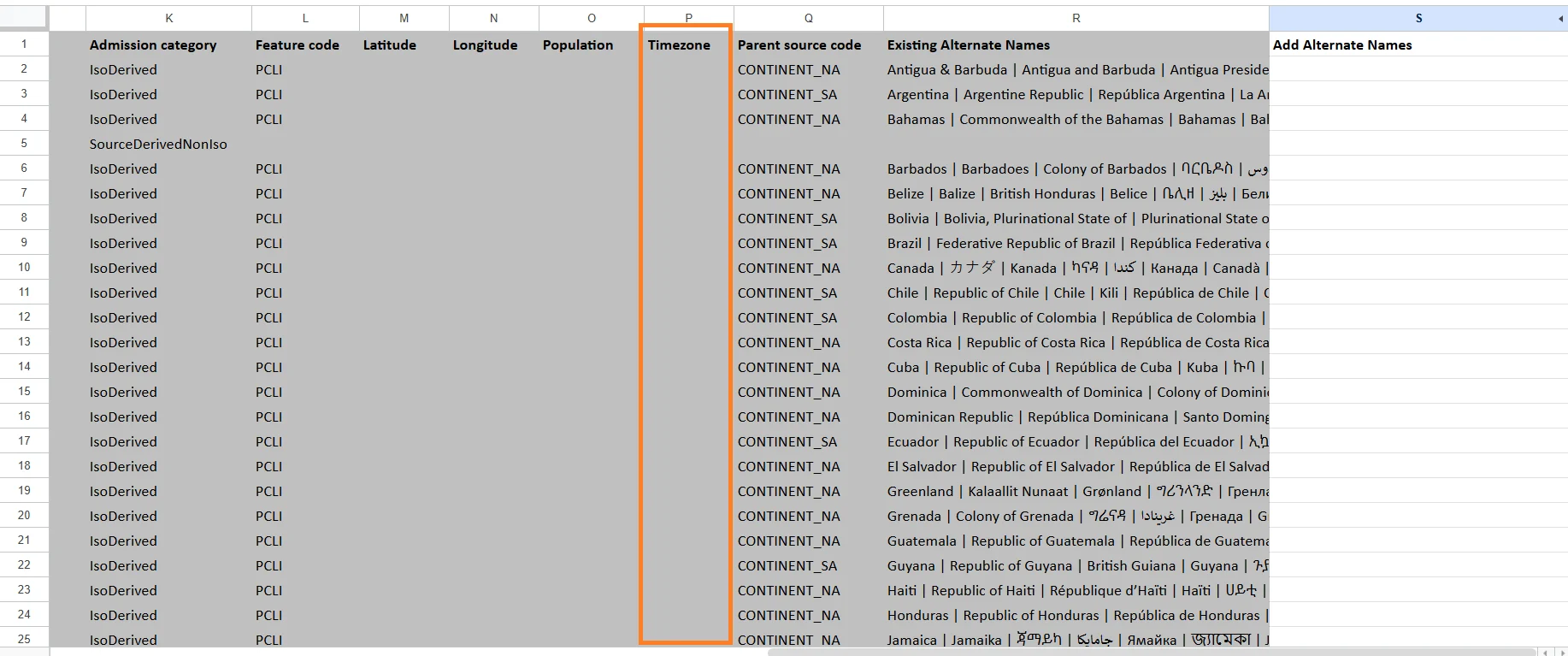
Timezone
The primary timezone associated with the region. Examples:- America/New_York
- Europe/Berlin
- Asia/Tokyo
Parent Source Code
The identifier of the parent geographic region. Examples:- A state may reference its parent country.
- A district may reference its parent province.
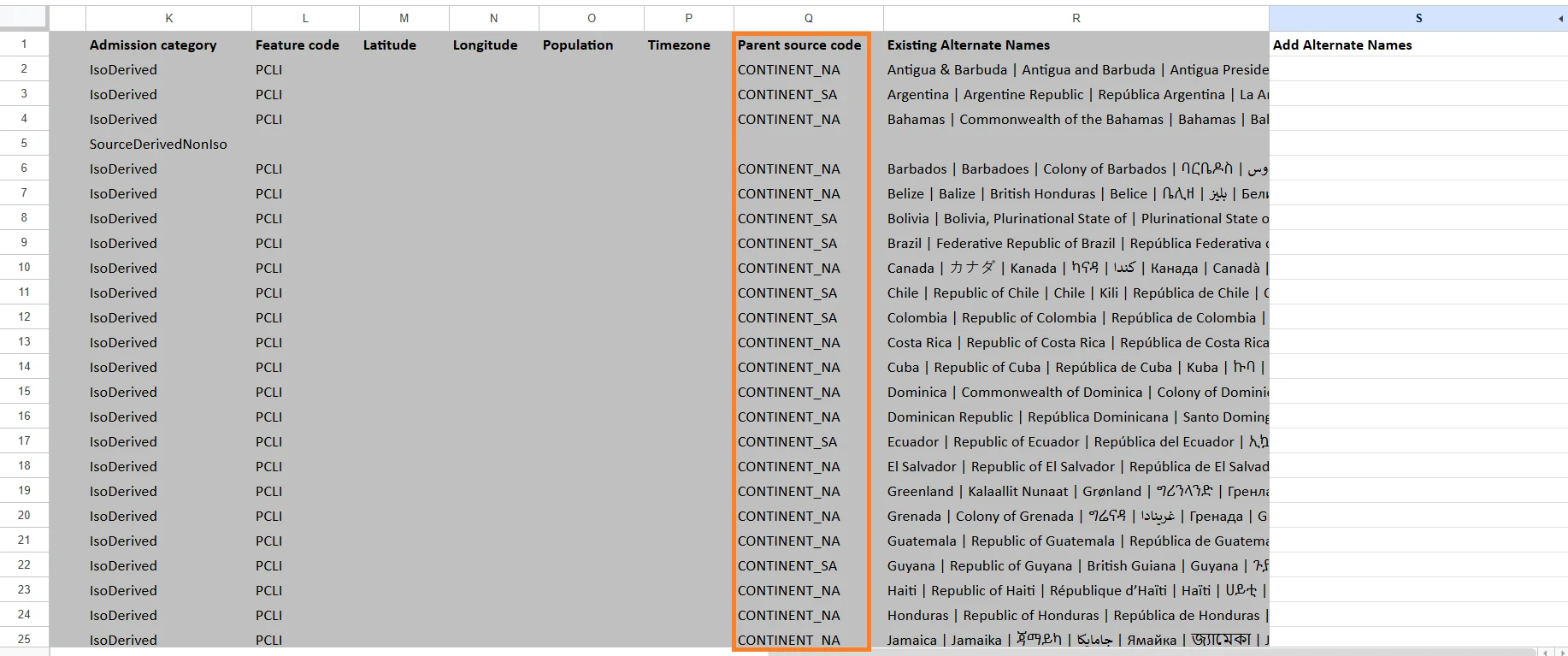
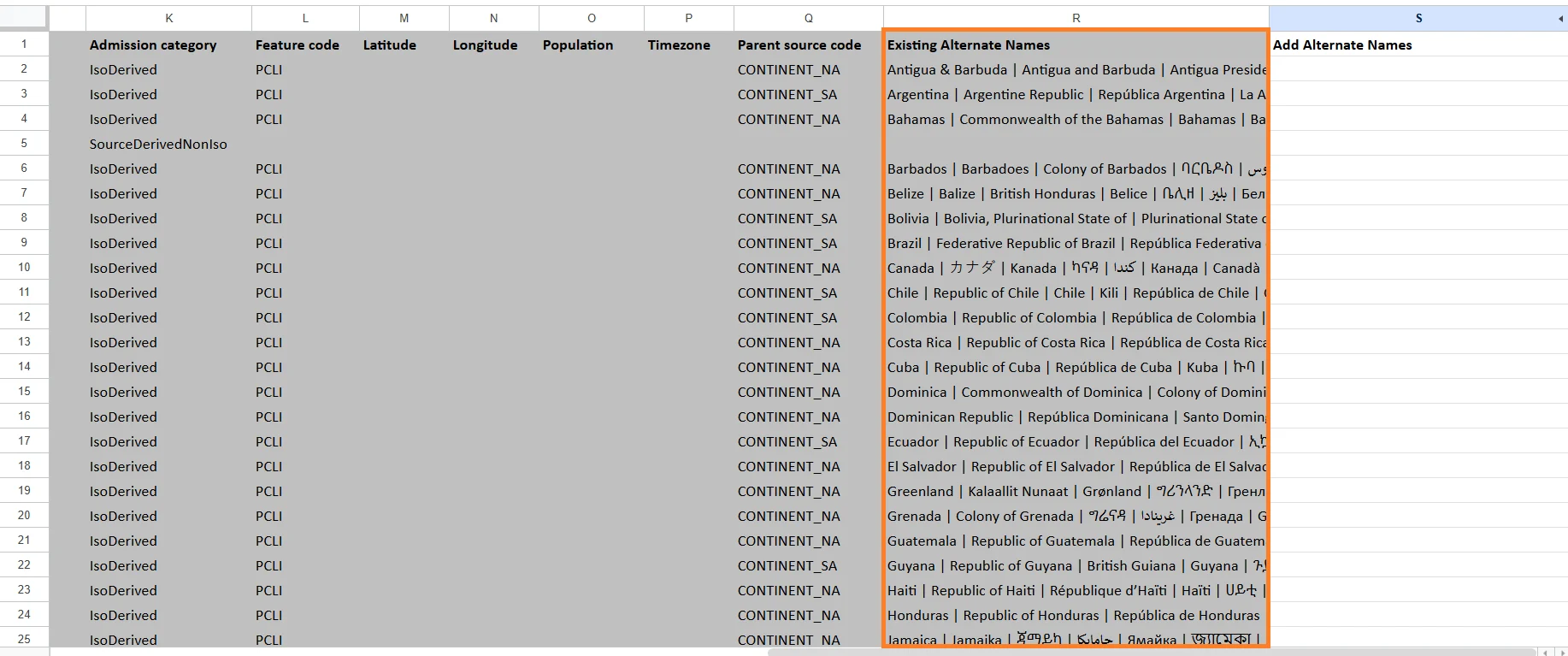
Existing Alternate Names
Contains alternative names already associated with the region. Examples:- USA
- United States of America
- US
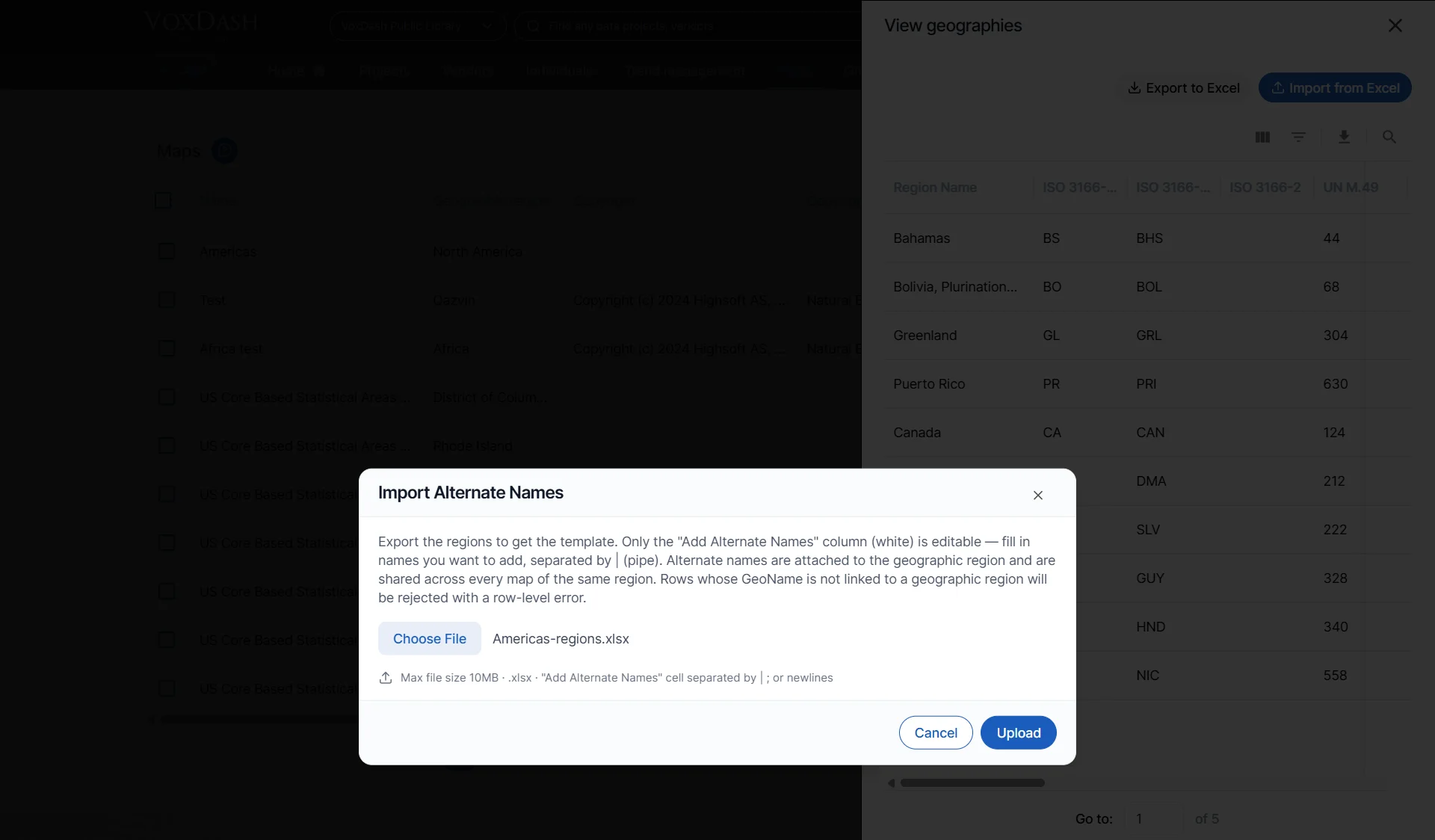
Add Alternate Names
A customizable field where users can add additional region aliases or alternate spellings. This is useful when your dataset uses non-standard region names. Examples:- NYC for New York City
- Cali for California
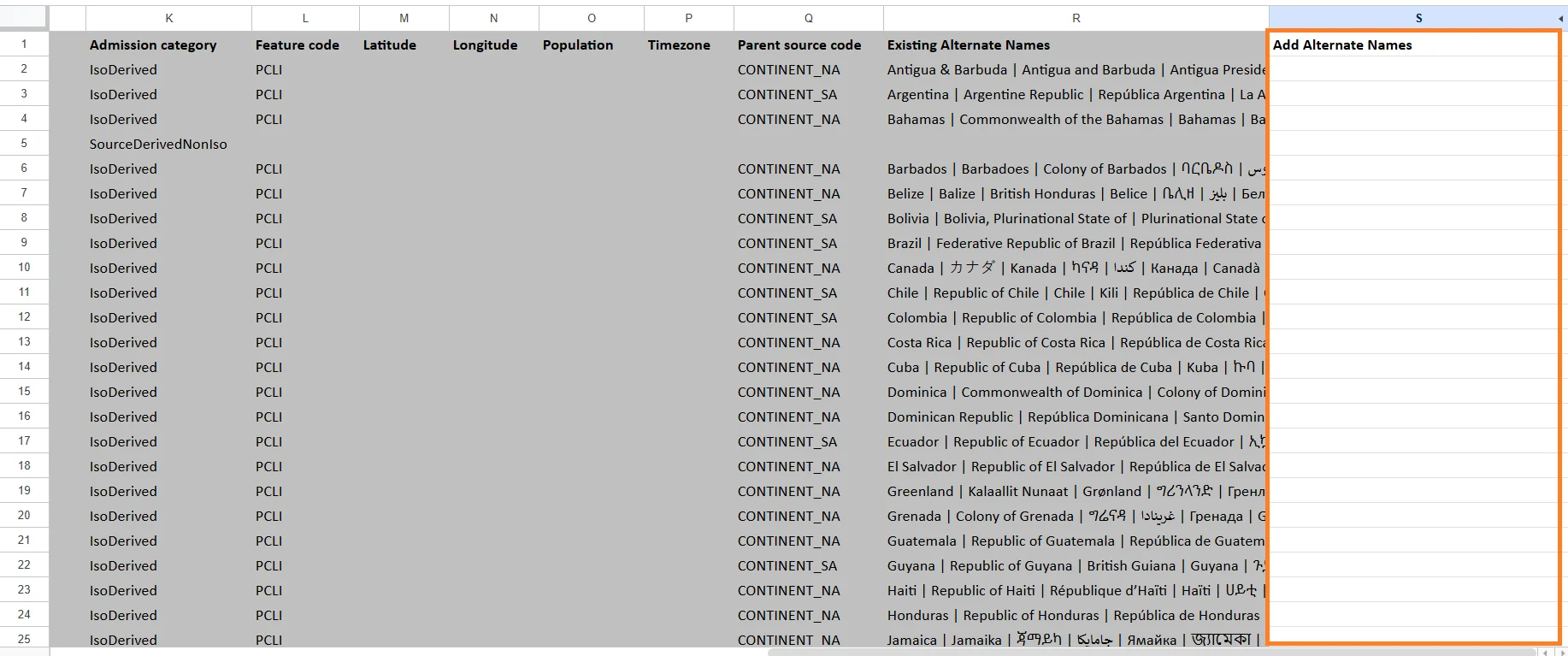
- Separate multiple values using the
|(pipe) character. - Alternate names are shared across every map that uses the same geographic region.
- Rows whose GeoName is not linked to a valid geographic region will be rejected with a row-level validation error.
- Return to the Maps page.
- Locate the map you updated.
- Select View Region.
- Choose Import Excel.
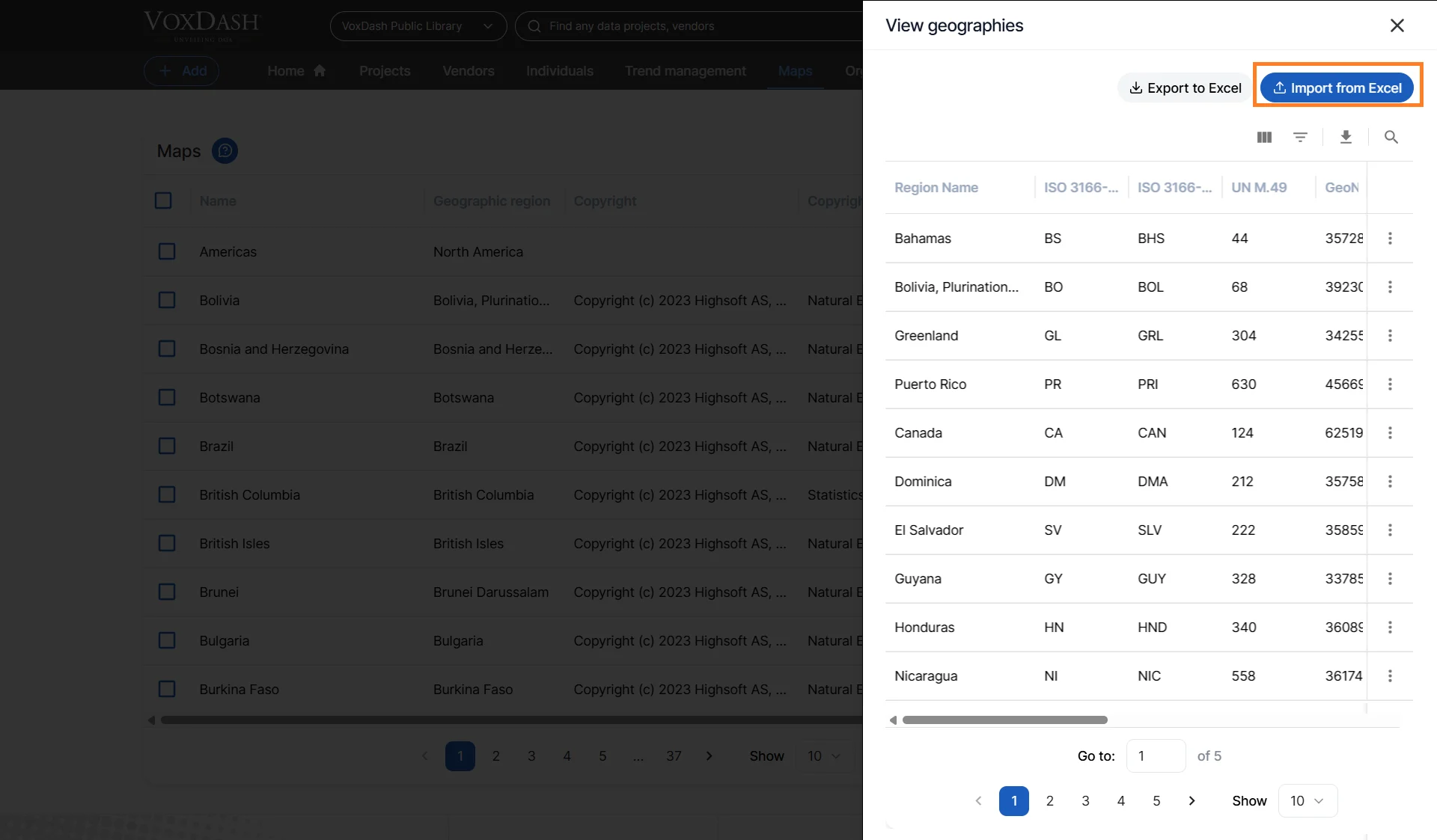
- Upload the updated Excel file.
Preparing Your Data
After exporting the Excel file:- Open the file in Excel or SPSS.
- Add the ISO codes to your survey as map variable.
- Save the updated file.
Importing the Updated File into VoxDash
Once your geographic data has been prepared:- Import the updated file back into VoxDash.
- Do the data entry of your file and add map to your survey. More information Here
- Open the question with map to view the geographical visualization.
Tips for Better Map Visualization
- Ensure that geographic codes are consistent and properly formatted.
- Avoid duplicate or missing region identifiers.
- Use ISO-standard codes whenever possible for the best compatibility.
- Verify map-region matching before publishing dashboards or reports.