Accessing the Question Library
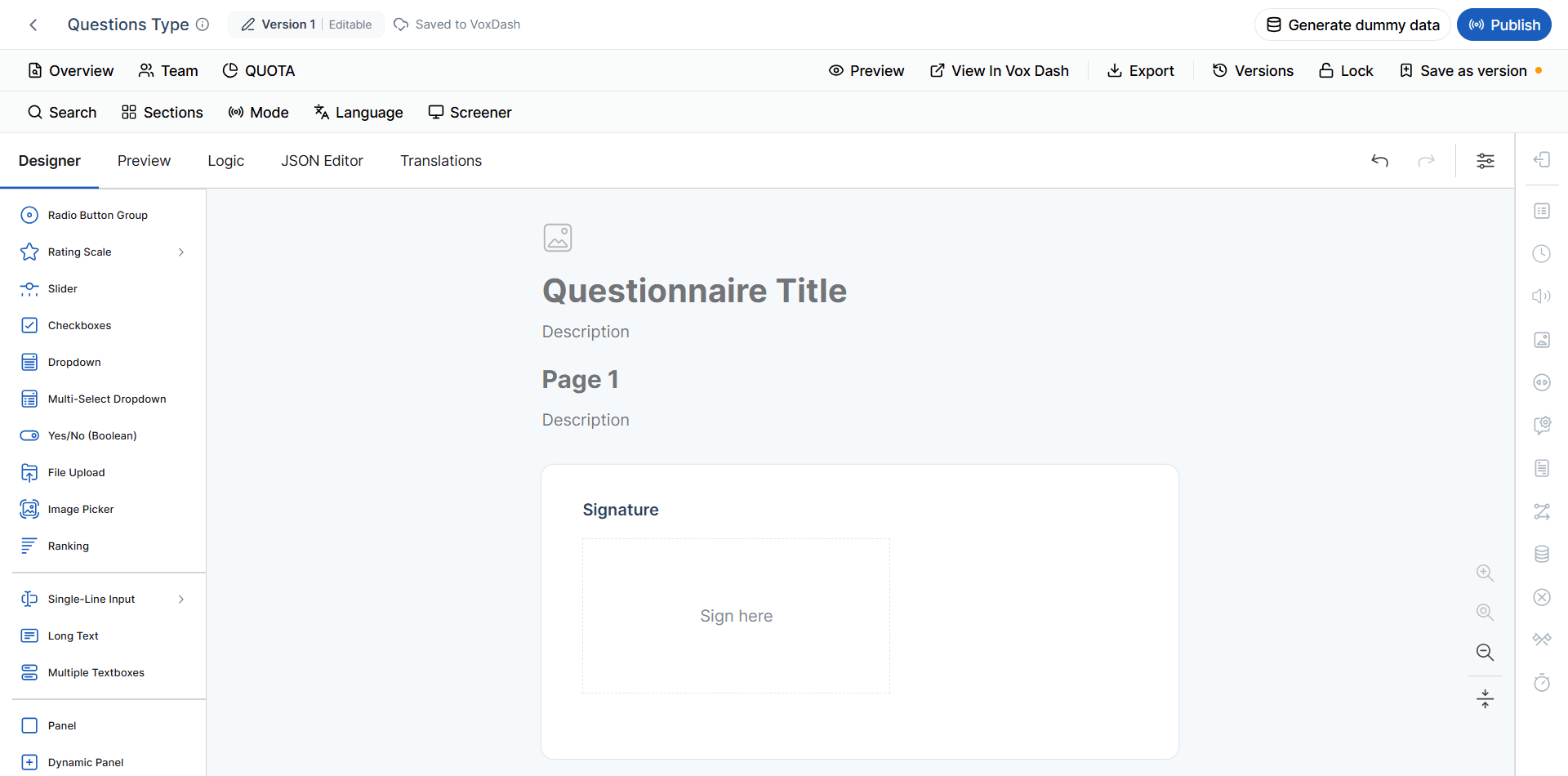
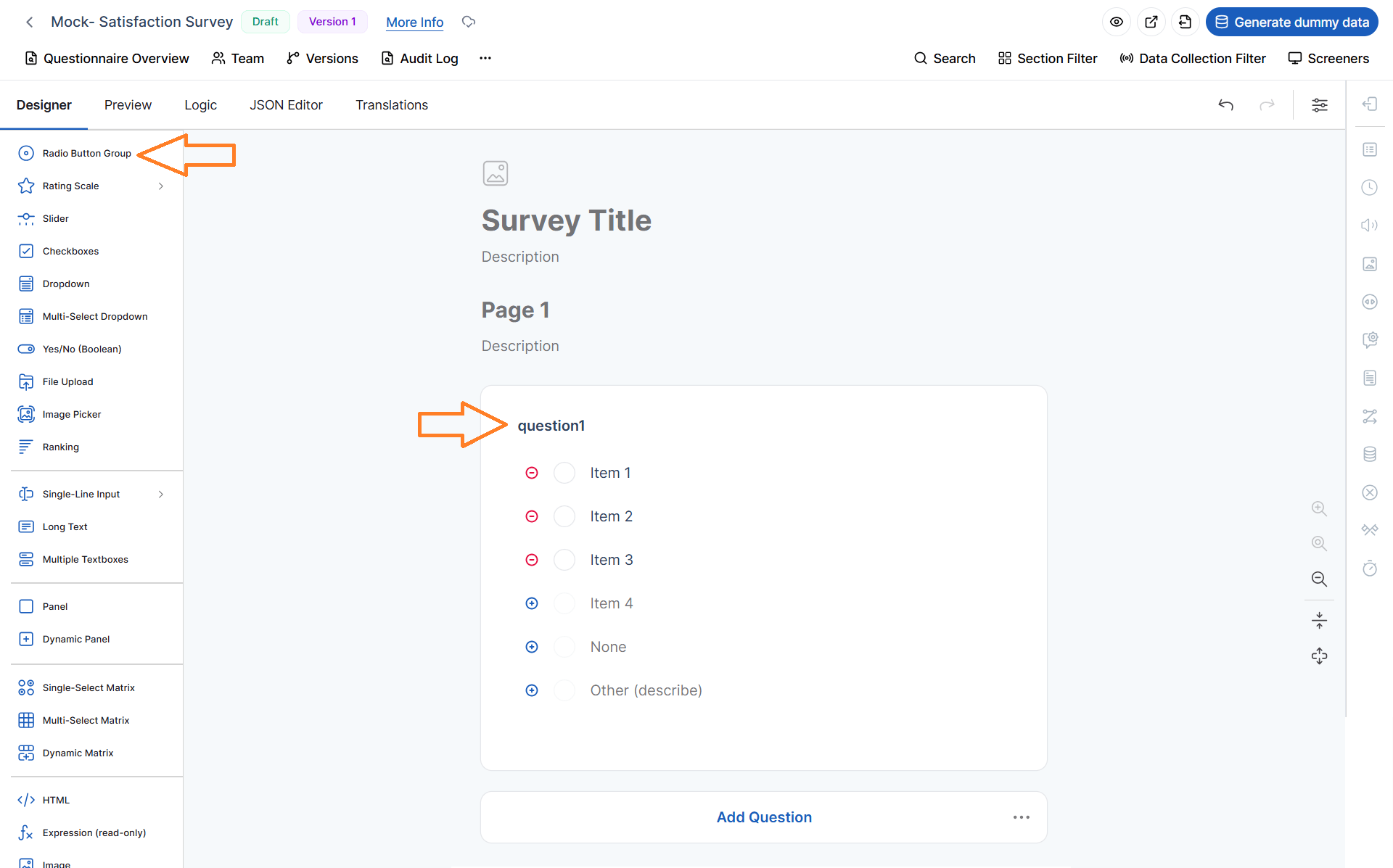
On the left side of the Editor Panel, you will find the Question Library. This panel contains all available question types that you can add to your questionnaire. Each question type is designed for a specific purpose, allowing you to collect different kinds of information—from simple text responses to complex tabular data and file uploads.To add a question:
- Locate the desired question type in the Question Library.
- Click or drag the question into your questionnaire.
- Configure its properties, such as the title, answer choices, validation rules, and other settings.
Available Question Types
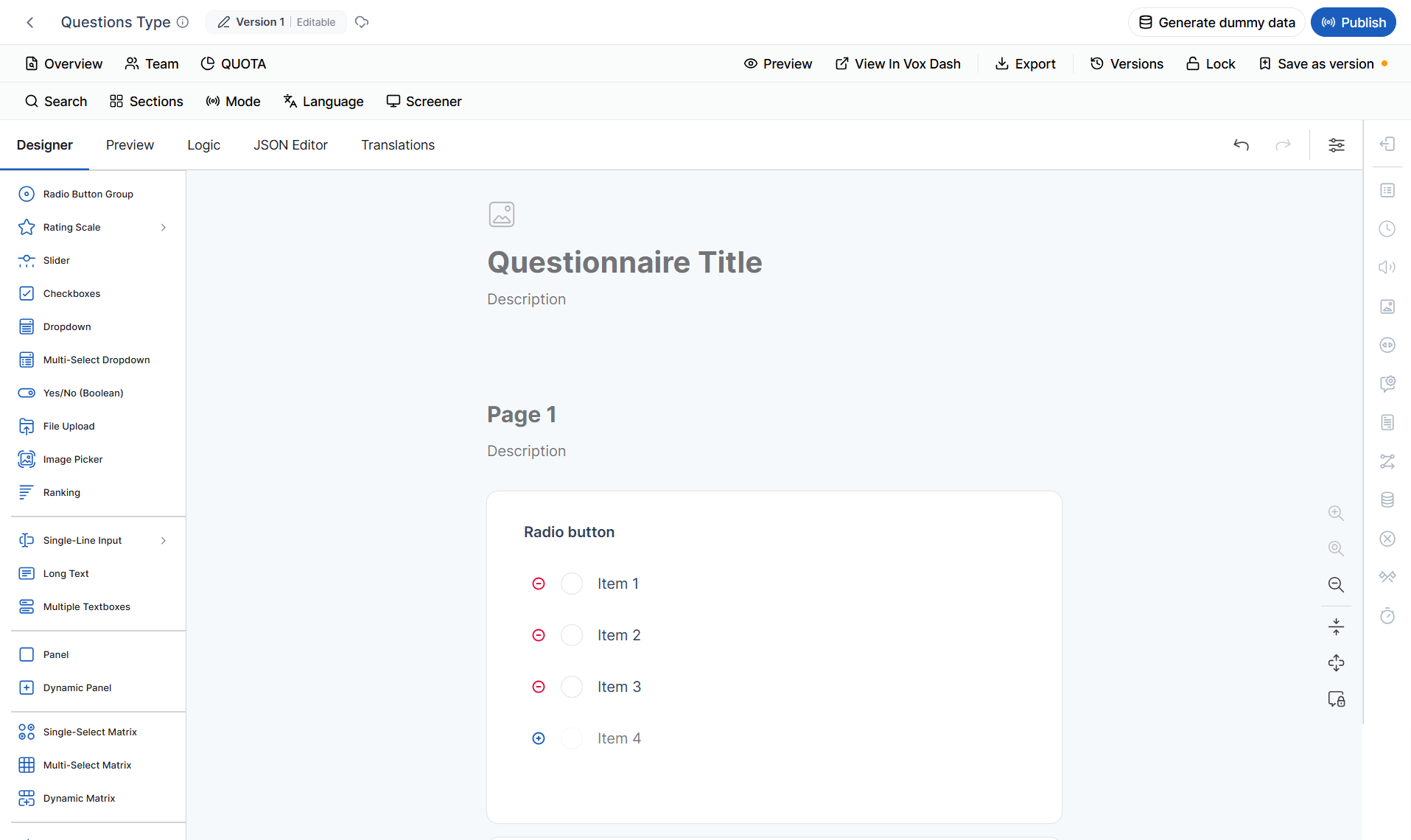
Below is an overview of each available question type and the scenarios in which it is most useful.Radio Button
Allows respondents to select only one option from a predefined list. Best used for:- Single-choice questions
- Mutually exclusive options
- Product or service selection
Which payment method do you prefer?
- Credit Card
- PayPal
- Bank Transfer
Rating Scale (Labels, Stars, Smiles)
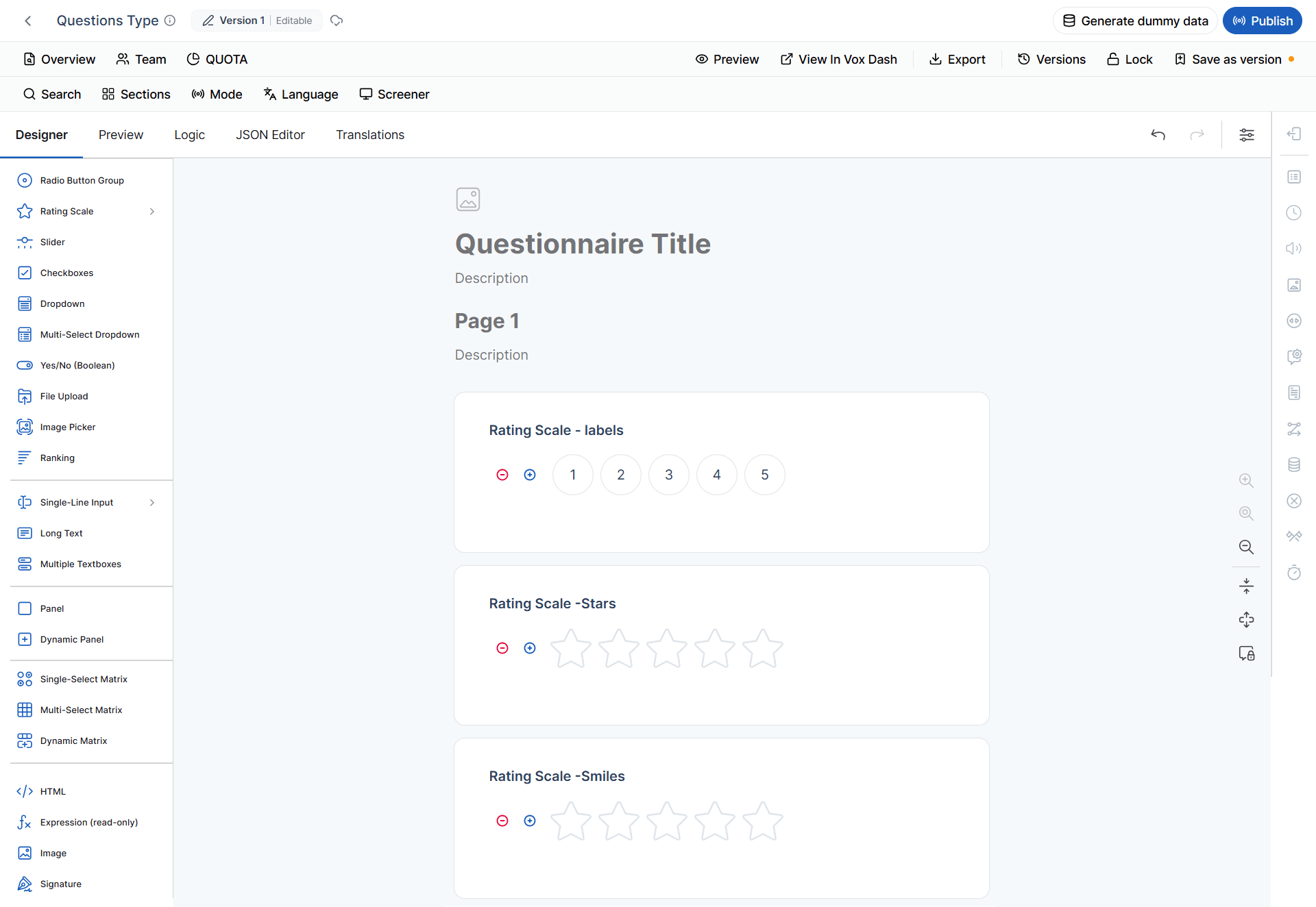
Allows respondents to rate an item using labels, stars, smiley faces, or similar visual scales. Best used for:- Customer satisfaction
- Product reviews
- Service quality evaluations
- User experience measurements
How satisfied are you with your purchase? ★★★★★
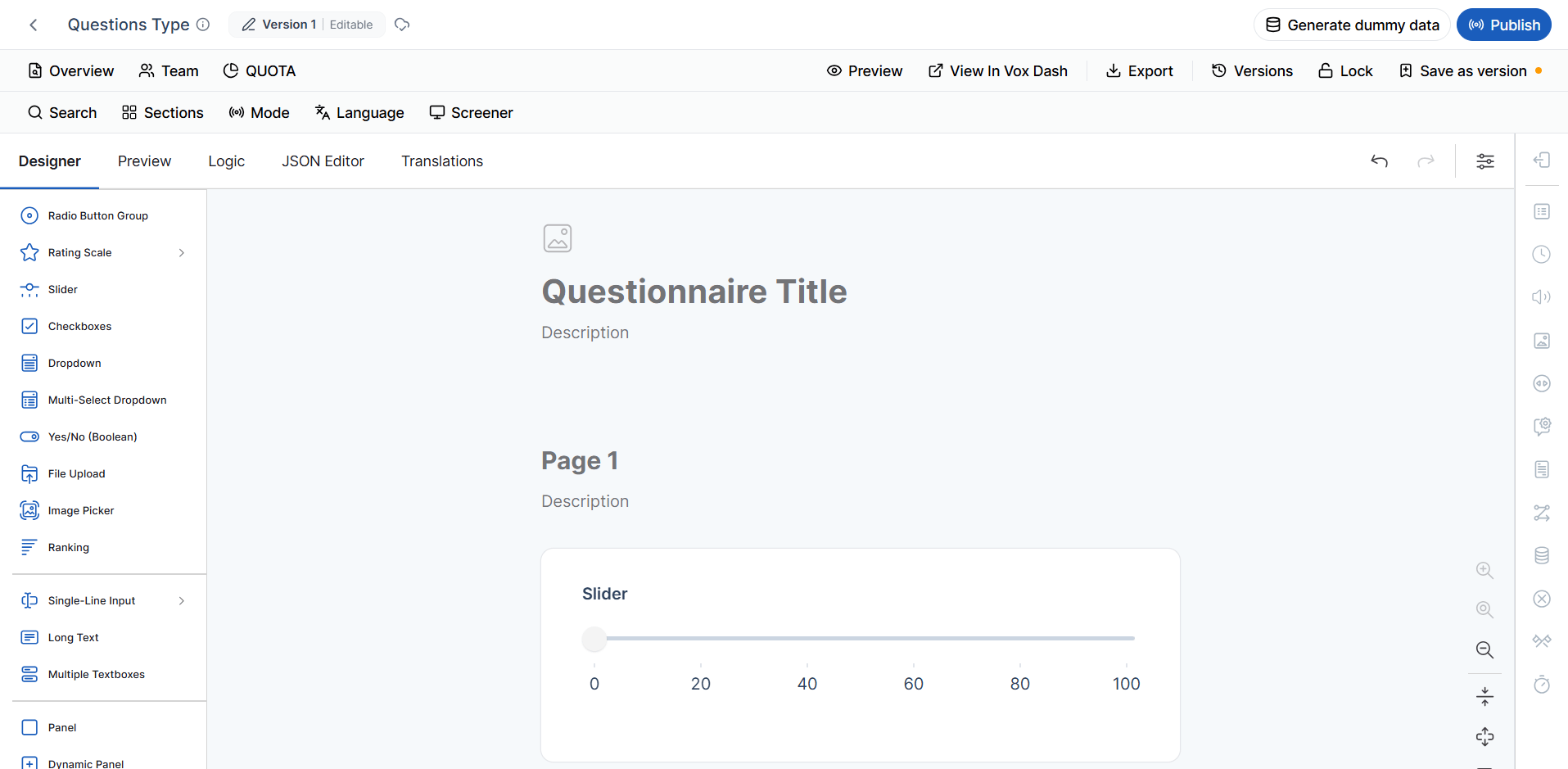
Slider
Lets respondents choose a value by moving a slider along a continuous range. Best used for:- Satisfaction scores
- Percentage values
- Preference levels
- Numerical ratings
How likely are you to recommend our store? 0 — Not Likely | 100 — Extremely Likely
Checkboxes
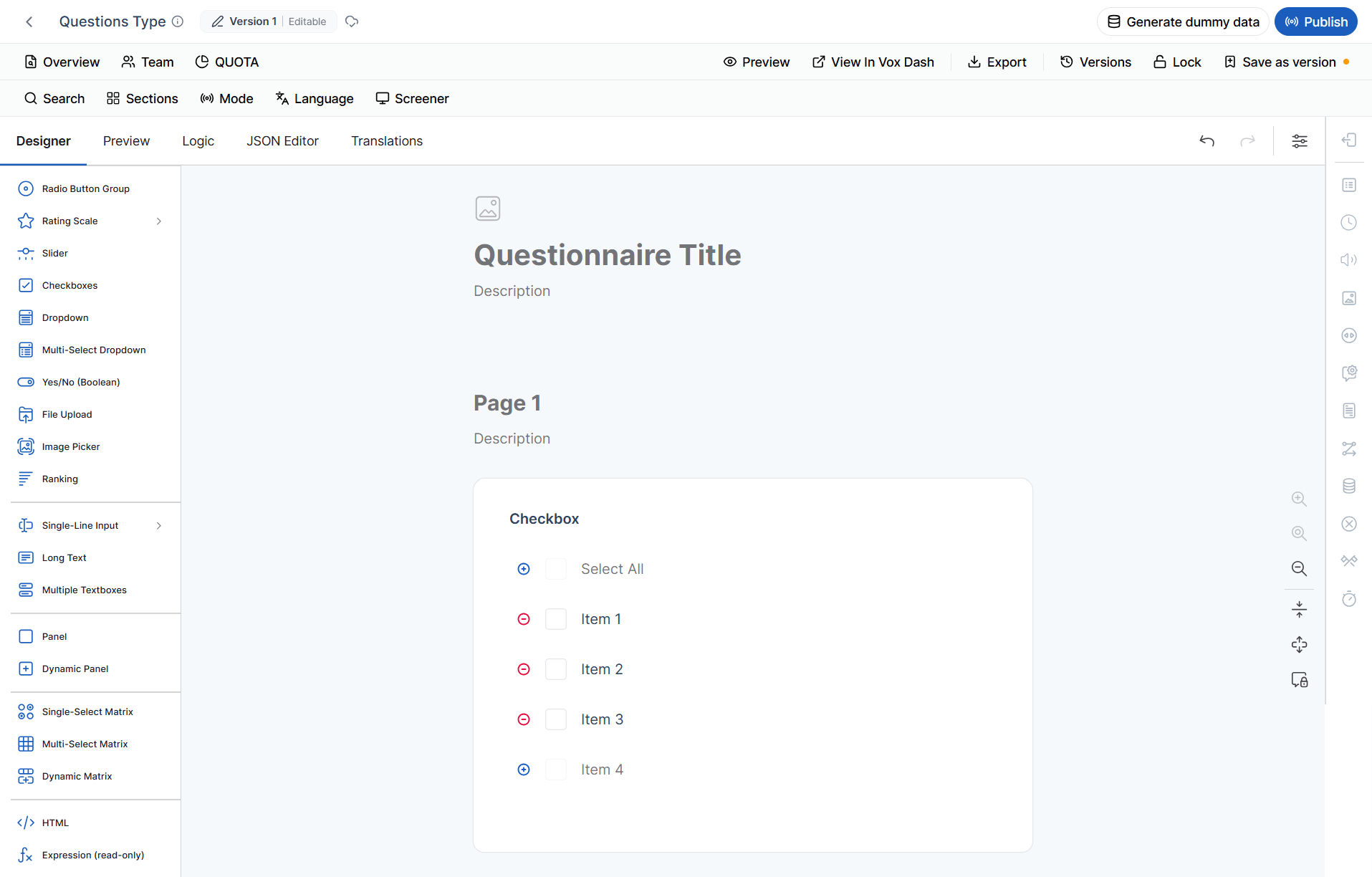
Allows respondents to select multiple answers from a list. Best used for:- Multiple product selections
- Feature usage
- Interests
- Categories
Which features do you regularly use?
- Order Tracking
- Wish List
- Product Reviews
- Coupons
Dropdown
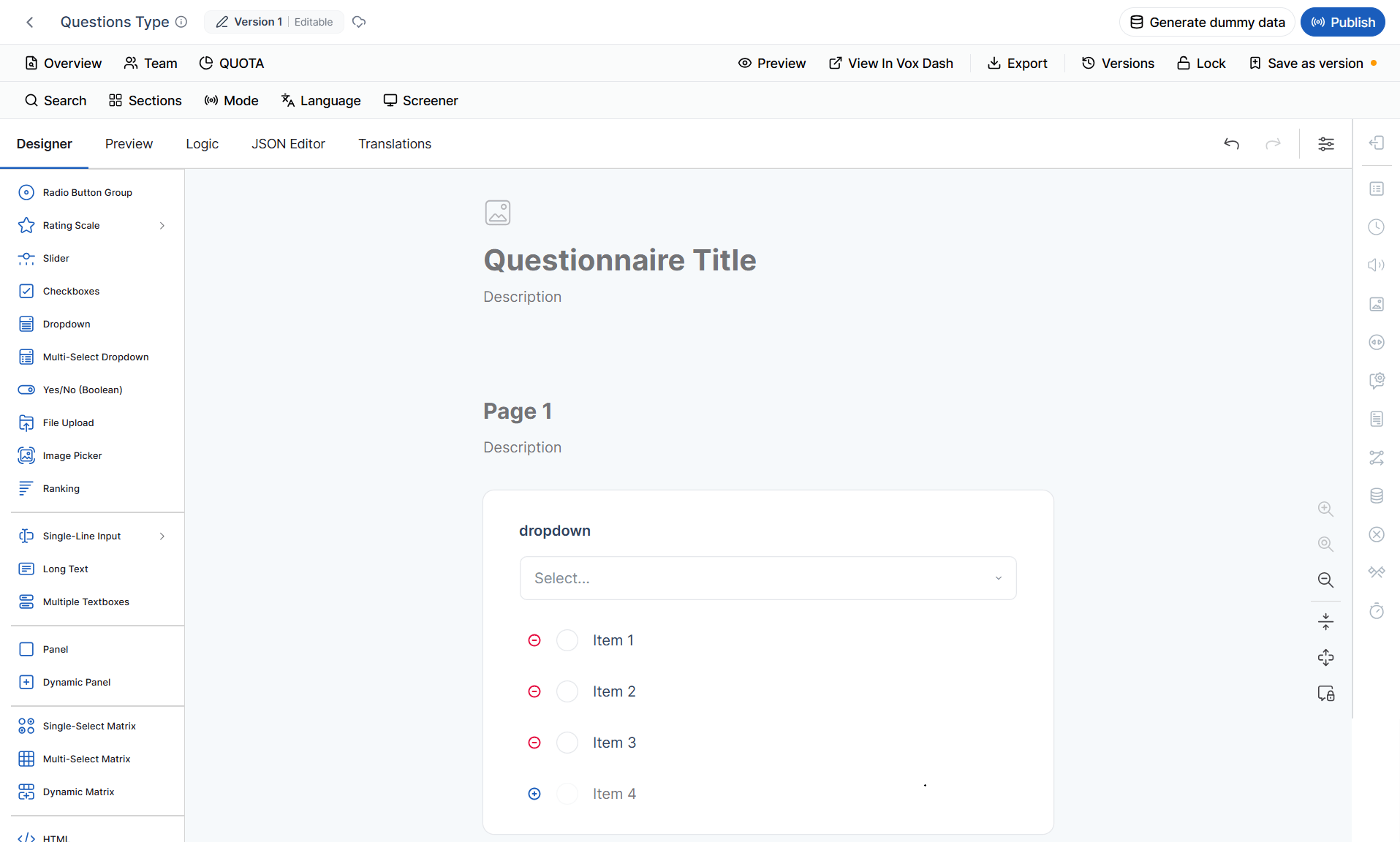
Displays a list of options in a compact dropdown menu while allowing only one selection. Best used for:- Long option lists
- Country selection
- Categories
- Product types
Select your country.
Multi-select Dropdown
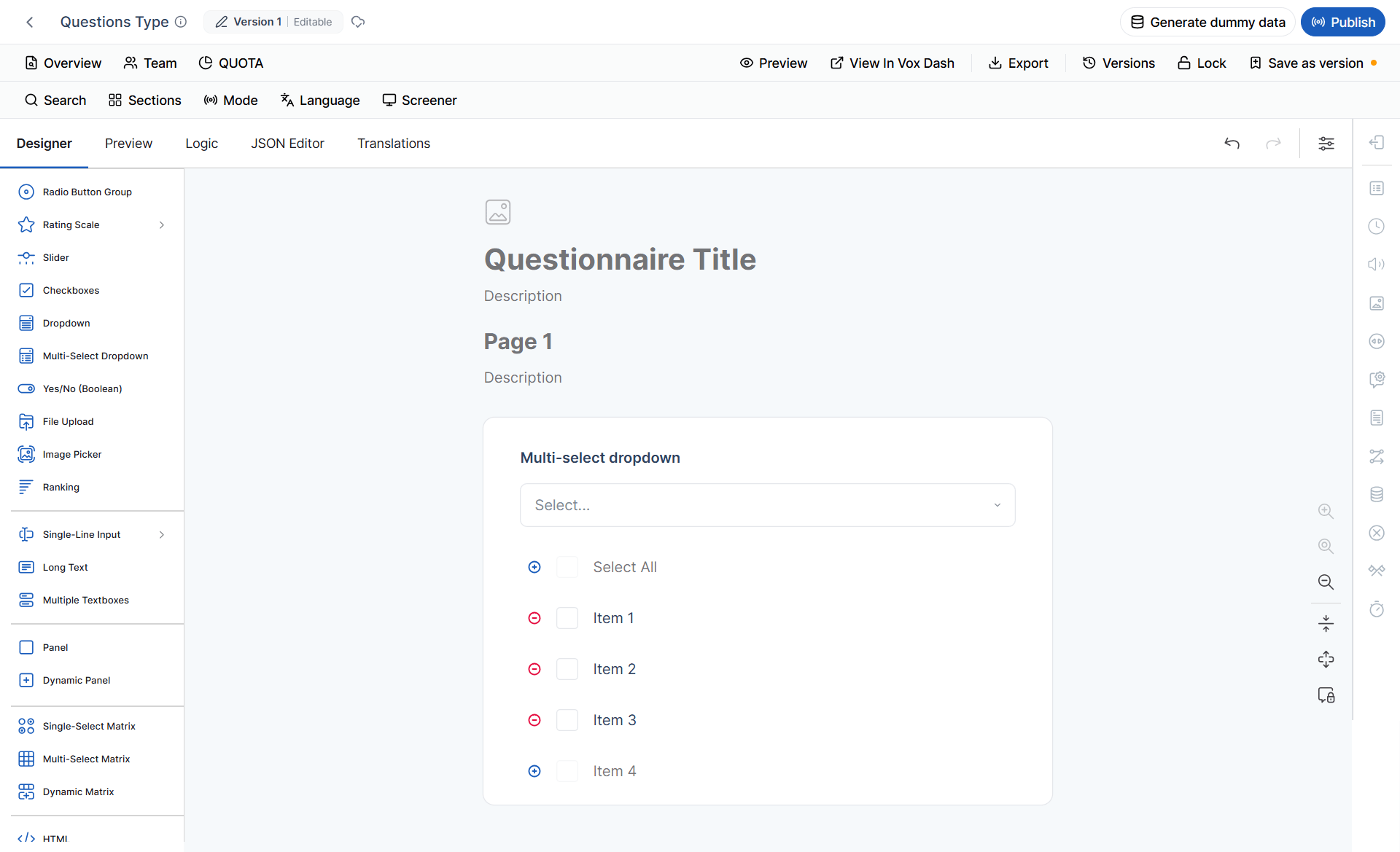
Works like a standard dropdown but allows respondents to select multiple options. Best used for:- Selecting multiple brands
- Choosing multiple interests
- Product categories
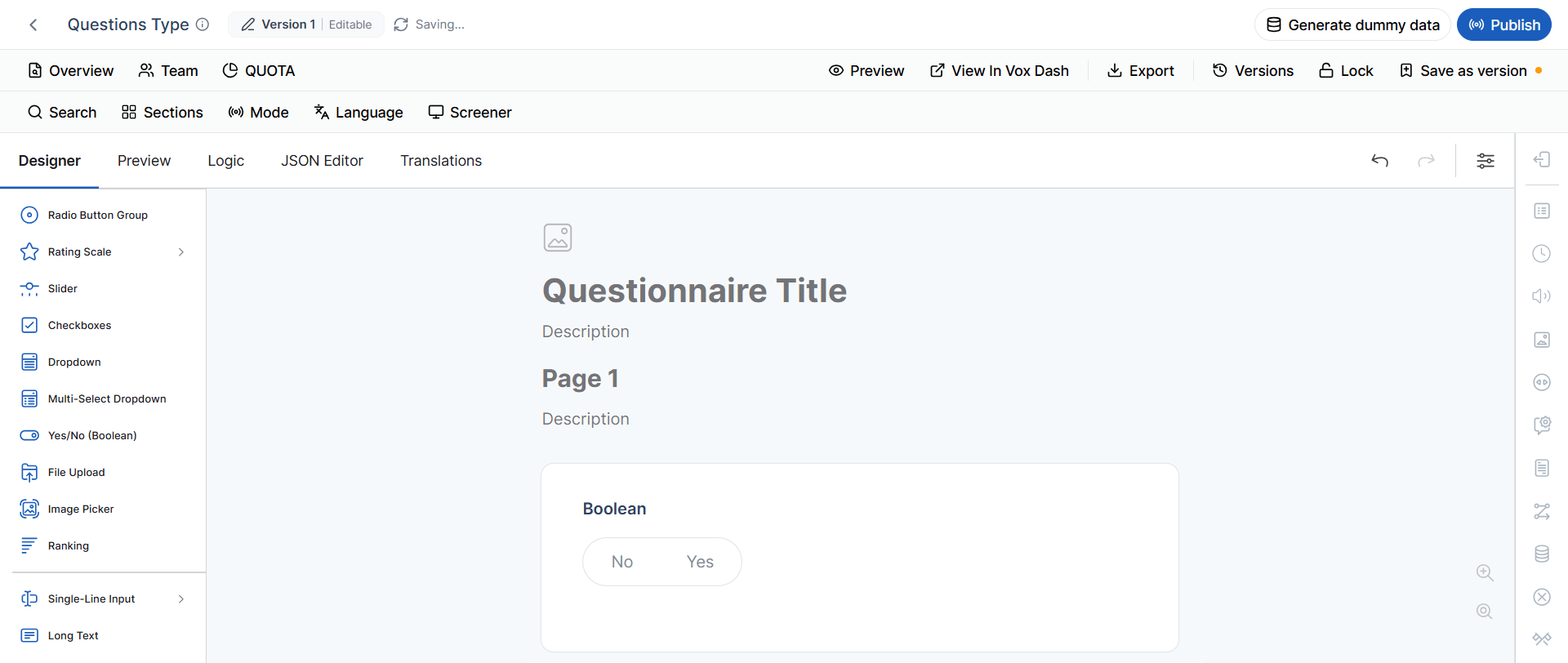
Yes / No (Boolean)
Provides a simple binary choice. Best used for:- Confirmations
- Eligibility questions
- Consent
- Agreement
Have you purchased from us before?
File Upload
Allows respondents to upload files directly within the questionnaire. Supported uploads may include:- Images
- PDF documents
- Receipts
- Invoices
- Supporting documentation
- Proof of purchase
- Identity verification
- Supporting documents
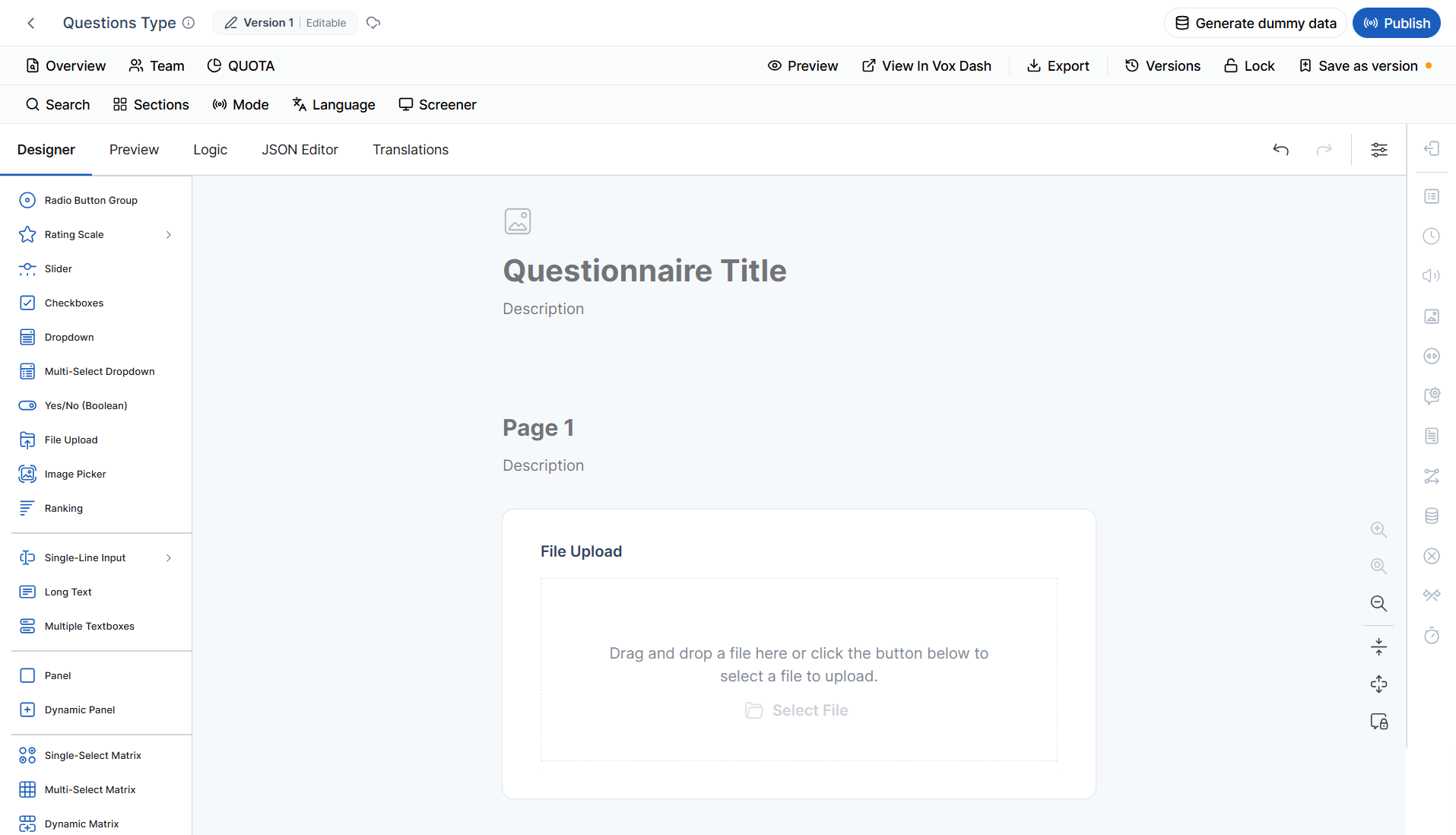
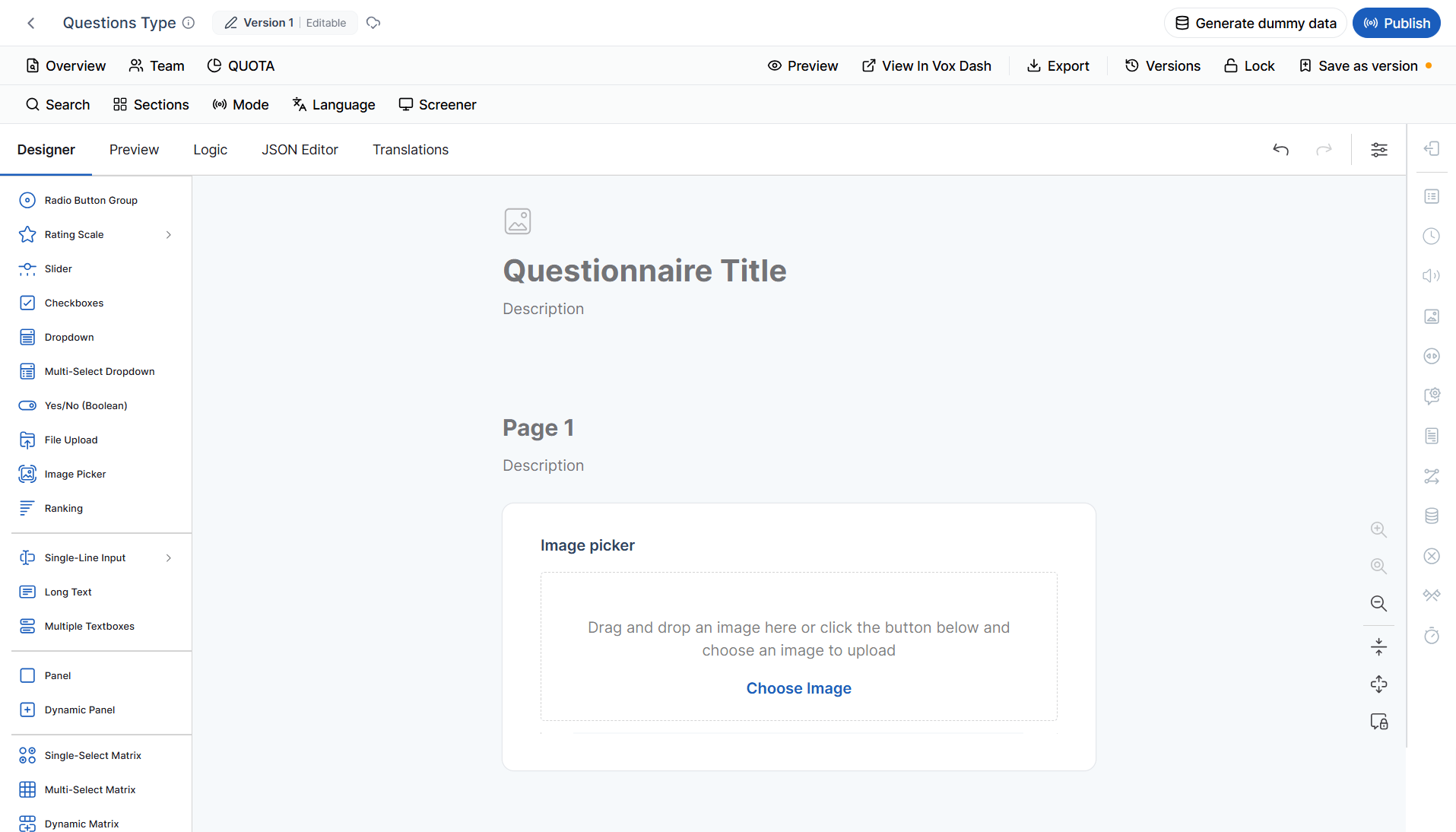
Image Picker
Displays images as answer choices instead of plain text. Best used for:- Product selection
- Visual preference surveys
- Brand recognition
- Design feedback
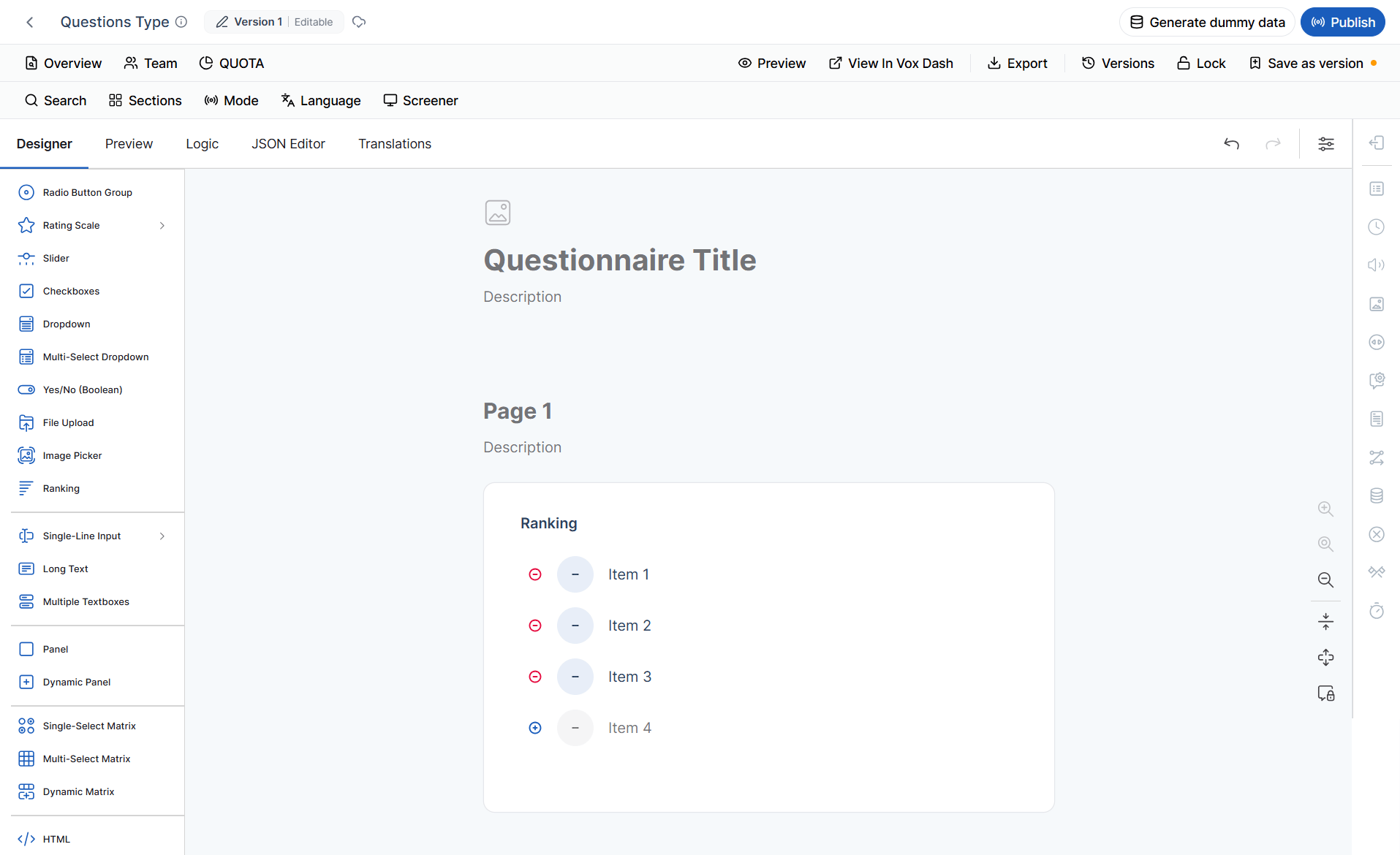
Ranking
Allows respondents to arrange items in order of preference or importance. Best used for:- Product prioritization
- Feature ranking
- Customer preference analysis
- Market research
Rank the following features from most important to least important.
Input Textboxes
Single-line Input
Collects a short text response. Best used for:- Name
- Email address
- Order number
- Company name
- Short answers
Long Text
Provides a large text area for detailed responses. Best used for:- Customer feedback
- Comments
- Suggestions
- Product reviews
- Support requests
Multiple Textboxes
Displays several related text fields within one question. Best used for collecting:- Contact information
- Address details
- Multiple product names
- Employee information
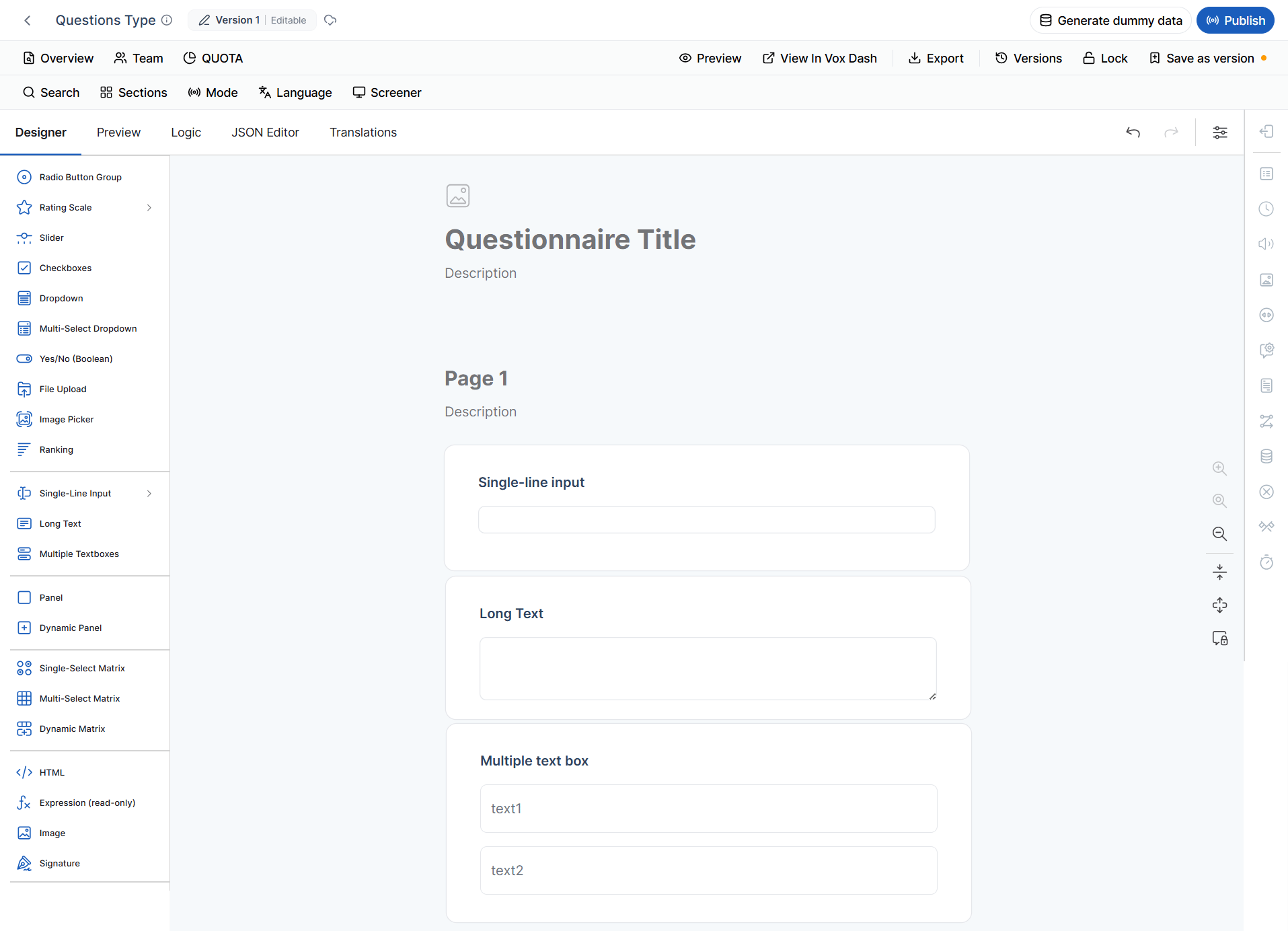
Panel
Groups multiple questions into a single section. Panels improve the organization of long questionnaires by separating related questions into logical sections. Examples:- Personal Information
- Shipping Details
- Payment Information
- Product Feedback
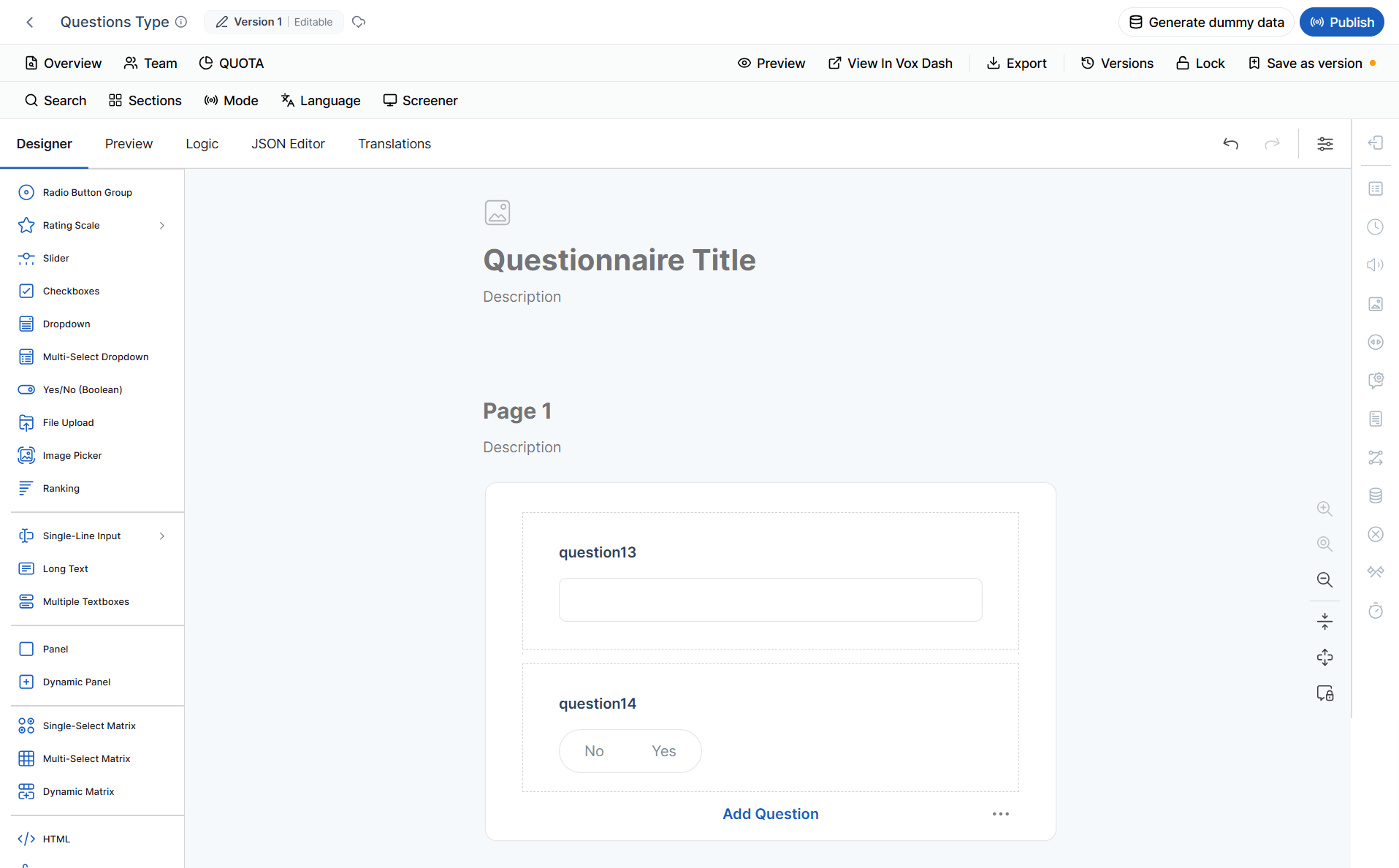
Dynamic Panel
A Dynamic Panel allows respondents to repeat the same group of questions multiple times. Best used when respondents need to enter:- Multiple purchased products
- Family members
- Employees
- Addresses
- Previous orders
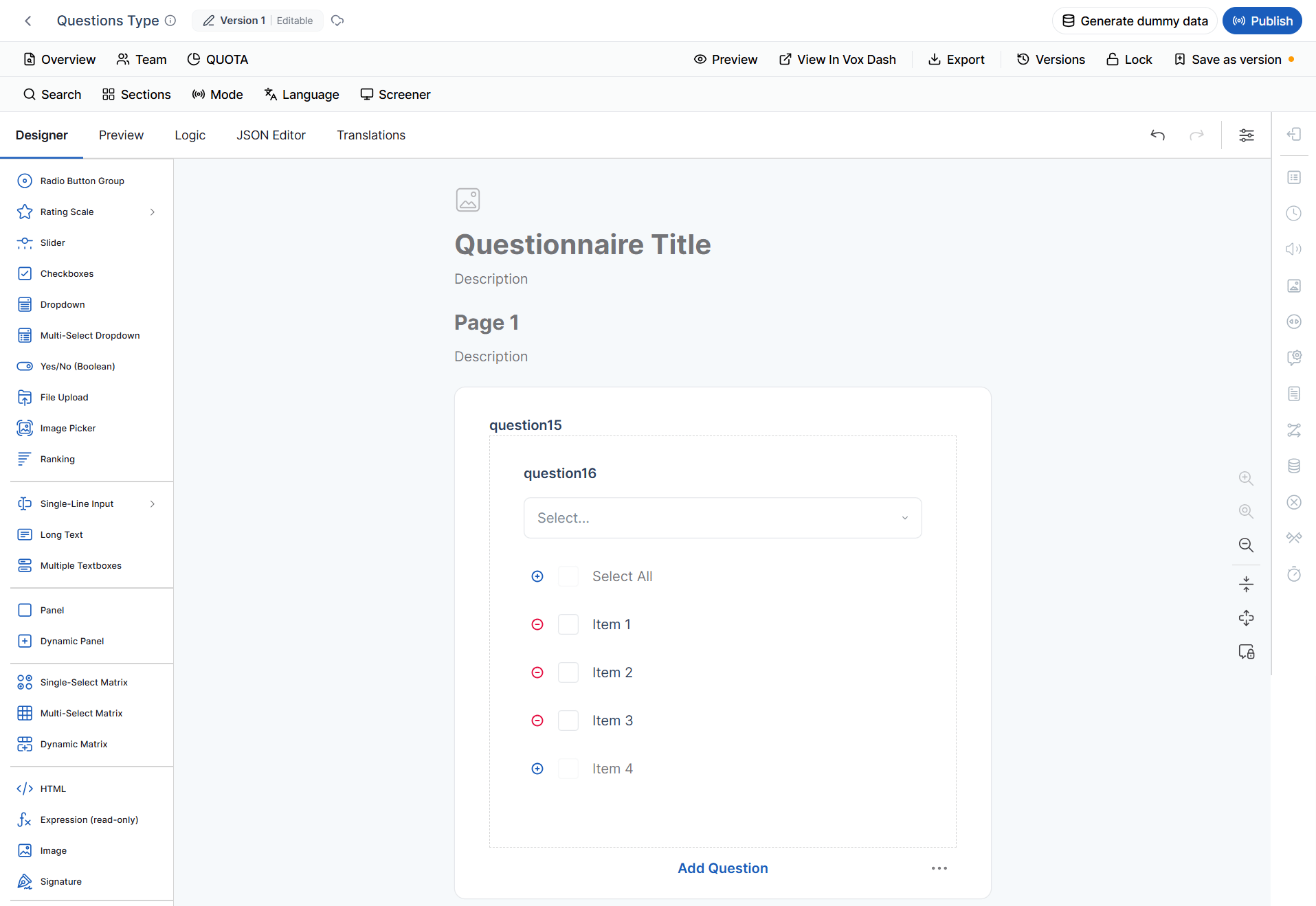
Single-select Matrix
Displays questions in a table where each row allows one selection. Best used for:- Rating multiple products
- Evaluating several services
- Comparing features
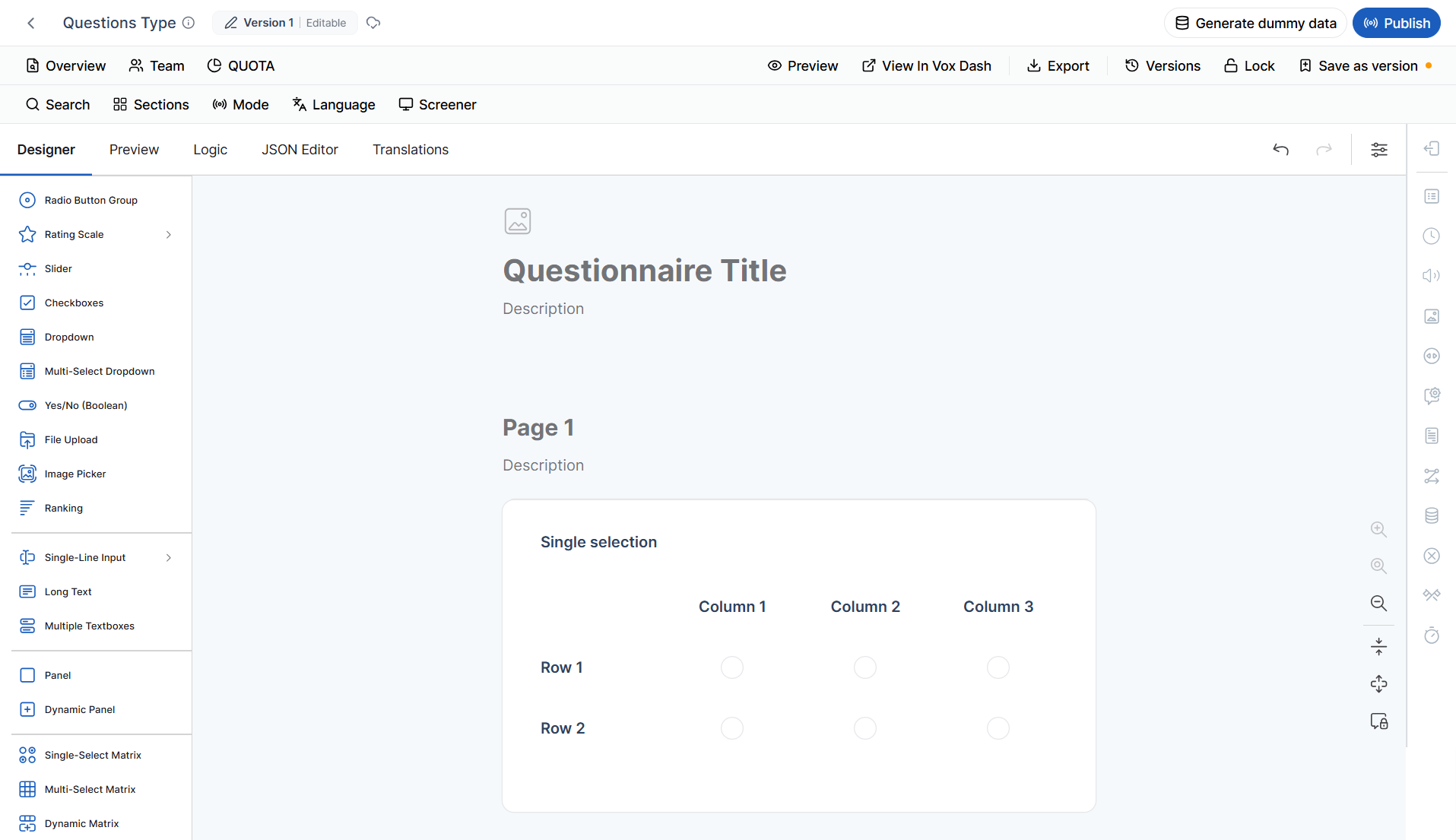
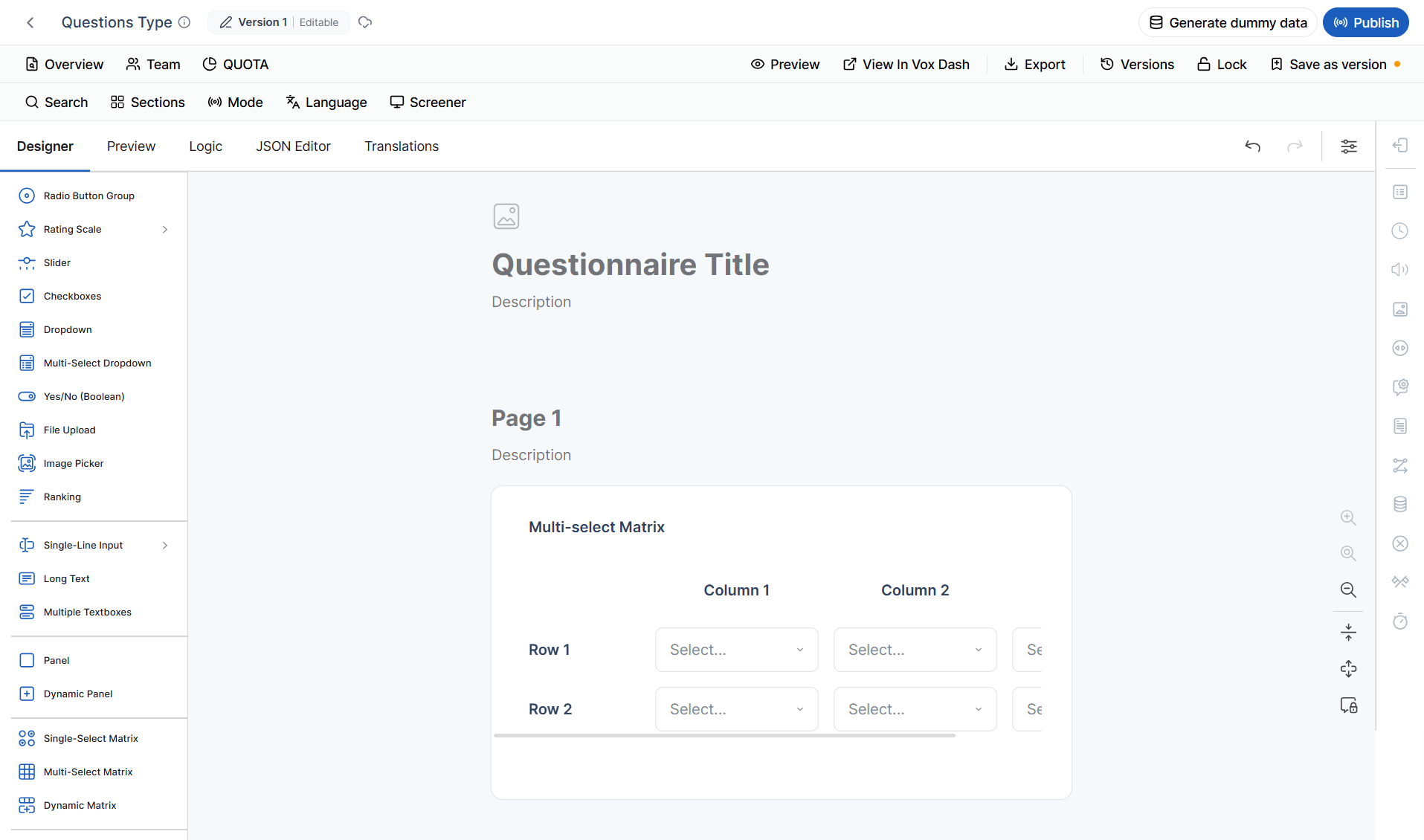
Multi-select Matrix
Similar to the Single-select Matrix, but respondents can choose multiple options per row. Best used for:- Feature availability
- Capability assessments
- Product comparisons
- Multi-category evaluations
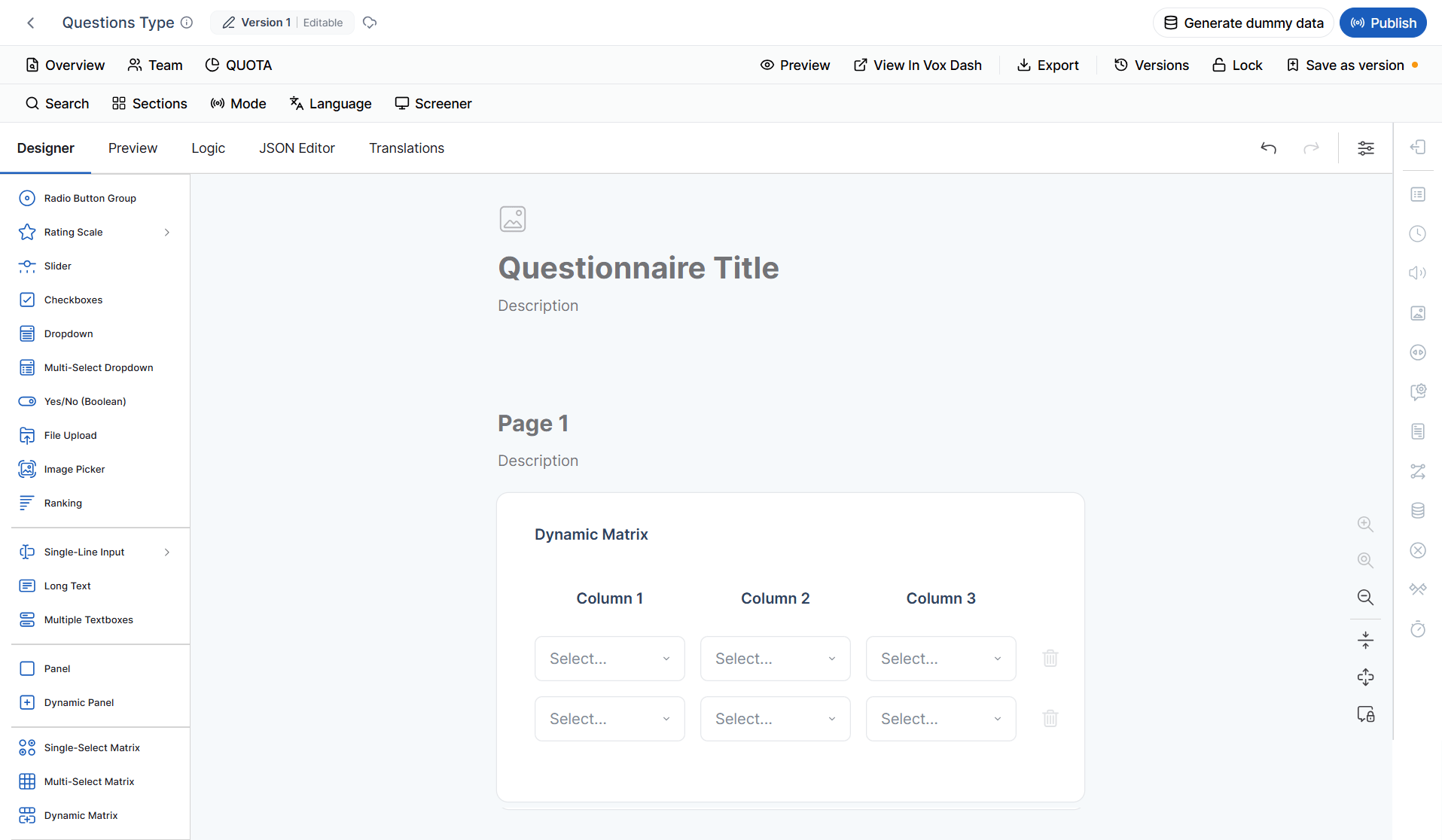
Dynamic Matrix
Allows respondents to build their own table by adding rows during the survey. Each row typically contains multiple columns for structured information. Best used for:- Purchased products
- Expense reports
- Inventory lists
- Order details
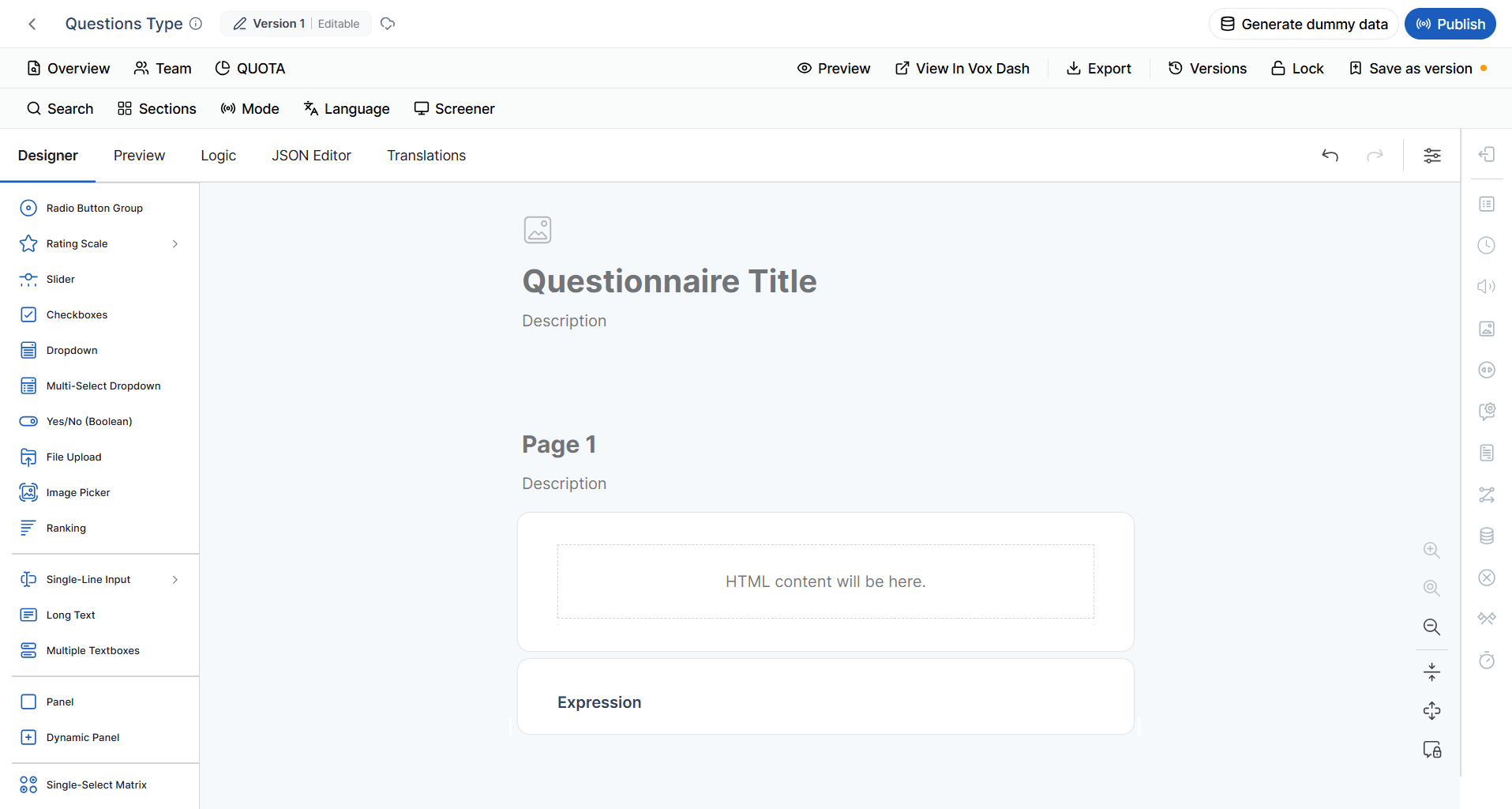
HTML
Adds custom HTML content to your questionnaire. This question type is commonly used to display:- Instructions
- Formatted text
- Embedded videos
- External content
- Custom layouts
- Informational messages
Expressions (Read-only)
Displays values that are automatically calculated based on other responses in the questionnaire. Respondents cannot edit these values. Common uses include:- Calculated totals
- Scores
- Pricing
- Discounts
- Dynamic summaries
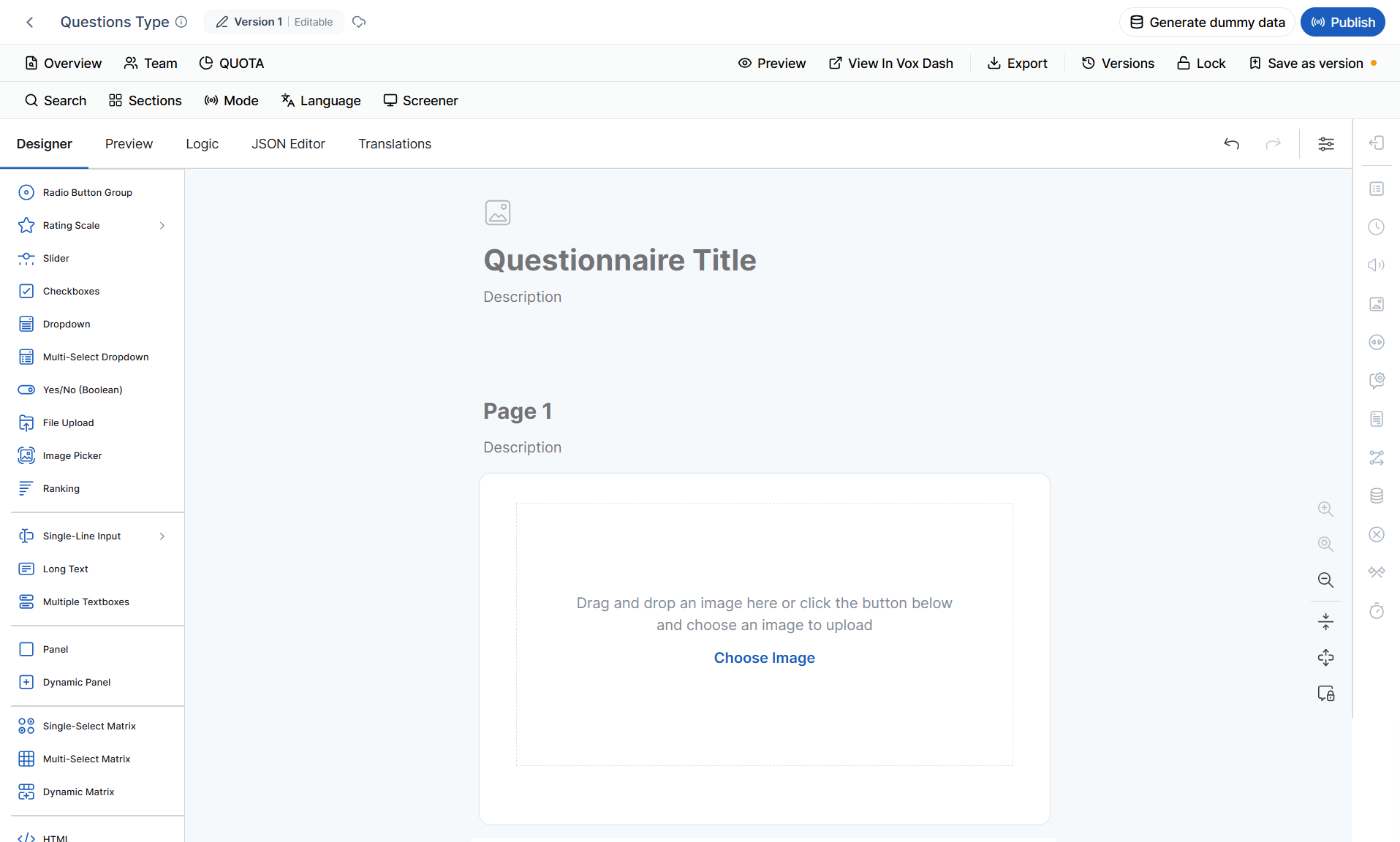
Image
Displays a static image anywhere within the questionnaire. Images can be used to:- Provide instructions
- Display product photos
- Show diagrams
- Add branding
- Improve visual presentation
Signature
Captures a respondent’s digital signature. Common use cases include:- Agreements
- Consent forms
- Contracts
- Delivery confirmations
- Customer approvals