

Sample file
organization_user_invites_sample.xlsx — one row per person.
How to import
1
Fill in the spreadsheet
Download the sample and add one row per person. First name, last name, and email
are required.
2
Upload
In User management, choose Bulk invite / Import and select your file.
3
Review the preview
A preview table lists the people found in your file. Untick anyone you don’t want
to invite.
4
Confirm
Confirm to create the selected accounts and send their invitation emails.
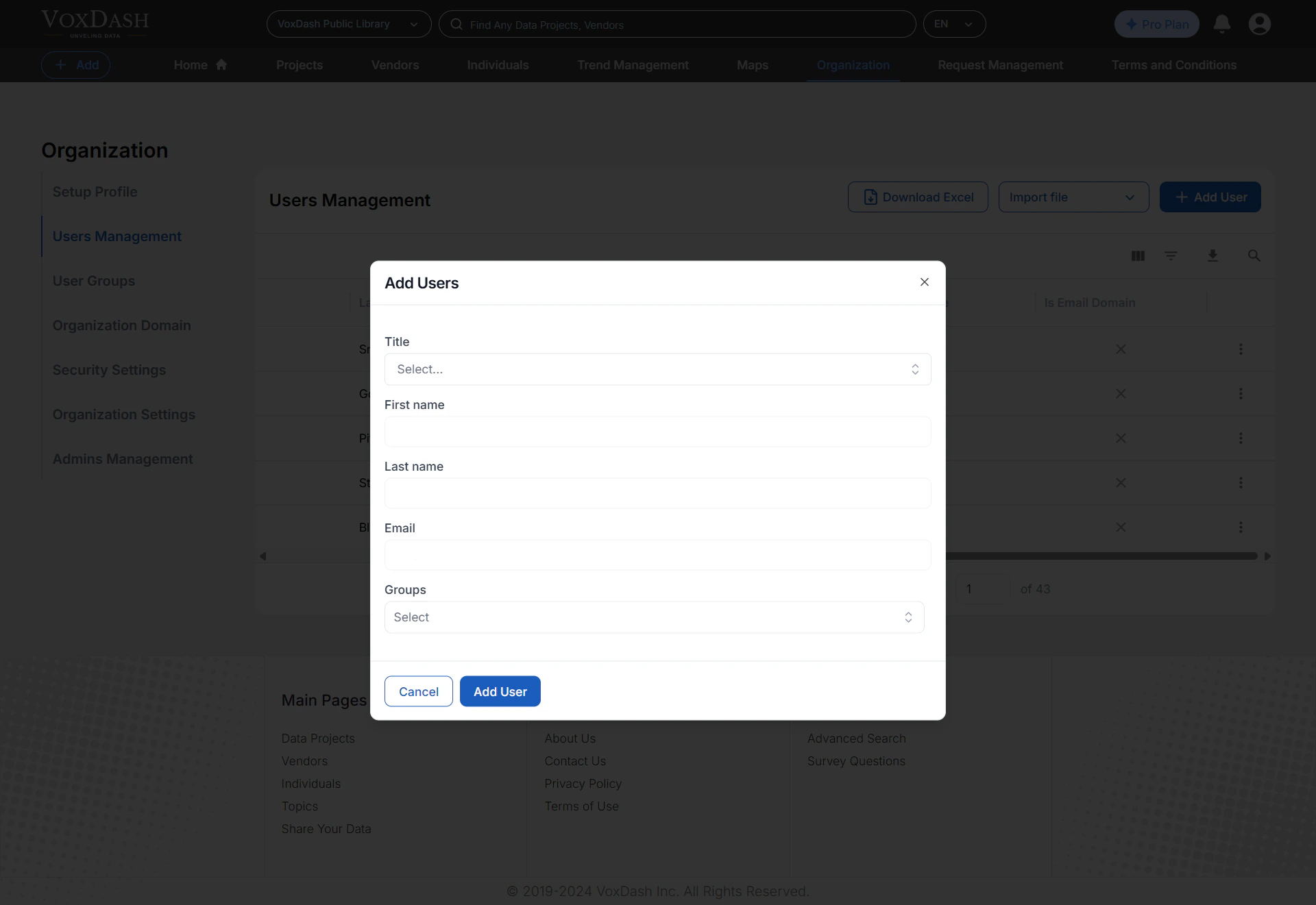
Columns
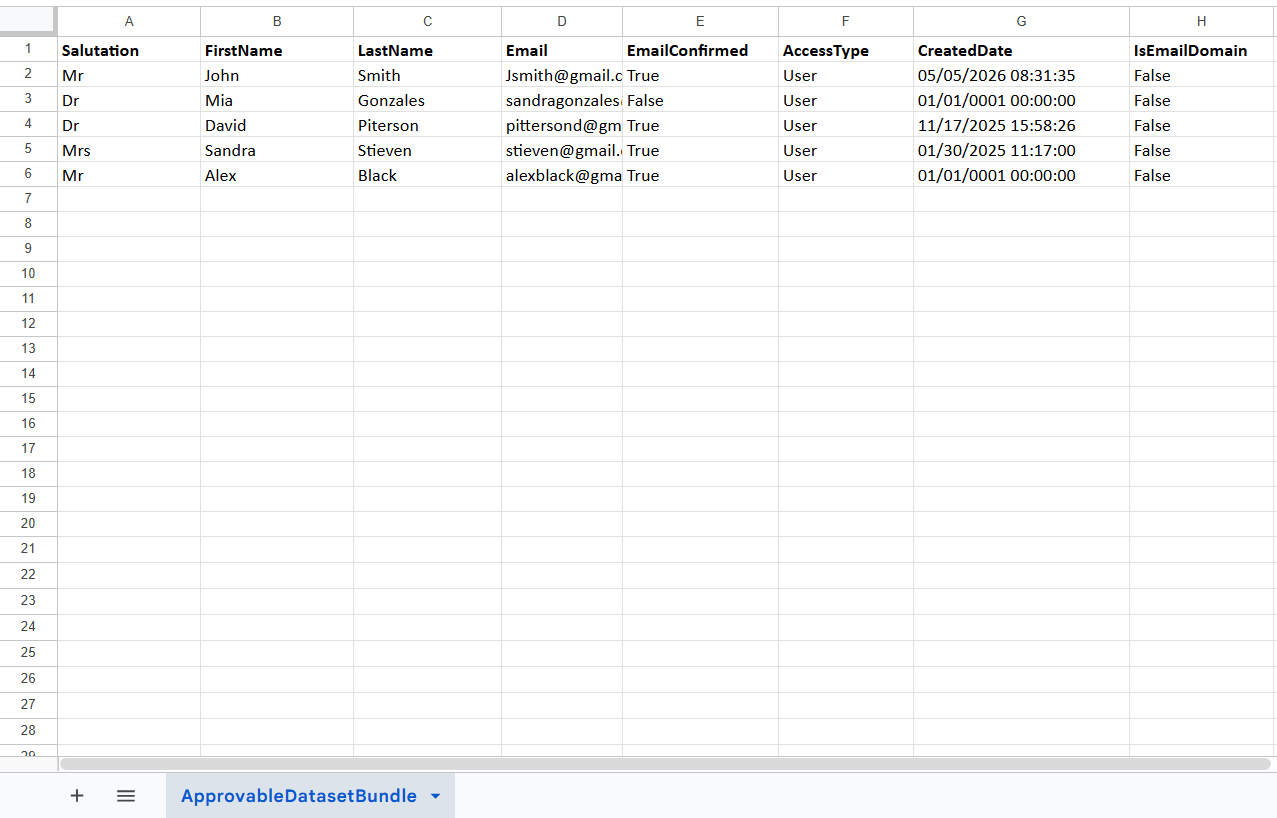
Header matching is flexible for names:
First name, FirstName, and First Name
are all accepted (same for last name and email).