

Note: Changes made in either the Designer tab or the JSON Editor are reflected throughout the questionnaire. Editing the questionnaire in one view automatically updates the other.
Understanding the JSON Editor
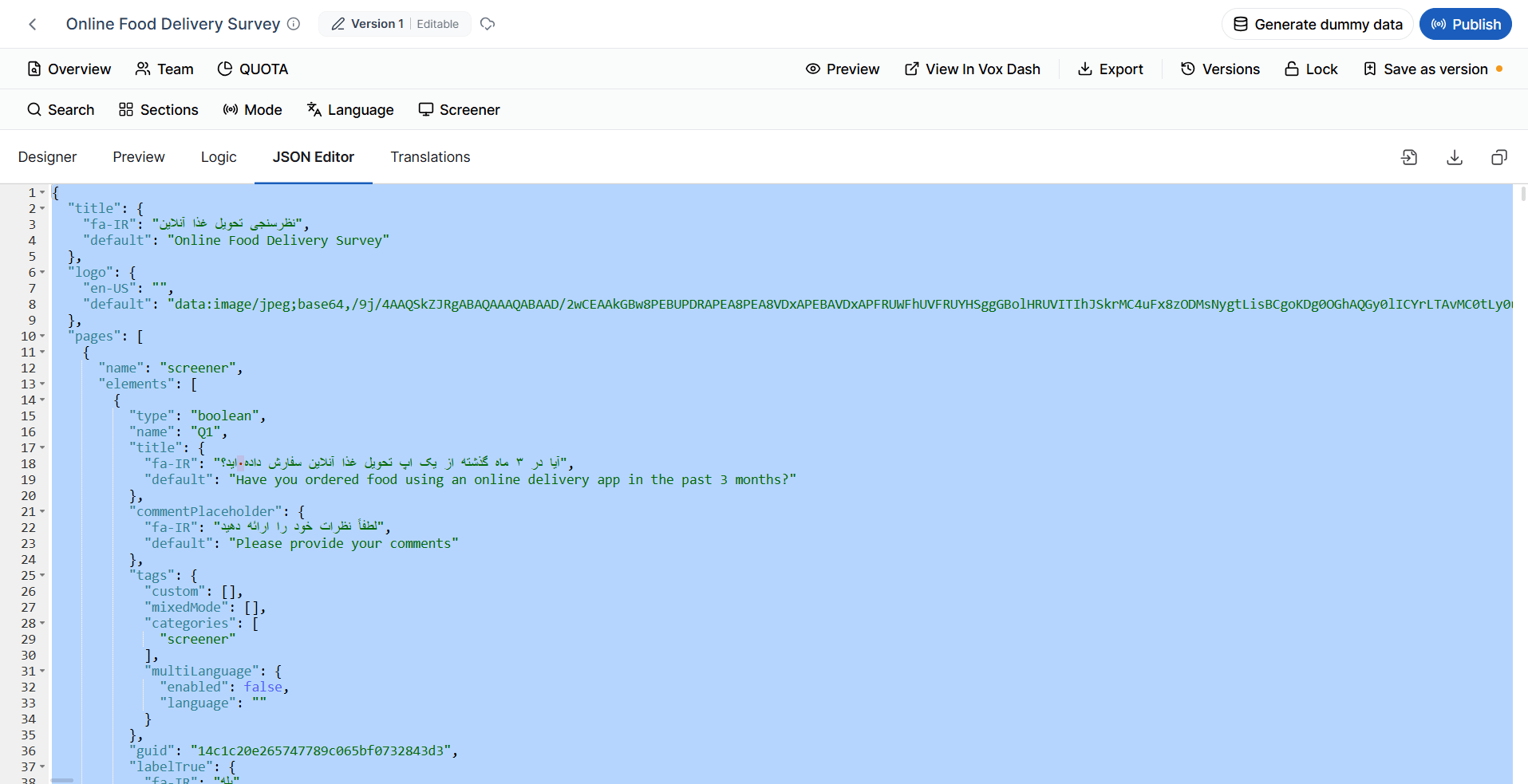
As you build your questionnaire using the visual Designer, VoxDash automatically generates the corresponding JSON code in the background. The JSON contains every element of the questionnaire, including:- Questionnaire settings
- Pages
- Questions
- Question properties
- Answer choices
- Validation rules
- Conditions and logic
- Triggers
- Variables
- Quota-related settings
- Text and translations
- Layout and appearance settings
Accessing the JSON Editor
To open the JSON Editor:- Open your questionnaire in the Editor Panel.
- Select the JSON Editor tab.
Editing the Questionnaire in JSON
You can edit the questionnaire directly by modifying its JSON code. This is useful when you need to:- Make bulk changes more efficiently than using the visual editor.
- Copy or reuse sections of a questionnaire.
- Add advanced properties that may not be available through the user interface.
- Troubleshoot questionnaire configurations.
- Integrate questionnaires with external systems or development workflows.
Important: Incorrect JSON syntax or invalid property values may prevent the questionnaire from loading correctly. Always review your changes carefully before saving.
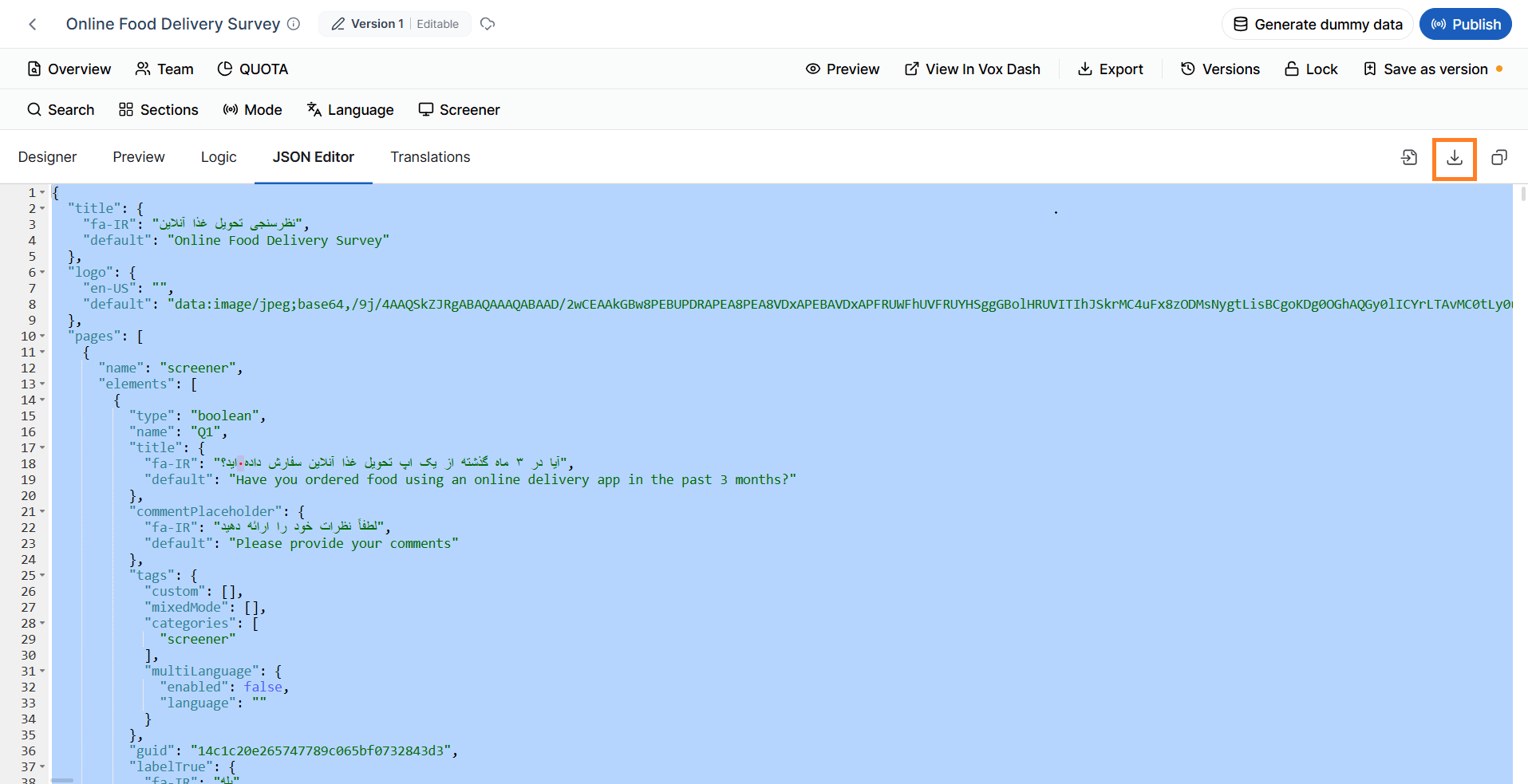
Exporting a Questionnaire as JSON
You can export the entire questionnaire as a JSON file. Exporting is useful for:- Creating backups
- Sharing questionnaires with other users or teams
- Version control
- Moving questionnaires between environments
- Reusing questionnaire templates
- Integrating with external applications
Importing a Questionnaire from JSON
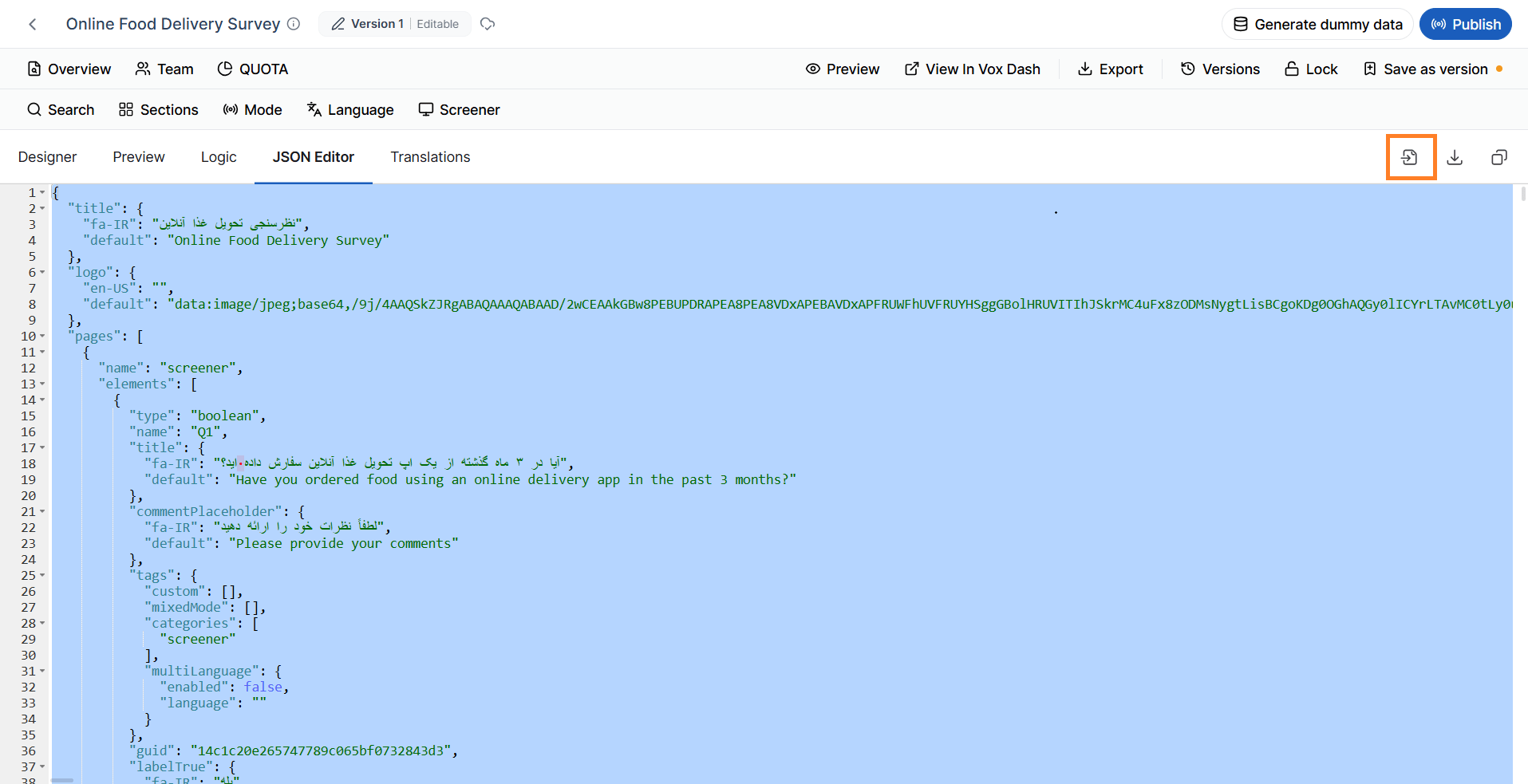
Instead of building a questionnaire manually, you can create or obtain a questionnaire in JSON format and import it into the JSON Editor. To import a questionnaire:- Open the JSON Editor tab.
- Paste the questionnaire JSON or upload a supported JSON file.
- Save the questionnaire.
Synchronization Between Designer and JSON Editor
The Designer tab and the JSON Editor always represent the same questionnaire. For example:- Adding a question in the Designer automatically updates the JSON.
- Editing a question title in the JSON Editor updates the Designer.
- Adding conditions or triggers in either view updates the other.
- Modifying questionnaire settings is reflected in both interfaces.
Common Use Cases
The JSON Editor is particularly useful for:- Creating questionnaire templates
- Migrating questionnaires between projects or environments
- Reusing questionnaire components
- Bulk editing question properties
- Troubleshooting questionnaire configurations
- Integrating VoxDash with external applications
- Versioning questionnaires using source control systems
Best Practices
When working with the JSON Editor:- Use the Designer tab for routine questionnaire authoring and visual configuration.
- Use the JSON Editor for advanced customization, bulk updates, or integration scenarios.
- Validate the JSON structure before saving any manual changes.
- Export questionnaires regularly to maintain backups and support version control.
- Test imported or modified questionnaires in the Preview tab to ensure all questions, logic, and settings function as expected.