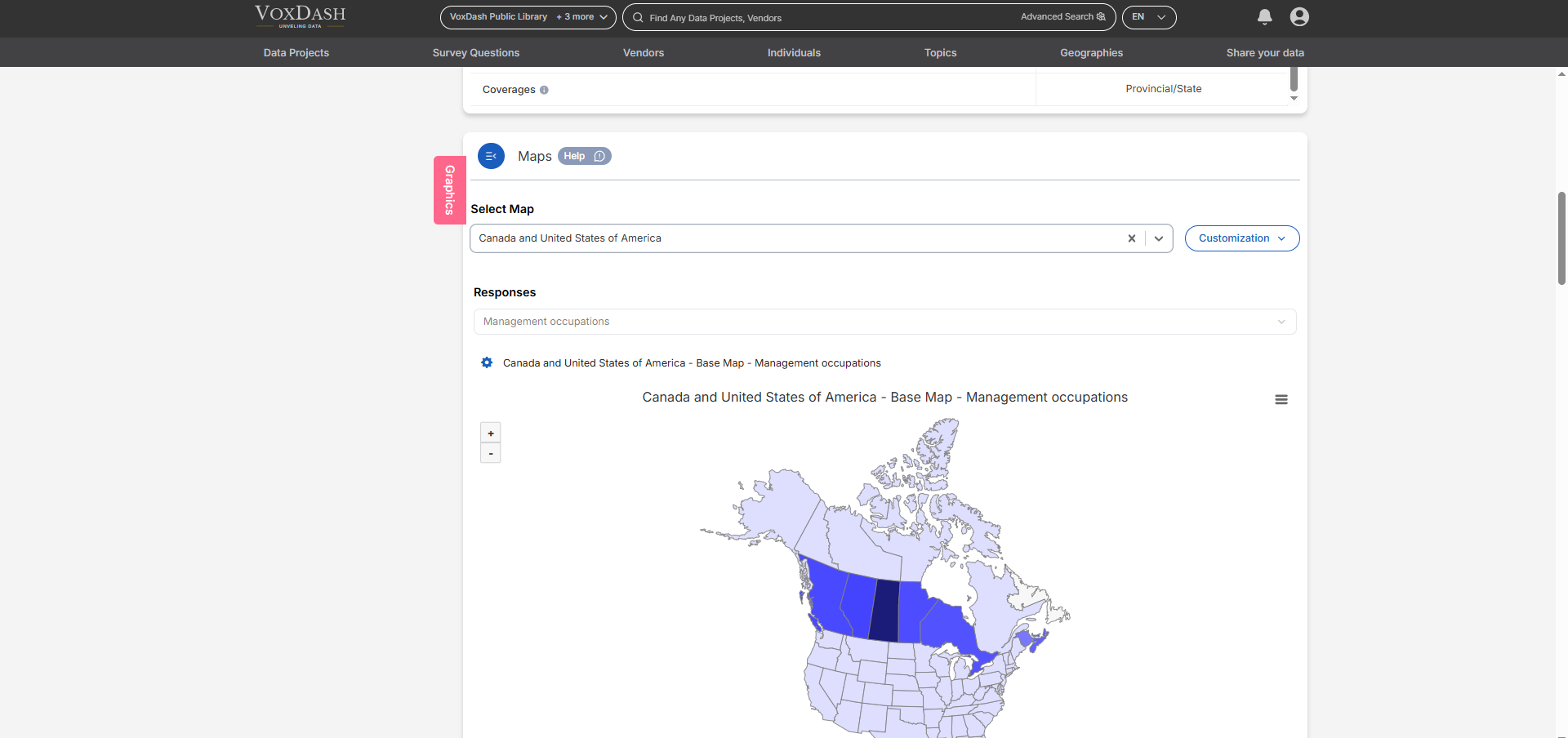
How It Works
When a data project includes nested maps (e.g., Country → State), VoxDash automatically displays the highest-level (most expansive) map first. Even if a user has not uploaded a national-level map, VoxDash will promote the largest available map as the top-level view. Users can then explore subregions by clicking directly on a region within the map. If detailed data is available, VoxDash will automatically drill down into the more granular map.Example:
If a dataset includes both:- A United States map, and
- State-level maps for California, Texas, and New York,
- VoxDash will display the U.S. map as the entry point.
- When a user clicks on California, they’ll be taken to a state-level map of California, where more detailed data may be shown.
- If the user returns to the U.S. map, they can explore another region (e.g., Texas).
Alternate Navigation:
Users can also access detailed maps manually using the Drilldown Menu, which appears above the map as a Selection bar.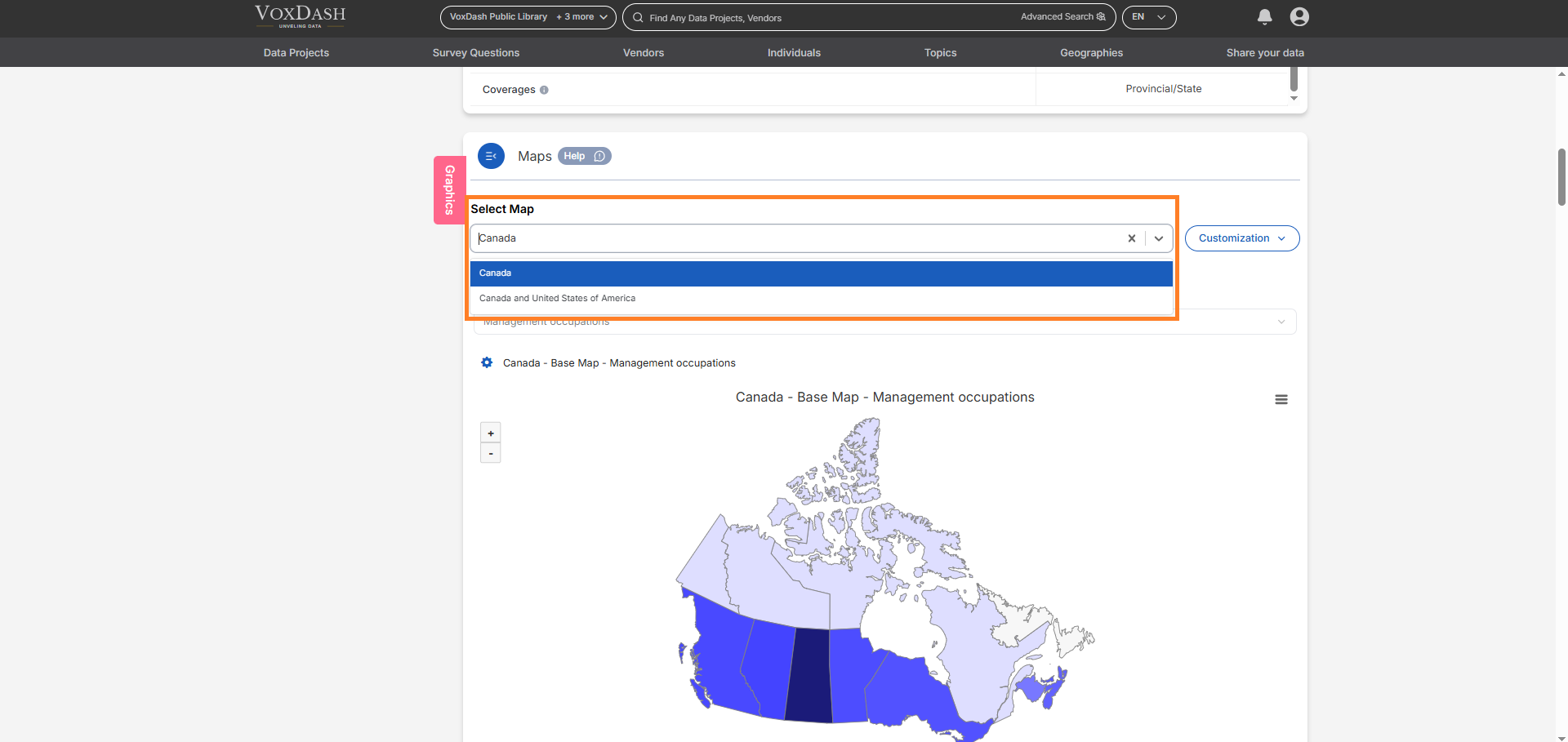
- Switch between geographic levels (e.g., from Region to City),
- Compare data across areas,
- Or focus on a specific subregion without needing to click through the larger map.