

Overview
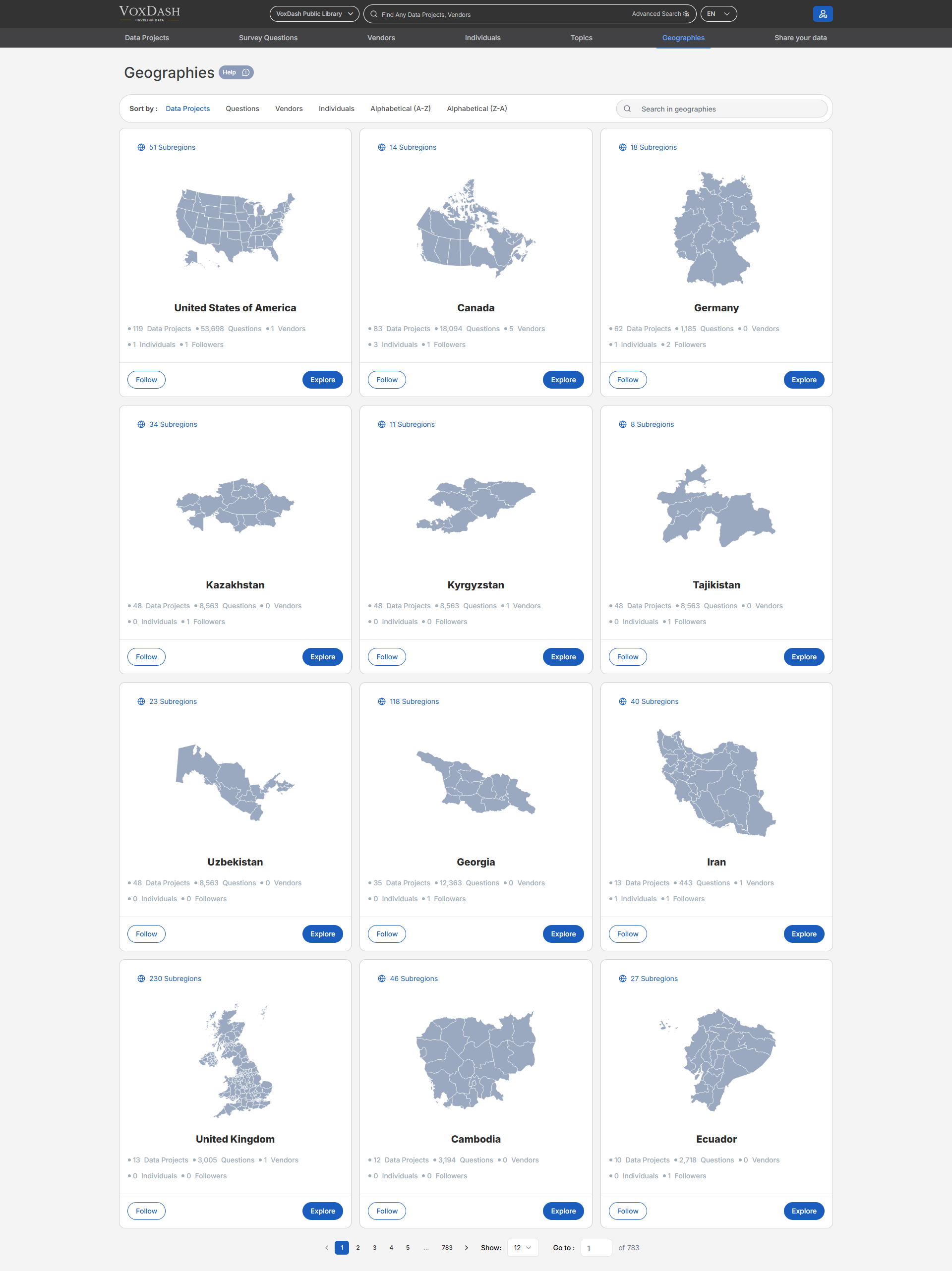
Geos can be applied during the survey data entry process when a survey includes a map variable. By linking data to geographic locations, Geos enable users to:- Perform more accurate and meaningful geographic analysis
- Visualize data trends across regions
- Compare insights between different geographic areas
Viewing Available Geos
On the Geos List page, users can:- View all approved and available Geos in VoxDash
- Browse or scroll through the list of geography maps
- Quickly identify commonly used or highly connected Geos Each Geo entry provides visibility into how widely it is used across the platform.
Geo Usage Metrics
For each Geo, the list displays the number of related items, including:- Data Profiles associated with the Geo
- Data Projects linked to the Geo
- Vendors connected to the Geo
- Individuals associated with Geo
- Surveys that include Geo
- Questions that reference the Geo These metrics help users understand the relevance and impact of a Geo before selecting or following it.
Followers
Each Geo shows the number of followers, indicating user interest and activity. Users can:- Follow specific Geos they frequently work with
- Easily access or monitor Geos relevant to their analysis Following Geos helps users stay focused on the geographic areas that matter most to their work.
Using Geos in Surveys
Geos are especially useful when:- Survey questions include location-based or map-related variables
- Responses need to be tied to specific geographic areas
- Data analysis requires regional segmentation or comparison When a Geo is applied, survey data can be visualized and analyzed geographically within VoxDash.
Benefits of Using Geos
- Enhances spatial and regional data analysis
- Improves data visualization and geographic insights
- Creates consistency in location-based data entry
- Connects surveys, projects, and profiles through shared geographic context