Registered Users
Lists all regular (non‑admin) users registered within the organization. Information included:- User email
- Full name
- Signup date
- Invited by (the user who added them)
- Auditing onboarding activity
- Tracking active team membership
- Ensuring only authorized users have access

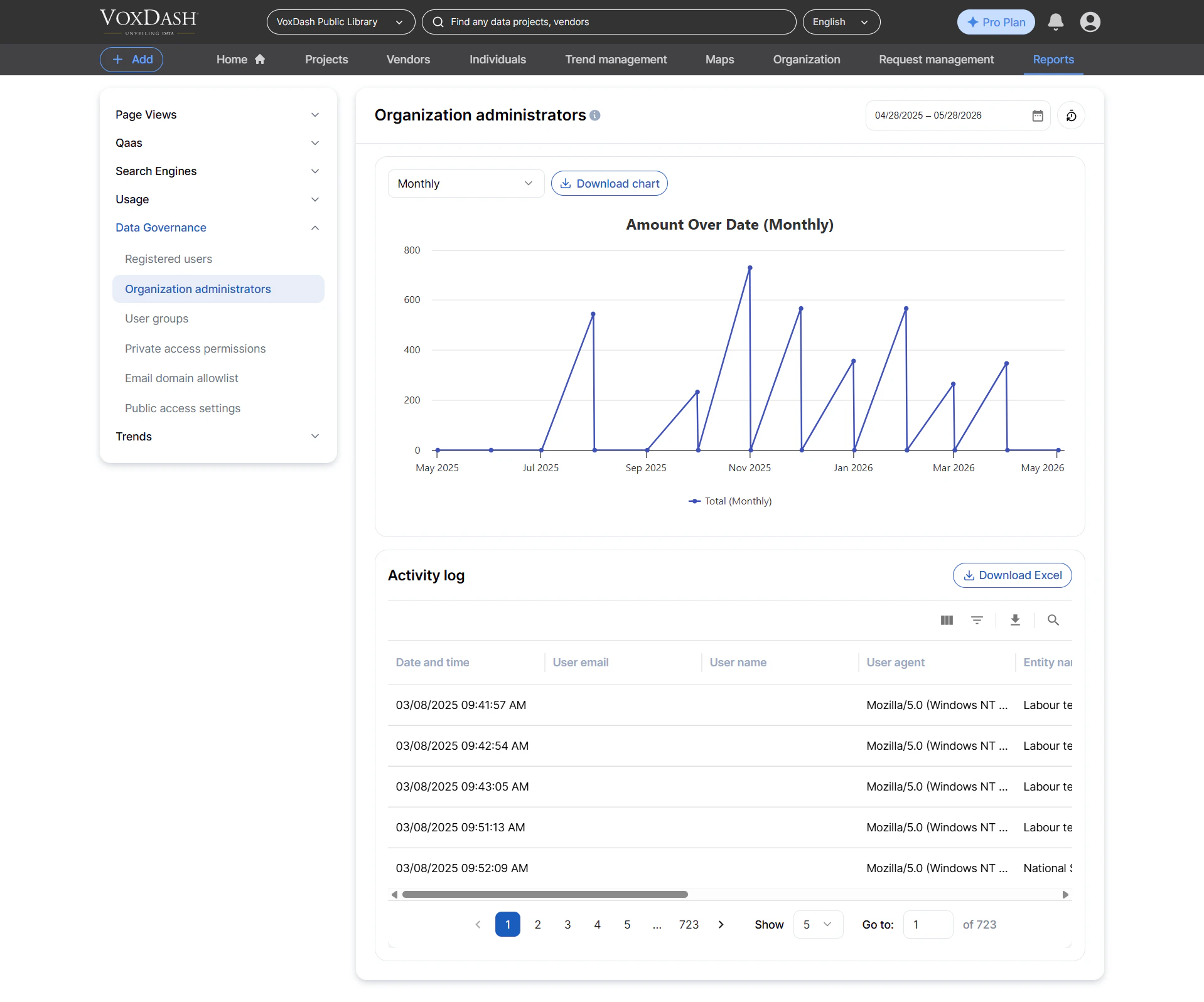
Organization Administrators
Lists all administrators within the organization. Information included:- Admin email
- Full name
- Signup date
- Who granted admin permissions
- Auditing admin privileges
- Ensuring compliance with security policies
- Monitoring changes in administrator roles
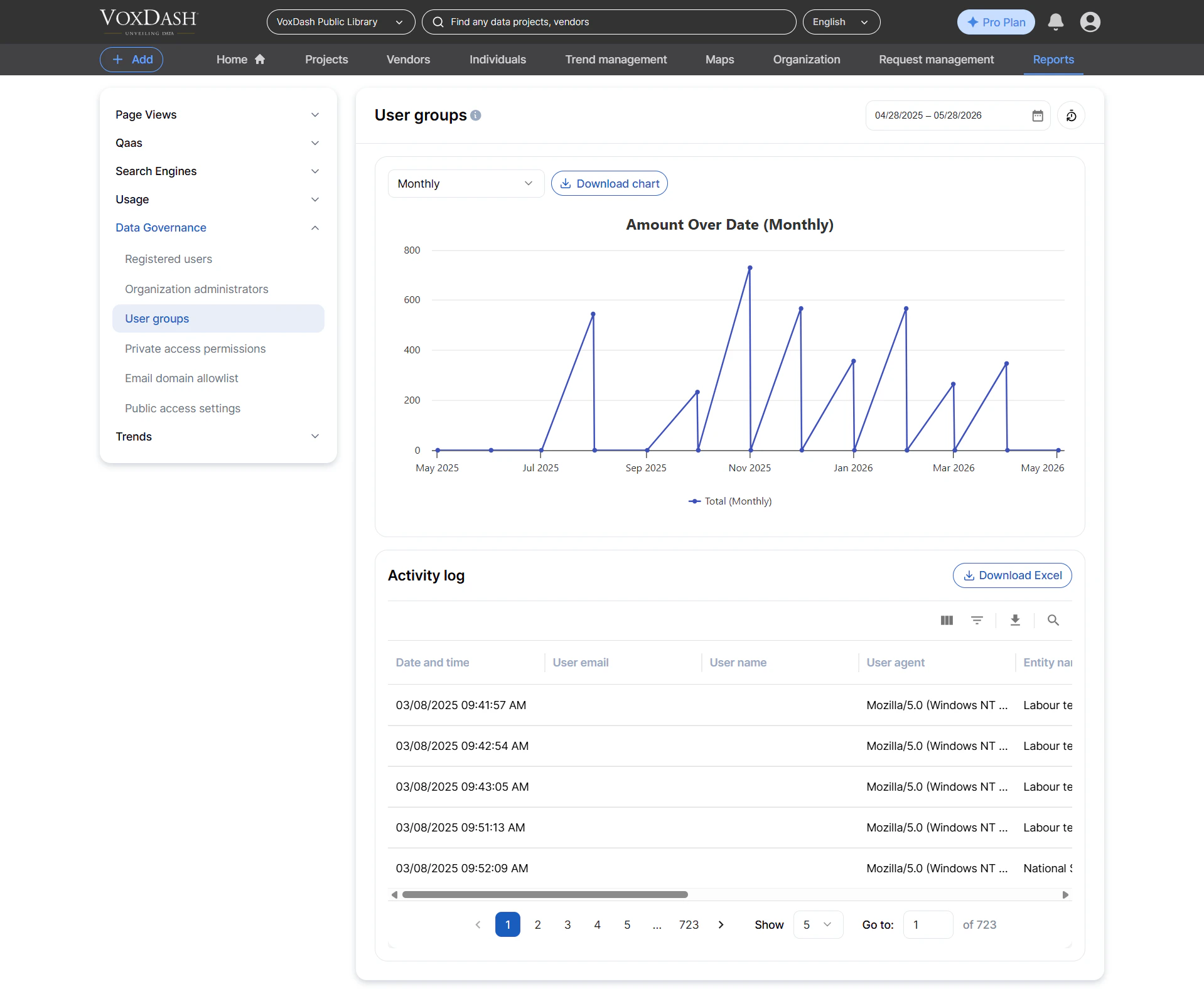
User Groups
Lists all user groups created inside the organization. Information included:- Group name
- Group creator
- Creation date
- Managing team‑based permissions
- Organizing collaborators into structured units
- Supporting scalable access control
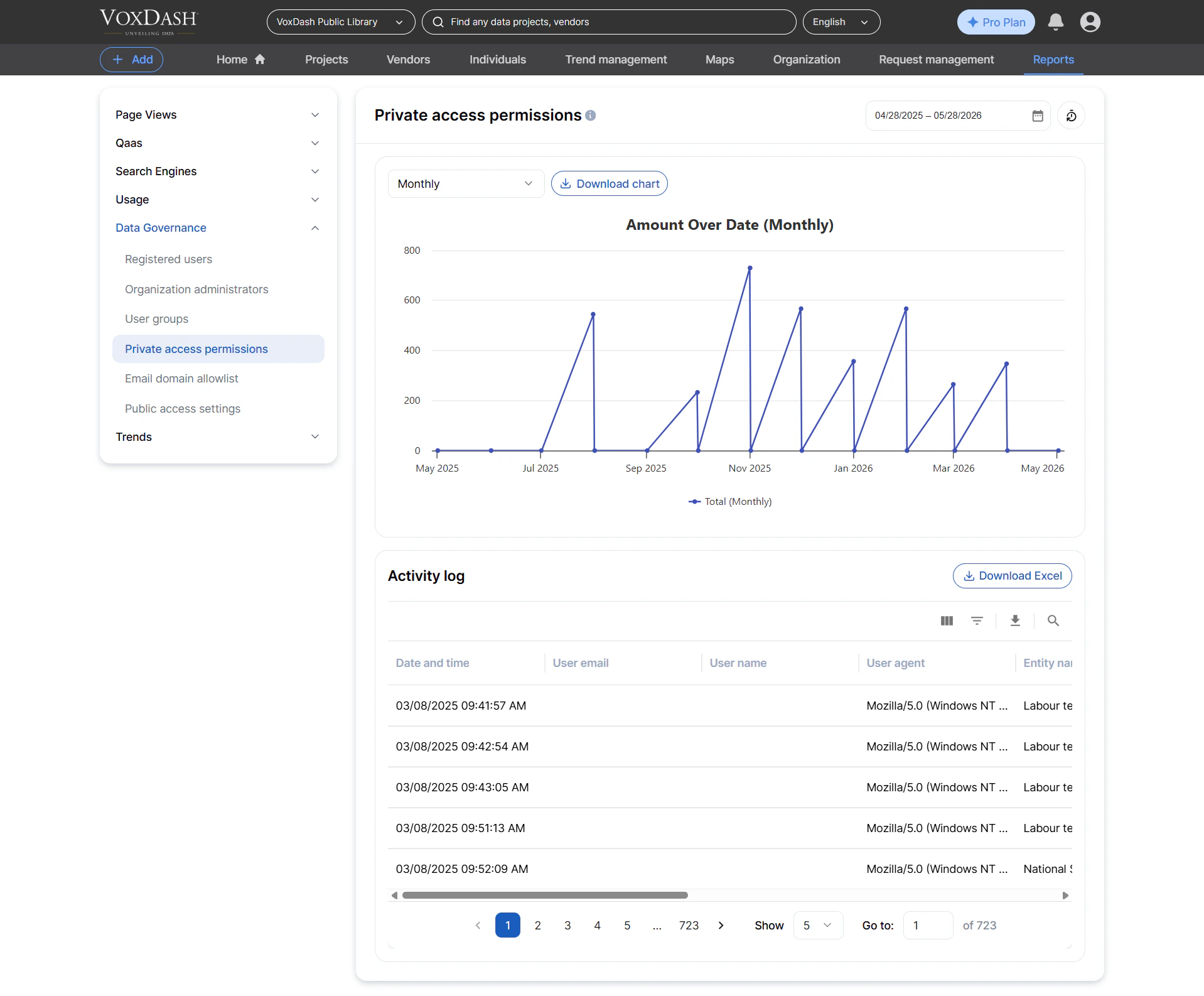
Private Access Permissions
Lists all private access permissions assigned to users or groups. Information included:- Who granted the access
- User or group receiving access
- Entity name (dataset, question, vendor, etc.)
- Dataset (if applicable)
- Type of access (view, edit, manage, etc.)
- IP address of the user who assigned the permission
- Auditing private data access
- Ensuring compliance with internal data‑sharing policies
- Monitoring when sensitive content is shared privately
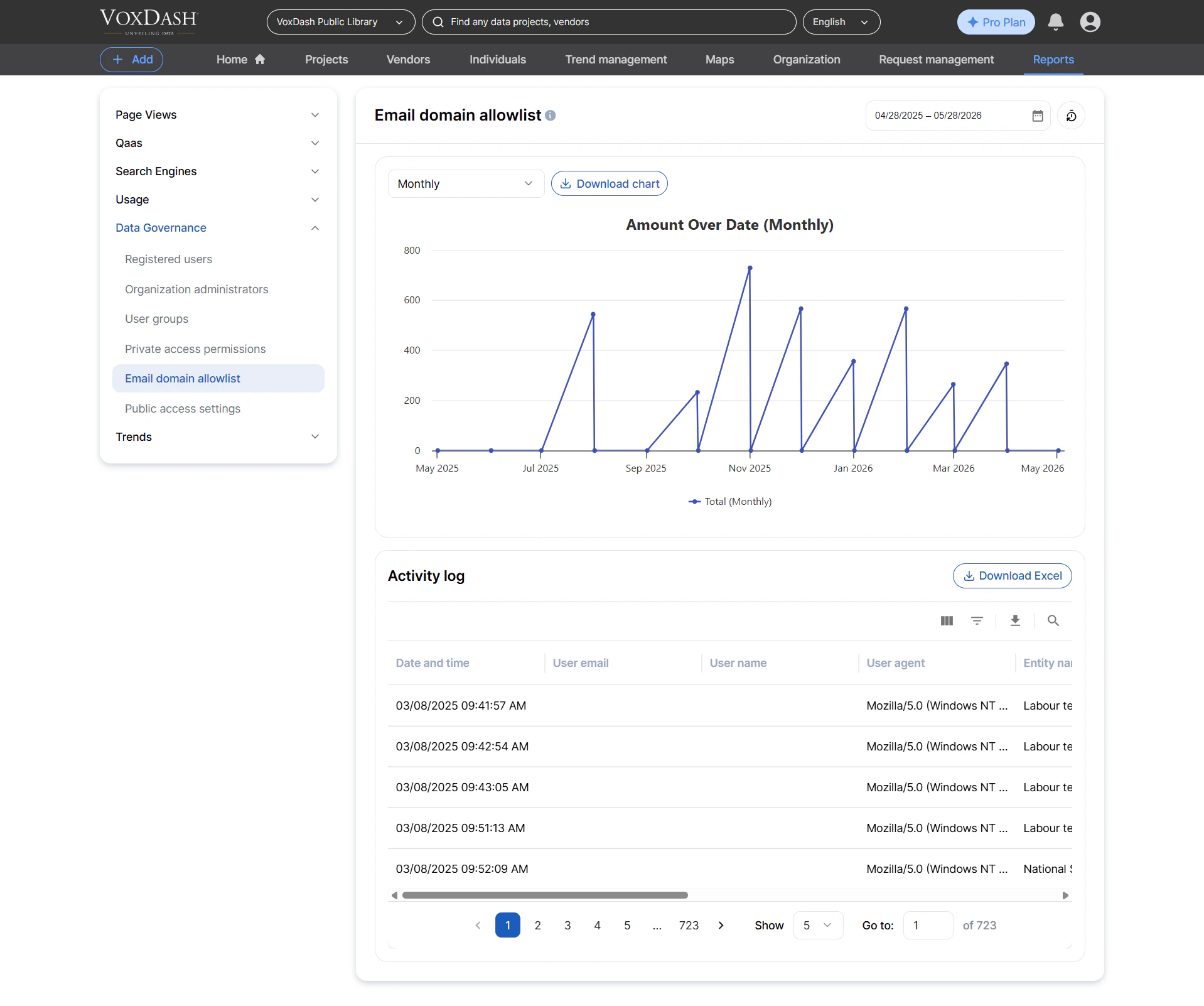
Email Domain Allowlist
Lists all approved email domains configured for automatic user group enrollment. Information included:- Domain name (e.g., example.com)
- Associated user group
- Creator of the rule
- Creation date
- Streamlining onboarding for large teams
- Ensuring new users are automatically assigned the correct permissions
- Reducing manual administrative work
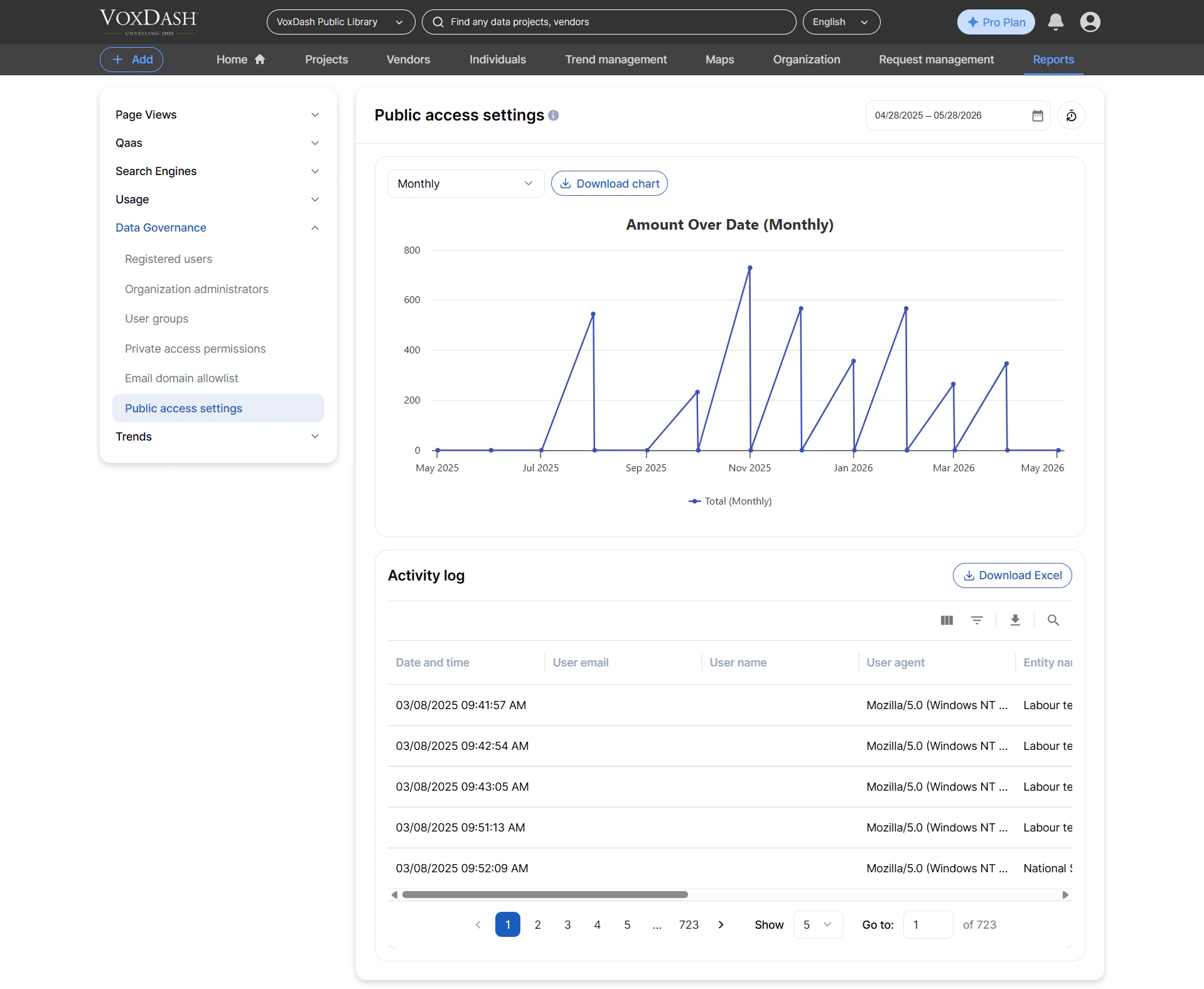
Public Access Settings
Lists all entities (datasets, files, questions, profiles, etc.) that have public access enabled. Information included:- Entity name
- Related dataset (if applicable)
- Entity type (file, dataset, question, vendor, individual, etc.)
- User who configured the public access
- Current public status
- IP address of the user who made the change
- Auditing publicly accessible content
- Detecting misconfigured permissions
- Ensuring external visibility aligns with organization policies