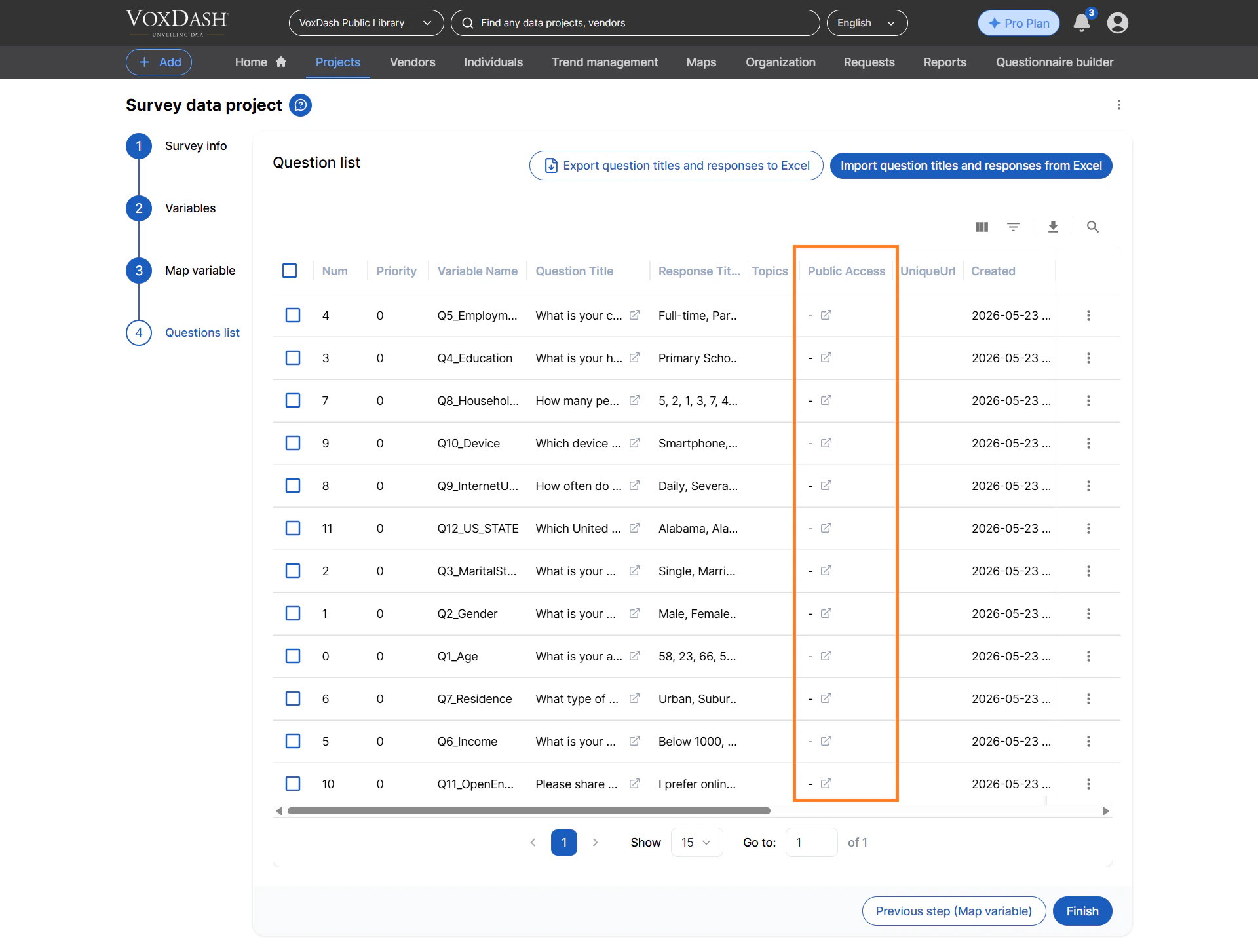
View and Manage Survey Questions
This page displays the complete list of questions currently included in your survey. From here, you can review question details, organize question structure, and make updates as needed.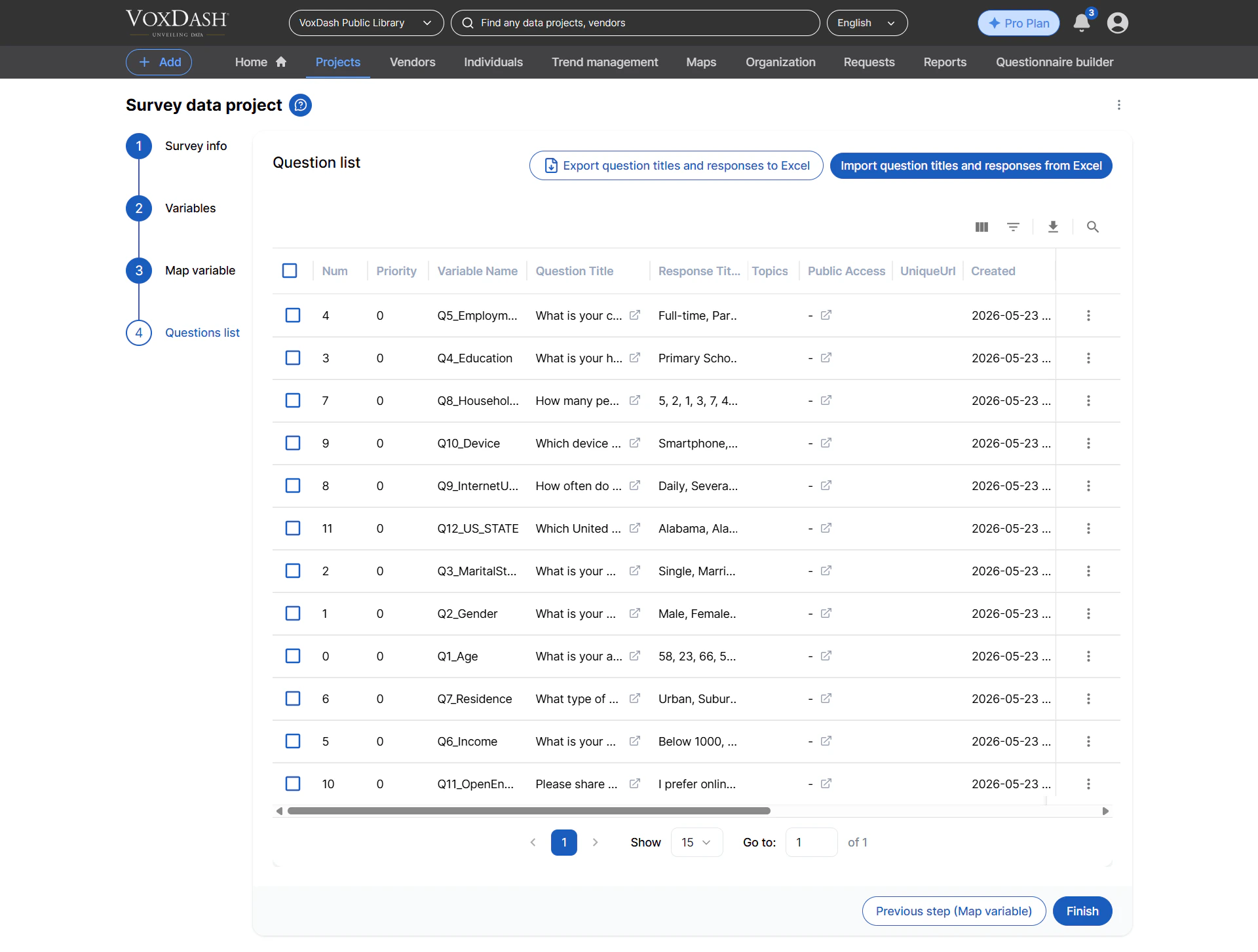
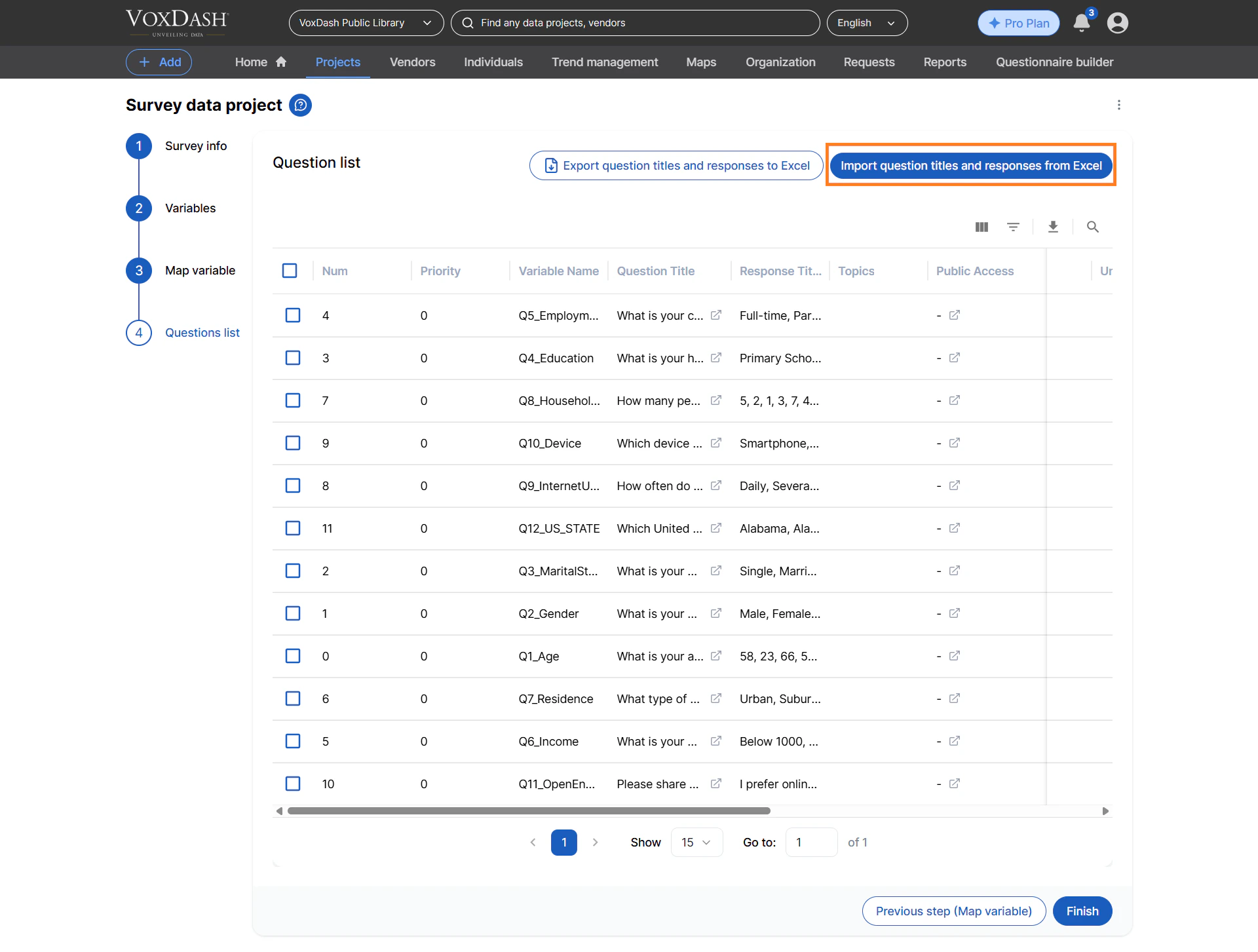
Export or Import Questions
You can export your survey questions into an Excel file for offline review, editing, or backup purposes. This feature is useful when working with large surveys or collaborating with team members.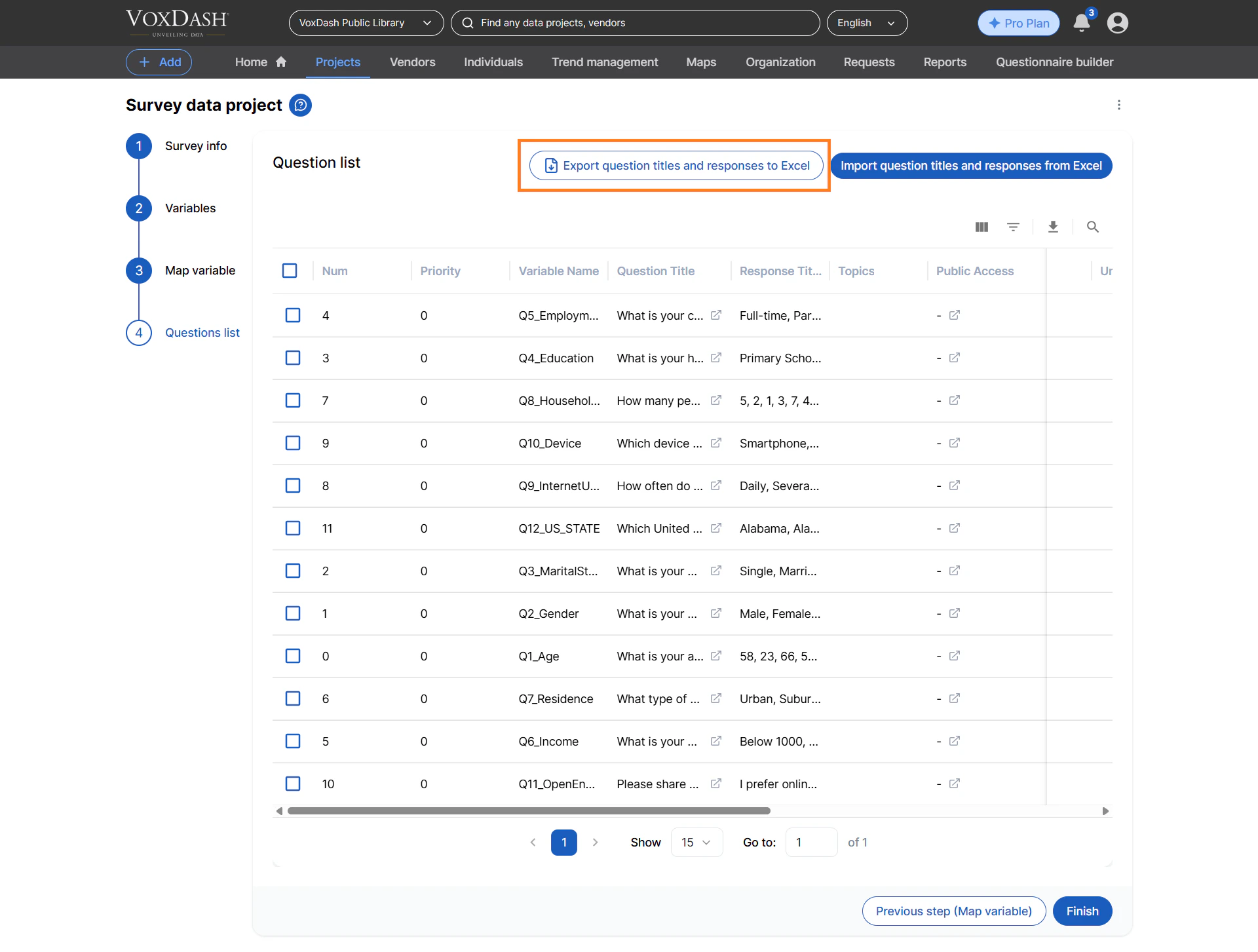
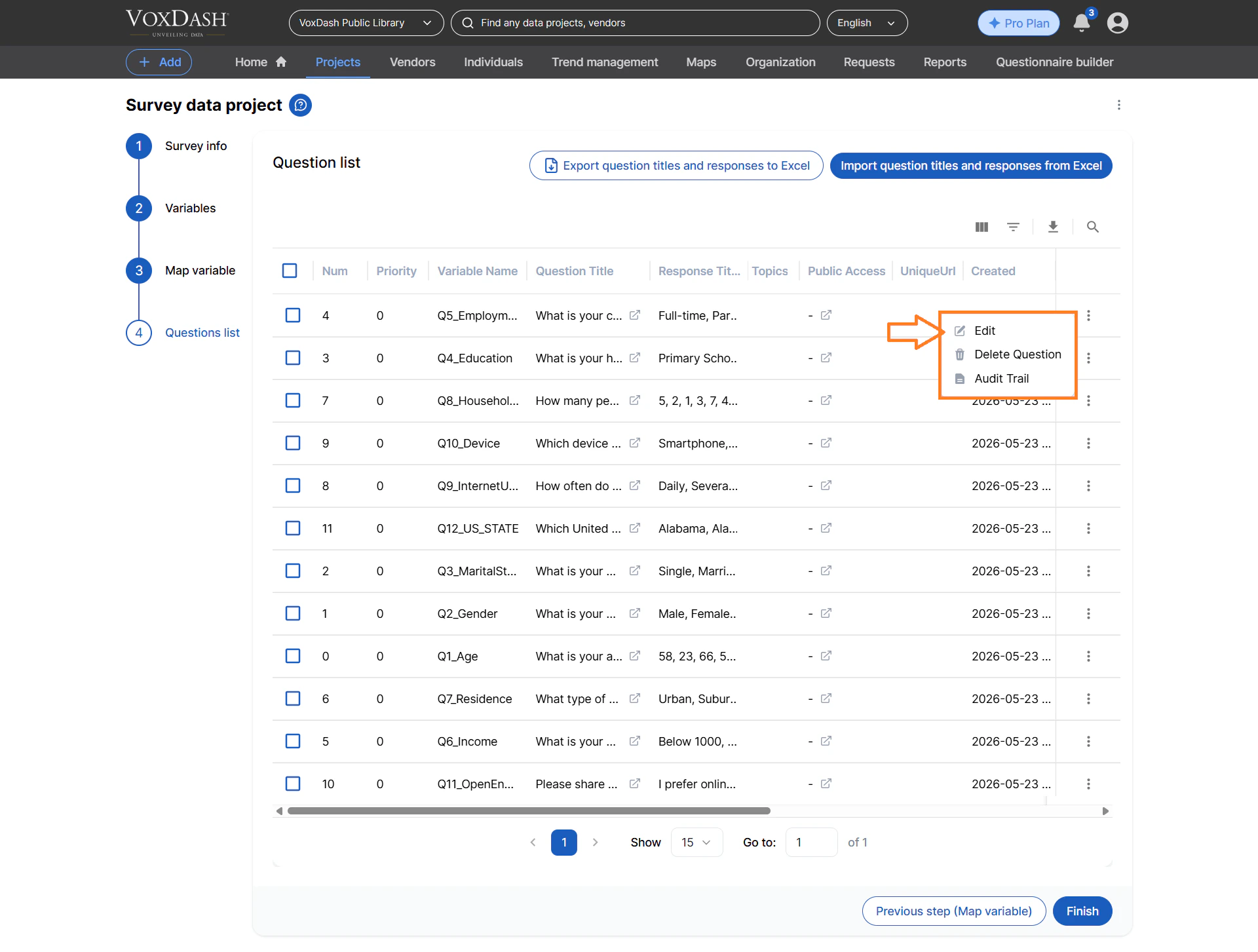
Edit Question Details
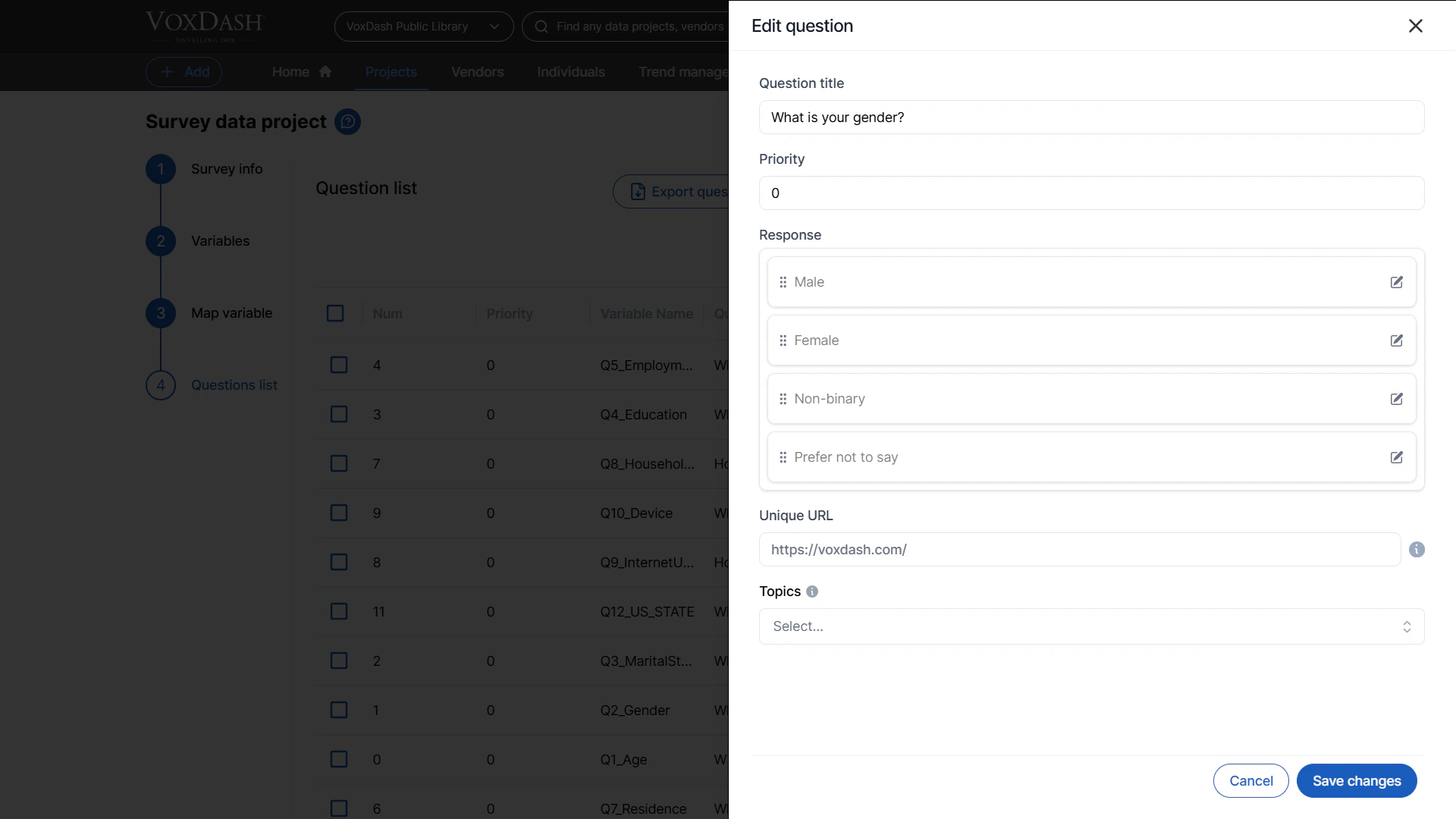
Each question can be individually customized directly from this page. Available editing options include:- Question Name — Update the title or wording of the question.
- Priority Settings — Adjust the display or processing priority of questions within the survey workflow.
- Response Options — Modify available answer choices or response configurations.
- Unique URL Assignment — Generate or assign a dedicated URL for a specific question when needed for sharing or tracking purposes.
- Topic Assignment — Categorize questions by assigning them to a related topic or subject area for easier organization and reporting.
Delete Questions
If a question is no longer required, you can permanently remove it from the survey using the delete option. Before deleting a question, ensure that it is not actively used in reports, dashboards, or linked workflows, as this action may affect existing data analysis.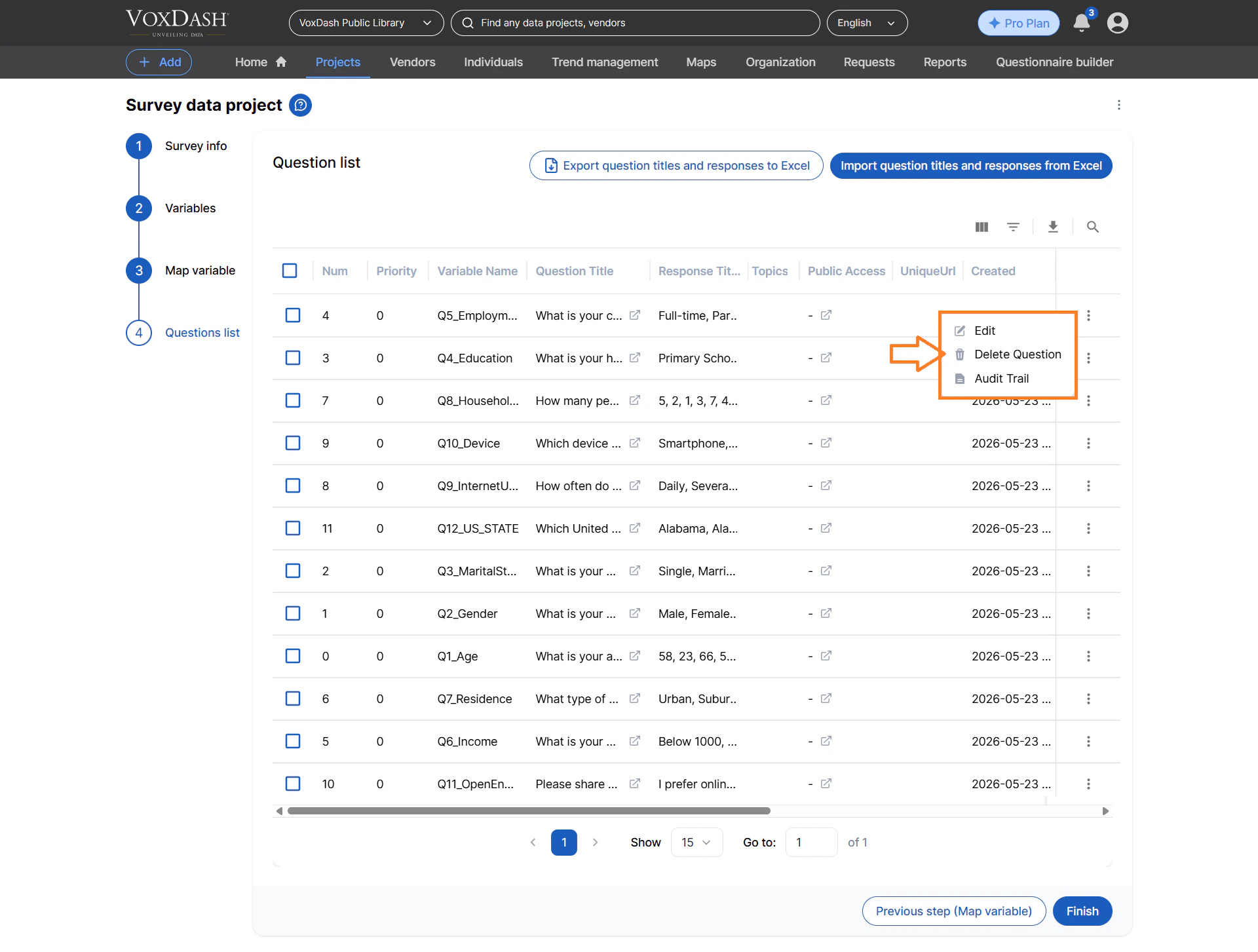
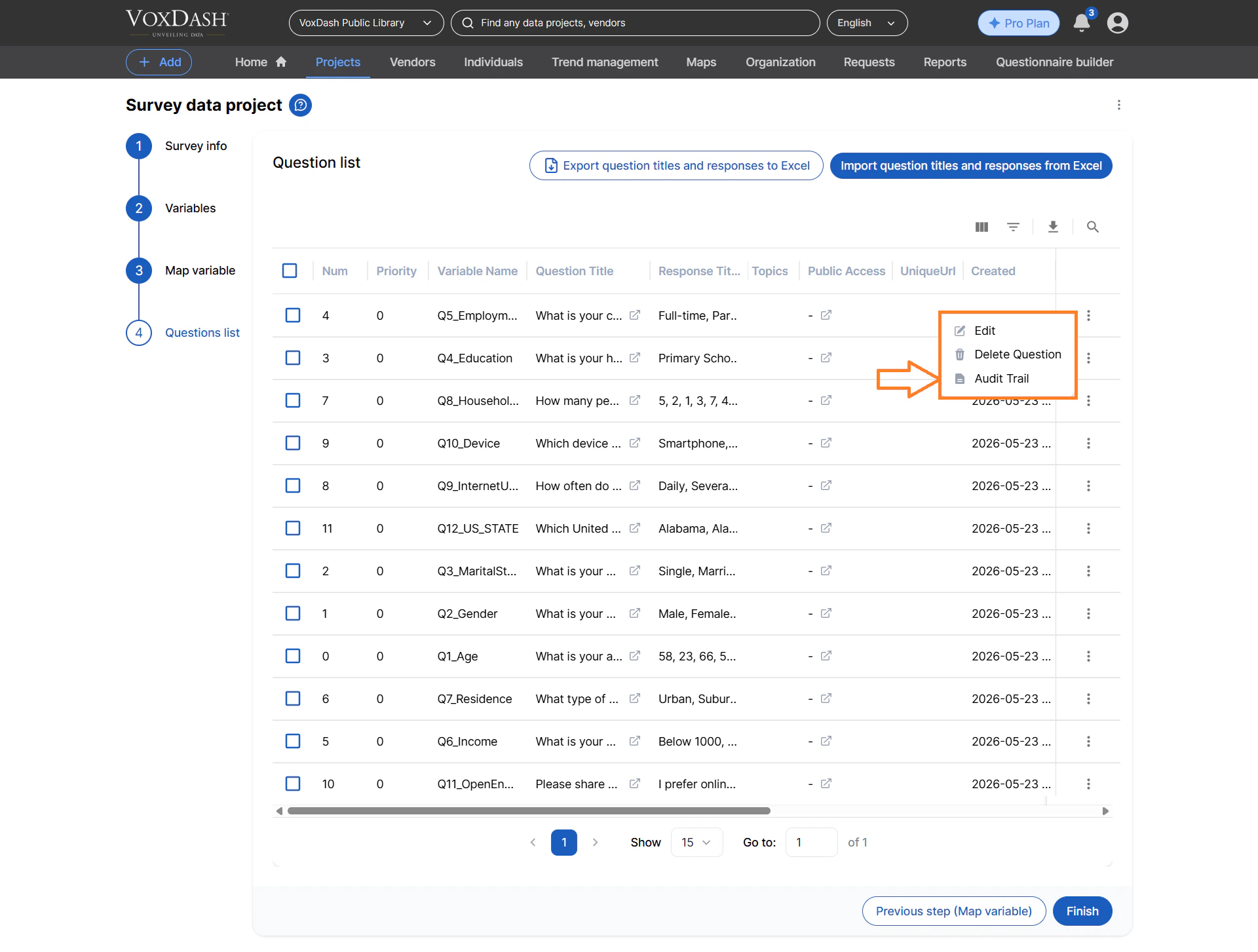
View Question Audit Trail
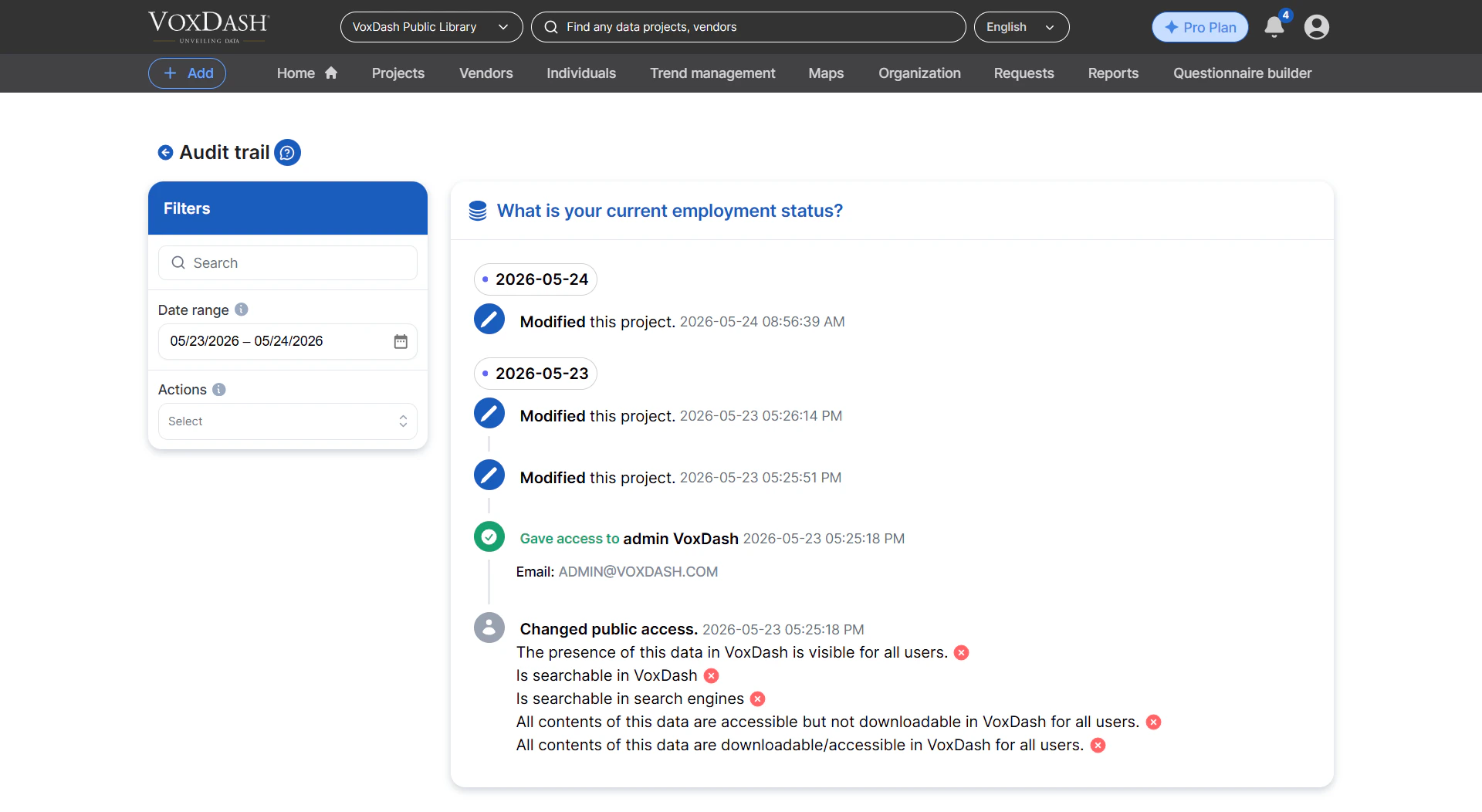
The audit trail feature allows you to review the history of changes made to a specific question. This includes information such as:- Previous edits and updates
- Modification timestamps
- User activity history
- Configuration changes
Manage Question Access Permissions
You can control the visibility and accessibility of individual questions by configuring question access settings. Available access options include:- Public Questions — Make a question publicly accessible for shared use across projects or teams.
- Private Questions — Restrict access to authorized users only.
- Shared Access — Grant specific users, groups, or collaborators permission to view or use a question.