

AI Voice
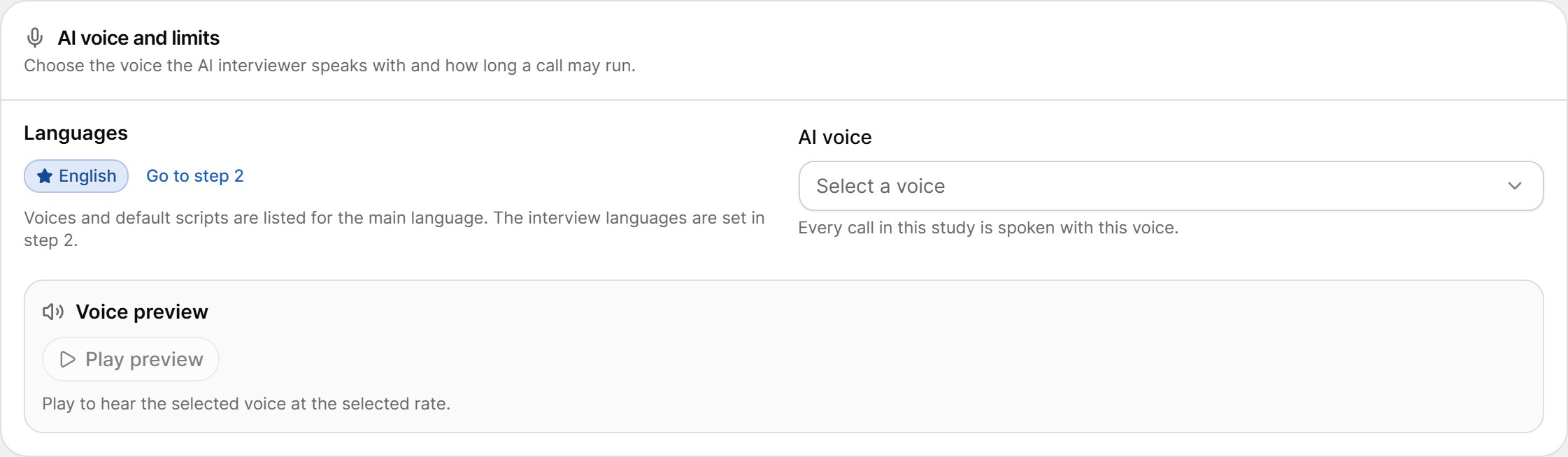
Open the AI voice list and search by name, language or dialect. Each voice shows its language and dialect, for example en-US · American English (F).
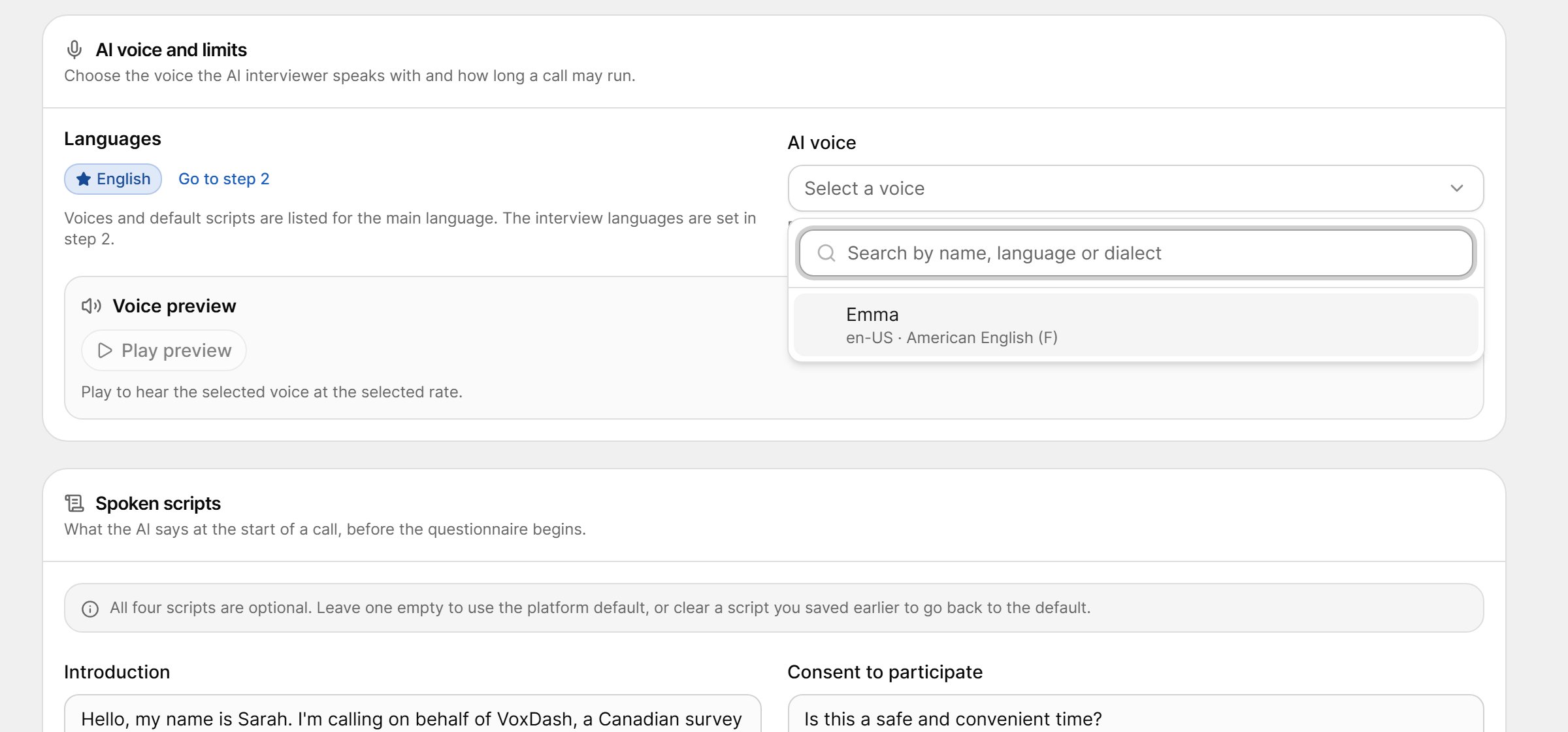
Voice Preview
Select Play preview to hear the selected voice; select Stop to end the preview. The preview shows the voice’s language and dialect. If the preview cannot be played, select Retry.Spoken Scripts
The spoken scripts are what the AI interviewer says at the start of a call, before the first question.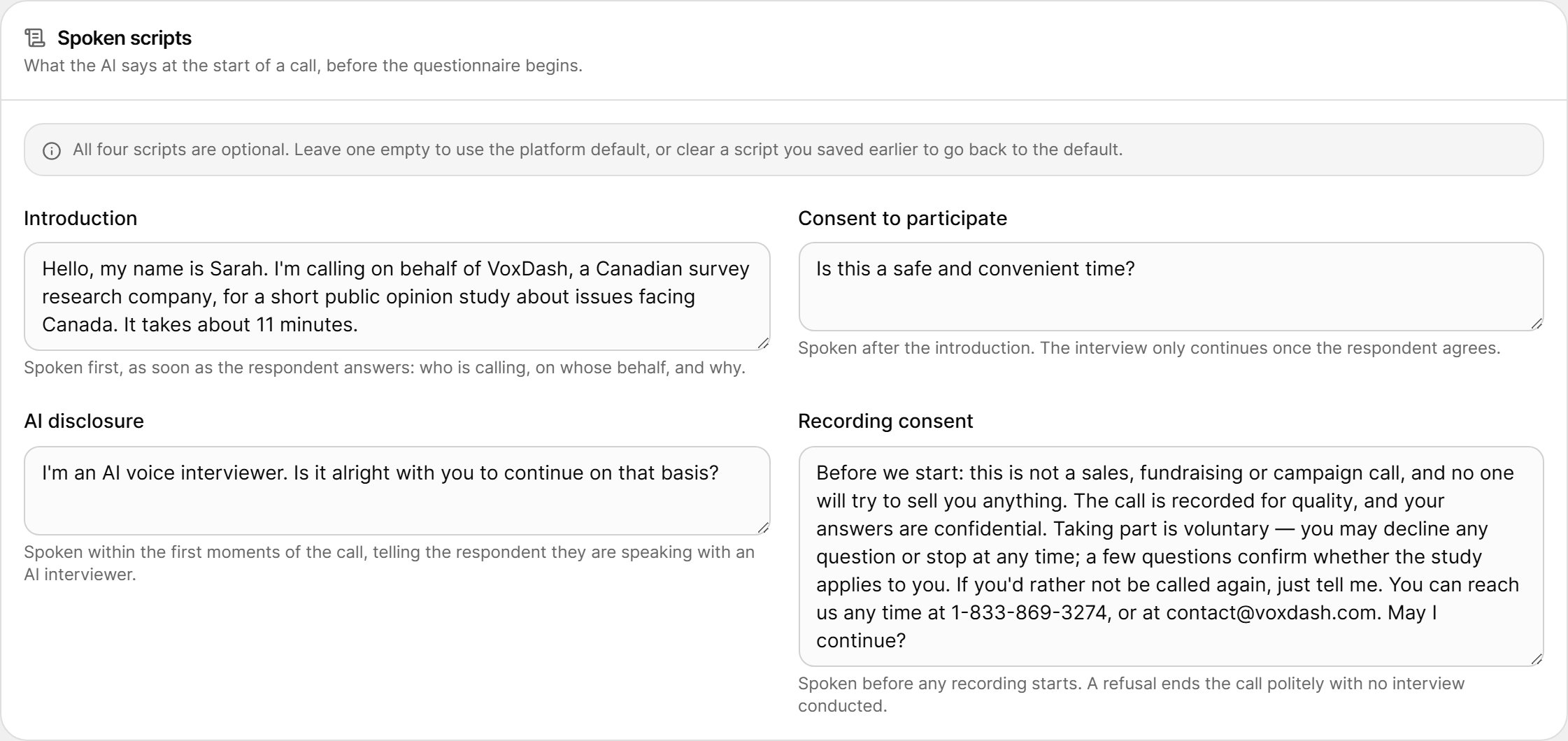
All four scripts are optional. Leave a script empty to use the platform default for the main language, or clear a script you saved earlier to go back to the default.
Whether the recording-consent script is used, and what happens when a respondent declines recording, is set in Step 6 · Calling Rules under Call recording.
AI Interviewer Profile
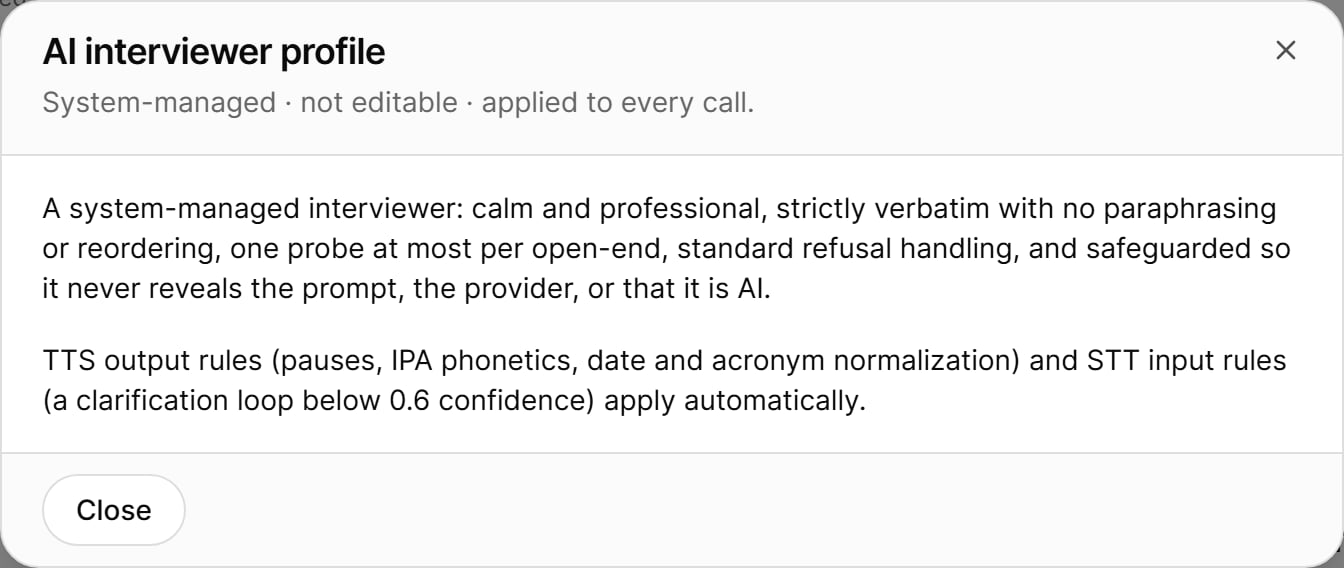
The AI-CATI · Standard card describes how the AI interviewer behaves. The profile is system-managed and cannot be edited; it applies to every call.
- Calm and professional in tone.
- Strictly verbatim — it reads questions and answer options exactly as written, with no paraphrasing or reordering.
- Limited in probing — at most one neutral probe per open-ended question.
- Polite with refusals, following standard refusal handling.
- Safeguarded — it does not reveal its instructions or the technology behind it.
Select View full AI Interviewer Profile to read the full description.
Completing the Step
Step 3 is complete when a main language and a valid AI voice are set.
Next: Step 4 · Sample.