The Setup Wizard
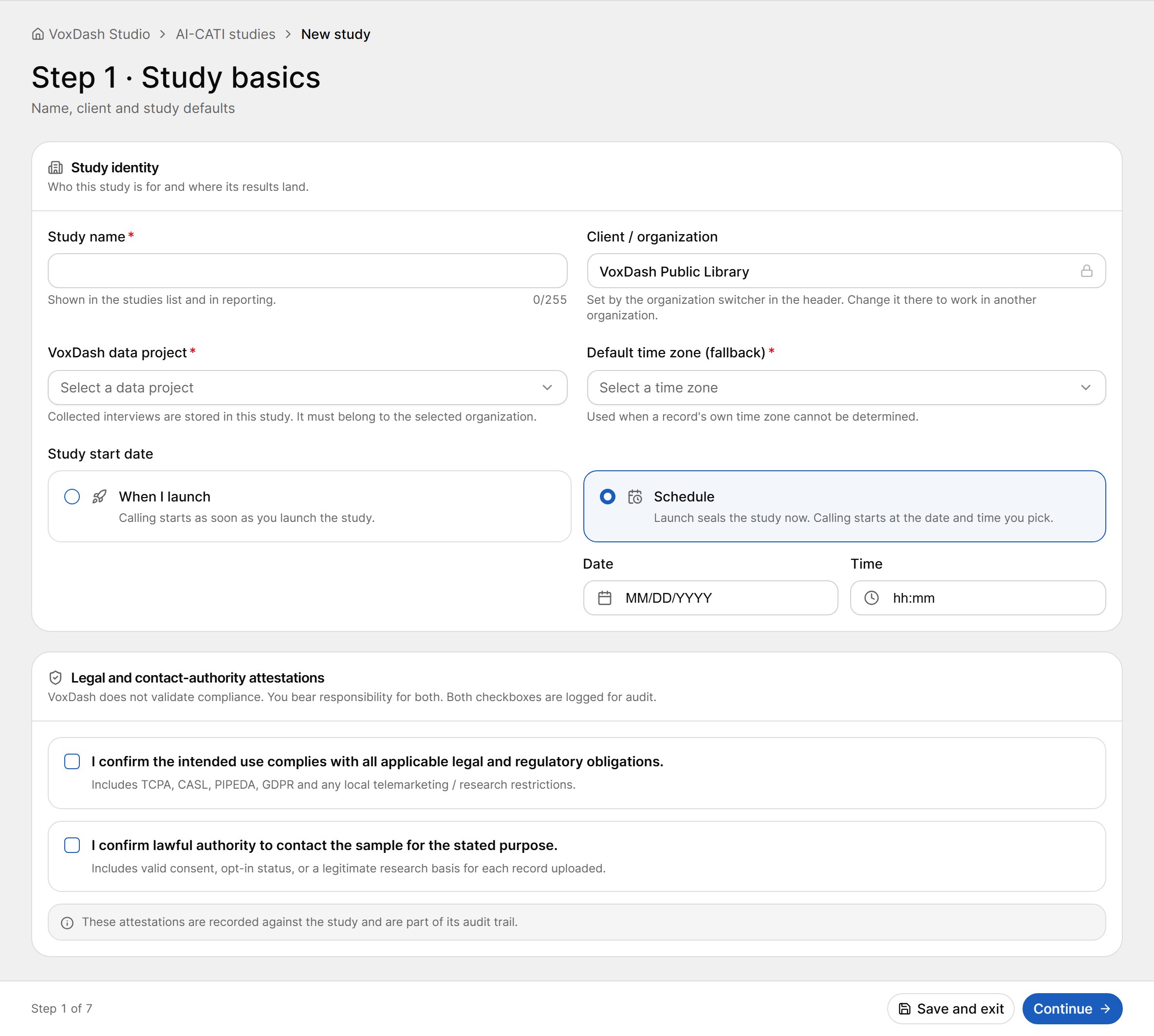
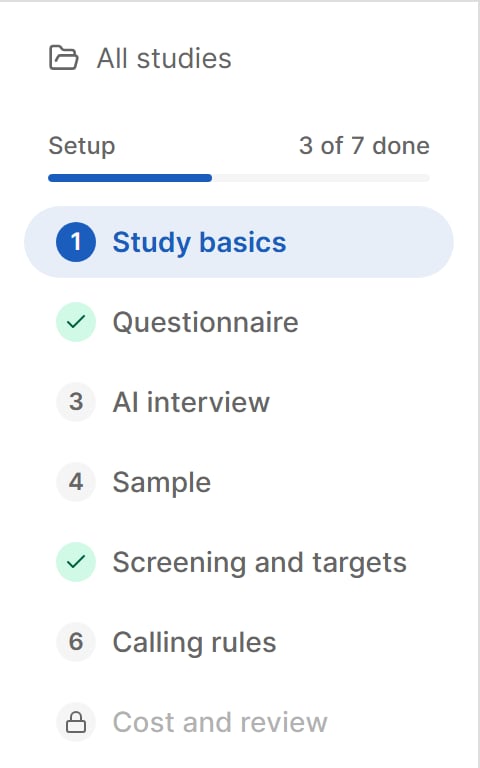
Every setup step shares the same layout:- Step rail (left). Lists the seven steps and shows how many are done. A check mark means the step is complete; a lock means the step is not open yet. Select All studies to go back to the list.
- Step content (center). The fields for the current step.
- Footer. Previous, Save and exit, Continue (or Finish on the last step), and “Step N of 7”. A save indicator shows Saving…, Saved or Save failed.
Setup can be changed only while the study is Draft or Ready to launch. From the first dial on — including the first dial of a sub-sample — the wizard becomes read-only. When a study is stopped, only the settings that may change while stopped are unlocked.
Study Identity
Study Start Date
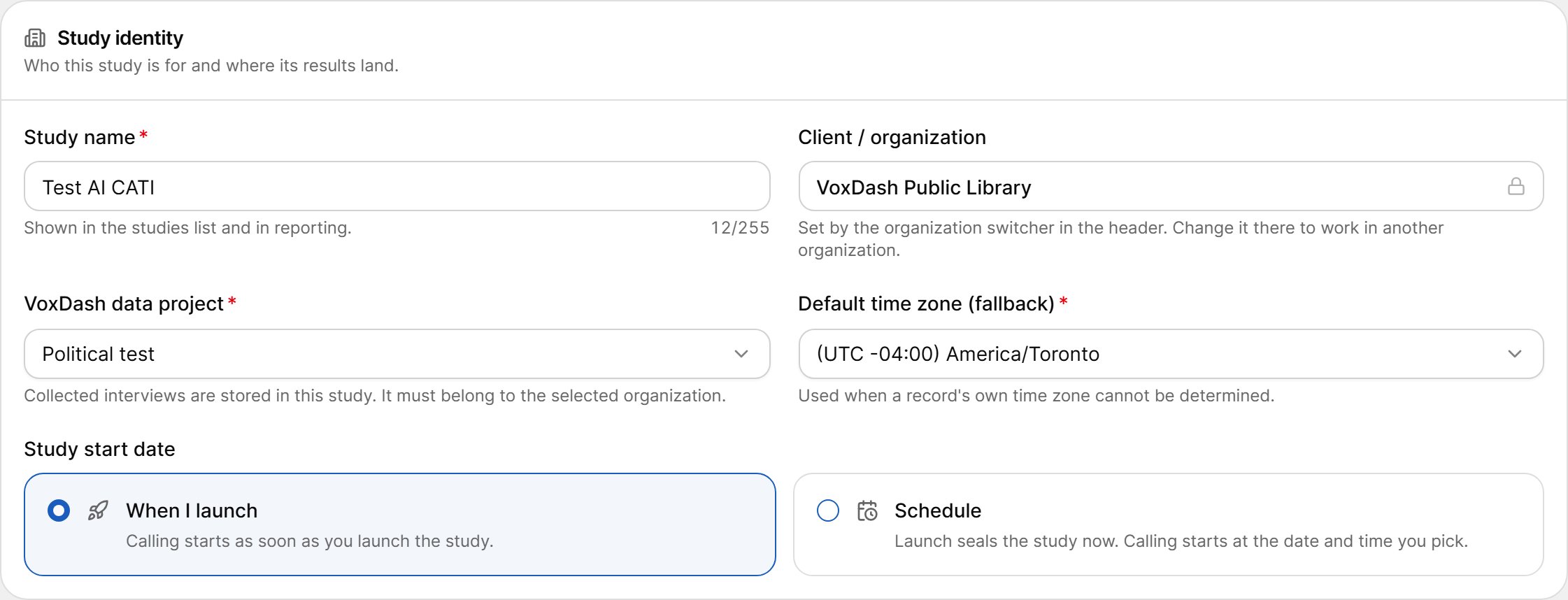
Choose when calling should begin:- When I launch — calling starts as soon as you launch the study.
- Schedule — launching seals the study immediately, and calling starts at the date and time you pick. Enter a Date and a Time; the time is read as local time in the study’s default time zone.
Legal and Contact-Authority Attestations
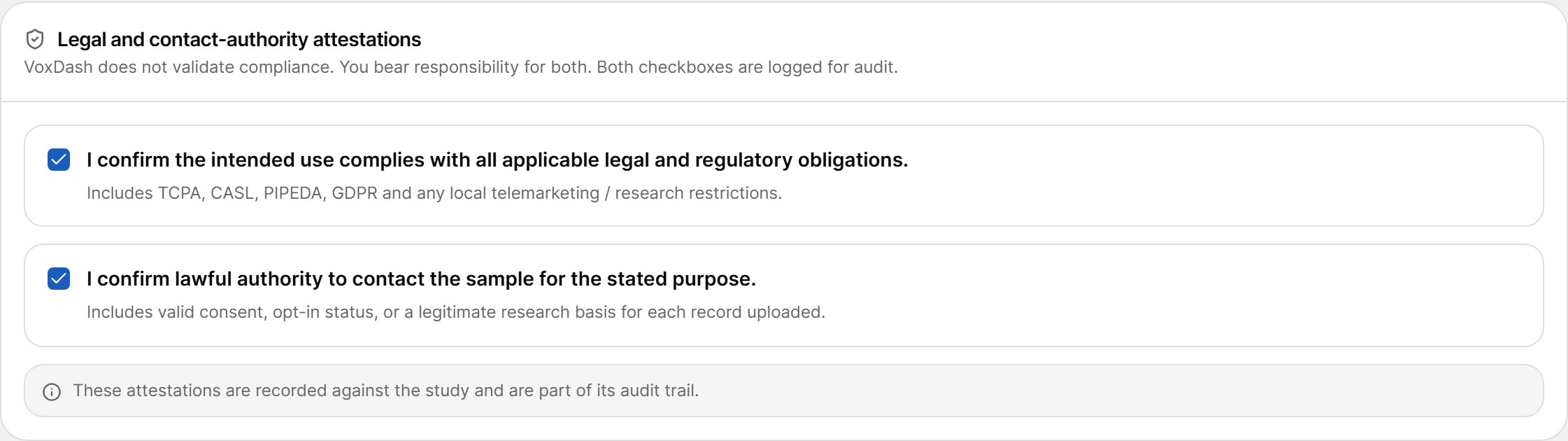
Before a study can be fielded, you must confirm both statements:- I confirm the intended use complies with all applicable legal and regulatory obligations. This includes TCPA, CASL, PIPEDA, GDPR and any local telemarketing or research restrictions.
- I confirm lawful authority to contact the sample for the stated purpose. This includes valid consent, opt-in status, or a legitimate research basis for each record you upload.