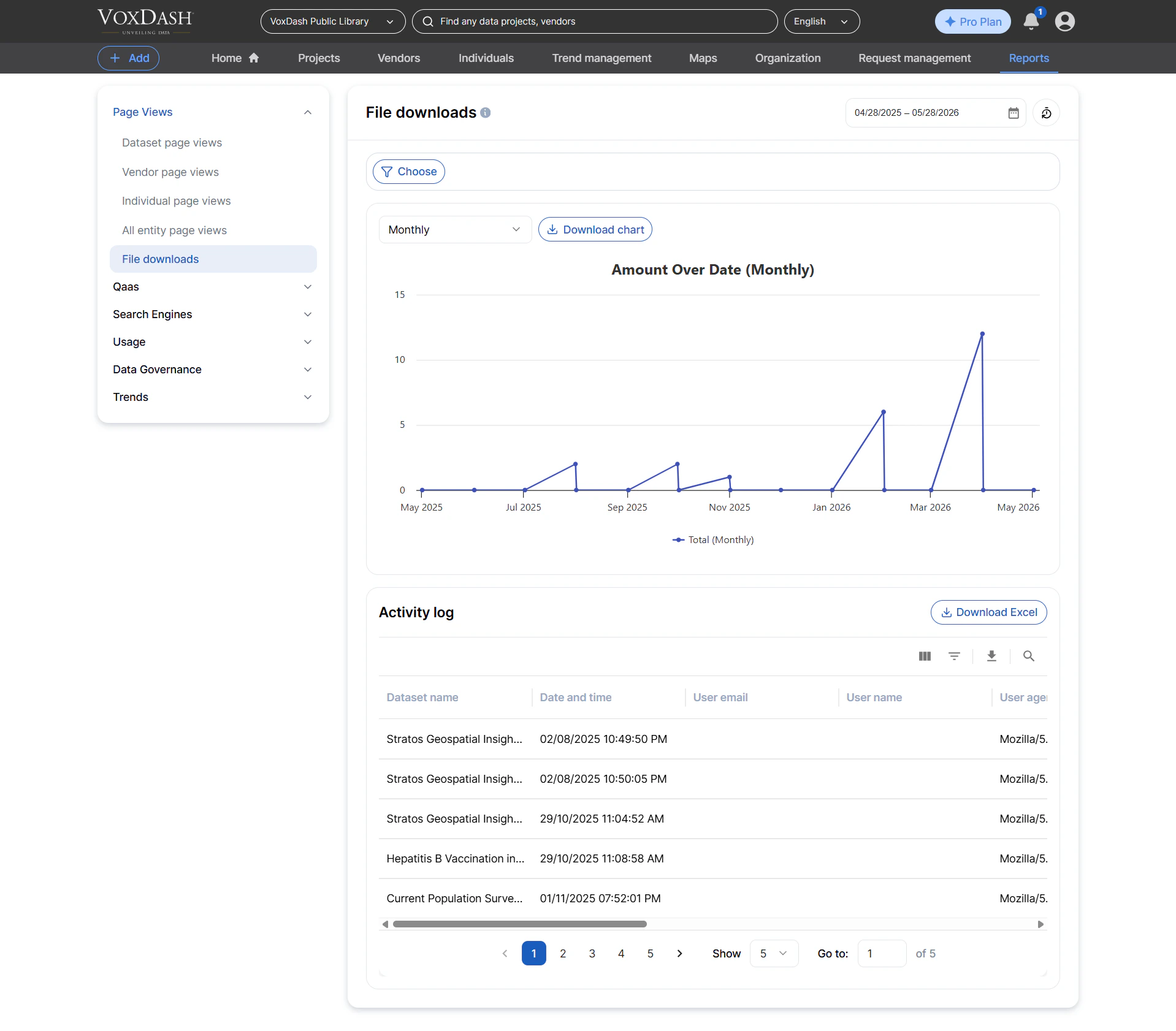
Dataset Page Views
This report contains a detailed log of every page view on dataset profile pages.It helps you understand how users discover and engage with your datasets. Information included:
- Dataset name (entity)
- Viewer name and/or email address (if available)
- Viewer IP address
- Browser and device information
- Public/private status of the dataset at the time of viewing
- Exact timestamp of the page view
- Tracking dataset popularity
- Monitoring unusual access patterns
- Understanding user engagement trends

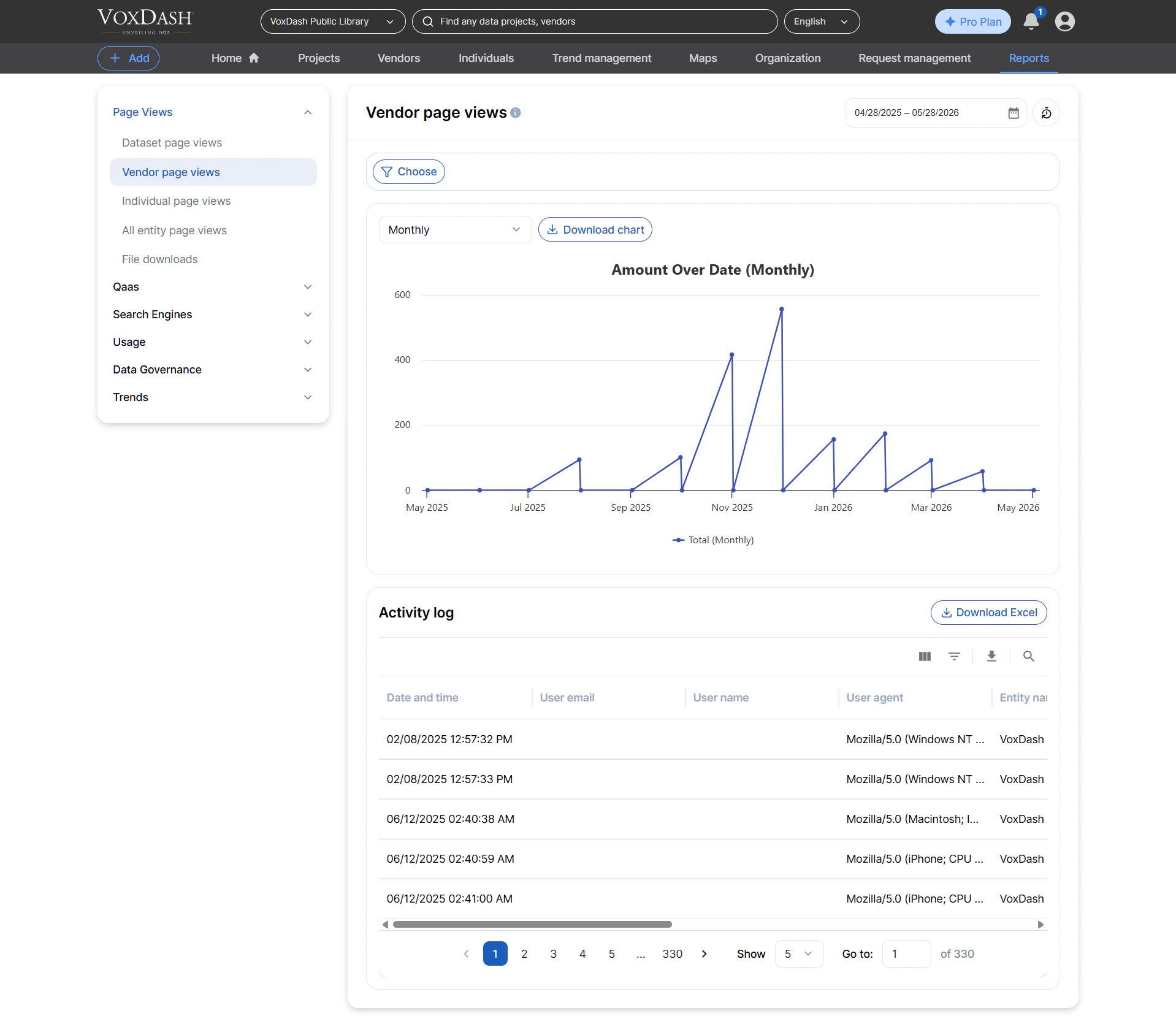
Vendor Page Views
This log tracks all page views on vendor profile pages, giving insight into how often different vendors are being viewed on the platform. Information included:- Vendor name (entity)
- Viewer name and/or email
- Viewer IP address
- Browser/device info
- Timestamp of each view
- Measuring vendor visibility
- Identifying vendor profiles that attract the most traffic
- Supporting vendor performance reports
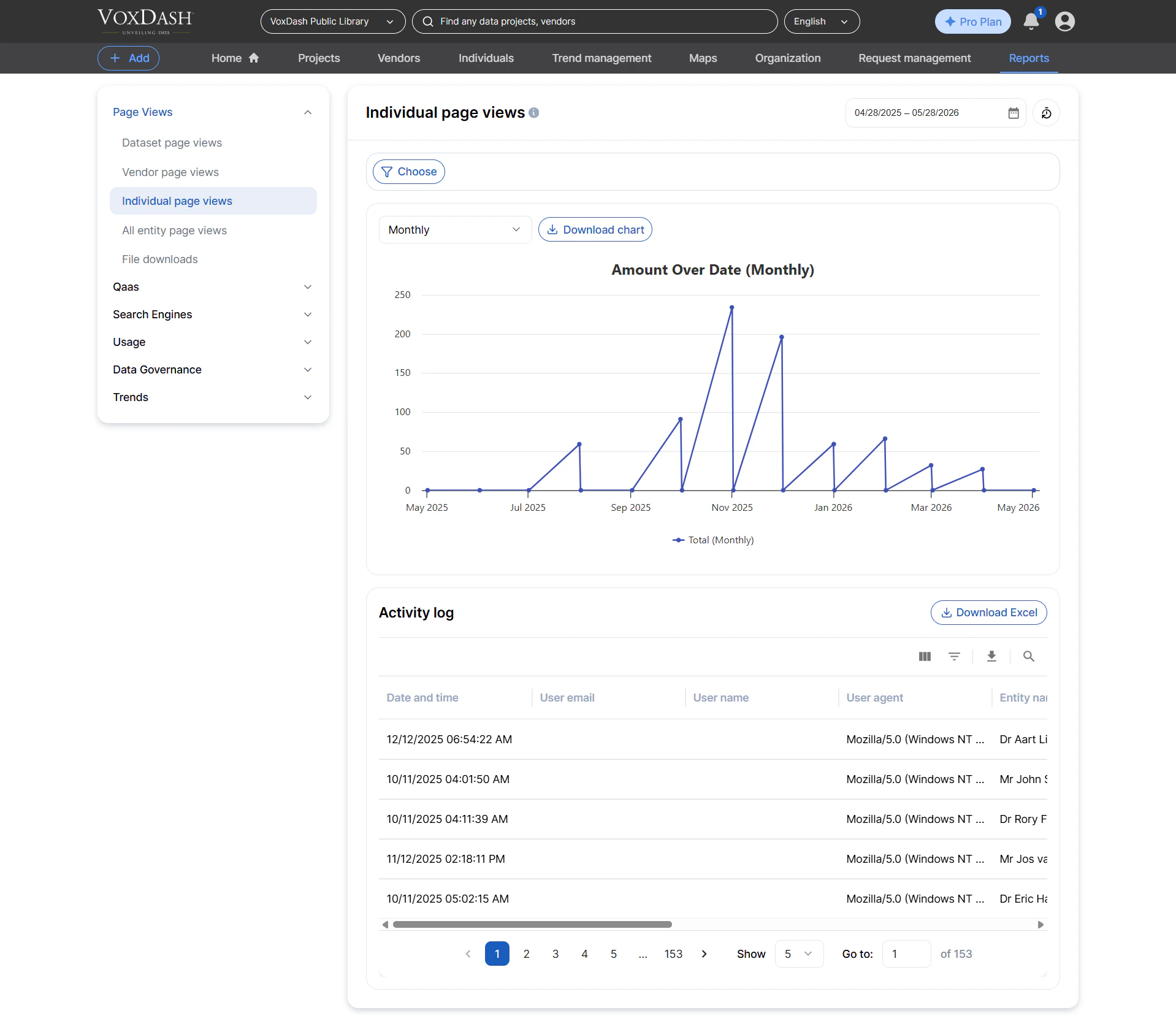
Individual Page Views
Tracks all page views for individual/person profile pages, commonly used in platforms where analysts, researchers, or contributors have public profiles. Information included:- Profile/individual name
- Viewer name/email
- Viewer IP address
- Timestamp of the view
- Measuring profile visibility
- Monitoring engagement with individual contributors
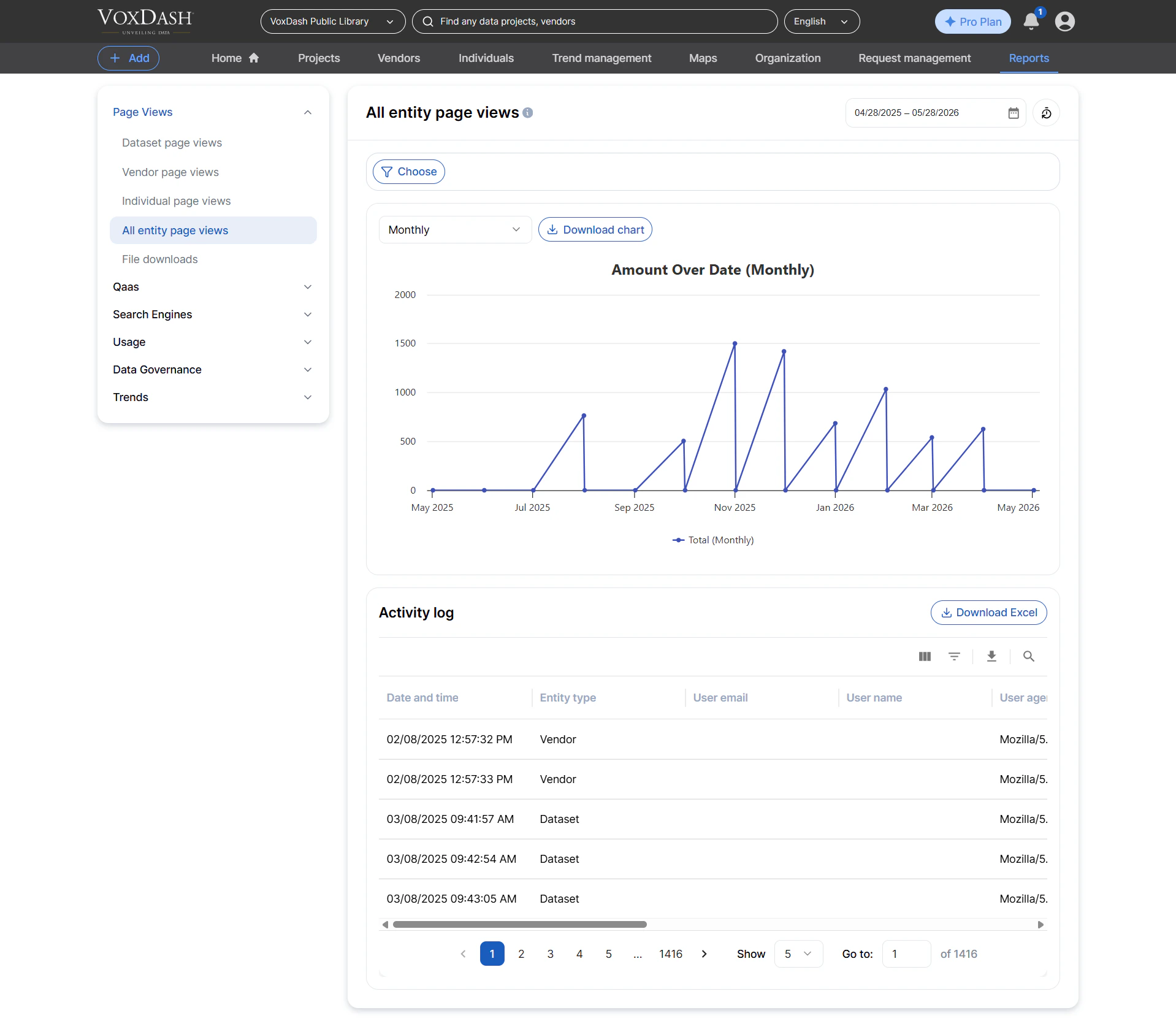
All Entity Page Views
A unified report that aggregates page‑view logs for all entity types, including:- Datasets
- Vendors
- Individuals
- Entity type (dataset, vendor, individual)
- Entity name
- Viewer details
- IP address
- Browser info
- Timestamp of each view
- Cross‑entity traffic comparisons
- Platform‑wide engagement monitoring
- Building custom dashboards for analytics teams
File Downloads
Tracks all private file downloads, allowing you to audit who downloaded what and when. Information included:- File name
- Dataset name
- Downloader identity (name/email)
- IP address
- Download timestamp
- Security and compliance reporting
- Monitoring access to sensitive data assets
- Measuring dataset file demand