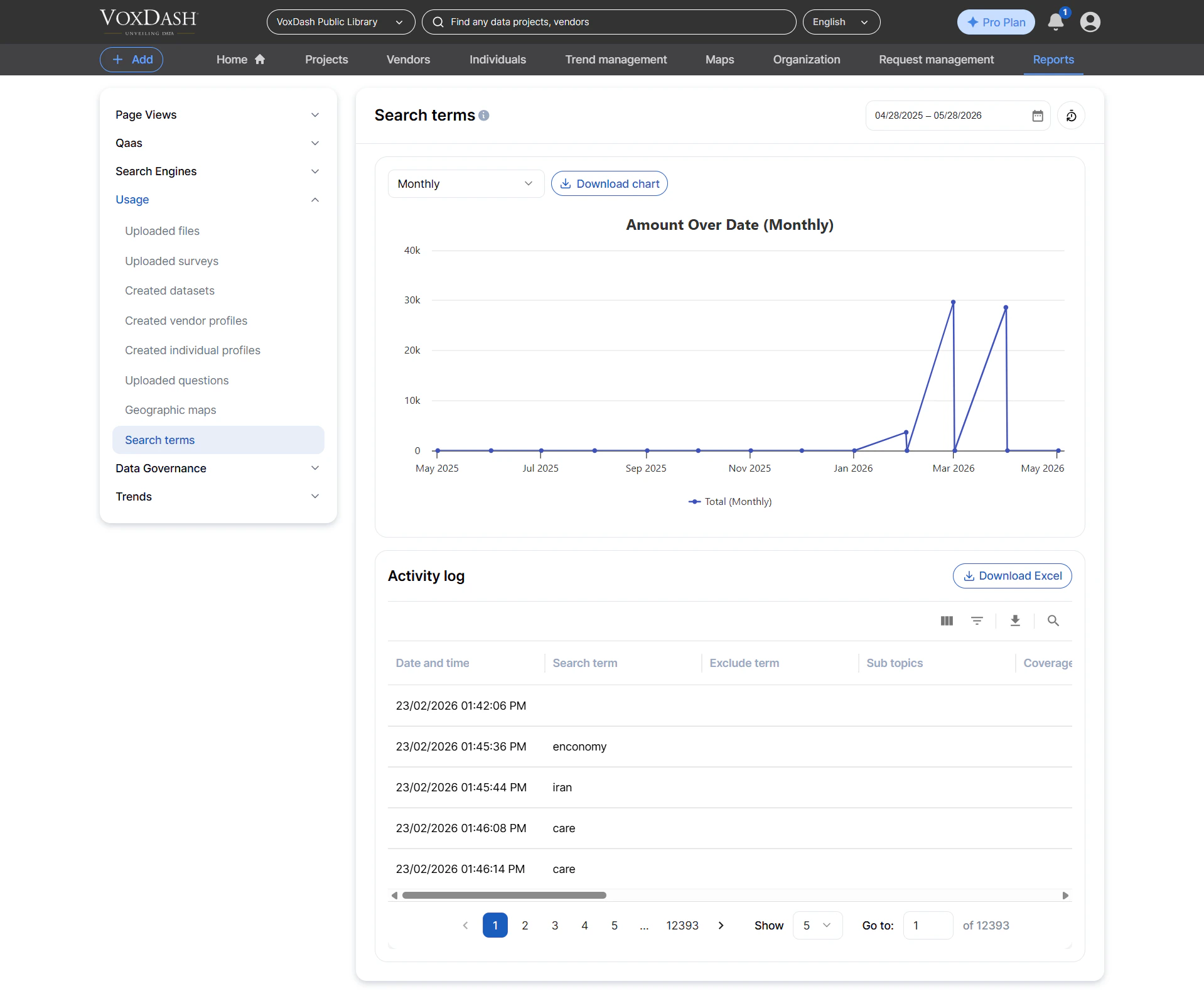
Uploaded Files
This report lists all files uploaded to the platform, including both public and private dataset attachments. Information included:- File name
- File type (e.g., PDF, XLSX, image, CSV)
- File size
- Associated dataset name
- Uploader details (name/email)
- IP address of the uploader
- Upload date and time
- Auditing user uploads
- Monitoring file growth across datasets
- Ensuring compliance with data‑sharing policies
- Identifying large or frequently updated files
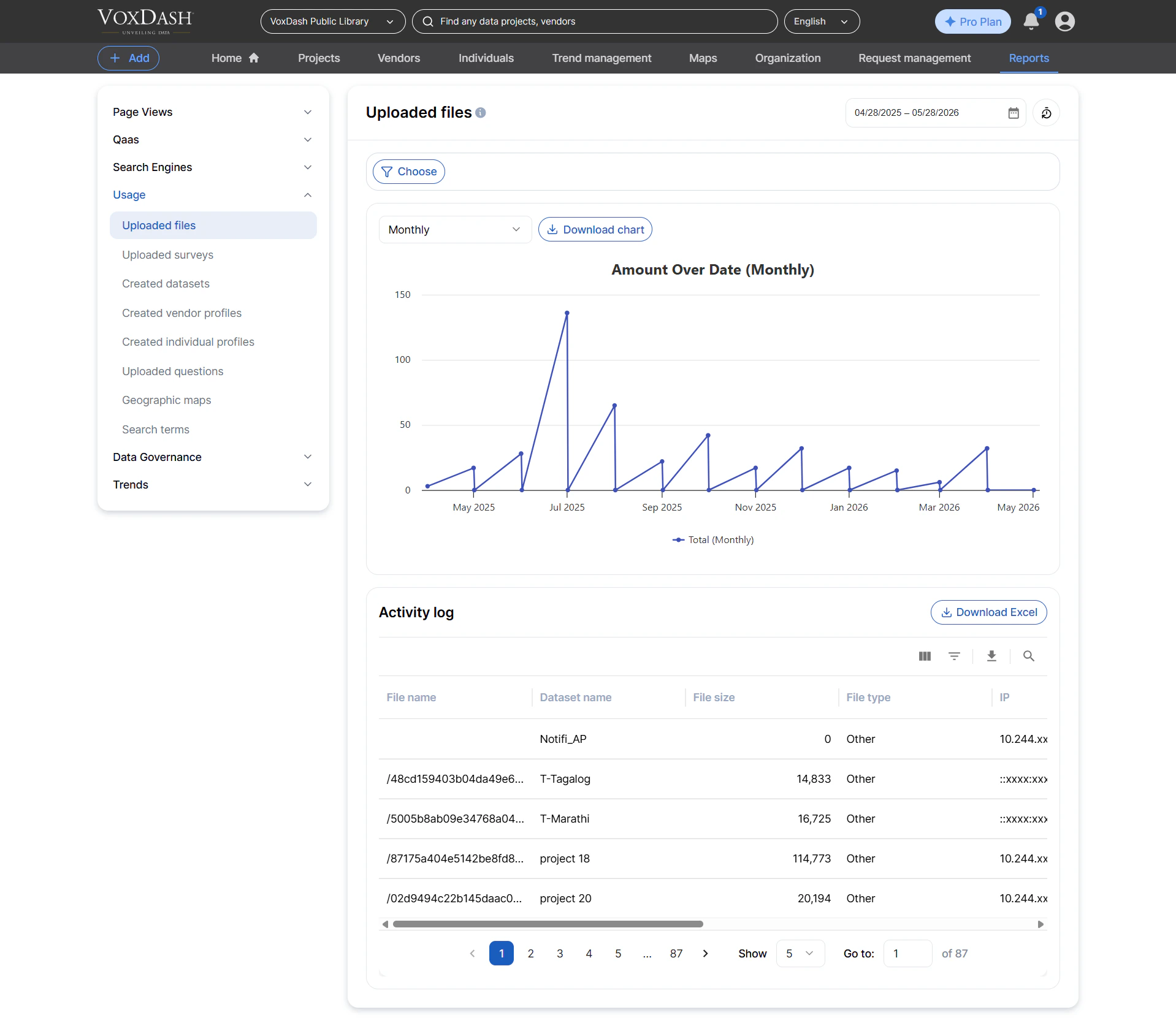
Uploaded Surveys
This report lists all survey files uploaded by users, typically in formats like Excel or CSV. Information included:- Survey name
- Sample size (if available in metadata)
- Associated dataset name
- Uploader details
- Public/private status of the resulting dataset
- Upload date
- Tracking new survey additions
- Monitoring survey volume by teams or organizations
- Supporting reporting and QA workflows
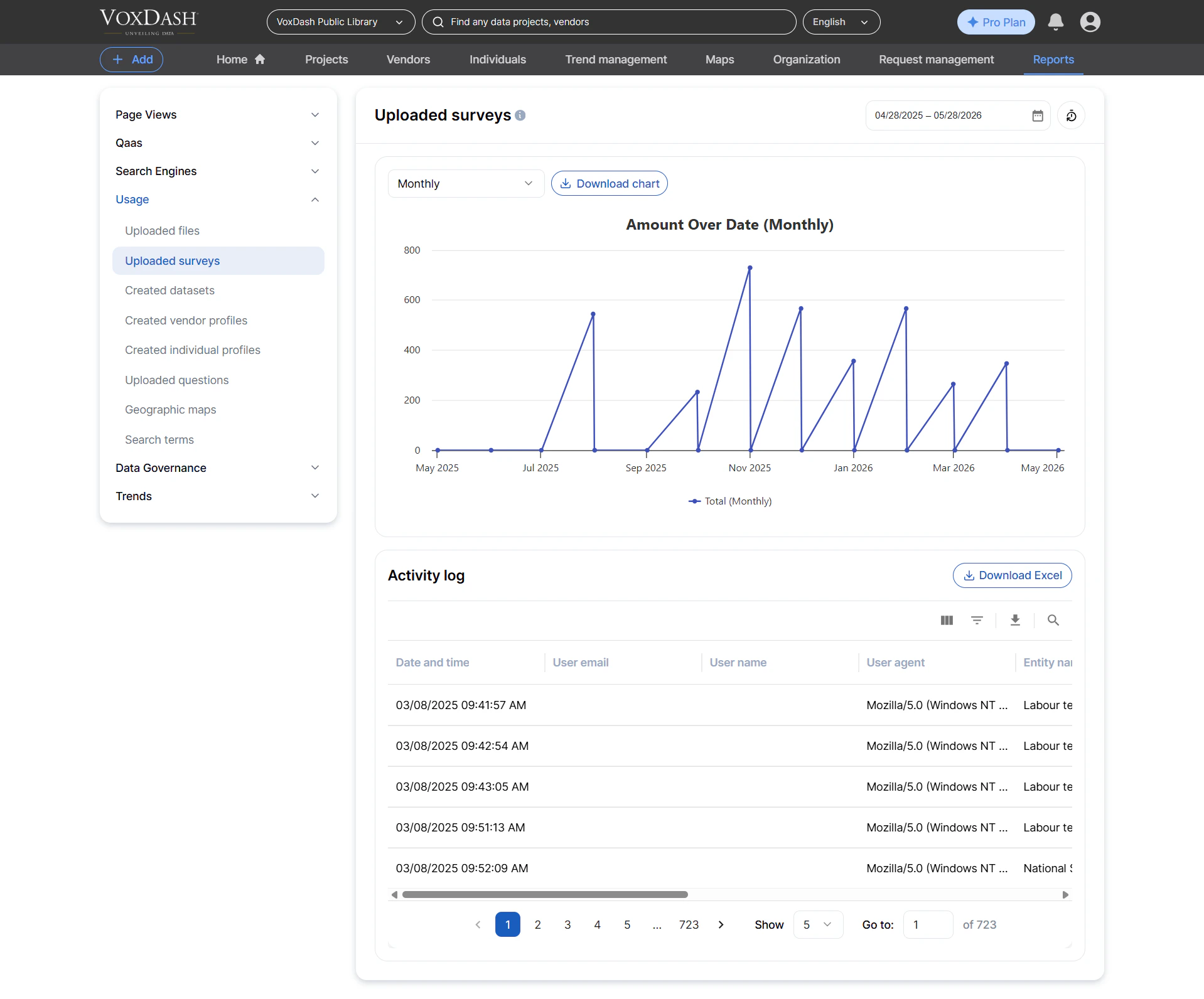
Created Datasets
This report lists all datasets created within the platform, whether created manually or via uploads. Information included:- Dataset name
- Creator details
- Creator’s IP address
- Public/private status
- Creation date
- Monitoring dataset creation activity
- Auditing newly added content
- Tracking dataset lifecycle events
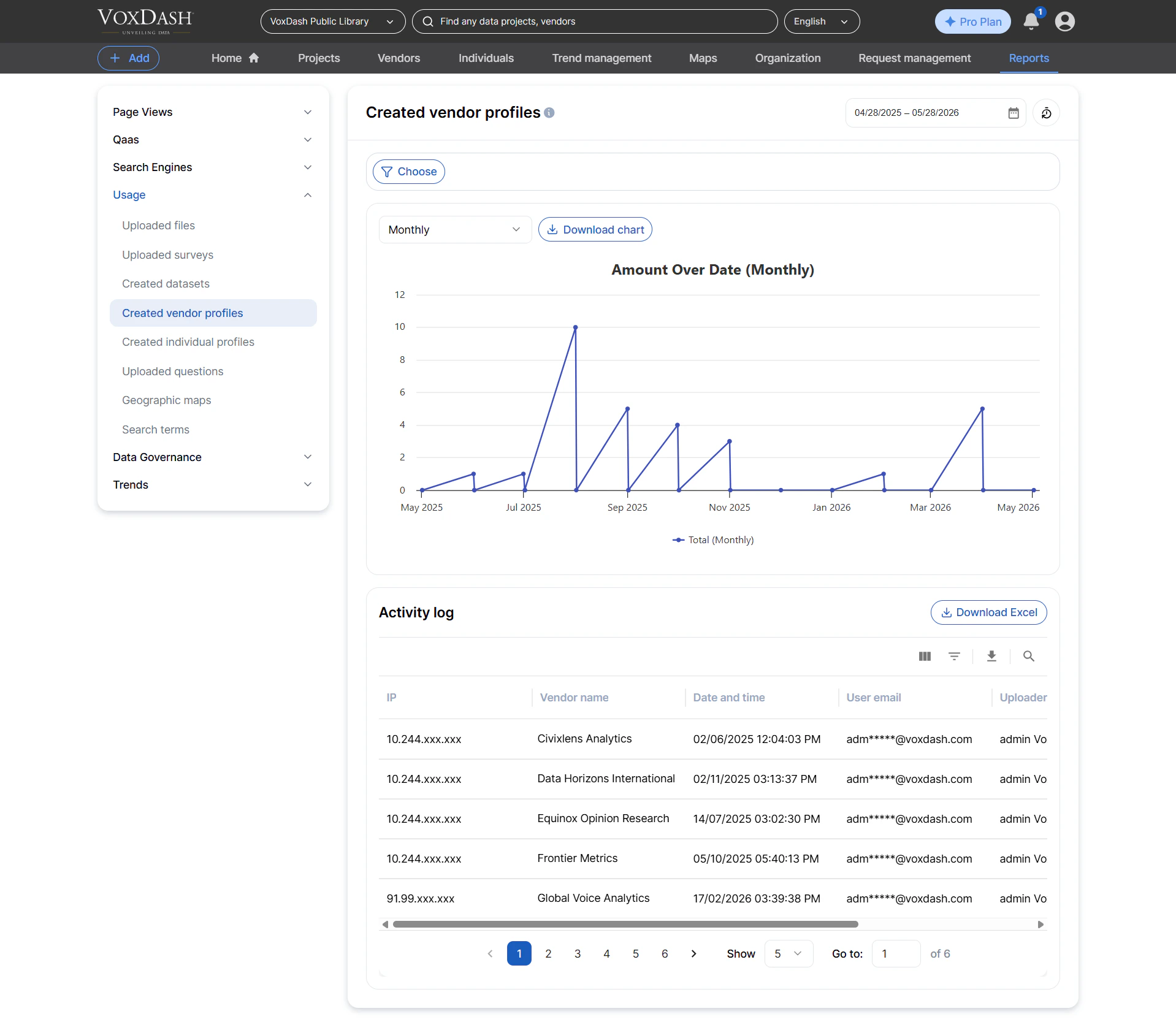
Created Vendor Profiles
This report lists every vendor profile created in VoxDash. Information included:- Vendor name
- Creator details
- Creator IP address
- Public/private status
- Creation date
- Monitoring vendor participation
- Auditing profile creation
- Supporting ecommerce‑related reporting
Created Individual Profiles
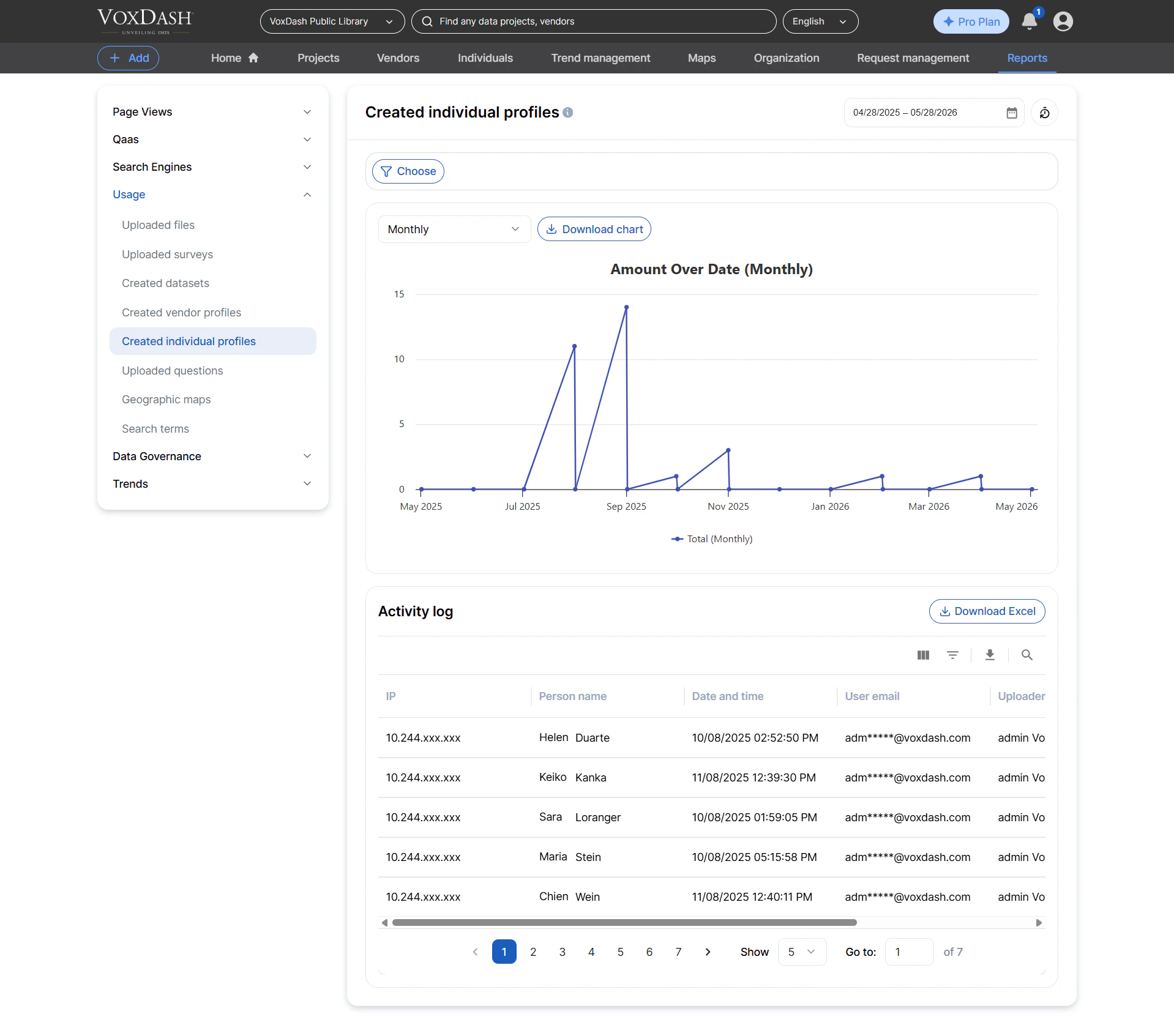
This report lists all individual (person) profiles created on the platform. Information included:- Person name
- Creator details
- Creator IP address
- Public/private status
- Creation date
- Auditing contributor or expert profiles
- Monitoring new user‑facing identities
Uploaded Questions
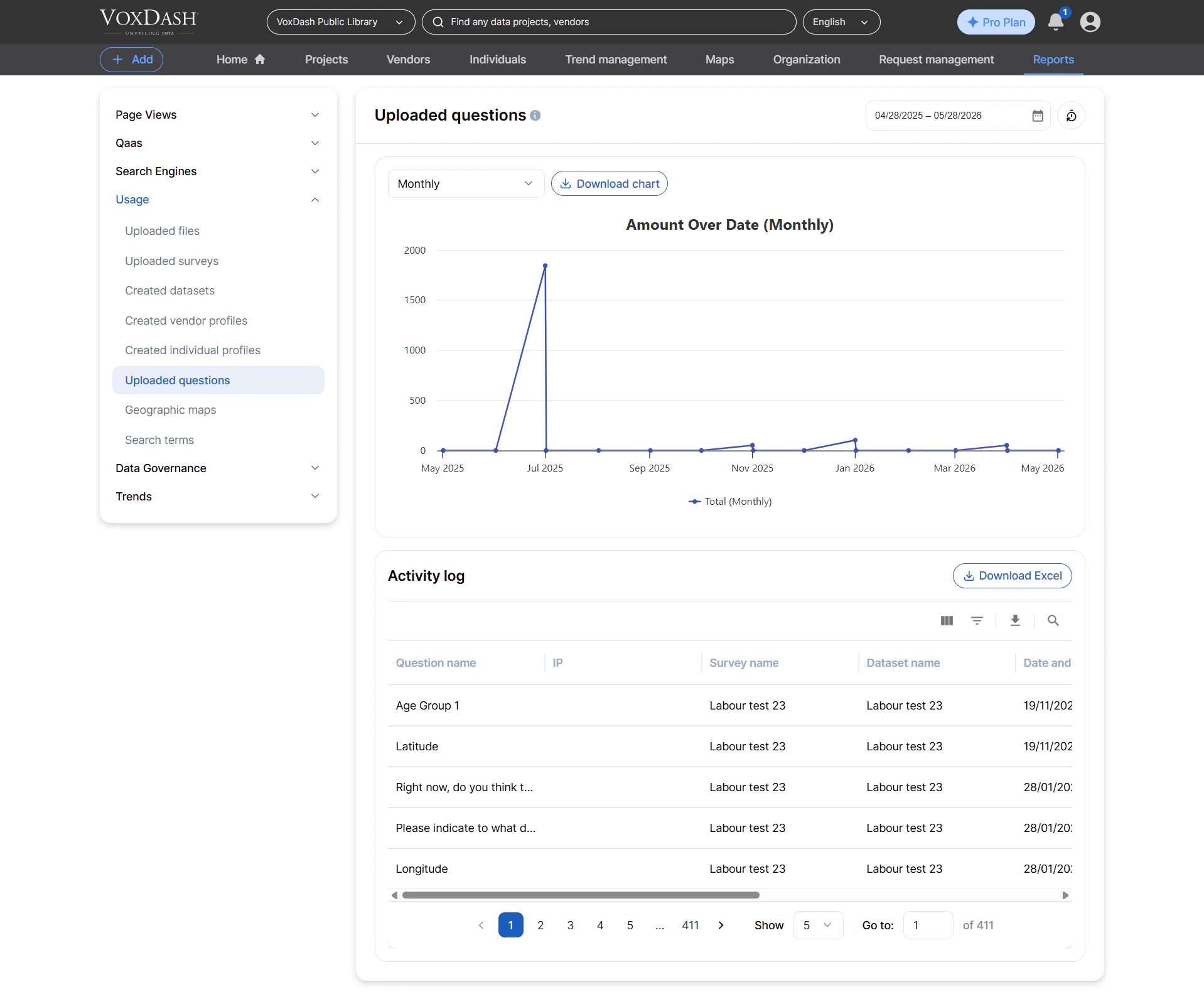
This report lists all survey questions uploaded into the system. Information included:- Question title
- Survey name
- Dataset name
- Uploader details
- Public/private status
- Creation date
- Auditing question creation for surveys
- Tracking growth in QaaS content
- Managing large‑scale survey ingestion
Geographic Maps
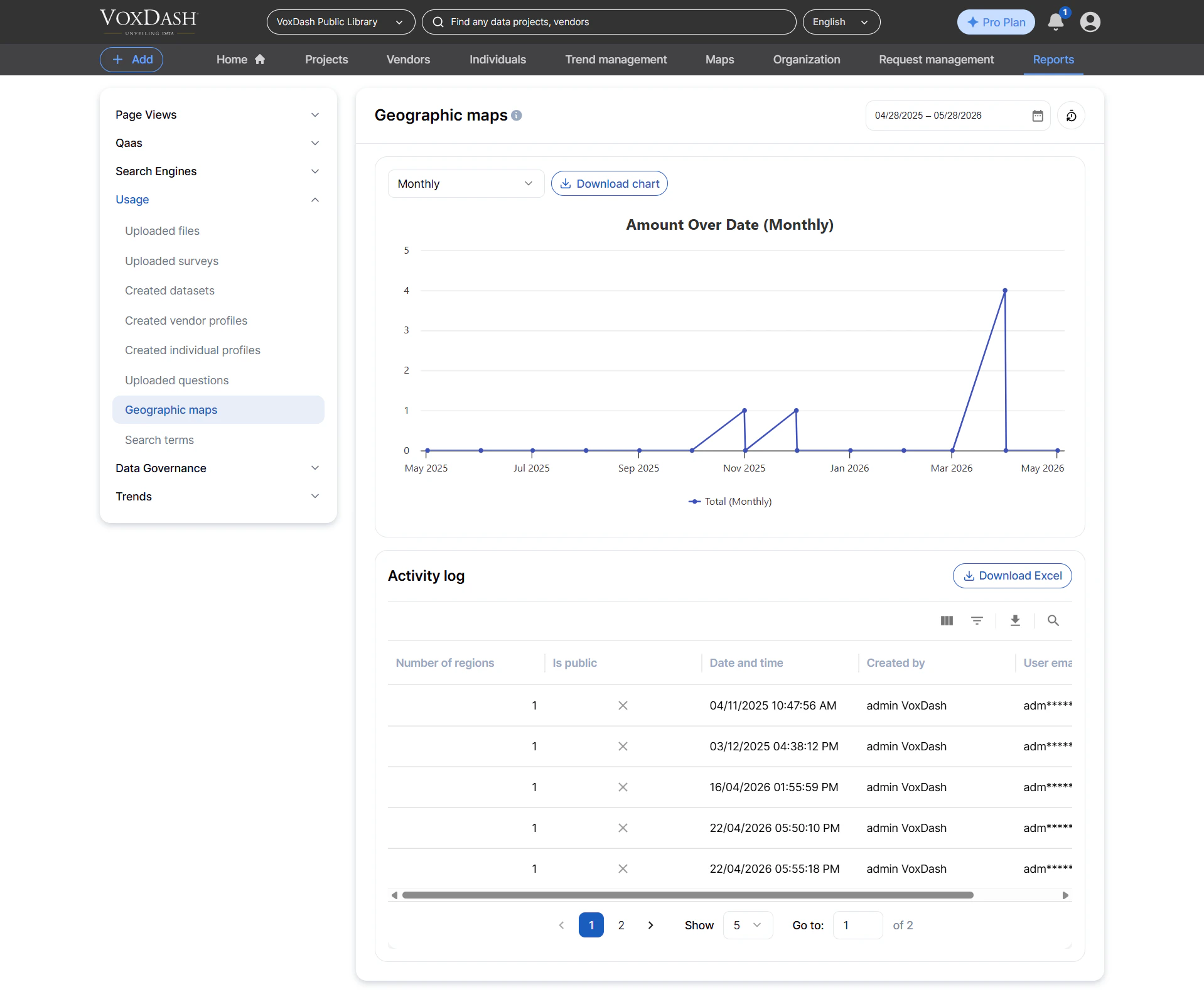
This report lists all geographic maps created on VoxDash, typically used for data visualization or region‑based filtering. Information included:- Map name
- Total number of defined regions
- Creator details
- Creator email
- Creation date
- Tracking geographic assets
- Monitoring map usage for visualization projects
- Auditing custom map creation
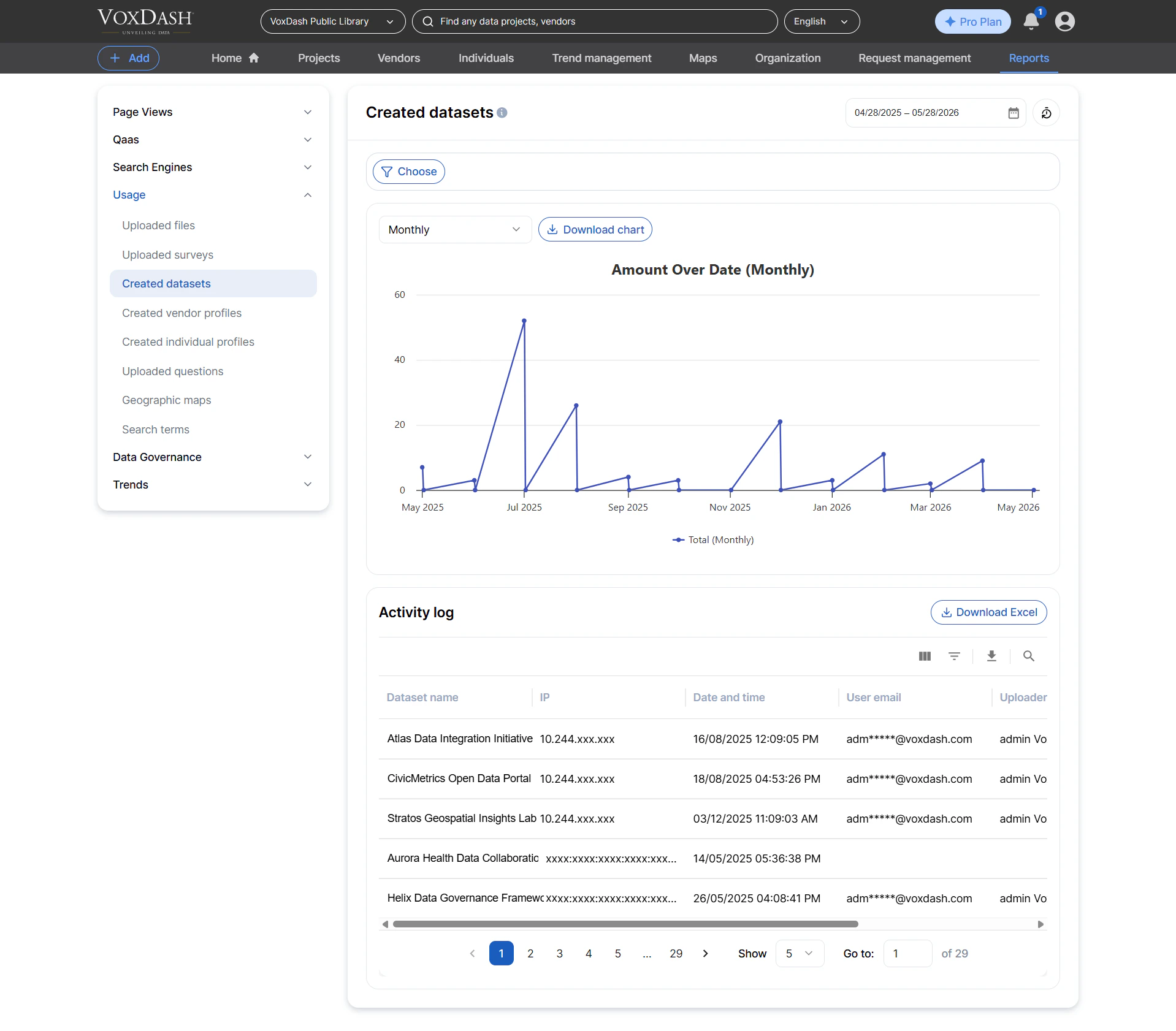
Search Terms
This report lists all search queries performed by users across VoxDash. Information included:- Search term
- Excluded keywords
- Applied filters (topics, coverage areas, date ranges)
- Result counts by category (datasets, questions, vendors, individuals)
- Search source (web, API, internal tool)
- User account information
- Understanding user information needs
- Improving dataset discoverability
- Identifying common topics or gaps in content
- Supporting analytics and search optimization