Sorting Options
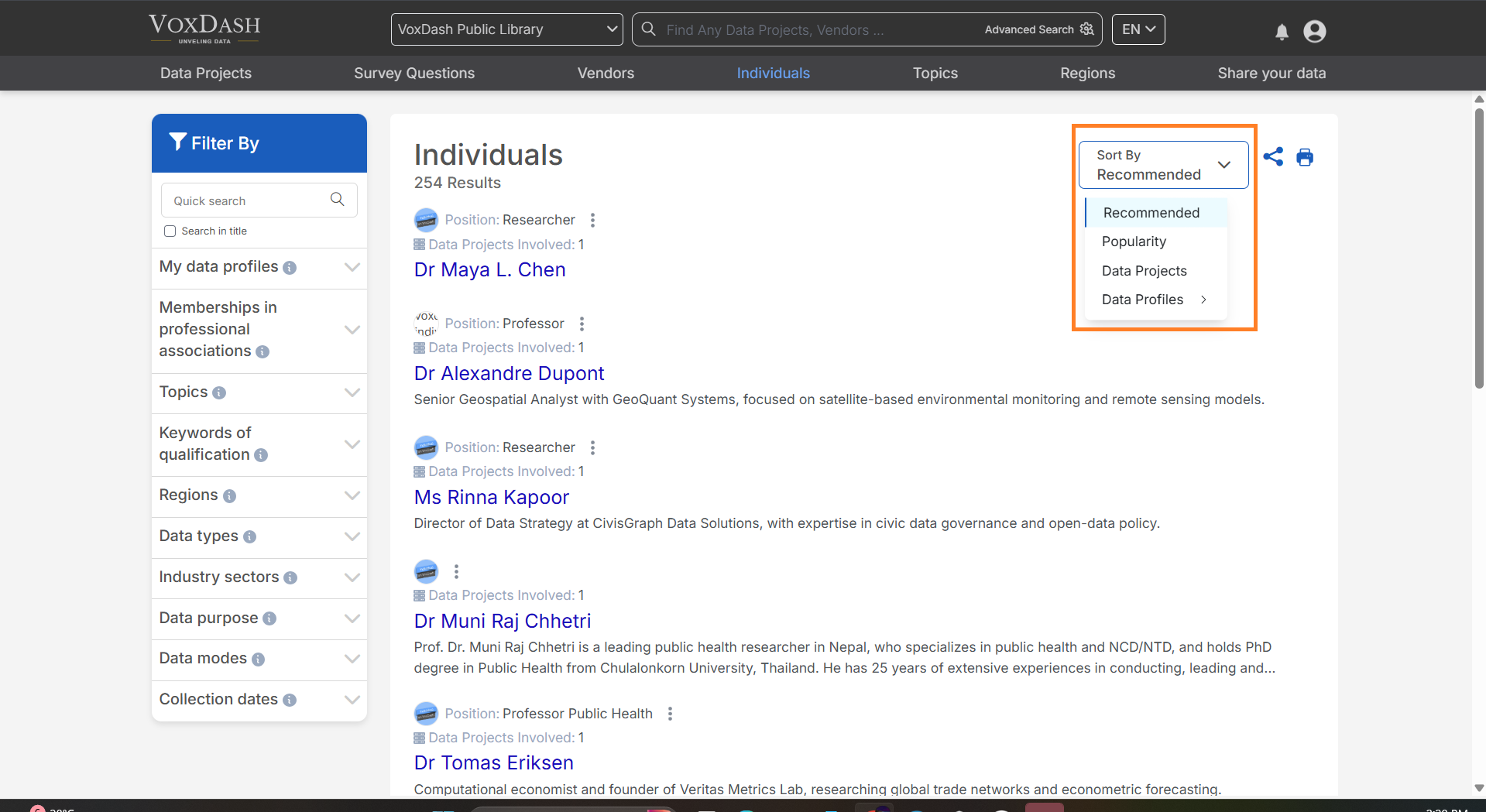
You can customize the view of individual profiles by sorting them in the following three ways:- Popularity:
- Organizes individuals based on their engagement, popularity, or usage frequency.
- Ideal for identifying high-performing vendors or frequently contacted individuals.
- Recommended:
- Displays individuals suggested for you based on relevance or predefined criteria set by VoxDash.
- Helps you discover individuals that align with your specific needs and preferences.
- Data Projects:
- Prioritizes individuals associated with a higher number of data projects.
- Individuals with more related data projects appear higher on the list, allowing for quicker access to key contributors.
Filtering Options
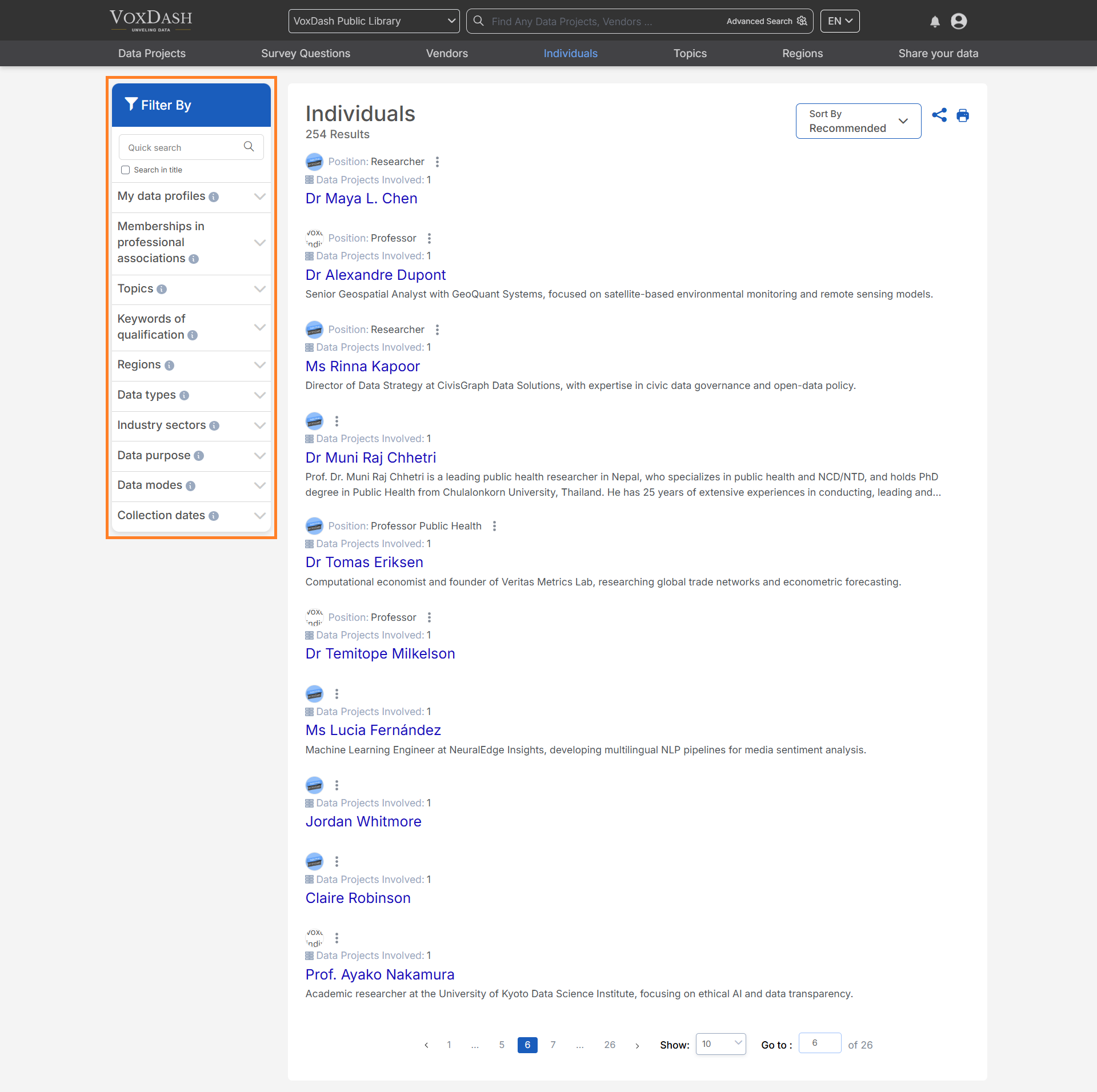
The filter bar, located on the left side of the page, allows you to refine your list of individuals using the following criteria:- Memberships in Professional Associations: Filter individuals based on their affiliations with relevant industry organizations.
- Topics: Narrow down individuals by specific areas of expertise or interest.
- Keywords of Qualification: Use specific keywords to identify individuals with desired qualifications or certifications.
- Regions: Filter individuals based on geographic location or operational regions.
- Data Types: Categorize individuals based on the types of data they specialize in.
- Industry Sectors: Find individuals who operate within specific industry verticals.
- Data Purpose: Refine your search based on the intended use or application of the data.
- Data Modes: Filter by the methodologies or formats used to process or collect data.
Search Functionality
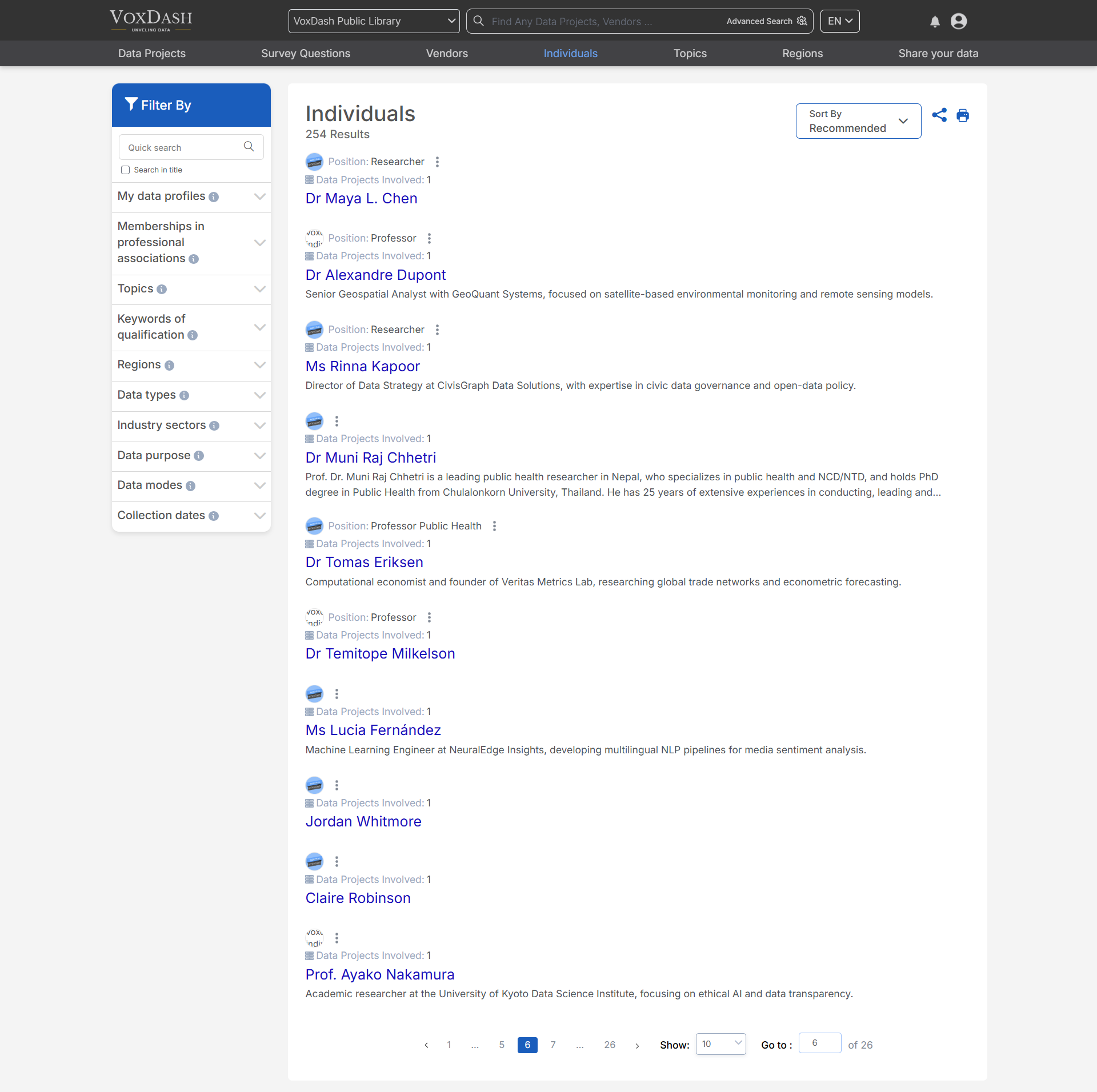
The search bar, located at the top of the page, enables you to quickly locate a specific individual by entering their name or key identifier. This feature allows for instant access to relevant profiles without the need to manually browse through the list.Tips for Effective Searching:
- Use full names or unique identifiers for precise results.
- Combine keywords with filters for more targeted searches.
- Utilize partial search terms to locate individuals when full details are unknown.