

Sorting Options
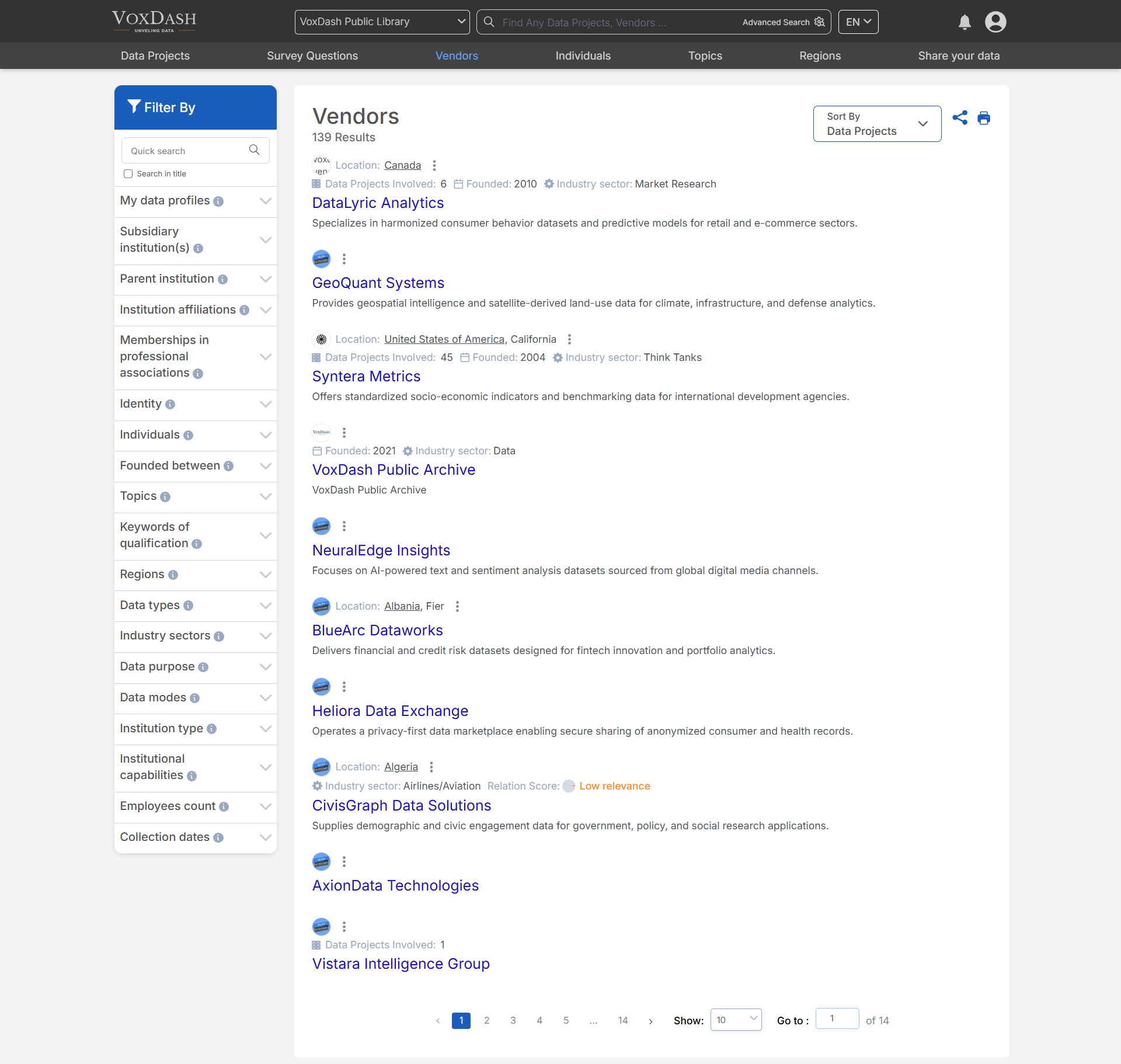
You can sort vendor information in three ways to customize the view based on your preferences:- Popularity: Organize vendors based on their engagement, popularity, or usage frequency.
- Recommended: View vendors suggested for you based on relevance or criteria set by VoxDash.
- Data projects: Vendors with more related data projects appear higher on the list.
Filtering Options
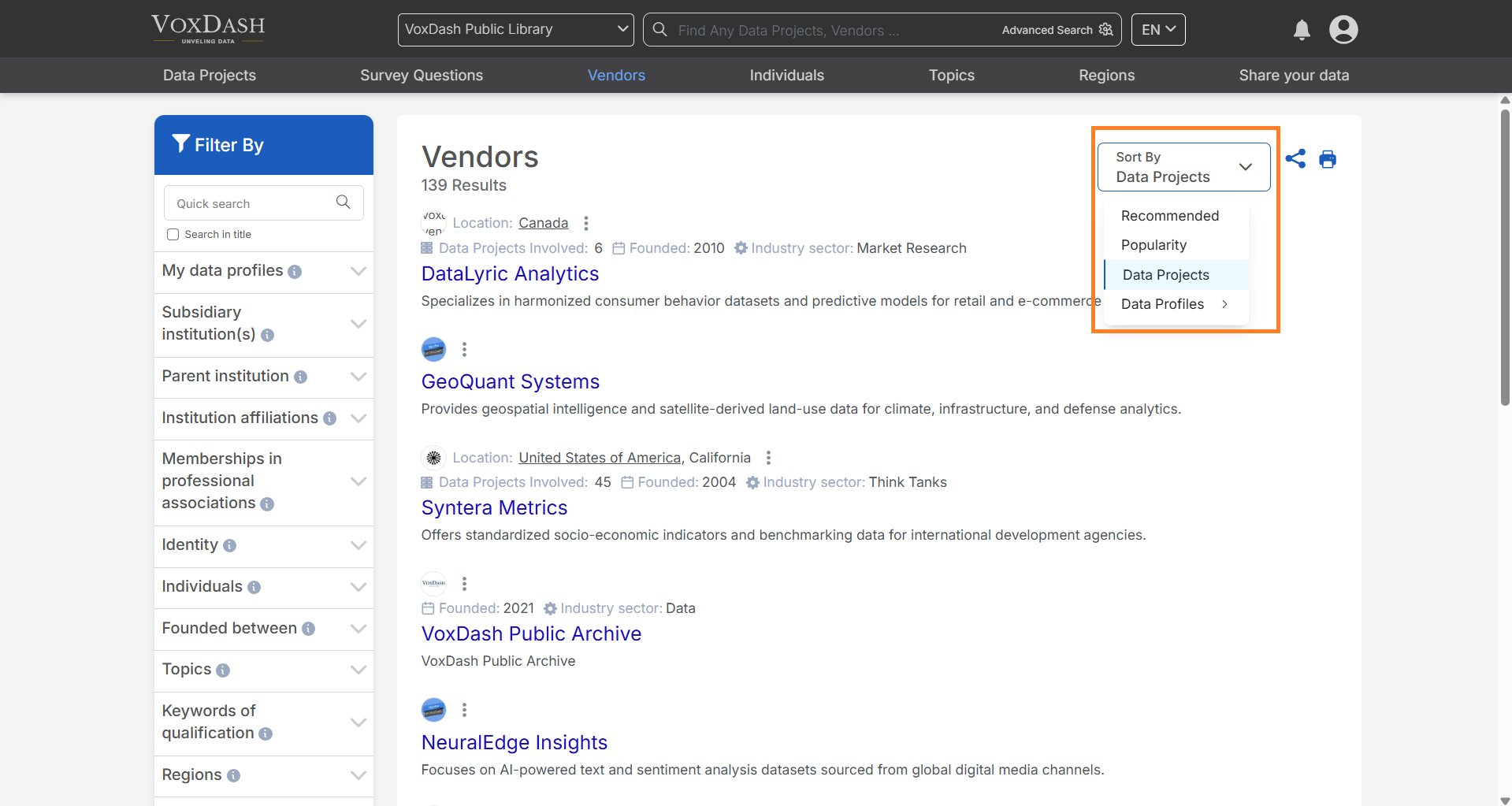
The filter bar located on the left side of the page allows you to refine your list of vendors with the following filters:- Subsidiary Institution: Filter vendors by their subsidiary institutions.
- Parent Institution: Select vendors based on their parent organizations.
- Institution Affiliations: Narrow down vendors based on their institutional affiliations.
- Memberships in Professional Associations: Filter vendors based on their membership status in various professional bodies.
- Identity: Select vendors based on specific identity criteria (e.g., organizational type or legal status).
- Active Countries: Filter vendors operating in specific active countries.
- Origin Country: Choose vendors based on their country of origin.
- Key Persons: Filter vendors by key persons or executives involved.
- Foundation Date: Narrow down vendors by their foundation or establishment date.
- Topics: Filter vendors by specific topics or areas of expertise.
- Keywords of Qualification: Refine vendors by relevant qualifications or certification keywords.
- Regions: Select vendors based on regional coverage or presence.
- Data Types: Choose vendors based on the types of data they handle (e.g., structured, unstructured).
- Industry Sectors: Filter vendors by the industry sectors they serve.
- Data Purpose: Select vendors based on the intended use of the data they provide (e.g., analytics, research).
- Data Modes: Choose vendors based on the mode of data delivery (e.g., API, file transfer).
- Institution Type: Filter vendors by their institutional classification (e.g., academic, corporate).
- Institutional Capabilities: Narrow down vendors based on their capabilities, such as technology or services offered.
- Employee Count: Filter vendors by the number of employees they have.
Search Functionality
- Use the search bar to quickly locate a specific vendor by name or key identifier.
How to Use the Vendors Page
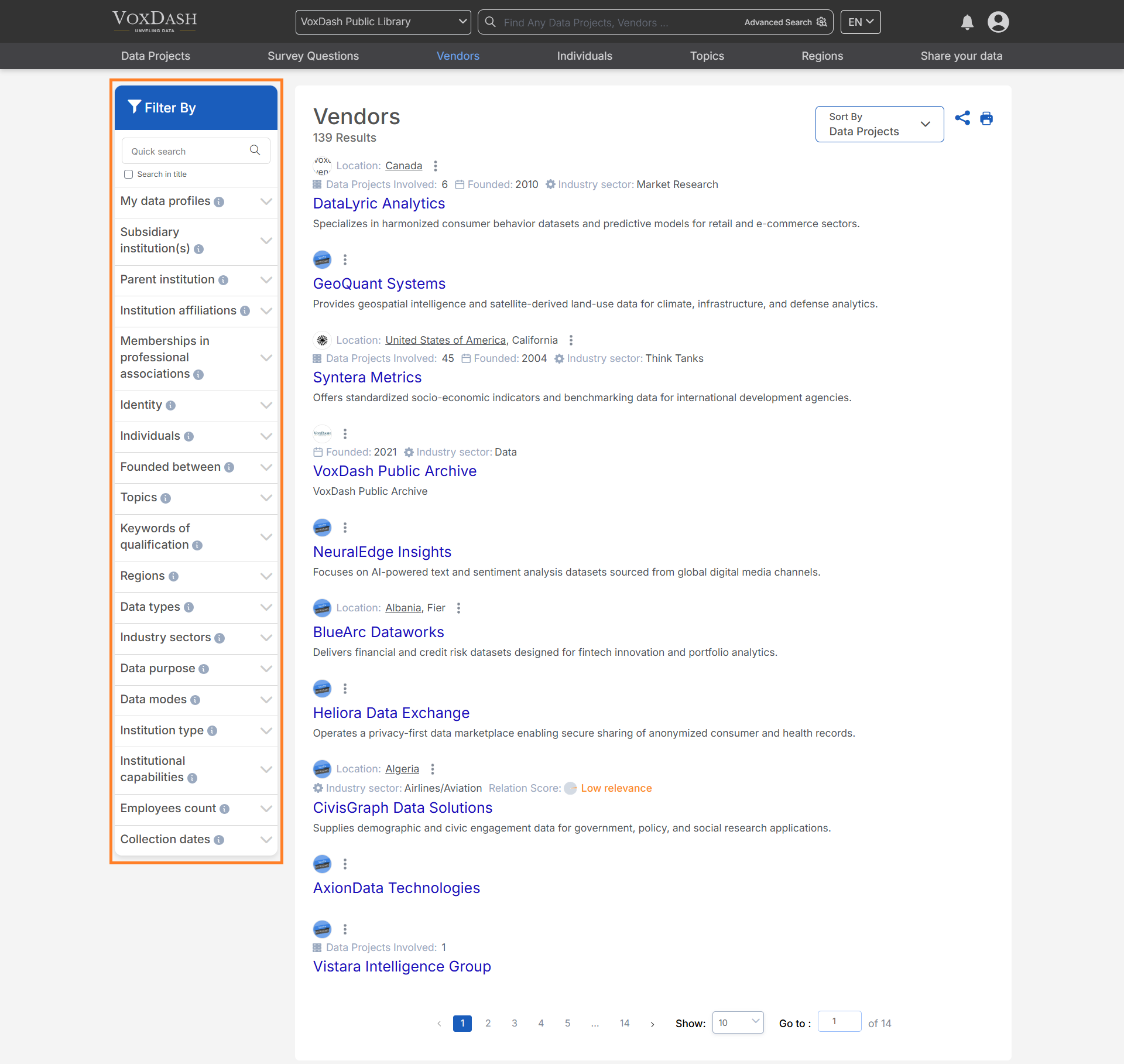
- Start by reviewing the list of vendors displayed on the page.
- Use the search bar or filter options to refine your results.
- Sort the list using the sorting options at the top of the page to match your desired criteria.
- Click on a vendor’s name to view detailed information about their profile, services, and performance.